# DocuWriter.ai — Full source content

> DocuWriter is an AI-powered platform for creating, updating and managing complete, structured documentation for entire codebases. Teams can connect repositories and generate documentation covering architecture, modules, services, classes, functions, dependencies, APIs, diagrams, READMEs, and other technical components. It supports both individual repositories and larger multi-repository systems.

Complete Markdown of the selected public marketing and technical documentation pages. Blog content is excluded.

Collected: 2026-10-21T09:32:55.839Z (collection time, not a claim-review date).
Index: https://www.docuwriter.ai/llms.txt

---

# DocuWriter overview

Source: https://www.docuwriter.ai/

# Generate, Maintain, and Centralize complete code documentation for any codebase. In seconds, not months. 

AI-powered, fully automated, and always up-to-date documentation for your codebase. No more stale docs or manual updates. 

[Get started ](https://app.docuwriter.ai/register) [Read FinLocker case study → ](https://www.docuwriter.ai/customers/finlocker) 

[ **4.5+** from 100+ reviews ](https://www.g2.com/products/docuwriter-ai/reviews) 

Or start in your terminal

`npx docuwriter` Copy 

Run from your project folder. Sign in, upload, and continue in your Space.

Node.js 22.18+ required.

## Your codebase shouldn’t depend on someone’s memory. 

* ### Onboarding  
New hires need repeated walkthroughs to understand how the system works.
* ### Making changes  
Developers trace dependencies before they can make a change.
* ### Trusting the docs  
Explanations no longer match the code the team is working with.

1. ### Connect repositories  
Choose repositories from GitHub, GitLab, Bitbucket, or Azure DevOps.
2. ### Generate documentation  
Generate architecture docs, APIs, diagrams, and guides from your source code.
3. ### Centralize in Spaces  
Keep everything in one place for your team to search, edit, and share.
4. ### Keep docs current  
Autopilot detects code changes and drafts updates for the affected documentation.

## Your team's documentation,  
in one place.

**Browse documentation**Architecture, services, APIs, and guides in one tree. **Find answers**Search your Space and open the pages behind each result. **Edit and share**Add your team's knowledge and manage access to it. 

## Your documentation.  
In your favorite AI. 

Search your DocuWriter documentation from ChatGPT, Claude Code, Cursor, Microsoft Copilot via Copilot Studio, and more. 

[Connect your AI tools ](https://www.docuwriter.ai/integrations/mcp) 

![](https://www.docuwriter.ai/assets/icon.svg) 

DocuWriter 

* [ ![](https://www.docuwriter.ai/assets/ai-openai.svg) ChatGPT ](https://docs.docuwriter.ai/docuwriterai-platform-docs/integrations-and-ai-assistants/mcp-assistants/connect-chatgpt-or-codex)
* [ ![](https://www.docuwriter.ai/assets/ai-claude.svg) Claude Code ](https://docs.docuwriter.ai/docuwriterai-platform-docs/integrations-and-ai-assistants/mcp-assistants/connect-claude-code)
* [ ![](https://www.docuwriter.ai/assets/ai-cursor.svg) Cursor ](https://docs.docuwriter.ai/docuwriterai-platform-docs/integrations-and-ai-assistants/mcp-assistants/connect-cursor)
* [ ![](https://www.docuwriter.ai/assets/ai-copilot.svg) Microsoft Copilot ](https://learn.microsoft.com/en-us/microsoft-copilot-studio/mcp-add-existing-server-to-agent)
* [ ![](https://www.docuwriter.ai/assets/ai-vscode.svg) VS Code ](https://docs.docuwriter.ai/docuwriterai-platform-docs/integrations-and-ai-assistants/mcp-assistants/connect-vs-code)
* [ ![](https://www.docuwriter.ai/assets/mcp.svg) More AI tools ](https://www.docuwriter.ai/integrations/mcp)

[ **4.5+** from 100+ reviews ](https://www.g2.com/products/docuwriter-ai/reviews) 

Quality, measured 

## Documentation your team can trust.

We check whether the docs are complete, accurate, and useful to developers. 

End-to-end · One documentation set · Passed 

[Explore the quality report → ](https://www.docuwriter.ai/documentation-quality) 

Scores out of 100 Marker = minimum pass 

 92 /100 

Reviewed page average

### Pages scored 87–96\. 

Minimum passing score: 80 

* Codebase coverage 90
* Technical accuracy 92
* Developer usability 91

Lowest revised page 

 72  →  91/100 

 6/6 revised pages passed · Before → after 

Page quality · Minimum 80  
After: 91–96 

Autopilot AI Agent 

## Documentation that maintains itself.

Most documentation tools assume you'll write everything yourself and remember to keep it updated. **You won't. Nobody does.** 

DocuWriter's Autopilot is the **AI documentation tool** that watches your connected repositories. When code changes (every push, every merged PR) it reviews the diff, identifies which documents are now wrong, and opens a reviewable suggestion. This is real **automatic code documentation**: **Approve, discard, or edit** before anything is published. 

Notifications go to Slack, Teams, Google Chat, or your custom webhook. Auto-apply rules let you skip review for low-risk doc-only edits. High-confidence suggestions can be applied automatically; sensitive ones always wait for a human. 

[See how automated documentation works →](https://www.docuwriter.ai/automated-documentation) 

Side by side 

## How it's different from a hosting platform. 

Capability

 DocuWriter 

 Mintlify / GitBook / ReadMe 

Works for codebases with no existing docs 

✓ Yes 

✕ Assumes docs already exist 

Generates from raw source. No MDX or DSL required 

✓ Yes 

✕ Authoring in MDX / proprietary DSL 

Exports to Confluence, Word, Markdown, PDF, Git 

✓ Built-in 

✕ Hosted on their domain only 

Keeps docs in sync with code automatically 

✓ Autopilot 

Mostly notifications and AI editor assist 

Code docs, API docs, and UML diagrams 

✓ Built-in 

✕ Not available 

GitHub, GitLab, Bitbucket & Azure DevOps support 

✓ All native 

GitHub only (Azure DevOps / Bitbucket limited or none) 

Per-seat fees

✓ None 

$20–30/seat is common 

Starts at

$49/mo 

$250–550/mo 

Last verified April 2026 against publicly listed plans. 

Pricing 

## Keep every codebase documented.

[View full pricing details →](https://www.docuwriter.ai/pricing) 

Professional

For developers and small teams.

$49 / month 

* **200** AI pages / month
* **5** Knowledge Spaces
* Unlimited pages and storage
* AI Assistants
* Chat with Codebase
* Slack AI Agent
* Premium Models
* MCP & API
[Get started →](https://app.docuwriter.ai/register?plan=pro) 

Enterprise

For growing engineering teams.

$129 / month 

* **500** AI pages / month
* **Unlimited** Knowledge Spaces
* Full codebase documentation
* Full API documentation
* Team roles & free seats
* Autopilot auto-updates
* Audit log
* Priority support
* Everything in Professional
[Get started →](https://app.docuwriter.ai/register?plan=enterprise) 

Unlimited

For high-volume documentation.

$499 / month 

* **Unlimited** AI pages
* Personalized onboarding
* Dedicated success manager
* Dedicated support channel
* Early access
* Everything in Enterprise
[Get started →](https://app.docuwriter.ai/register?plan=unlimited) 

Self-hosted 

Deploy DocuWriter in your own environment. 

Custom 

* Private cloud / on-premise
* **Customer-owned** AI
* SSO / SAML
* Custom volume & support

[Talk to us → ](https://www.docuwriter.ai/enterprise#enterprise-hero) [Self-hosting details → ](https://www.docuwriter.ai/self-hosted-ai-code-documentation) 

Looking for something lighter? [Start with the Starter plan](https://app.docuwriter.ai/register?plan=starter): 50 credits/mo for $20/mo. Yearly billing available with **4 free months**. 

"

DocuWriter generated docs across 100+ repositories in 5 weeks. Manually documenting everything would have taken about six months. 

Princewill · Head of Engineering · FinLocker 

For AI agents 

### Already built for what's next.

Every DocuWriter space publishes as an MCP server with 70+ tools, plus `llms.txt` and `llms-full.txt` by default. Cursor, Claude, ChatGPT, and any MCP client can read, search, and update your documentation natively. No extension required. 

[Read the MCP server guide →](https://docs.docuwriter.ai/docuwriterai-platform-docs/integrations-and-ai-assistants/mcp-assistants/connect-an-ai-assistant-to-docuwriter) 

FAQ 

## Frequently asked questions. 

 What is DocuWriter.ai? 

DocuWriter is an AI-powered platform for creating, updating and managing complete, structured documentation for entire codebases. Teams can connect repositories and generate documentation covering architecture, modules, services, classes, functions, dependencies, APIs, diagrams, READMEs, and other technical components. It supports both individual repositories and larger multi-repository systems.

 How does the AI code documentation generator work? 

Connect your repository on GitHub, GitLab, Bitbucket, or Azure DevOps. DocuWriter reads your codebase, generates a full documentation tree, and the Autopilot AI Agent keeps it in sync as your code evolves.

 What programming languages does this documentation tool support? 

DocuWriter supports all known programming languages.

 Can DocuWriter generate API documentation and UML diagrams? 

Yes. API references, Swagger/OpenAPI specifications, and UML diagrams are generated as connected parts of the complete codebase documentation, so they remain organized with the architecture and implementation they explain.

 Does DocuWriter generate architecture and module documentation? 

Yes. DocuWriter generates architecture overviews, module documentation, API references, and UML diagrams from your repository.

## Stop putting off the documentation project.  
Connect a repo. Have a complete documentation set in seconds. 

[Start free →](https://app.docuwriter.ai/register)

```json
{"@context":"https://schema.org","@type":"SoftwareApplication","name":"DocuWriter.ai","url":"https://www.docuwriter.ai/","logo":"https://www.docuwriter.ai/assets/icon.png","description":"DocuWriter is an AI-powered platform for creating and managing complete, structured documentation for entire codebases. It turns connected repositories into one centralized documentation system.","applicationCategory":"DeveloperApplication","operatingSystem":"Web Browser","offers":{"@type":"Offer","price":"49","priceCurrency":"USD","description":"Professional plan starts at $49/month"},"author":{"@type":"Organization","name":"DocuWriter.ai","url":"https://www.docuwriter.ai","logo":"https://www.docuwriter.ai/assets/icon.png","foundingDate":"2023","sameAs":["https://x.com/docuwriterai","https://github.com/docuwriter-ai","https://www.linkedin.com/company/docuwriter-ai","https://www.crunchbase.com/organization/docuwriter-ai"],"knowsAbout":["Code Documentation","API Documentation","AI Code Documentation","Documentation Tool","UML Diagram Generator","Software Development","Developer Tools"],"contactPoint":{"@type":"ContactPoint","contactType":"customer service","email":"support@docuwriter.ai","availableLanguage":"English"}},"featureList":["Complete, structured documentation for entire codebases","Full documentation trees for individual and multi-repository systems","Automatic Code Documentation","API Documentation Tool","UML Diagram Generator","Swagger / OpenAPI Documentation","Autopilot AI Agent: keeps documentation in sync with code changes","Technical Knowledge Management","Support for all known programming languages, modern and legacy (Python, JavaScript, TypeScript, Java, PHP, Go, Rust, COBOL, ABAP, RPG, and more)"],"softwareVersion":"2.0","downloadUrl":"https://app.docuwriter.ai/register","installUrl":"https://app.docuwriter.ai/register","applicationSubCategory":"Documentation Tools","permissions":"GitHub, GitLab, Bitbucket, Azure DevOps access for repository integration","requirements":"Modern web browser with JavaScript enabled","publisher":{"@type":"Organization","name":"DocuWriter.ai","url":"https://www.docuwriter.ai"}}
{"@context":"https://schema.org","@type":"FAQPage","mainEntity":[{"@type":"Question","name":"What is DocuWriter.ai?","acceptedAnswer":{"@type":"Answer","text":"DocuWriter is an AI-powered platform for creating, updating and managing complete, structured documentation for entire codebases. Teams can connect repositories and generate documentation covering architecture, modules, services, classes, functions, dependencies, APIs, diagrams, READMEs, and other technical components. It supports both individual repositories and larger multi-repository systems."}},{"@type":"Question","name":"How does the AI code documentation generator work?","acceptedAnswer":{"@type":"Answer","text":"Connect your repository on GitHub, GitLab, Bitbucket, or Azure DevOps. DocuWriter reads your codebase, generates a full documentation tree, and the Autopilot AI Agent keeps it in sync as your code evolves."}},{"@type":"Question","name":"What programming languages does this documentation tool support?","acceptedAnswer":{"@type":"Answer","text":"DocuWriter supports all known programming languages."}},{"@type":"Question","name":"Can DocuWriter generate API documentation and UML diagrams?","acceptedAnswer":{"@type":"Answer","text":"Yes. API references, Swagger/OpenAPI specifications, and UML diagrams are generated as connected parts of the complete codebase documentation, so they remain organized with the architecture and implementation they explain."}},{"@type":"Question","name":"Does DocuWriter generate architecture and module documentation?","acceptedAnswer":{"@type":"Answer","text":"Yes. DocuWriter generates architecture overviews, module documentation, API references, and UML diagrams from your repository."}}]}
{"@context":"https://schema.org","@type":"WebSite","name":"DocuWriter.ai","url":"https://www.docuwriter.ai/","description":"AI-powered platform for creating and managing complete, structured documentation for entire codebases.","publisher":{"@type":"Organization","name":"DocuWriter.ai","url":"https://www.docuwriter.ai"}}
```

---

# DocuWriter platform

Source: https://www.docuwriter.ai/platform

One documentation platform

# Generate, manage and maintain code documentation in one platform

DocuWriter turns connected repositories into a complete, structured documentation system. Generate the knowledge your team needs across the codebase, centralize it in Spaces, and keep it aligned with the code through Autopilot.

The result is not a folder of disconnected outputs. It is one navigable source of engineering knowledge spanning architecture, modules, services, classes, functions, dependencies, APIs, diagrams, READMEs, setup, workflows, and the relationships between them.

[Start documenting](https://app.docuwriter.ai/register) [Book a demo](https://calendly.com/docuwriter-ai/15min)

![DocuWriter dashboard showing populated documentation Spaces and repository activity](https://www.docuwriter.ai/assets/platform/platform-lifecycle-640.webp)View full size

* Begin with connected repositories and move through one shared documentation workspace.*

Swipe horizontally to inspect the full-resolution screenshot.

DocuWriter dashboard showing populated documentation Spaces and repository activity

Begin with connected repositories and move through one shared documentation workspace.

The lifecycle

## From repository connection to documentation that stays useful

Connected code

- **Web application**Interfaces · routes
- **Services**Logic · dependencies
- **APIs**Contracts · data flow
- **Workers**Jobs · operations

Living documentation system

**Complete codebase documentation**

1. 01**Generate** Map architecture through implementation
2. 02**Spaces** Organize, search, edit, share
3. 03**Autopilot** Detect impact, review, maintain

Source-grounded Reviewable Always connected

Team knowledge

- **Find answers**Across the system
- **Onboard people**With shared context
- **Review architecture**Before changing it
- **Keep it current**As code evolves

*Connect repositories once, generate a complete codebase map, manage the knowledge in Spaces, and let Autopilot keep the shared system aligned with code changes.*

Generate

## Document the complete codebase, not one file at a time

Connect a repository and let DocuWriter build a documentation tree that reflects how the software is actually structured. The platform identifies the architectural layers, modules, services, dependencies, public interfaces, data flows, and important implementation details that engineers need to understand the system.

Each page is generated in the context of the larger codebase. An API is connected to the service that owns it; a class is explained inside its module; a workflow shows how components collaborate. That context is what turns generated text into usable technical documentation.

Teams can review the proposed hierarchy before the full documentation run. This keeps the scope visible, makes the result easier to shape, and gives the team a clear map of what DocuWriter will produce.

[Explore complete codebase generation →](https://www.docuwriter.ai/automatic-code-documentation-tool) [Review supporting capabilities →](https://www.docuwriter.ai/features)

![DocuWriter documentation-tree review showing structured sections for a complete repository](https://www.docuwriter.ai/assets/platform/platform-generate-640.webp)View full size

* Review the proposed documentation tree before generating the complete system.*

Swipe horizontally to inspect the full-resolution screenshot.

DocuWriter documentation-tree review showing structured sections for a complete repository

Review the proposed documentation tree before generating the complete system.

Manage in Spaces

## Give documentation a home your whole team can navigate

A Space is where generated documentation becomes a maintained knowledge system. Organize pages into a clear hierarchy, connect multiple repositories, and keep the architecture view beside the detailed module, service, API, and operational documentation it explains.

Engineers can browse the tree, search across the Space, ask questions with AI-assisted retrieval, and move from a system-level explanation to the implementation detail behind it. Editors can refine generated content, add team knowledge, and shape the structure without leaving the platform.

Sharing and publishing controls let the same source serve internal engineering, onboarding, handover, customer evaluation, or diligence workflows. Teams no longer need to choose between generated docs and a usable knowledge base: the generated system lives in the workspace where people collaborate on it.

[See how Spaces organize engineering knowledge →](https://www.docuwriter.ai/technical-knowledge-management-software)

![DocuWriter Space with documentation hierarchy, editor, and technical content](https://www.docuwriter.ai/assets/platform/platform-spaces-640.webp)View full size

* Browse, search, edit, and share complete codebase documentation inside a Space.*

Swipe horizontally to inspect the full-resolution screenshot.

DocuWriter Space with documentation hierarchy, editor, and technical content

Browse, search, edit, and share complete codebase documentation inside a Space.

Maintain with Autopilot

## Turn code changes into reviewable documentation updates

Documentation usually becomes stale because maintenance depends on someone remembering which pages a code change affects. Autopilot connects that maintenance work to the repository. When relevant code evolves, it identifies documentation that may need attention and prepares suggested changes.

Each suggestion is visible in context: the changed code, the affected documentation, and the proposed update can be reviewed together. Engineers can accept, refine, or reject the change instead of searching an entire wiki for material that might now be wrong.

Teams choose the operating model. Keep human approval for sensitive systems, use notifications and review queues for normal changes, or configure controlled auto-apply behavior where the confidence and risk boundaries make that appropriate.

[Explore Autopilot maintenance →](https://www.docuwriter.ai/automated-documentation)

![DocuWriter Autopilot inbox with repository suggestions, documentation context, and a proposed diff](https://www.docuwriter.ai/assets/platform/platform-autopilot-inbox-640.webp)View full size

* Move from repository activity to the affected page and proposed documentation inside one review workspace.*

Swipe horizontally to inspect the full-resolution screenshot.

DocuWriter Autopilot inbox with repository suggestions, documentation context, and a proposed diff

Move from repository activity to the affected page and proposed documentation inside one review workspace.

Customer story ![FinLocker logo](https://www.docuwriter.ai/logos/finlocker-white.png)

## Documented 100+ repositories in 5 weeks, not 6 months.

FinLocker needed enterprise-ready documentation fast. DocuWriter.ai helped the team document 100+ repositories in five weeks and keep a strategic client deployment moving.

[Read the full story](https://www.docuwriter.ai/customers/finlocker) [Talk to sales](https://www.docuwriter.ai/enterprise#enterprise-hero)

> "We had over 100 repositories with incomplete documentation. Manually documenting everything would have taken about six months."

*Princewill O. Head of Engineering & Data/AI, FinLocker*

<dl>

<dt>Repositories</dt>
<dd>100+</dd>

<dt>Timeline</dt>
<dd>5 weeks</dd>

<dt>Manual path</dt>
<dd>~6 months</dd>

</dl>

Supporting capabilities

## Use focused generators inside the larger platform

Full-codebase documentation is the primary workflow, but teams still need focused outputs during day-to-day engineering. DocuWriter includes generators for OpenAPI, UML, READMEs, release notes, comments, tests, optimization, and language conversion. These are supporting capabilities: use them when a focused task is the right job, then keep the result connected to the broader documentation system.

[<h3>Connect your toolchain</h3>Review repository providers, MCP access, workflow automation, and engineering integrations.](https://www.docuwriter.ai/integrations) [<h3>Browse every capability</h3>Use the features catalog when you need a focused generator, format, or platform function.](https://www.docuwriter.ai/features) [<h3>Learn and evaluate</h3>Find product documentation, implementation guides, comparisons, quality research, and customer proof.](https://www.docuwriter.ai/resources)

FAQ

## Frequently asked questions

<details>

<summary>

### Is DocuWriter a generator or a documentation platform?

</summary>

It is a complete codebase documentation platform. Generation is the starting point: DocuWriter analyzes connected repositories and creates structured documentation. Spaces then centralize that documentation, and Autopilot helps keep it aligned with ongoing code changes. Focused generators such as README, OpenAPI, UML, release notes, tests, comments, optimization, and conversion support that larger workflow.

</details>

<details>

<summary>

### Can DocuWriter document an entire repository?

</summary>

Yes. The full-codebase workflow is designed to cover architecture, modules, services, classes, functions, dependencies, APIs, diagrams, setup, workflows, and other technical components in one connected hierarchy. Teams can use it for an individual repository or combine documentation across a larger system.

</details>

<details>

<summary>

### Where does the generated documentation live?

</summary>

Documentation lives in Spaces. A Space gives the team a navigable hierarchy, search, editing, sharing, publishing, and repository connections. It is the place where generated material becomes maintained engineering knowledge instead of another export that gets forgotten.

</details>

<details>

<summary>

### How does Autopilot keep documentation current?

</summary>

Autopilot watches changes in connected repositories, identifies documentation that may need attention, and prepares suggested updates for review. Teams can keep a human approval step or configure controlled auto-apply behavior for the workflows where that is appropriate.

</details>

<details>

<summary>

### Can we use DocuWriter with private or regulated codebases?

</summary>

DocuWriter supports enterprise and private-deployment paths for teams with stricter data, procurement, and infrastructure requirements. The right setup depends on the repositories, compliance boundary, and operating model, so those teams can review the enterprise and self-hosted options or book a technical conversation.

</details>

One connected workflow

## Build documentation people can use—and keep using

Connect a repository, review the documentation structure, centralize the result in Spaces, and let Autopilot support the maintenance work as the code changes.

[Start documenting](https://app.docuwriter.ai/register) [Book a demo](https://calendly.com/docuwriter-ai/15min)

```json
{
        "@context": "https://schema.org",
        "@graph": [
            {
                "@type": "Organization",
                "@id": "https://www.docuwriter.ai/#organization",
                "name": "DocuWriter.ai",
                "url": "https://www.docuwriter.ai",
                "logo": {
                    "@type": "ImageObject",
                    "url": "https://www.docuwriter.ai/assets/og-image.png"
                },
                "description": "DocuWriter is an AI-powered platform for creating, updating and managing complete, structured documentation for entire codebases. Teams can connect repositories and generate documentation covering architecture, modules, services, classes, functions, dependencies, APIs, diagrams, READMEs, and other technical components. It supports both individual repositories and larger multi-repository systems.",
                "sameAs": [
                    "https://x.com/docuwriterai",
                    "https://github.com/docuwriter-ai",
                    "https://www.linkedin.com/company/docuwriter-ai",
                    "https://www.crunchbase.com/organization/docuwriter-ai"
                ],
                "contactPoint": {
                    "@type": "ContactPoint",
                    "contactType": "customer support",
                    "email": "support@docuwriter.ai"
                }
            },
            {
                "@type": "WebSite",
                "@id": "https://www.docuwriter.ai/#website",
                "name": "DocuWriter.ai",
                "url": "https://www.docuwriter.ai",
                "publisher": {
                    "@id": "https://www.docuwriter.ai/#organization"
                },
                "description": "AI-powered platform for creating, organizing, searching, publishing, and maintaining complete, structured documentation for entire codebases."
            }
        ]
    }
{"@context":"https://schema.org","@graph":[{"@type":"WebPage","@id":"https://www.docuwriter.ai/platform#webpage","url":"https://www.docuwriter.ai/platform","name":"AI Code Documentation Platform | DocuWriter.ai","description":"Generate complete codebase documentation, manage it in Spaces, and keep it current with Autopilot in one AI-powered platform.","inLanguage":"en","isPartOf":{"@id":"https://www.docuwriter.ai/#website"},"publisher":{"@id":"https://www.docuwriter.ai/#organization"},"breadcrumb":{"@id":"https://www.docuwriter.ai/platform#breadcrumb"},"about":{"@id":"https://www.docuwriter.ai/#software"},"mainEntity":{"@id":"https://www.docuwriter.ai/#software"}},{"@type":"SoftwareApplication","@id":"https://www.docuwriter.ai/#software","name":"DocuWriter.ai","url":"https://www.docuwriter.ai/platform","description":"DocuWriter is an AI-powered platform for creating, updating and managing complete, structured documentation for entire codebases. Teams can connect repositories and generate documentation covering architecture, modules, services, classes, functions, dependencies, APIs, diagrams, READMEs, and other technical components. It supports both individual repositories and larger multi-repository systems.","applicationCategory":"DeveloperApplication","operatingSystem":"Web browser","publisher":{"@id":"https://www.docuwriter.ai/#organization"}},{"@type":"BreadcrumbList","@id":"https://www.docuwriter.ai/platform#breadcrumb","itemListElement":[{"@type":"ListItem","position":1,"name":"Home","item":"https://www.docuwriter.ai/"},{"@type":"ListItem","position":2,"name":"Platform","item":"https://www.docuwriter.ai/platform"}]}]}
```

---

# Complete codebase documentation

Source: https://www.docuwriter.ai/automatic-code-documentation-tool

Git integration

GitHub • GitLab • Bitbucket • Azure DevOps

# Automatic code documentation for complete codebases

DocuWriter is an AI-powered platform for creating and managing complete, structured documentation for entire codebases. Connect repositories to document architecture, modules, services, classes, functions, dependencies, APIs, and diagrams; centralize the result in Spaces; search and collaborate across it; and keep it current with Autopilot.

[Generate docs from a repository](https://app.docuwriter.ai/register?utm_source=seo&utm_medium=organic&utm_campaign=automatic_code_documentation_tool&utm_content=hero_repository_generation) [View real generated documentation](https://docs.docuwriter.ai/full-tree-documentation-demo-rest-api-python-demo/222280?utm_source=seo&utm_medium=organic&utm_campaign=automatic_code_documentation_tool&utm_content=generated_documentation_example)

Source Code

docuwriter/core-api

▼

src

TS server.ts

TS auth.ts

JS utils.js

Documentation Space

Codebase

Architecture

Modules

Services & APIs

Diagrams

Space

Architecture overview

A structured map of the codebase, generated from the selected source and ready for engineering review.

Modules

Responsibilities & flows

Classes & functions

Behavior & references

Dependencies

Internal relationships

APIs & diagrams

Interfaces & visuals

Maintained with Autopilot

Autopilot

Active

Auth flow changed

Review

Error codes changed

Queued

\- timeout: 1000

\+ timeout: 5000

Architecture, modules & services

Classes, functions & dependencies

APIs, diagrams & supporting references

## What is automatic code documentation?

Automatic code documentation turns selected repository source into a structured, reviewable description of how a codebase is organized and works. It accelerates the first draft and ongoing maintenance; engineers still review the output before relying on it for production decisions.

Learn the fundamentals in our [technical documentation guide](https://www.docuwriter.ai/technical-documentation) or explore our [best documentation tool for developers](https://www.docuwriter.ai/technical-documentation-software).

## One workflow for complete codebase documentation

01\.

### Connect repositories

Authorize a GitHub, GitLab, Bitbucket, or Azure DevOps connection, then choose the repository, branch, and source paths to document.

02\.

### Generate complete documentation

Generate structured pages covering architecture, modules, services, classes, functions, dependencies, APIs, diagrams, and other technical components found in the selected source.

03\.

### Centralize it in Spaces

Organize documentation from one repository or a larger multi-repository system in a navigable hierarchy instead of scattering pages across disconnected files.

04\.

### Search across the knowledge

Find explanations and technical context across generated pages so engineers can move from a question to the relevant architecture, service, API, or source-level reference.

05\.

### Review and collaborate

Give teammates a shared place to read, edit, refine, and discuss documentation. Generated content stays reviewable rather than becoming an unverified source of truth.

06\.

### Keep documentation current

Link Spaces to repositories and use Autopilot to monitor configured changes and prepare documentation suggestions for your team to review and apply.

IMPORTANT Reviewable output

### Security and accuracy stay part of the workflow

Teams authorize repository access and choose the source scope used for generation. Coverage and accuracy depend on the selected files, code quality, language support, and available context, so engineers should review generated claims before publishing them or using them for production decisions.

[Inspect generated documentation](https://docs.docuwriter.ai/full-tree-documentation-demo-rest-api-python-demo/222280?utm_source=seo&utm_medium=organic&utm_campaign=automatic_code_documentation_tool&utm_content=generated_documentation_example) [Review private deployment options](https://www.docuwriter.ai/self-hosted-ai-code-documentation)

### What teams do with the documentation

#### Legacy code understanding

Give engineers a structured starting point for understanding unfamiliar modules, dependencies, services, and architecture before they change the code.

#### Continuous maintenance

Use Autopilot and repository workflows to prepare reviewable documentation changes when configured source changes occur.

#### Team collaboration

Use shared Spaces as a searchable reference that teammates can read, edit, refine, and use during onboarding, handover, diligence, modernization, or compliance work.

Inspect the output

### Review a real generated documentation Space

Open the public example to inspect the navigation, page structure, architecture coverage, source-level references, and diagrams before connecting a repository.

[View the generated example](https://docs.docuwriter.ai/full-tree-documentation-demo-rest-api-python-demo/222280?utm_source=seo&utm_medium=organic&utm_campaign=automatic_code_documentation_tool&utm_content=generated_documentation_example)

Set expectations

### Generation is the beginning of the workflow

Repository size, selected paths, language support, generated-document scope, and source quality affect coverage. Plan for engineering review, refinement in Spaces, and ongoing maintenance as the code changes.

[See how Autopilot maintenance works](https://www.docuwriter.ai/automated-documentation)

Start with your repository

## Build a reviewable documentation Space for your codebase

Connect a repository, choose the source scope, generate the initial documentation structure, then review and maintain it with your team.

[See generation inside the complete platform →](https://www.docuwriter.ai/platform#examples)

[Generate docs from a repository](https://app.docuwriter.ai/register?utm_source=seo&utm_medium=organic&utm_campaign=automatic_code_documentation_tool&utm_content=footer_repository_generation) [View real generated documentation](https://docs.docuwriter.ai/full-tree-documentation-demo-rest-api-python-demo/222280?utm_source=seo&utm_medium=organic&utm_campaign=automatic_code_documentation_tool&utm_content=generated_documentation_example)

```json
{
        "@context": "https://schema.org",
        "@graph": [
            {
                "@type": "Organization",
                "@id": "https://www.docuwriter.ai/#organization",
                "name": "DocuWriter.ai",
                "url": "https://www.docuwriter.ai",
                "logo": {
                    "@type": "ImageObject",
                    "url": "https://www.docuwriter.ai/assets/og-image.png"
                },
                "description": "DocuWriter is an AI-powered platform for creating, updating and managing complete, structured documentation for entire codebases. Teams can connect repositories and generate documentation covering architecture, modules, services, classes, functions, dependencies, APIs, diagrams, READMEs, and other technical components. It supports both individual repositories and larger multi-repository systems.",
                "sameAs": [
                    "https://x.com/docuwriterai",
                    "https://github.com/docuwriter-ai",
                    "https://www.linkedin.com/company/docuwriter-ai",
                    "https://www.crunchbase.com/organization/docuwriter-ai"
                ],
                "contactPoint": {
                    "@type": "ContactPoint",
                    "contactType": "customer support",
                    "email": "support@docuwriter.ai"
                }
            },
            {
                "@type": "WebSite",
                "@id": "https://www.docuwriter.ai/#website",
                "name": "DocuWriter.ai",
                "url": "https://www.docuwriter.ai",
                "publisher": {
                    "@id": "https://www.docuwriter.ai/#organization"
                },
                "description": "AI-powered platform for creating, organizing, searching, publishing, and maintaining complete, structured documentation for entire codebases."
            }
        ]
    }
{"@context":"https://schema.org","@graph":[{"@type":"WebPage","@id":"https://www.docuwriter.ai/automatic-code-documentation-tool#webpage","url":"https://www.docuwriter.ai/automatic-code-documentation-tool","name":"Automatic Code Documentation for Repositories | DocuWriter","description":"Connect repositories and generate structured documentation for complete codebases, including architecture, modules, services, APIs, dependencies, functions, and diagrams.","isPartOf":{"@type":"WebSite","@id":"https://www.docuwriter.ai/#website","url":"https://www.docuwriter.ai/","name":"DocuWriter.ai"},"about":{"@id":"https://www.docuwriter.ai/automatic-code-documentation-tool#service"}},{"@type":"Service","@id":"https://www.docuwriter.ai/automatic-code-documentation-tool#service","name":"Automatic code documentation for complete codebases","description":"Connect repositories and generate structured documentation for complete codebases, including architecture, modules, services, APIs, dependencies, functions, and diagrams.","url":"https://www.docuwriter.ai/automatic-code-documentation-tool","serviceType":"Full-codebase documentation generation and management","provider":{"@type":"Organization","@id":"https://www.docuwriter.ai/#organization","name":"DocuWriter.ai","url":"https://www.docuwriter.ai/"},"areaServed":"Worldwide"},{"@type":"BreadcrumbList","@id":"https://www.docuwriter.ai/automatic-code-documentation-tool#breadcrumb","itemListElement":[{"@type":"ListItem","position":1,"name":"Home","item":"https://www.docuwriter.ai/"},{"@type":"ListItem","position":2,"name":"Automatic Code Documentation","item":"https://www.docuwriter.ai/automatic-code-documentation-tool"}]}]}
```

---

# Spaces

Source: https://www.docuwriter.ai/technical-knowledge-management-software

Technical knowledge management

# Turn codebase documentation into shared engineering knowledge

Store complete, structured codebase documentation in Spaces where engineers can navigate, search, edit, share, and maintain the knowledge behind a software system.

DocuWriter connects knowledge management to the full documentation lifecycle: generate from repositories, manage the result as one technical knowledge base, and keep it aligned with code changes through Autopilot.

[Create your Space](https://app.docuwriter.ai/register) [Explore Spaces](https://www.docuwriter.ai/platform#spaces)

![A DocuWriter Space organizing complete codebase documentation into a searchable hierarchy](https://www.docuwriter.ai/assets/platform/platform-spaces-640.webp)View full size

* Spaces turn generated pages into a navigable technical knowledge system.*

Swipe horizontally to inspect the full-resolution screenshot.

A DocuWriter Space organizing complete codebase documentation into a searchable hierarchy

Spaces turn generated pages into a navigable technical knowledge system.

The real problem

## More pages do not automatically create more understanding

Engineering knowledge often exists in several incomplete forms: repository READMEs, an internal wiki, API references, architecture diagrams, ticket history, and explanations held by a few experienced people. Adding another isolated page can make that fragmentation worse.

A useful technical knowledge base needs structure and traceability. Readers should be able to begin with the whole system, follow relationships into the relevant repository or module, and understand why the implementation matters. Spaces provide that organizing layer for documentation created by DocuWriter and context added by the team.

A code-aware knowledge base

## Manage the documentation as a connected system

DocuWriter treats focused outputs as parts of a larger body of engineering knowledge. API references, diagrams, READMEs, module explanations, workflows, and implementation detail can live together instead of becoming separate destinations.

Connected repositories

- **Web application**Interfaces · journeys
- **Payments API**Contracts · data
- **Core services**Logic · dependencies
- **Async workers**Jobs · operations

Payments Platform

### Engineering knowledge

1. Platform Architecture 01
2. Payment Processing 02
3. API Reference 03
4. Reliability Runbook 04

Use the knowledge

- 01 **Search the system**Find answers across repositories
- 02 **Improve together**Edit and add team context
- 03 **Share the right view**Private, public, or exported

*A Space connects documentation across repositories, then gives the team one place to search, improve, share, and maintain it.*

Collaboration and control

## Give each audience useful access without creating another copy

Engineers can refine generated pages in the editor, add the decisions and operating knowledge held by the team, and keep related material inside the same hierarchy. That gives a reviewer enough context to validate an explanation without separating feedback from the documentation it improves.

Permissions and sharing let teams expose the appropriate knowledge to colleagues or external readers while retaining a managed source. When a delivery or customer workflow needs a portable copy, export keeps the documentation useful outside the Space without turning the exported version into a second place the team must maintain manually.

[See Spaces in the platform workflow →](https://www.docuwriter.ai/platform#spaces)

![DocuWriter Space overview showing the documentation hierarchy, repository connection, and recently updated pages](https://www.docuwriter.ai/assets/platform/platform-space-overview-640.webp)View full size

* A Space keeps the documentation tree, source connection, and current team activity visible in one managed home.*

Swipe horizontally to inspect the full-resolution screenshot.

DocuWriter Space overview showing the documentation hierarchy, repository connection, and recently updated pages

A Space keeps the documentation tree, source connection, and current team activity visible in one managed home.

One lifecycle

## Generate, manage, and maintain without changing systems

1. 01 · GENERATE ### Build the knowledge from connected repositories

   Create complete documentation covering architecture, modules, services, classes, functions, dependencies, APIs, diagrams, READMEs, and other technical components. [Explore repository generation →](https://www.docuwriter.ai/automatic-code-documentation-tool)
2. 02 · MANAGE ### Shape it into the hierarchy your team needs

   Use Spaces to organize, navigate, search, edit, share, and publish the resulting documentation as an engineering knowledge base.
3. 03 · MAINTAIN ### Review what changed when the code evolves

   Let Autopilot identify affected documentation and prepare suggestions, with team review or controlled auto-apply depending on the workflow. [Explore Autopilot maintenance →](https://www.docuwriter.ai/automated-documentation)

Where shared knowledge matters

## Use one maintained reference across the engineering lifecycle

[<h3>Developer onboarding</h3>Give new engineers a structured path from architecture into implementation.](https://www.docuwriter.ai/solutions/developer-onboarding) [<h3>Legacy modernization</h3>Recover system knowledge before changing critical boundaries and dependencies.](https://www.docuwriter.ai/legacy-code-documentation) [<h3>Enterprise diligence</h3>Prepare a reviewable technical view for customers, procurement, and transactions.](https://www.docuwriter.ai/enterprise) [<h3>Knowledge continuity</h3>Reduce dependence on individual memory when teams or ownership change.](https://www.docuwriter.ai/solutions)

FAQ

## Frequently asked questions

<details>

<summary>

### What is technical knowledge management software?

</summary>

Technical knowledge management software gives engineering teams a structured place to capture, organize, search, edit, and share the information required to understand and operate software systems. For codebases, that knowledge includes architecture, modules, services, APIs, dependencies, workflows, diagrams, setup, and implementation detail—not only policies or meeting notes.

</details>

<details>

<summary>

### How are DocuWriter Spaces different from a general company wiki?

</summary>

A general wiki can store manually written pages, but it is not normally built around repository analysis and code-aware maintenance. DocuWriter starts by generating structured documentation from connected codebases, centralizes it in Spaces, and uses Autopilot to identify documentation that may need attention when the code changes.

</details>

<details>

<summary>

### Can we add human context to generated documentation?

</summary>

Yes. Teams can edit and organize documentation in Spaces, adding product intent, operating procedures, decisions, ownership, and exceptions. The strongest technical knowledge base combines evidence from the code with context from the people responsible for the system.

</details>

<details>

<summary>

### Can one Space cover several repositories?

</summary>

DocuWriter supports both individual repositories and larger multi-repository systems. The documentation can be organized around the system the team needs to understand rather than forcing every piece of knowledge to remain isolated by repository.

</details>

<details>

<summary>

### How does the knowledge base stay current?

</summary>

Autopilot watches connected repository activity, identifies documentation that may be affected, and prepares suggested updates for review. Teams can retain human approval or configure controlled automation for the workflows where that is appropriate.

</details>

## Create a technical knowledge base grounded in the code

Generate the system documentation first, then give your team one place to improve it and keep it useful.

[Start documenting](https://app.docuwriter.ai/register) [Explore the platform](https://www.docuwriter.ai/platform)

```json
{
        "@context": "https://schema.org",
        "@graph": [
            {
                "@type": "Organization",
                "@id": "https://www.docuwriter.ai/#organization",
                "name": "DocuWriter.ai",
                "url": "https://www.docuwriter.ai",
                "logo": {
                    "@type": "ImageObject",
                    "url": "https://www.docuwriter.ai/assets/og-image.png"
                },
                "description": "DocuWriter is an AI-powered platform for creating, updating and managing complete, structured documentation for entire codebases. Teams can connect repositories and generate documentation covering architecture, modules, services, classes, functions, dependencies, APIs, diagrams, READMEs, and other technical components. It supports both individual repositories and larger multi-repository systems.",
                "sameAs": [
                    "https://x.com/docuwriterai",
                    "https://github.com/docuwriter-ai",
                    "https://www.linkedin.com/company/docuwriter-ai",
                    "https://www.crunchbase.com/organization/docuwriter-ai"
                ],
                "contactPoint": {
                    "@type": "ContactPoint",
                    "contactType": "customer support",
                    "email": "support@docuwriter.ai"
                }
            },
            {
                "@type": "WebSite",
                "@id": "https://www.docuwriter.ai/#website",
                "name": "DocuWriter.ai",
                "url": "https://www.docuwriter.ai",
                "publisher": {
                    "@id": "https://www.docuwriter.ai/#organization"
                },
                "description": "AI-powered platform for creating, organizing, searching, publishing, and maintaining complete, structured documentation for entire codebases."
            }
        ]
    }
{"@context":"https://schema.org","@graph":[{"@type":"WebPage","@id":"https://www.docuwriter.ai/technical-knowledge-management-software#webpage","url":"https://www.docuwriter.ai/technical-knowledge-management-software","name":"Technical Knowledge Management for Codebases | DocuWriter.ai","description":"Centralize complete codebase documentation in searchable Spaces where engineering teams can organize, edit, share, and maintain technical knowledge.","inLanguage":"en","isPartOf":{"@id":"https://www.docuwriter.ai/#website"},"publisher":{"@id":"https://www.docuwriter.ai/#organization"},"breadcrumb":{"@id":"https://www.docuwriter.ai/technical-knowledge-management-software#breadcrumb"},"about":{"@id":"https://www.docuwriter.ai/#software"}},{"@type":"BreadcrumbList","@id":"https://www.docuwriter.ai/technical-knowledge-management-software#breadcrumb","itemListElement":[{"@type":"ListItem","position":1,"name":"Home","item":"https://www.docuwriter.ai/"},{"@type":"ListItem","position":2,"name":"Technical knowledge management","item":"https://www.docuwriter.ai/technical-knowledge-management-software"}]}]}
```

---

# Automated Documentation — DocuWriter.ai Autopilot

Source: https://www.docuwriter.ai/automated-documentation

DocuWriter.ai Autopilot

# Automated documentation that stays in sync with your code.

Connect a Git repository once. Autopilot watches pushes and merged pull requests, finds the documentation affected by each change, and drafts updates your team can review or automatically apply.

[Try Autopilot free](https://app.docuwriter.ai/register) [See an example update](#example)

Connect GitHub, GitLab, Bitbucket, or Azure DevOps. Start with review mode, then automate on your terms.

Example run

## Repository change → documentation update

Review mode

1. 1 ### Push detected

   5 files changed on main 00:02 Processing
2. 2 ### Documentation impact mapped

   3 pages need updates 00:11 Queued
3. 3 ### Suggestions drafted

   94% average confidence 00:34 Queued
4. 4 ### Ready for review

   Apply, snooze, or discard 00:36 Queued

<dl>

<dt>Files changed</dt>
<dd>5</dd>

<dt>Pages affected</dt>
<dd>3</dd>

<dt>Avg confidence</dt>
<dd>94%</dd>

<dt>Mode</dt>
<dd>Review</dd>

</dl>

01 Definition

Direct answer

## What is automated documentation?

Automated documentation is a workflow that detects software changes and updates the documentation those changes affect. Unlike a one-off documentation generator, it runs continuously: reading repository diffs, identifying affected pages, drafting edits, and routing them for review or automatic application.

<dl>

<dt>Reads repository changes</dt>
<dd>Pushes, merged pull requests, and manual runs provide a precise change set to evaluate.</dd>

<dt>Updates affected pages</dt>
<dd>Autopilot targets the documentation connected to the change instead of regenerating every page.</dd>

<dt>Preserves editorial control</dt>
<dd>Teams can review every suggestion or auto-apply only when confidence and plan eligibility allow.</dd>

</dl>

02 Product evidence

Example update

## From code diff to documentation diff.

Autopilot does not need to rewrite an entire knowledge base. It links a specific code change to the pages it affects, explains why, and proposes a focused edit.

Diff Document History

Suggestion AP-1842

<dl>

<dt>Affected page</dt>
<dd>Billing / Retry policy</dd>

<dt>Reason</dt>
<dd>Retry attempts and backoff strategy changed</dd>

<dt>Confidence</dt>
<dd>96% · High</dd>

</dl>

12 `export const retryPolicy = {`

13 `- maxAttempts: 3,`

13 `+ maxAttempts: 5,`

14 `+ backoff: "exponential",`

15 `};`

8 `## Retry behavior`

9 `- Failed payments retry up to three times at fixed intervals.`

9 `+ Failed payments retry up to five times using exponential backoff.`

10 `+ Each delay increases before the next attempt.`

Review actions: **Apply**, **Snooze**, or **Discard**

Awaiting review

Documentation preview `Billing / Retry policy`

### Retry behavior

Failed payments retry up to five times using exponential backoff. Each delay increases before the next attempt.

This preview shows the page with the proposed suggestion applied. The stored document does not change until the suggestion is approved or qualifies for auto-apply.

1. 14:32:36 ### Suggestion ready for review Confidence scored at 96%. No documentation was changed.
2. 14:32:11 ### Affected page identified Retry policy documentation matched to the billing source change.
3. 14:32:02 ### Push detected on main Five changed files entered the Autopilot run.

03 Workflow

Continuous maintenance

## Connect once. Keep documentation current after every change.

Define what Autopilot should watch, then let each repository event move through the same traceable maintenance workflow.

1. 01 ### Connect the repository Choose a Git provider, repository, branch, and the paths Autopilot should include or ignore.
2. 02 ### Detect the change Start a run from a push, a merged pull request, or a manual trigger when your team wants an on-demand check.
3. 03 ### Draft focused suggestions Autopilot maps the code diff to affected pages, proposes targeted edits, and attaches a confidence score.
4. 04 ### Choose what ships Apply, discard, snooze, or bulk-manage suggestions. Eligible plans can auto-apply high-confidence batches and revert them.

04 Controls

Human in the loop

## Automation without surrendering editorial control.

Use the same suggestion workflow in two modes. Keep every decision manual, or let a confidence threshold handle routine updates while exceptions remain visible.

- Every suggestion enters the review queue.
- Inspect Diff, Document, and History before deciding.
- Apply, discard, snooze, or bulk-manage the queue.

Confidence **Any score → review**

- Set an auto-apply threshold for each repository.
- Qualifying suggestions apply; the rest wait for review.
- Audit the batch history and revert an auto-applied batch.

Auto-apply threshold **90%**

Example setting. Your team chooses the threshold per repository.

05 Intent map

Choose the right workflow

## Automated documentation vs. documentation generation

Documentation generation creates the first version. Automated documentation maintains that work after the code changes. Use the page that matches the job your team needs to complete.

Comparison of DocuWriter.ai documentation generation and maintenance workflows

| Your job | Workflow | Best fit |
| --- | --- | --- |
| [AI code documentation generator](https://www.docuwriter.ai/ai-code-documentation-generator) Create documentation from selected source files | Source-file generation | A focused document, API reference, or README |
| [automatic code documentation tool](https://www.docuwriter.ai/automatic-code-documentation-tool) Create a documentation set from a full repository | Repository-wide generation | A first structured baseline across a codebase |
| [Autopilot automated documentation](https://www.docuwriter.ai/automated-documentation) Keep existing documentation aligned after code changes | Ongoing documentation maintenance | Continuous repository-to-documentation updates This page |

06 Connections

Repository-native

## Works where your engineering team already ships.

Configure the repository boundary once. Autopilot uses the events, filters, and notification channels your team already understands.

<dl>

<dt>Git providers</dt>
<dd>GitHub, GitLab, Bitbucket, and Azure DevOps</dd>
↗

<dt>Triggers</dt>
<dd>Push, merged pull request, and manual run</dd>
↗

<dt>Scope controls</dt>
<dd>Branch selection plus included and ignored repository paths</dd>
↗

<dt>Notifications</dt>
<dd>Email, Slack, Microsoft Teams, Google Chat, and custom webhooks</dd>
↗

<dt>Confidence controls</dt>
<dd>A score on each suggestion and a repository-level auto-apply threshold</dd>
↗

<dt>Suggestion actions</dt>
<dd>Apply, discard, snooze, bulk-manage, auto-apply, and revert an auto-applied batch</dd>
↗

</dl>

07 Platform proof

Customer story

## Repository-scale documentation starts with a reliable foundation.

FinLocker used DocuWriter.ai's generation platform to create documentation across a large repository estate. Their story shows what a repository-scale foundation can look like before ongoing maintenance begins.

[Read the FinLocker customer story →](https://www.docuwriter.ai/customers/finlocker)

“

> We had over 100 repositories with incomplete documentation. Manually documenting everything would have taken about six months. With DocuWriter.ai and a focused team effort, we were able to complete most of the documentation in just a few weeks.

***Princewill O.** Head of Engineering & Data/AI, FinLocker*

<dl>

<dt>Repositories</dt>
<dd>100+</dd>
<dd>Platform repositories</dd>

<dt>Timeline</dt>
<dd>5 weeks</dd>
<dd>Documentation timeline</dd>

<dt>Manual path</dt>
<dd>~6 months</dd>
<dd>Manual estimate</dd>

</dl>

08

Answers

## Automated documentation FAQ

Direct answers about repository monitoring, review, automation, rollback, and plan availability.

<details>

<summary>What is automated documentation?

</summary>

Automated documentation is a continuous workflow that detects software changes, identifies the documentation those changes affect, drafts focused updates, and routes them for review or automatic application. It maintains existing documentation after the first version has been created.

</details>

<details>

<summary>How does DocuWriter.ai Autopilot work?

</summary>

Connect a Git repository and configure its branch and path filters. When a push, merged pull request, or manual run starts, Autopilot reads the change, maps it to affected documentation pages, drafts suggestions with confidence scores, and places them in the review workflow.

</details>

<details>

<summary>Does Autopilot update documentation automatically?

</summary>

It can, but it does not have to. Review mode lets your team approve each suggestion. On eligible plans, you can set a confidence threshold per repository so qualifying suggestions are applied automatically while lower-confidence suggestions wait for review.

</details>

<details>

<summary>How is Autopilot different from an AI code documentation generator?

</summary>

A documentation generator creates an initial document or documentation set from source code. Autopilot is the maintenance layer: it watches later repository changes and proposes focused edits to documentation that already exists.

Start with an <a href="https://www.docuwriter.ai/ai-code-documentation-generator">AI code documentation generator</a> or create a full baseline with the <a href="https://www.docuwriter.ai/automatic-code-documentation-tool">automatic code documentation tool</a> .

</details>

<details>

<summary>Which Git providers and triggers are supported?

</summary>

Autopilot supports GitHub, GitLab, Bitbucket, and Azure DevOps repositories. Runs can be triggered by a push, a merged pull request, or manually.

</details>

<details>

<summary>Can I review changes before they are applied?

</summary>

Yes. The review workspace shows Diff, Document, and History views together with the affected page, reason, and confidence score. You can apply, discard, or snooze individual suggestions and bulk-manage a queue.

</details>

<details>

<summary>Can I limit monitoring by branch or path?

</summary>

Yes. Repository settings let you select a branch and define included or ignored paths so Autopilot monitors only the parts of the codebase relevant to your documentation.

</details>

<details>

<summary>What happens if an auto-applied update is wrong?

</summary>

Auto-applied suggestions are grouped into batches with an audit history. An eligible user can revert an auto-applied batch and return the affected documentation to its previous state.

</details>

<details>

<summary>Which plans include review, apply, and auto-apply?

</summary>

Trial and Pro accounts can preview Autopilot suggestions and diffs. Applying suggestions, confidence-based auto-apply, audit history, and unlimited monitoring depend on an eligible Enterprise or Unlimited plan. Check the current pricing page for availability.

<a href="https://www.docuwriter.ai/#pricing">View current pricing and plan details</a> .

</details>

DocuWriter.ai Autopilot

## Stop letting every merge create another documentation gap.

Connect a repository, review your first suggested update, and decide how much of the maintenance workflow to automate.

Autopilot is the maintenance pillar of the [complete DocuWriter platform](https://www.docuwriter.ai/platform#autopilot).

[Try Autopilot free](https://app.docuwriter.ai/register) [Talk to our team](https://www.docuwriter.ai/enterprise#enterprise-hero)

```json
{"@context":"https://schema.org","@type":"Service","name":"DocuWriter.ai Autopilot","description":"Keep software documentation aligned with code changes. Autopilot detects affected pages, drafts updates, and lets your team review or auto-apply them.","url":"https://www.docuwriter.ai/automated-documentation","image":"https://www.docuwriter.ai/assets/automated-documentation-og.png","serviceType":"Automated software documentation maintenance","provider":{"@type":"Organization","name":"DocuWriter.ai","url":"https://www.docuwriter.ai"},"areaServed":"Worldwide"}
{"@context":"https://schema.org","@type":"BreadcrumbList","itemListElement":[{"@type":"ListItem","position":1,"name":"Home","item":"https://www.docuwriter.ai"},{"@type":"ListItem","position":2,"name":"Automated documentation","item":"https://www.docuwriter.ai/automated-documentation"}]}
{"@context":"https://schema.org","@type":"FAQPage","mainEntity":[{"@type":"Question","name":"What is automated documentation?","acceptedAnswer":{"@type":"Answer","text":"Automated documentation is a continuous workflow that detects software changes, identifies the documentation those changes affect, drafts focused updates, and routes them for review or automatic application. It maintains existing documentation after the first version has been created."}},{"@type":"Question","name":"How does DocuWriter.ai Autopilot work?","acceptedAnswer":{"@type":"Answer","text":"Connect a Git repository and configure its branch and path filters. When a push, merged pull request, or manual run starts, Autopilot reads the change, maps it to affected documentation pages, drafts suggestions with confidence scores, and places them in the review workflow."}},{"@type":"Question","name":"Does Autopilot update documentation automatically?","acceptedAnswer":{"@type":"Answer","text":"It can, but it does not have to. Review mode lets your team approve each suggestion. On eligible plans, you can set a confidence threshold per repository so qualifying suggestions are applied automatically while lower-confidence suggestions wait for review."}},{"@type":"Question","name":"How is Autopilot different from an AI code documentation generator?","acceptedAnswer":{"@type":"Answer","text":"A documentation generator creates an initial document or documentation set from source code. Autopilot is the maintenance layer: it watches later repository changes and proposes focused edits to documentation that already exists."}},{"@type":"Question","name":"Which Git providers and triggers are supported?","acceptedAnswer":{"@type":"Answer","text":"Autopilot supports GitHub, GitLab, Bitbucket, and Azure DevOps repositories. Runs can be triggered by a push, a merged pull request, or manually."}},{"@type":"Question","name":"Can I review changes before they are applied?","acceptedAnswer":{"@type":"Answer","text":"Yes. The review workspace shows Diff, Document, and History views together with the affected page, reason, and confidence score. You can apply, discard, or snooze individual suggestions and bulk-manage a queue."}},{"@type":"Question","name":"Can I limit monitoring by branch or path?","acceptedAnswer":{"@type":"Answer","text":"Yes. Repository settings let you select a branch and define included or ignored paths so Autopilot monitors only the parts of the codebase relevant to your documentation."}},{"@type":"Question","name":"What happens if an auto-applied update is wrong?","acceptedAnswer":{"@type":"Answer","text":"Auto-applied suggestions are grouped into batches with an audit history. An eligible user can revert an auto-applied batch and return the affected documentation to its previous state."}},{"@type":"Question","name":"Which plans include review, apply, and auto-apply?","acceptedAnswer":{"@type":"Answer","text":"Trial and Pro accounts can preview Autopilot suggestions and diffs. Applying suggestions, confidence-based auto-apply, audit history, and unlimited monitoring depend on an eligible Enterprise or Unlimited plan. Check the current pricing page for availability."}}]}
```

---

# Features Overview

Source: https://www.docuwriter.ai/features

AI-Powered Documentation Platform

# Features

One platform for generating, organizing, searching, publishing, and maintaining the complete documentation of a codebase.

[Start documenting](https://app.docuwriter.ai/register)

## What DocuWriter.ai Does

DocuWriter is an AI-powered platform for creating, updating and managing complete, structured documentation for entire codebases. Teams can connect repositories and generate documentation covering architecture, modules, services, classes, functions, dependencies, APIs, diagrams, READMEs, and other technical components. It supports both individual repositories and larger multi-repository systems.

The result is one centralized, connected documentation system rather than a collection of isolated outputs. Architecture, implementation details, relationships, APIs, diagrams, setup, workflows, and reference material are generated in context, organized in Spaces, searchable, publishable, and kept aligned with code changes through Autopilot.

20+

Programming languages supported, from Python and JavaScript to Rust and Go

One

Connected documentation system for the complete codebase, not separate isolated outputs

Minutes

From repository connection to complete documentation — not hours, not days

Everything you need

## One platform for the full documentation lifecycle

Generate the complete documentation, centralize it, search it, share it, and keep it current as the code evolves.

[Most Popular<h3>Automatic Code Documentation</h3>Generate comprehensive documentation from your source code. AI analyzes your codebase and creates detailed docs, inline comments, and technical references without manual writing. Explore feature auth.ts  Docs Generatedexport const getUser = async (id: string): Promise<User> =>// Fetch user dataconst user = await db.find(id);return user;TS getUser Function Reference@param string @returns User](https://www.docuwriter.ai/automatic-code-documentation-tool) [<h3>API Documentation</h3>Generate Swagger/OpenAPI docs from your API code automatically.GET /api/usersPOST /api/auth Learn more](https://www.docuwriter.ai/automatic-swagger-api-documentation-generator) [NEW<h3>Automated Documentation</h3>Auto-sync documentation with code changes. Get reviewable suggestions. Learn more](https://www.docuwriter.ai/automated-documentation) [<h3>UML Diagram Generator</h3>Generate class diagrams, sequence diagrams, and component diagrams from your code automatically. Learn more ClientAPIDatabasegetUser() SELECT userData](https://www.docuwriter.ai/uml-diagram-tool) [<h3>Technical Knowledge Management</h3>Centralize all documentation in one place. Create spaces, organize content, and collaborate with your team.Getting StartedAPI ReferenceAuthenticationEndpointsGuides - Team workspaces - Version history - AI-powered search Learn more](https://www.docuwriter.ai/technical-knowledge-management-software) [Automation<h3>n8n Integration & MCP Protocol</h3>Automate documentation workflows with n8n. Connect to ChatGPT, Claude, Cursor via MCP protocol.![n8n](https://www.docuwriter.ai/assets/n8n-white.svg)](https://www.docuwriter.ai/integrations)

[<h3>Architecture Docs</h3>System and module docs](https://www.docuwriter.ai/code-documentation) [<h3>AI Q&A</h3>Chat with your docs](https://www.docuwriter.ai/technical-documentation-software)

### Multi-language

All programming languages supported

### Secure

No data is stored or trained

Language Support

## Works with all programming languages

Our LLM-powered engine understands and documents code in virtually any language, from modern frameworks to legacy systems.

[Git](https://www.docuwriter.ai/how-to-write-git-code-documentation) [Docker](https://www.docuwriter.ai/how-to-write-docker-code-documentation) [Python](https://www.docuwriter.ai/how-to-write-python-code-documentation) [JavaScript](https://www.docuwriter.ai/how-to-write-javascript-code-documentation) [Regex](https://www.docuwriter.ai/how-to-write-regex-code-documentation) [Java](https://www.docuwriter.ai/how-to-write-java-code-documentation) [TypeScript](https://www.docuwriter.ai/how-to-write-typescript-code-documentation) [Markdown](https://www.docuwriter.ai/how-to-write-markdown-code-documentation) [React](https://www.docuwriter.ai/how-to-write-react-code-documentation) [PHP](https://www.docuwriter.ai/how-to-write-php-code-documentation) [Node.js](https://www.docuwriter.ai/how-to-write-nodejs-code-documentation) [MySQL](https://www.docuwriter.ai/how-to-write-mysql-code-documentation) [Kubernetes](https://www.docuwriter.ai/how-to-write-kubernetes-code-documentation) [C#](https://www.docuwriter.ai/how-to-write-csharp-code-documentation) [Nginx](https://www.docuwriter.ai/how-to-write-nginx-code-documentation) [Angular](https://www.docuwriter.ai/how-to-write-angular-code-documentation) [Laravel](https://www.docuwriter.ai/how-to-write-laravel-code-documentation) [MongoDB](https://www.docuwriter.ai/how-to-write-mongodb-code-documentation) [PostgreSQL](https://www.docuwriter.ai/how-to-write-postgresql-code-documentation) [TailwindCSS](https://www.docuwriter.ai/how-to-write-tailwindcss-code-documentation) [Go](https://www.docuwriter.ai/how-to-write-go-code-documentation) [C++](https://www.docuwriter.ai/how-to-write-cpp-code-documentation) [Next.js](https://www.docuwriter.ai/how-to-write-nextjs-code-documentation) [Django](https://www.docuwriter.ai/how-to-write-django-code-documentation) [Spring](https://www.docuwriter.ai/how-to-write-spring-code-documentation) [Bootstrap](https://www.docuwriter.ai/how-to-write-bootstrap-code-documentation) [C](https://www.docuwriter.ai/how-to-write-c-code-documentation) [Swift](https://www.docuwriter.ai/how-to-write-swift-code-documentation) [Express.js](https://www.docuwriter.ai/how-to-write-expressjs-code-documentation) [SASS](https://www.docuwriter.ai/how-to-write-sass-code-documentation) [Ruby](https://www.docuwriter.ai/how-to-write-ruby-code-documentation) [SQL](https://www.docuwriter.ai/how-to-write-sql-code-documentation) [Kotlin](https://www.docuwriter.ai/how-to-write-kotlin-code-documentation) [Rust](https://www.docuwriter.ai/how-to-write-rust-code-documentation) [HTML](https://www.docuwriter.ai/how-to-write-html-code-documentation) [Haskell](https://www.docuwriter.ai/how-to-write-haskell-code-documentation) [Dart](https://www.docuwriter.ai/how-to-write-dart-code-documentation) [Shell](https://www.docuwriter.ai/how-to-write-shell-code-documentation) [Scala](https://www.docuwriter.ai/how-to-write-scala-code-documentation) [Flutter](https://www.docuwriter.ai/how-to-write-flutter-code-documentation)

## Built for Every Development Team

Whether you're a solo developer or an enterprise team, DocuWriter adapts to your documentation needs.

### Solo Developers & Freelancers

Save hours on documentation for client projects. Generate professional docs that make your code handoffs clean and complete — without the tedious manual writing.

### Engineering Teams

Keep documentation in sync with rapidly changing codebases. Autopilot ensures docs are always current, reducing onboarding time for new team members and eliminating stale references.

### Open Source Maintainers

Good documentation drives adoption. DocuWriter generates contributor-friendly docs, API references, and code examples that help your community understand and contribute to your project.

## Ready to automate your documentation?

Start your free 7-day trial and generate documentation from your first repository in minutes.

Features are supporting capabilities inside one complete workflow. See how generation, Spaces, and Autopilot fit together in the [platform overview](https://www.docuwriter.ai/platform).

[Start Free Trial](https://app.docuwriter.ai/register) [Book a Demo](https://www.docuwriter.ai/enterprise#enterprise-hero)

```json
{
        "@context": "https://schema.org",
        "@graph": [
            {
                "@type": "Organization",
                "@id": "https://www.docuwriter.ai/#organization",
                "name": "DocuWriter.ai",
                "url": "https://www.docuwriter.ai",
                "logo": {
                    "@type": "ImageObject",
                    "url": "https://www.docuwriter.ai/assets/og-image.png"
                },
                "description": "DocuWriter is an AI-powered platform for creating, updating and managing complete, structured documentation for entire codebases. Teams can connect repositories and generate documentation covering architecture, modules, services, classes, functions, dependencies, APIs, diagrams, READMEs, and other technical components. It supports both individual repositories and larger multi-repository systems.",
                "sameAs": [
                    "https://x.com/docuwriterai",
                    "https://github.com/docuwriter-ai",
                    "https://www.linkedin.com/company/docuwriter-ai",
                    "https://www.crunchbase.com/organization/docuwriter-ai"
                ],
                "contactPoint": {
                    "@type": "ContactPoint",
                    "contactType": "customer support",
                    "email": "support@docuwriter.ai"
                }
            },
            {
                "@type": "WebSite",
                "@id": "https://www.docuwriter.ai/#website",
                "name": "DocuWriter.ai",
                "url": "https://www.docuwriter.ai",
                "publisher": {
                    "@id": "https://www.docuwriter.ai/#organization"
                },
                "description": "AI-powered platform for creating, organizing, searching, publishing, and maintaining complete, structured documentation for entire codebases."
            }
        ]
    }
{"@context":"https://schema.org","@type":"ItemList","name":"DocuWriter.ai Features","description":"Features for creating, organizing, searching, publishing, and maintaining complete, structured documentation for entire codebases.","url":"https://www.docuwriter.ai/features","numberOfItems":6,"itemListElement":[{"@type":"ListItem","position":1,"name":"Full Codebase Documentation","url":"https://www.docuwriter.ai/automatic-code-documentation-tool","description":"Generate a connected, multi-page documentation system covering the architecture and implementation of an entire codebase"},{"@type":"ListItem","position":2,"name":"API Documentation Generator","url":"https://www.docuwriter.ai/automatic-swagger-api-documentation-generator","description":"Create Swagger/OpenAPI documentation from your API code automatically"},{"@type":"ListItem","position":3,"name":"Automated Documentation by DocuWriter.ai Autopilot","url":"https://www.docuwriter.ai/automated-documentation","description":"Keep documentation synchronized with code changes automatically"},{"@type":"ListItem","position":4,"name":"UML Diagram Generator","url":"https://www.docuwriter.ai/uml-diagram-tool","description":"Generate UML diagrams from your codebase including class, sequence, and component diagrams"},{"@type":"ListItem","position":5,"name":"Technical Knowledge Management","url":"https://www.docuwriter.ai/technical-knowledge-management-software","description":"Centralized documentation workspace with team collaboration"},{"@type":"ListItem","position":6,"name":"n8n Integration","url":"https://www.docuwriter.ai/n8n-integration","description":"Automate documentation workflows with n8n integration"}]}
{"@context":"https://schema.org","@type":"BreadcrumbList","itemListElement":[{"@type":"ListItem","position":1,"name":"Home","item":"https://www.docuwriter.ai"},{"@type":"ListItem","position":2,"name":"Features","item":"https://www.docuwriter.ai/features"}]}
```

---

# Integrations directory

Source: https://www.docuwriter.ai/integrations

- ![](https://www.docuwriter.ai/assets/github-white.svg) ## GitHub Bring every repository into one searchable documentation workspace. [Read more](https://www.docuwriter.ai/integrations/github)
- ![](https://www.docuwriter.ai/assets/gitlab.svg) ## GitLab Document GitLab projects across cloud and self-hosted environments. [Read more](https://www.docuwriter.ai/integrations/gitlab)
- ![](https://www.docuwriter.ai/assets/bitbucket.svg) ## Bitbucket Give Bitbucket repositories a clear, always-available source of truth. [Read more](https://www.docuwriter.ai/integrations/bitbucket)
- ![](https://www.docuwriter.ai/assets/azure.svg) ## Azure DevOps Make Azure Repos understandable across enterprise teams. [Read more](https://www.docuwriter.ai/integrations/azure-devops)
- ![](https://www.docuwriter.ai/assets/n8n-logo-color.svg) ## n8n Build no-code workflows around documentation, tests, diagrams, and more. [Read more](https://www.docuwriter.ai/integrations/n8n)
- ![](https://www.docuwriter.ai/assets/confluence.svg) ## Confluence Publish structured Spaces where the rest of your organization already works. [Read more](https://www.docuwriter.ai/integrations/confluence)
- ![](https://www.docuwriter.ai/assets/mcp.svg) ## MCP assistants Bring your documentation workspace into the AI tools your team already uses. [Read more](https://www.docuwriter.ai/integrations/mcp)
- ![](https://www.docuwriter.ai/assets/api-white.svg) ## DocuWriter API Build documentation workflows into your own products and internal tools. [Read more](https://www.docuwriter.ai/integrations/api)
- ![](https://www.docuwriter.ai/assets/viasocket.svg) ## viaSocket Connect DocuWriter to broader business workflows through viaSocket. [Read more](https://www.docuwriter.ai/integrations/viasocket)
- ![](https://www.docuwriter.ai/assets/slack.svg) ## Slack notifications Keep documentation reviews visible in the Slack channels your team already follows. [Read more](https://www.docuwriter.ai/integrations/slack-notifications)
- ![](https://www.docuwriter.ai/assets/microsoft-teams.svg) ## Microsoft Teams notifications Bring documentation updates into the Microsoft Teams spaces where work gets coordinated. [Read more](https://www.docuwriter.ai/integrations/microsoft-teams-notifications)
- ![](https://www.docuwriter.ai/assets/google-chat.svg) ## Google Chat notifications Make documentation changes visible in Google Chat without adding another workflow. [Read more](https://www.docuwriter.ai/integrations/google-chat-notifications)
- ## Email notifications

  Send useful documentation updates to the inboxes of the people who need to act. [Read more](https://www.docuwriter.ai/integrations/email-notifications)
- ## Custom webhooks

  Connect documentation events to the systems and workflows your team has built. [Read more](https://www.docuwriter.ai/integrations/custom-webhooks)

## Integrations support one documentation lifecycle

Connect source, publishing, automation, and notification systems around complete codebase generation, Spaces, and Autopilot.

[Explore the complete platform →](https://www.docuwriter.ai/platform)

```json
{"@context":"https://schema.org","@type":"CollectionPage","name":"DocuWriter.ai Integrations | Connect Code, Docs, and Workflows","description":"Connect GitHub, GitLab, Bitbucket, Azure DevOps, n8n, Confluence, MCP assistants, the public API, viaSocket, and notification channels to one AI-powered documentation platform.","url":"https://www.docuwriter.ai/integrations","isPartOf":{"@type":"WebSite","name":"DocuWriter.ai","url":"https://www.docuwriter.ai"}}
```

---

# Enterprise

Source: https://www.docuwriter.ai/enterprise

Enterprise documentation

# Document your entire codebase. In days, not months.

Due diligence deadline? Compliance audit? Legacy code nobody understands? Generate complete technical docs from your source code. FinLocker shipped 100+ repos in 5 weeks:

100+

Repos documented

5 weeks

Instead of 6 months

5

Engineers

3M+

Customers served

## Talk to our team

Tell us about your project. We'll show you how it works with your repos.

Name

Work email

Company

How can we help?

Book a call

We'll be in touch

Check your inbox for a reply within 24 hours.

Need self-hosted or on-premise deployment? [Review private deployment options](https://www.docuwriter.ai/self-hosted-ai-code-documentation).

Trusted by engineering teams at

![MIT](https://www.docuwriter.ai/logos/mit.svg) ![NVIDIA](https://www.docuwriter.ai/logos/nvidia.svg) ![Rockefeller](https://www.docuwriter.ai/logos/rockefeller.svg) ![Verizon](https://www.docuwriter.ai/logos/verizon.svg) ![Cornell](https://www.docuwriter.ai/logos/cornell.svg) ![Zebra](https://www.docuwriter.ai/logos/zebra.svg) ![OpenPhone](https://www.docuwriter.ai/logos/openphone.svg) ![Zoho](https://www.docuwriter.ai/logos/zoho.svg) ![Transfi](https://www.docuwriter.ai/logos/transfi.svg) ![AlpineIntel](https://www.docuwriter.ai/logos/alpineintel.png)

Customer story

Enterprise due diligence 100+ repositories

![FinLocker logo](https://www.docuwriter.ai/logos/finlocker-white.png)

## Documented 100+ repositories in 5 weeks, not 6 months.

FinLocker needed enterprise-ready documentation fast. DocuWriter.ai helped the team document 100+ repositories in five weeks and keep a strategic client deployment moving.

[Read the full customer story](https://www.docuwriter.ai/customers/finlocker) [Talk to our team](#enterprise-hero)

> "We had over 100 repositories with incomplete documentation. Manually documenting everything would have taken about six months."

*Princewill O. Head of Engineering & Data/AI, FinLocker*

<dl>

<dt>Repositories</dt>
<dd>100+</dd>

Platform repositories

<dt>Timeline</dt>
<dd>5 weeks</dd>

Documentation timeline

<dt>Manual path</dt>
<dd>~6 months</dd>

Manual estimate

<dt>Customer impact</dt>
<dd>3M+</dd>

Servicing customers affected

</dl>

Use cases

## When the deadline won't wait

### Enterprise due diligence

A client or investor needs to review your codebase. Manual documentation would take months you don't have. Generate complete technical docs across all repositories in weeks.

### Compliance & audit preparation

SOC 2, HIPAA, or regulatory audits require documented systems. Automate the generation of API docs, architecture documentation, and codebase overviews.

### Legacy code documentation

Years of code, zero documentation. The original developers left. New engineers can't onboard. Generate docs from the source code itself, no tribal knowledge required.

### Keep docs in sync with code

Documentation goes stale the moment it's written. The Autopilot AI Agent detects code changes and suggests updates automatically. Export to Confluence, Git, or Markdown.

## More than generation. A documentation platform.

Generate docs from code, store them in branded spaces, keep them in sync with your codebase, and export to the tools your team already uses.

Full codebase documentation

API docs, architecture overviews, UML diagrams, and code-level documentation. Generated from your source code, not written by hand.

Export to Confluence, Git, Markdown

Your docs live where your team already works. One-click export to Confluence, Git repositories, or downloadable Markdown files.

Autopilot AI Agent

Connect your repositories. When code changes, DocuWriter detects it and suggests documentation updates. Docs never go stale.

Team collaboration

Invite your team. Assign spaces per project. Control who sees what. Built for teams of 5 to 50+ engineers.

Security

## Your code stays yours

### Code never stored

We do not store or save your uploaded files or source code. Your code is processed to generate the results and is not used to train or improve any AI models.

### Privacy by design

Your documentation data is not shared or used for model training. Request data export and deletion at any time.

### Enterprise controls

Team management, role-based access, and audit-ready workflows. [View our Trust Center](https://trust.docuwriter.ai)

![Testimonial by Scott A.](https://www.docuwriter.ai/assets/scott.jpg)

**Scott A.** CTO / Co-Founder at Tech

I have been in this business for 20+ years and this is one of the most useful tools I have come across in recent years :)

![Testimonial by Mike T.](https://www.docuwriter.ai/assets/mike.jpg)

**Mike T.** Engineer at NVIDIA

Great tool to write code documentation. It saves me a lot of time and the output is very accurate and professional.

![Testimonial by Esteve A.](https://www.docuwriter.ai/assets/esteve.jpg)

**Esteve A.** Co-founder & CBO at FwLaps

Great tool to speed up the writing of Code documentation. Time saver and high quality output.

![Testimonial by Jose L.](https://www.docuwriter.ai/assets/jose.jpg)

**Jose L.** Senior Web developer at Tech

DocuWriter saved my deadline. I was able to generate the entire code documentation for my project in a few minutes.

## Questions & answers

What enterprise teams ask before getting started.

<details>

<summary>Is my code safe? How do you handle data?</summary>


We do not store or save your uploaded files or source code. Your code is processed to generate the results and is not used to train or improve any AI models. Visit our Trust Center (https://trust.docuwriter.ai) for more information.

</details>

<details>

<summary>How long does it take to document a large codebase?</summary>


FinLocker documented 100+ repositories in 5 weeks with a team of 5 engineers. The manual estimate was 6 months. Time depends on codebase size, but most teams see results in days, not months.

</details>

<details>

<summary>What programming languages do you support?</summary>


DocuWriter.ai supports all known programming languages, modern and legacy — from Python, JavaScript, TypeScript, Go, and Rust to COBOL, ABAP, and RPG. If your code compiles, we can document it.

</details>

<details>

<summary>Can I export documentation to Confluence or Git?</summary>


Yes. Export to Confluence, Git repositories, or downloadable Markdown files. Your documentation lives where your team already works, not locked in our platform.

</details>

<details>

<summary>Do you support enterprise onboarding?</summary>


Yes. Our team provides hands-on onboarding and best practices to help your team get started quickly. We worked directly with FinLocker's engineering team throughout their project.

</details>

<details>

<summary>How does documentation stay up to date?</summary>


The Autopilot AI Agent connects to your Git repositories and monitors for code changes. When changes are detected, it generates documentation update suggestions that your team can review and apply. Documentation never goes stale.

</details>

## Document your codebase in days, not months.

Tell us about your project and timeline. We'll show you how DocuWriter.ai works with your repositories and team.

Review the full generation, Spaces, and Autopilot workflow in the [platform overview](https://www.docuwriter.ai/platform).

[Talk to our team](#enterprise-hero) [Try it free](https://app.docuwriter.ai/register)

```json
{
        "@context": "https://schema.org",
        "@graph": [
            {
                "@type": "Organization",
                "@id": "https://www.docuwriter.ai/#organization",
                "name": "DocuWriter.ai",
                "url": "https://www.docuwriter.ai",
                "logo": {
                    "@type": "ImageObject",
                    "url": "https://www.docuwriter.ai/assets/og-image.png"
                },
                "description": "DocuWriter is an AI-powered platform for creating, updating and managing complete, structured documentation for entire codebases. Teams can connect repositories and generate documentation covering architecture, modules, services, classes, functions, dependencies, APIs, diagrams, READMEs, and other technical components. It supports both individual repositories and larger multi-repository systems.",
                "sameAs": [
                    "https://x.com/docuwriterai",
                    "https://github.com/docuwriter-ai",
                    "https://www.linkedin.com/company/docuwriter-ai",
                    "https://www.crunchbase.com/organization/docuwriter-ai"
                ],
                "contactPoint": {
                    "@type": "ContactPoint",
                    "contactType": "customer support",
                    "email": "support@docuwriter.ai"
                }
            },
            {
                "@type": "WebSite",
                "@id": "https://www.docuwriter.ai/#website",
                "name": "DocuWriter.ai",
                "url": "https://www.docuwriter.ai",
                "publisher": {
                    "@id": "https://www.docuwriter.ai/#organization"
                },
                "description": "AI-powered platform for creating, organizing, searching, publishing, and maintaining complete, structured documentation for entire codebases."
            }
        ]
    }
{"@context":"https://schema.org","@type":"FAQPage","mainEntity":[{"@type":"Question","name":"Is my code safe? How do you handle data?","acceptedAnswer":{"@type":"Answer","text":"We do not store or save your uploaded files or source code. Your code is processed to generate the results and is not used to train or improve any AI models. Visit our Trust Center (https://trust.docuwriter.ai) for more information."}},{"@type":"Question","name":"How long does it take to document a large codebase?","acceptedAnswer":{"@type":"Answer","text":"FinLocker documented 100+ repositories in 5 weeks with a team of 5 engineers. The manual estimate was 6 months. Time depends on codebase size, but most teams see results in days, not months."}},{"@type":"Question","name":"What programming languages do you support?","acceptedAnswer":{"@type":"Answer","text":"DocuWriter.ai supports all known programming languages, modern and legacy — from Python, JavaScript, TypeScript, Go, and Rust to COBOL, ABAP, and RPG. If your code compiles, we can document it."}},{"@type":"Question","name":"Can I export documentation to Confluence or Git?","acceptedAnswer":{"@type":"Answer","text":"Yes. Export to Confluence, Git repositories, or downloadable Markdown files. Your documentation lives where your team already works, not locked in our platform."}},{"@type":"Question","name":"Do you support enterprise onboarding?","acceptedAnswer":{"@type":"Answer","text":"Yes. Our team provides hands-on onboarding and best practices to help your team get started quickly. We worked directly with FinLocker's engineering team throughout their project."}},{"@type":"Question","name":"How does documentation stay up to date?","acceptedAnswer":{"@type":"Answer","text":"The Autopilot AI Agent connects to your Git repositories and monitors for code changes. When changes are detected, it generates documentation update suggestions that your team can review and apply. Documentation never goes stale."}}]}
{"@context":"https://schema.org","@type":"BreadcrumbList","itemListElement":[{"@type":"ListItem","position":1,"name":"Home","item":{"@id":"https://www.docuwriter.ai/"}},{"@type":"ListItem","position":2,"name":"Enterprise Code Documentation - DocuWriter.ai","item":{"@id":"https://www.docuwriter.ai/enterprise"}}]}
```

---

# DocuWriter for Fintech

Source: https://www.docuwriter.ai/for-fintech

Documentation for fintech

# Documentation that gets your fintech through audit, due diligence, and partner reviews.

Connect your repo. Generate a structured technical documentation tree from your source code in minutes — architecture, code references, and API documentation, exportable to PDF or Confluence. Not in six weeks. Now.

[Start free trial](https://app.docuwriter.ai/register) [Talk to our team](https://www.docuwriter.ai/enterprise)

Live activation Repo → docs in minutes · Free 7-day trial

acme-payments / core-api · main

Repository

core-api/

auth/

authorize.ts

capture.ts

kyc/

verify.ts

ledger/

posting.ts

reconcile.ts

webhooks/

compliance.ts

Generating

PARSING

auth/authorize.ts

export async function authorize(req: AuthRequest)

GENERATING

API · POST /v1/authorize

Request / response shapes inferred from source…

DIAGRAMMING

Service map · ledger ↔ webhooks

flow: authorize → capture → posting → reconcile

ENDPOINTS

Endpoint inventory · 142 routes

API surface mapped — request / response / auth / errors

Documentation

Core API · Reference

##### Payment Authorization Service

Illustrative demo: AI-generated documentation tree projected from a payments service repository.

1\. Authorization flow

1\. · auto-mapped 12 pp

2\. Capture & idempotency

2\. · auto-mapped 8 pp

3\. PCI scope diagram

3\. · auto-mapped 4 pp

4\. Webhook signatures

4\. · auto-mapped 6 pp

142

Pages generated

7m 12s

Time elapsed

100+ repos documented in 5 weeks

FinLocker compressed roughly six months of manual documentation work into five weeks to close enterprise due diligence on a deployment affecting 3M+ servicing customers.

GitHubGitLabBitbucketAzure DevOps

When you need docs by Friday

## The three reasons fintech CTOs find us

You're not browsing tools. You have a deadline, a partner review, or an auditor. Pick the one that's blocking you.

[01 · TRIGGER<h3>Lender or banking partner asked for API documentation</h3>Your integration partner sent a checklist: endpoints, auth flow, error semantics, retry policy. They want the package by month-end. Generate it tonight, send it tomorrow. Start free trial →](https://app.docuwriter.ai/register) [02 · TRIGGER<h3>PCI / SOC 2 audit window starts in six weeks</h3>The auditor wants architecture diagrams, data-flow maps, and a defensible inventory of every system that touches cardholder data. Your last doc refresh was in 2023. Start free trial →](https://app.docuwriter.ai/register) [03 · TRIGGER<h3>Banking integration partner asked for technical docs</h3>You're three weeks from go-live. Their security team needs full technical docs to sign the partnership agreement. Yours don't exist yet. Start free trial →](https://app.docuwriter.ai/register)

What gets generated

## A structured documentation tree, generated from your source code.

Read in-app, or export to where your team and your reviewers already work.

#### Full documentation tree

Code-level documentation projected from your repository: modules, services, classes, functions. Searchable.

ModulesServices

#### API reference

OpenAPI / Swagger reference. Request and response shapes inferred from your code.

OpenAPISwagger

#### UML diagrams

Class and sequence diagrams in Mermaid or PlantUML, generated alongside the code documentation.

MermaidPlantUML

#### Export anywhere

Markdown, PDF, Word, Confluence, or Git. Read in-app, push to your repo or team's workspace, or share the PDF.

MarkdownPDFWordConfluenceGit

We had over 100 repositories with incomplete documentation. Manually documenting everything would have taken about six months. With DocuWriter.ai and a focused team effort, we were able to complete most of the documentation in just a few weeks.

— Princewill O., Head of Engineering & Data/AI, FinLocker

5 weeks

100+ repositories documented for enterprise due diligence tied to a deployment serving 3M+ servicing customers.

[Read FinLocker case study →](https://www.docuwriter.ai/customers/finlocker)

How the integration works

## Read-only repo access. Source code in, documentation out.

Connect via your Git platform's standard read-only auth. Your security team can review what's involved before you connect.

#### Used to generate, not to train

Source code is processed to generate documentation. Never used to train models. Disconnect a repo and its data goes with it.

No training

#### Read-only repo access

Connect via GitHub, GitLab (incl. self-hosted), Bitbucket, or Azure DevOps. Read-only is enough — we never need write permissions to generate docs.

GitHubGitLabBitbucketAzure DevOps

#### Security review

Current security posture, sub-processors, and review materials live at trust.docuwriter.ai. Send the link to your security team before connecting a repo.

trust.docuwriter.ai

Vertical-specific FAQ

## Questions fintech buyers ask us first.

If you have a partner review on the calendar, these are the answers you came here for.

What does the output look like?

A structured documentation tree generated from your source code: architecture overview, code-level documentation, and an OpenAPI / Swagger reference where applicable. We don't certify your environment, audit your processes, or interpret regulations — we generate documentation from what's in your repository, which your team and your assessors can use as part of their own work.

How long does a real fintech codebase take?

FinLocker documented 100+ repositories in five weeks for an enterprise due-diligence deadline — work they had estimated at six months manually. Per-repo first runs typically complete in minutes; Autopilot keeps subsequent commits in sync.

Will my security team approve this before we connect a repo?

Connect read-only via GitHub, GitLab (incl. self-hosted), Bitbucket, or Azure DevOps. Source code is processed to generate documentation, never used to train models. Send your security team to trust.docuwriter.ai for the current security posture.

Where does the output export to?

Markdown, PDF, Word, Confluence, or Git. Same generation, multiple destinations. Each space is also exposed as an MCP server so your AI agents (Cursor, Claude, ChatGPT) can read the docs natively.

What about ongoing changes — does the documentation stay current?

Autopilot watches your connected repository for code changes and generates reviewable suggestions to keep docs in sync. You stay in full control: review, approve, or discard each suggestion.

Which Git platforms do you support?

GitHub, GitLab (including self-hosted), Bitbucket, and Azure DevOps. Read-only access — we don't need write permissions to generate docs.

Free 7-day trial · no card

## Connect your repo. Generate the documentation tree.

GitHub, GitLab, Bitbucket, or Azure DevOps. Read-only access. Free 7-day trial.

[Start free trial](https://app.docuwriter.ai/register) [Talk to our team](https://www.docuwriter.ai/enterprise)

[Pricing → Pro $49 · Enterprise $129 · Unlimited $499 / month](https://www.docuwriter.ai/#pricing)

```json
{"@context":"https://schema.org","@type":"FAQPage","mainEntity":[{"@type":"Question","name":"What does the output look like?","acceptedAnswer":{"@type":"Answer","text":"A structured documentation tree generated from your source code: architecture overview, code-level documentation, and an OpenAPI / Swagger reference where applicable. We don't certify your environment, audit your processes, or interpret regulations — we generate documentation from what's in your repository, which your team and your assessors can use as part of their own work."}},{"@type":"Question","name":"How long does a real fintech codebase take?","acceptedAnswer":{"@type":"Answer","text":"FinLocker documented 100+ repositories in five weeks for an enterprise due-diligence deadline — work they had estimated at six months manually. Per-repo first runs typically complete in minutes; Autopilot keeps subsequent commits in sync."}},{"@type":"Question","name":"Will my security team approve this before we connect a repo?","acceptedAnswer":{"@type":"Answer","text":"Connect read-only via GitHub, GitLab (incl. self-hosted), Bitbucket, or Azure DevOps. Source code is processed to generate documentation, never used to train models. Send your security team to trust.docuwriter.ai for the current security posture."}},{"@type":"Question","name":"Where does the output export to?","acceptedAnswer":{"@type":"Answer","text":"Markdown, PDF, Word, Confluence, or Git. Same generation, multiple destinations. Each space is also exposed as an MCP server so your AI agents (Cursor, Claude, ChatGPT) can read the docs natively."}},{"@type":"Question","name":"What about ongoing changes — does the documentation stay current?","acceptedAnswer":{"@type":"Answer","text":"Autopilot watches your connected repository for code changes and generates reviewable suggestions to keep docs in sync. You stay in full control: review, approve, or discard each suggestion."}},{"@type":"Question","name":"Which Git platforms do you support?","acceptedAnswer":{"@type":"Answer","text":"GitHub, GitLab (including self-hosted), Bitbucket, and Azure DevOps. Read-only access — we don't need write permissions to generate docs."}}]}
{"@context":"https://schema.org","@type":"Product","name":"DocuWriter for Fintech","description":"Connect GitHub, GitLab, Bitbucket, or Azure DevOps and generate a structured technical documentation tree from your codebase — architecture, code references, OpenAPI. Free 7-day trial.","url":"https://www.docuwriter.ai/for-fintech","image":"https://www.docuwriter.ai/assets/og-image.png","brand":{"@type":"Brand","name":"DocuWriter.ai"},"manufacturer":{"@type":"Organization","name":"DocuWriter.ai","url":"https://www.docuwriter.ai"},"category":"Developer Tools"}
{"@context":"https://schema.org","@type":"BreadcrumbList","itemListElement":[{"@type":"ListItem","position":1,"name":"Home","item":"https://www.docuwriter.ai"},{"@type":"ListItem","position":2,"name":"Solutions","item":"https://www.docuwriter.ai/enterprise"},{"@type":"ListItem","position":3,"name":"Fintech","item":"https://www.docuwriter.ai/for-fintech"}]}
```

---

# DocuWriter for Insurance

Source: https://www.docuwriter.ai/for-insurance

Documentation for insurance

# Documentation for claims, compliance, and carrier partnerships.

Connect the platform that runs your claims pipeline. Generate a structured technical documentation tree from your source code — architecture, integration mappings, code references — in minutes, not the next quarter.

[Start free trial](https://app.docuwriter.ai/register) [Talk to our team](https://www.docuwriter.ai/enterprise)

Live activation Repo → docs in minutes · Free 7-day trial

meridian-claims / platform · main

Repository

platform/

fnol/

intake.ts

classify.ts

adjudicate/

rules.ts

review.ts

carriers/

edi-837.ts

forensics/

evidence.ts

Generating

PARSING

fnol/intake.ts

export class FNOLIntake { receive(payload: ClaimPayload)

GENERATING

Workflow · Claim adjudication

state machine: received → triage → review → settle

DIAGRAMMING

Carrier integration · EDI 837

flow: ingest → validate → adjudicate → emit-835

FILING

Filing packet · 87 sections

Architecture, data flow, and retention controls assembled

Documentation

Claims Platform · Architecture

##### Carrier Integration & Adjudication

Illustrative demo: AI-generated documentation tree projected from a claims platform repository.

1\. FNOL ingestion flow

1\. · auto-mapped 10 pp

2\. Adjudication ruleset

2\. · auto-mapped 14 pp

3\. Carrier EDI mapping

3\. · auto-mapped 8 pp

4\. Forensic evidence chain

4\. · auto-mapped 6 pp

87

Filing docs ready

7m 12s

Time elapsed

100+ repos documented in 5 weeks

FinLocker compressed roughly six months of manual documentation work into five weeks for an enterprise due-diligence deadline. The same pattern closes a carrier review.

GitHubGitLabBitbucketAzure DevOps

When you need docs by Friday

## The three reasons insurance leaders find us

Insurance lives by paper trails. When a carrier, a regulator, or a forensic auditor asks, you have one answer ready — or you don't.

[01 · TRIGGER<h3>Claims process docs for a new carrier partnership</h3>A new carrier wants the full claims pipeline documented before they let your platform handle their book — workflows, escalation paths, SLAs, and EDI mappings. They need it before underwriting signs. Start free trial →](https://app.docuwriter.ai/register) [02 · TRIGGER<h3>State filing requires architecture diagrams</h3>The state insurance regulator asked for system architecture, data flow, and retention controls as part of your annual filing. The deadline is fixed. Your last diagram is from 2022. Start free trial →](https://app.docuwriter.ai/register) [03 · TRIGGER<h3>Forensic workflow & evidence chain documentation</h3>A subrogation case or fraud investigation requires a documented chain of evidence and the workflows that produced it. Generated from your code, defensible in deposition. Start free trial →](https://app.docuwriter.ai/register)

What gets generated

## A structured documentation tree, generated from your source code.

Read in-app, or export to where your team and your reviewers already work.

#### Full documentation tree

Code-level documentation projected from your repository: modules, services, classes, functions. Searchable.

ModulesServices

#### API reference

OpenAPI / Swagger reference. Request and response shapes inferred from your code.

OpenAPISwagger

#### UML diagrams

Class and sequence diagrams in Mermaid or PlantUML, generated alongside the code documentation.

MermaidPlantUML

#### Export anywhere

Markdown, PDF, Word, Confluence, or Git. Read in-app, push to your repo or team's workspace, or share the PDF.

MarkdownPDFWordConfluenceGit

We had over 100 repositories with incomplete documentation. Manually documenting everything would have taken about six months. With DocuWriter.ai and a focused team effort, we were able to complete most of the documentation in just a few weeks.

— Princewill O., Head of Engineering & Data/AI, FinLocker

5 weeks

Same enterprise due-diligence pattern that closes a carrier review or a state filing: connect the repo, generate the package, ship the deliverable.

[Read FinLocker case study →](https://www.docuwriter.ai/customers/finlocker)

How the integration works

## Read-only repo access. Source code in, documentation out.

Connect via your Git platform's standard read-only auth. Your security team can review what's involved before you connect.

#### Used to generate, not to train

Source code is processed to generate documentation. Never used to train models. Disconnect a repo and its data goes with it.

No training

#### Read-only repo access

Connect via GitHub, GitLab (incl. self-hosted), Bitbucket, or Azure DevOps. Read-only is enough — we never need write permissions to generate docs.

GitHubGitLabBitbucketAzure DevOps

#### Security review

Current security posture, sub-processors, and review materials live at trust.docuwriter.ai. Send the link to your security team before connecting a repo.

trust.docuwriter.ai

Vertical-specific FAQ

## Questions insurance leaders ask us first.

When the regulator, carrier, or auditor asks, the answer is already on the page.

What does the generated documentation cover?

Connect the platform repo and DocuWriter generates a structured documentation tree: architecture overview, code-level references, and an OpenAPI / Swagger reference where applicable. The output reflects what's in your repository, which your team can include in carrier reviews, filings, or internal handoffs.

Will the output be useful for a state insurance filing?

For the technical documentation portion of a filing — architecture diagrams, system inventory, data flow at the code level — yes. We don't draft policy forms, rider language, or the regulatory portions of a filing; we generate the technical artifacts your filing team can reference.

How does it handle PII and PHI in claims data?

Code is the only input. DocuWriter reads source repositories for generation; runtime claims data, PII, or PHI never touch our system because we never see it.

Where does the output export to?

Markdown, PDF, Word, Confluence, or Git. Same generation, multiple destinations. Each space is also exposed as an MCP server so your AI agents (Cursor, Claude, ChatGPT) can read the docs natively.

Will the documentation stay current as the platform evolves?

Autopilot watches your connected repository for code changes and generates reviewable suggestions to keep docs in sync. Your team reviews, approves, or discards each suggestion.

What about security?

Connect read-only via GitHub, GitLab (incl. self-hosted), Bitbucket, or Azure DevOps. Source code is processed to generate documentation, never used to train models. Send your security team to trust.docuwriter.ai for the current security posture.

Free 7-day trial · no card

## Connect your platform. Generate the documentation tree.

Carrier reviews, state filings, internal handoffs — one documentation tree, generated from your codebase.

[Start free trial](https://app.docuwriter.ai/register) [Talk to our team](https://www.docuwriter.ai/enterprise)

[Pricing → Pro $49 · Enterprise $129 · Unlimited $499 / month](https://www.docuwriter.ai/#pricing)

```json
{"@context":"https://schema.org","@type":"FAQPage","mainEntity":[{"@type":"Question","name":"What does the generated documentation cover?","acceptedAnswer":{"@type":"Answer","text":"Connect the platform repo and DocuWriter generates a structured documentation tree: architecture overview, code-level references, and an OpenAPI / Swagger reference where applicable. The output reflects what's in your repository, which your team can include in carrier reviews, filings, or internal handoffs."}},{"@type":"Question","name":"Will the output be useful for a state insurance filing?","acceptedAnswer":{"@type":"Answer","text":"For the technical documentation portion of a filing — architecture diagrams, system inventory, data flow at the code level — yes. We don't draft policy forms, rider language, or the regulatory portions of a filing; we generate the technical artifacts your filing team can reference."}},{"@type":"Question","name":"How does it handle PII and PHI in claims data?","acceptedAnswer":{"@type":"Answer","text":"Code is the only input. DocuWriter reads source repositories for generation; runtime claims data, PII, or PHI never touch our system because we never see it."}},{"@type":"Question","name":"Where does the output export to?","acceptedAnswer":{"@type":"Answer","text":"Markdown, PDF, Word, Confluence, or Git. Same generation, multiple destinations. Each space is also exposed as an MCP server so your AI agents (Cursor, Claude, ChatGPT) can read the docs natively."}},{"@type":"Question","name":"Will the documentation stay current as the platform evolves?","acceptedAnswer":{"@type":"Answer","text":"Autopilot watches your connected repository for code changes and generates reviewable suggestions to keep docs in sync. Your team reviews, approves, or discards each suggestion."}},{"@type":"Question","name":"What about security?","acceptedAnswer":{"@type":"Answer","text":"Connect read-only via GitHub, GitLab (incl. self-hosted), Bitbucket, or Azure DevOps. Source code is processed to generate documentation, never used to train models. Send your security team to trust.docuwriter.ai for the current security posture."}}]}
{"@context":"https://schema.org","@type":"Product","name":"DocuWriter for Insurance","description":"Generate a structured technical documentation tree from your claims platform repository — architecture, code references, integration mappings. Free 7-day trial.","url":"https://www.docuwriter.ai/for-insurance","image":"https://www.docuwriter.ai/assets/og-image.png","brand":{"@type":"Brand","name":"DocuWriter.ai"},"manufacturer":{"@type":"Organization","name":"DocuWriter.ai","url":"https://www.docuwriter.ai"},"category":"Developer Tools"}
{"@context":"https://schema.org","@type":"BreadcrumbList","itemListElement":[{"@type":"ListItem","position":1,"name":"Home","item":"https://www.docuwriter.ai"},{"@type":"ListItem","position":2,"name":"Solutions","item":"https://www.docuwriter.ai/enterprise"},{"@type":"ListItem","position":3,"name":"Insurance","item":"https://www.docuwriter.ai/for-insurance"}]}
```

---

# DocuWriter for MSPs

Source: https://www.docuwriter.ai/for-msps

Documentation for MSPs & consultancies

# Ship every client engagement with documented code your client can actually own.

Connect a client's repo at handoff. Generate a structured documentation tree from the actual implementation — architecture, code references, OpenAPI where applicable — exportable to PDF or Confluence and good enough that they don't call you in six months asking how it works.

[Start free trial](https://app.docuwriter.ai/register) [Talk to our team](https://www.docuwriter.ai/enterprise)

Live activation Repo → handoff docs in minutes · Free 7-day trial

client-acme / integration · main

Repository

integration/

netsuite/

sync.ts

reconcile.ts

salesforce/

webhooks.ts

celigo/

flow.json

erp/

mappings.ts

README.md

Generating

PARSING

netsuite/sync.ts

export async function syncOrders(batch: Batch\[])

GENERATING

Runbook · Reconciliation failure

recovery: detect mismatch → quarantine → retry → alert

REFERENCE

Integration mappings · 12 flows

Source → target field mappings + transform rules

PACKAGING

Handoff packet · 64 pages

Markdown + PDF + Word + Confluence + Git exports

Documentation

Client Handoff · Deliverables

##### Integration Documentation

Illustrative demo: AI-generated documentation tree projected from a client integration repository.

1\. Architecture overview

1\. · auto-mapped 8 pp

2\. Data flow & mappings

2\. · auto-mapped 12 pp

3\. Operations runbooks

3\. · auto-mapped 14 pp

4\. Onboarding for client devs

4\. · auto-mapped 10 pp

64

Handoff pages

7m 12s

Time elapsed

100+ repos documented in 5 weeks

FinLocker compressed roughly six months of manual documentation work into five weeks for an enterprise deliverable. The same pattern, scaled to one client per engagement.

GitHubGitLabBitbucketAzure DevOps

When you need docs by Friday

## The three reasons MSP owners find us

Your business is shipping projects that stay shipped. Documentation is the part that gets dropped under deadline pressure — and the part the client remembers.

[01 · TRIGGER<h3>Client engagement closing — need handoff docs by Friday</h3>You're three days from invoice. The handoff meeting is on the calendar. The documentation deliverable in the SOW is two-thirds done. Generate the rest tonight, polish it tomorrow, deliver it on time. Start free trial →](https://app.docuwriter.ai/register) [02 · TRIGGER<h3>Multi-client codebase, no internal docs</h3>Your team rotates between twelve client repos. Onboarding a new engineer costs you a week. Generate per-client docs that read like a runbook, kept in sync with each client's commits via Autopilot. Start free trial →](https://app.docuwriter.ai/register) [03 · TRIGGER<h3>ERP / NetSuite / Celigo implementation deliverable</h3>The client's SOW lists "complete technical documentation" as a line item. Specs, integration mappings, runbooks, dev onboarding — generated from the actual implementation, not a Word template. Start free trial →](https://app.docuwriter.ai/register)

What gets generated

## A structured documentation tree, generated from your source code.

Read in-app, or export to where your team and your reviewers already work.

#### Full documentation tree

Code-level documentation projected from your repository: modules, services, classes, functions. Searchable.

ModulesServices

#### API reference

OpenAPI / Swagger reference. Request and response shapes inferred from your code.

OpenAPISwagger

#### UML diagrams

Class and sequence diagrams in Mermaid or PlantUML, generated alongside the code documentation.

MermaidPlantUML

#### Export anywhere

Markdown, PDF, Word, Confluence, or Git. Read in-app, push to your repo or team's workspace, or share the PDF.

MarkdownPDFWordConfluenceGit

We had over 100 repositories with incomplete documentation. Manually documenting everything would have taken about six months. With DocuWriter.ai and a focused team effort, we were able to complete most of the documentation in just a few weeks.

— Princewill O., Head of Engineering & Data/AI, FinLocker

5 weeks

100+ repositories documented for an enterprise due-diligence deliverable. The same engagement-handoff pattern, scaled.

[Read FinLocker case study →](https://www.docuwriter.ai/customers/finlocker)

How the integration works

## Read-only repo access. Source code in, documentation out.

Connect via your Git platform's standard read-only auth. Your security team can review what's involved before you connect.

#### Used to generate, not to train

Source code is processed to generate documentation. Never used to train models. Disconnect a repo and its data goes with it.

No training

#### Read-only repo access

Connect via GitHub, GitLab (incl. self-hosted), Bitbucket, or Azure DevOps. Read-only is enough — we never need write permissions to generate docs.

GitHubGitLabBitbucketAzure DevOps

#### Security review

Current security posture, sub-processors, and review materials live at trust.docuwriter.ai. Send the link to your security team before connecting a repo.

trust.docuwriter.ai

Vertical-specific FAQ

## Questions consultancy owners ask us first.

You sell deliverables. Here's how the documentation deliverable works.

What's in the generated documentation?

A structured tree from your client's source repository: architecture overview, code-level documentation, and an OpenAPI / Swagger reference where applicable. Exportable to Markdown, PDF, Word, Confluence, or Git.

Will it work on a NetSuite / Celigo / ERP implementation?

DocuWriter reads source repositories — the code, scripts, and configuration files in the repo you connect. Whatever's in the codebase ends up in the documentation tree.

Who owns the generated documentation — us or the client?

The output is yours and your client's to keep, edit, host, and re-export. Generation runs against the source repository you connect; the docs are a deliverable, not a hostage.

How does pricing work for an agency with many clients?

Standard plans (Pro $49 / Enterprise $129 / Unlimited $499) work for most consultancies. For high-volume engagements or specific licensing terms, talk to our team.

Will the documentation stay current after handoff?

If the connection stays active, Autopilot watches the repository and generates reviewable suggestions when code changes. The client gets a living doc tree instead of a snapshot that goes stale.

Which Git platforms do you support?

GitHub, GitLab (including self-hosted), Bitbucket, and Azure DevOps. Read-only access — we don't need write permissions to generate docs.

Free 7-day trial · no card

## Connect a client repo. Generate the handoff documentation.

Documented engagements close cleaner. Start with one client repo.

[Start free trial](https://app.docuwriter.ai/register) [Talk to our team](https://www.docuwriter.ai/enterprise)

[Pricing → Pro $49 · Enterprise $129 · Unlimited $499 / month](https://www.docuwriter.ai/#pricing)

```json
{"@context":"https://schema.org","@type":"FAQPage","mainEntity":[{"@type":"Question","name":"What's in the generated documentation?","acceptedAnswer":{"@type":"Answer","text":"A structured tree from your client's source repository: architecture overview, code-level documentation, and an OpenAPI / Swagger reference where applicable. Exportable to Markdown, PDF, Word, Confluence, or Git."}},{"@type":"Question","name":"Will it work on a NetSuite / Celigo / ERP implementation?","acceptedAnswer":{"@type":"Answer","text":"DocuWriter reads source repositories — the code, scripts, and configuration files in the repo you connect. Whatever's in the codebase ends up in the documentation tree."}},{"@type":"Question","name":"Who owns the generated documentation — us or the client?","acceptedAnswer":{"@type":"Answer","text":"The output is yours and your client's to keep, edit, host, and re-export. Generation runs against the source repository you connect; the docs are a deliverable, not a hostage."}},{"@type":"Question","name":"How does pricing work for an agency with many clients?","acceptedAnswer":{"@type":"Answer","text":"Standard plans (Pro $49 / Enterprise $129 / Unlimited $499) work for most consultancies. For high-volume engagements or specific licensing terms, talk to our team."}},{"@type":"Question","name":"Will the documentation stay current after handoff?","acceptedAnswer":{"@type":"Answer","text":"If the connection stays active, Autopilot watches the repository and generates reviewable suggestions when code changes. The client gets a living doc tree instead of a snapshot that goes stale."}},{"@type":"Question","name":"Which Git platforms do you support?","acceptedAnswer":{"@type":"Answer","text":"GitHub, GitLab (including self-hosted), Bitbucket, and Azure DevOps. Read-only access — we don't need write permissions to generate docs."}}]}
{"@context":"https://schema.org","@type":"Product","name":"DocuWriter for MSPs & Consultancies","description":"Generate a structured documentation tree from your client's source repository for every engagement handoff — architecture, code references, OpenAPI. Free trial.","url":"https://www.docuwriter.ai/for-msps","image":"https://www.docuwriter.ai/assets/og-image.png","brand":{"@type":"Brand","name":"DocuWriter.ai"},"manufacturer":{"@type":"Organization","name":"DocuWriter.ai","url":"https://www.docuwriter.ai"},"category":"Developer Tools"}
{"@context":"https://schema.org","@type":"BreadcrumbList","itemListElement":[{"@type":"ListItem","position":1,"name":"Home","item":"https://www.docuwriter.ai"},{"@type":"ListItem","position":2,"name":"Solutions","item":"https://www.docuwriter.ai/enterprise"},{"@type":"ListItem","position":3,"name":"MSPs & Consultancies","item":"https://www.docuwriter.ai/for-msps"}]}
```

---

# Self-Hosted AI Code Documentation

Source: https://www.docuwriter.ai/self-hosted-ai-code-documentation

Self-hosted AI code documentation

# Your codebase,<br>documented.<br> Your infrastructure.

Bring the complete DocuWriter platform into your environment. Generate documentation, organize it in Spaces, and keep it current with Autopilot.

[Discuss your deployment](https://www.docuwriter.ai/enterprise#enterprise-hero) [Explore the options](#deployment-options)

Private cloud or on-premise. Scoped to your team.

Deployment architecture 01 / self-hosted

Customer infrastructure

Private repositories

Your connected codebases

DocuWriter runtime

Generate · Manage · Maintain

Spaces + search

Shared codebase knowledge

AI connection

AI provider

Approved provider

*Illustrative architecture Deployment and AI provider connections are agreed during scoping.*

Your infrastructure

Application, database, and documentation in your environment.

Your AI connection

A supported provider path agreed with your security team.

One documentation platform

Generate, manage, and maintain knowledge across your codebase.

The complete platform

## Private deployment.<br>A shared understanding.

Give engineering teams the documentation they need, in the environment your organization chooses. From the first repository import to the next code change.

01

Generate

### Turn repositories into a complete picture.

Document architecture, services, APIs, dependencies, and the implementation behind them. Cover a single repository or a system spanning many.

[Explore full-codebase documentation](https://www.docuwriter.ai/automatic-code-documentation-tool)

02

Manage

### Give your team a shared source of understanding.

Organize documentation in Spaces. Search, edit, and collaborate across the knowledge your team needs for onboarding, handovers, and everyday engineering.

[Explore Spaces](https://www.docuwriter.ai/technical-knowledge-management-software)

03

Maintain

### Keep the knowledge moving with the code.

Autopilot identifies documentation affected by code changes and prepares suggested updates for your team to review and apply.

[Explore Autopilot](https://www.docuwriter.ai/automated-documentation)

Your codebase knowledge

From repository to understanding

Engineering Space

Architecture & system overview

How the pieces fit together

Modules, services & functions

What the implementation does

APIs & dependencies

How systems connect

Setup, workflows & READMEs

How your team gets to work

Structured for people.  
Searchable across your documentation.

Generate Manage Maintain

Choose your AI connection

## Your infrastructure.<br>An AI path you can approve.

Where DocuWriter runs and where AI inference happens are separate decisions. Choose the connection that fits your vendor agreements and data requirements.

Your account · your provider

### Customer-owned AI

Connect to a supported AI provider account controlled by your organization, with the provider relationship under your contracts.

- Your provider credentials and usage limits
- AI usage billed through your account
- Models and network path reviewed together

[Discuss your provider setup](https://www.docuwriter.ai/enterprise#enterprise-hero)

Agreed service · defined scope

### Managed AI connectivity

Discuss a managed AI service for your private deployment, with connectivity and data requirements agreed before implementation.

- A defined provider and data flow
- Usage and commercial terms in your quote
- Operations and support scoped with your team

[Discuss managed connectivity](https://www.docuwriter.ai/enterprise#enterprise-hero)

**Need a fully offline or air-gapped environment?** Models, embeddings, updates, and support require a separate technical review. [Let’s map the requirements ↗](https://www.docuwriter.ai/enterprise#enterprise-hero)

From requirements to rollout

## Bring your constraints.<br>We’ll map the deployment.

A useful first conversation starts with your environment. Bring your engineering, platform, or security team. We’ll work through the decisions together.

[Start a deployment review](https://www.docuwriter.ai/enterprise#enterprise-hero)

1. 01 ### Map your environment

   Repositories, languages, network access, and where DocuWriter will run.
2. 02 ### Agree the data boundaries

   AI connectivity, storage, search indexes, identity, access, and retention requirements.
3. 03 ### Define the rollout

   Scope, implementation, updates, support, and a quote for your deployment.

A few practical details

## Before you<br>bring it in-house.

Clear answers for the people reviewing your deployment.

<details>

<summary>What is included in the DocuWriter platform?

</summary>

DocuWriter is an AI-powered platform for creating, updating and managing complete, structured documentation for entire codebases. Teams can connect repositories and generate documentation covering architecture, modules, services, classes, functions, dependencies, APIs, diagrams, READMEs, and other technical components. It supports both individual repositories and larger multi-repository systems.

</details>

<details>

<summary>Is self-hosted the same as fully offline?

</summary>

No. Hosting DocuWriter in your infrastructure and choosing where AI inference runs are separate decisions. AI requests use the provider connection agreed for your deployment. Fully offline or air-gapped environments require a separate technical review of models, embeddings, updates, and support.

</details>

<details>

<summary>Can we use our own AI provider account?

</summary>

Yes. Customer-owned AI is a deployment option. We review your supported provider, required models, credentials, network path, and usage requirements during scoping. Provider usage and billing stay under your account unless a managed service is agreed separately.

</details>

<details>

<summary>Where does our documentation live?

</summary>

In a customer-hosted deployment, the application, database, users, and documentation run in your infrastructure. Spaces organize the documentation for search, editing, and collaboration. We agree storage, access, retention, and export requirements as part of the deployment review.

</details>

<details>

<summary>Can DocuWriter connect to private repositories?

</summary>

Private repository access is part of deployment scoping. We review your Git provider, credentials, and network requirements, including self-hosted Git, VPNs, firewalls, and allowlists. Any custom integration work is agreed before implementation.

</details>

<details>

<summary>How is a self-hosted deployment priced?

</summary>

Self-hosted deployments are quoted for your environment and scope. The review covers the software license, implementation, AI connectivity, and any additional integration or support requirements. Your team receives a defined scope and quote before proceeding.

</details>

Built around your environment

## Your code holds the knowledge.<br>Put it to work for your team.

Complete codebase documentation. A deployment that fits.

[Discuss your deployment](https://www.docuwriter.ai/enterprise#enterprise-hero) [Explore the full platform](https://www.docuwriter.ai/platform)

```json
{
        "@context": "https://schema.org",
        "@graph": [
            {
                "@type": "Organization",
                "@id": "https://www.docuwriter.ai/#organization",
                "name": "DocuWriter.ai",
                "url": "https://www.docuwriter.ai",
                "logo": {
                    "@type": "ImageObject",
                    "url": "https://www.docuwriter.ai/assets/og-image.png"
                },
                "description": "DocuWriter is an AI-powered platform for creating, updating and managing complete, structured documentation for entire codebases. Teams can connect repositories and generate documentation covering architecture, modules, services, classes, functions, dependencies, APIs, diagrams, READMEs, and other technical components. It supports both individual repositories and larger multi-repository systems.",
                "sameAs": [
                    "https://x.com/docuwriterai",
                    "https://github.com/docuwriter-ai",
                    "https://www.linkedin.com/company/docuwriter-ai",
                    "https://www.crunchbase.com/organization/docuwriter-ai"
                ],
                "contactPoint": {
                    "@type": "ContactPoint",
                    "contactType": "customer support",
                    "email": "support@docuwriter.ai"
                }
            },
            {
                "@type": "WebSite",
                "@id": "https://www.docuwriter.ai/#website",
                "name": "DocuWriter.ai",
                "url": "https://www.docuwriter.ai",
                "publisher": {
                    "@id": "https://www.docuwriter.ai/#organization"
                },
                "description": "AI-powered platform for creating, organizing, searching, publishing, and maintaining complete, structured documentation for entire codebases."
            }
        ]
    }
{"@context":"https://schema.org","@graph":[{"@type":"WebPage","@id":"https://www.docuwriter.ai/self-hosted-ai-code-documentation#webpage","url":"https://www.docuwriter.ai/self-hosted-ai-code-documentation","name":"Self-hosted AI code documentation | DocuWriter.ai","description":"Deploy DocuWriter in your infrastructure. Generate complete codebase documentation, manage it in Spaces, and keep it current with Autopilot. Explore private cloud and on-premise options.","inLanguage":"en","isPartOf":{"@id":"https://www.docuwriter.ai/#website"},"publisher":{"@id":"https://www.docuwriter.ai/#organization"},"breadcrumb":{"@id":"https://www.docuwriter.ai/self-hosted-ai-code-documentation#breadcrumb"}},{"@type":"BreadcrumbList","@id":"https://www.docuwriter.ai/self-hosted-ai-code-documentation#breadcrumb","itemListElement":[{"@type":"ListItem","position":1,"name":"Home","item":"https://www.docuwriter.ai/"},{"@type":"ListItem","position":2,"name":"Enterprise","item":"https://www.docuwriter.ai/enterprise"},{"@type":"ListItem","position":3,"name":"Self-hosted AI code documentation","item":"https://www.docuwriter.ai/self-hosted-ai-code-documentation"}]}]}
{"@context":"https://schema.org","@type":"FAQPage","mainEntity":[{"@type":"Question","name":"What is included in the DocuWriter platform?","acceptedAnswer":{"@type":"Answer","text":"DocuWriter is an AI-powered platform for creating, updating and managing complete, structured documentation for entire codebases. Teams can connect repositories and generate documentation covering architecture, modules, services, classes, functions, dependencies, APIs, diagrams, READMEs, and other technical components. It supports both individual repositories and larger multi-repository systems."}},{"@type":"Question","name":"Is self-hosted the same as fully offline?","acceptedAnswer":{"@type":"Answer","text":"No. Hosting DocuWriter in your infrastructure and choosing where AI inference runs are separate decisions. AI requests use the provider connection agreed for your deployment. Fully offline or air-gapped environments require a separate technical review of models, embeddings, updates, and support."}},{"@type":"Question","name":"Can we use our own AI provider account?","acceptedAnswer":{"@type":"Answer","text":"Yes. Customer-owned AI is a deployment option. We review your supported provider, required models, credentials, network path, and usage requirements during scoping. Provider usage and billing stay under your account unless a managed service is agreed separately."}},{"@type":"Question","name":"Where does our documentation live?","acceptedAnswer":{"@type":"Answer","text":"In a customer-hosted deployment, the application, database, users, and documentation run in your infrastructure. Spaces organize the documentation for search, editing, and collaboration. We agree storage, access, retention, and export requirements as part of the deployment review."}},{"@type":"Question","name":"Can DocuWriter connect to private repositories?","acceptedAnswer":{"@type":"Answer","text":"Private repository access is part of deployment scoping. We review your Git provider, credentials, and network requirements, including self-hosted Git, VPNs, firewalls, and allowlists. Any custom integration work is agreed before implementation."}},{"@type":"Question","name":"How is a self-hosted deployment priced?","acceptedAnswer":{"@type":"Answer","text":"Self-hosted deployments are quoted for your environment and scope. The review covers the software license, implementation, AI connectivity, and any additional integration or support requirements. Your team receives a defined scope and quote before proceeding."}}]}
```

---

# Solutions

Source: https://www.docuwriter.ai/solutions

Solutions

# Turn codebase knowledge into better engineering outcomes

DocuWriter gives teams a practical way to generate, centralize, and maintain the technical knowledge behind a software system. Apply that workflow to onboarding, modernization, diligence, handover, compliance, and the day-to-day work of helping engineers understand complex codebases.

[Start documenting](https://app.docuwriter.ai/register) [Book a demo](https://calendly.com/docuwriter-ai/15min)

Choose the outcome

## One documentation workflow, applied to the moments when knowledge matters most

These are not separate DocuWriter products. They are business and engineering situations that benefit from the same platform: connect the relevant repositories, generate a complete representation of the system, organize it in Spaces, and keep it useful as the code evolves.

01

### Developer onboarding

Give a new engineer a structured map of the architecture, modules, dependencies, services, APIs, diagrams, and ownership paths they need to make a safe first contribution.

[Improve developer onboarding →](https://www.docuwriter.ai/solutions/developer-onboarding)

02

### Legacy modernization

Recover knowledge from a codebase before changing it. Document the current system, surface dependencies and boundaries, and create a shared reference for modernization planning.

[Understand legacy codebases →](https://www.docuwriter.ai/legacy-code-documentation)

03

### Enterprise and due diligence

Produce structured, reviewable technical documentation for procurement, technical evaluation, customer diligence, acquisition readiness, and large implementation handoffs.

[Review enterprise options →](https://www.docuwriter.ai/enterprise)

04

### Handover and knowledge continuity

Move critical system knowledge out of individual inboxes and memories. Preserve the architecture, operating context, and implementation detail a team needs when ownership changes.

[Support engineering teams →](https://www.docuwriter.ai/code-documentation)

05

### Compliance readiness

Create an auditable description of systems, interfaces, dependencies, controls, and change history that supports internal governance and external technical review.

[Explore private deployment →](https://www.docuwriter.ai/self-hosted-ai-code-documentation)

Developer onboarding

## Help a new engineer understand before asking them to change

Most onboarding documents explain how to install the project and where a few links live. They rarely explain how the system is divided, why its services interact, where ownership boundaries sit, or what can break when a dependency changes.

DocuWriter generates that missing map from the codebase. A new developer can begin with architecture and move into modules, services, data flows, APIs, classes, functions, and operational workflows without depending on a senior engineer to narrate the whole system repeatedly.

[Explore the developer-onboarding solution →](https://www.docuwriter.ai/solutions/developer-onboarding)

Connected code

- **Web application**Interfaces · routes
- **Services**Logic · dependencies
- **APIs**Contracts · data flow
- **Workers**Jobs · operations

Living documentation system

**Complete codebase documentation**

1. 01**Generate** Map architecture through implementation
2. 02**Spaces** Organize, search, edit, share
3. 03**Autopilot** Detect impact, review, maintain

Source-grounded Reviewable Always connected

Team knowledge

- **Find answers**Across the system
- **Onboard people**With shared context
- **Review architecture**Before changing it
- **Keep it current**As code evolves

*The engineering outcome changes; the Generate–Spaces–Autopilot lifecycle stays consistent.*

Industry paths

## The platform stays the same; the documentation pressure changes by industry

A regulated financial platform, a carrier system, and an MSP client handoff all need accurate technical knowledge, but the audience, proof, controls, and delivery workflow differ. These pages explain how the platform fits those specific operating contexts.

[<h3>Fintech</h3>Document complex financial platforms for engineering continuity, partner diligence, security review, and regulated change processes.View solution →](https://www.docuwriter.ai/for-fintech) [<h3>Insurance</h3>Make policy, claims, integrations, data flows, and legacy application behavior easier to understand across technical and operational teams.View solution →](https://www.docuwriter.ai/for-insurance) [<h3>MSPs</h3>Create repeatable client handover and documentation delivery without rebuilding the same manual documentation process for every engagement.View solution →](https://www.docuwriter.ai/for-msps)

Choose the starting question

## Start with the decision your team cannot make confidently

A useful solution begins with the blocked decision, not a preferred document format. Onboarding may need a path from system architecture to a safe first change. Modernization may need dependency and ownership evidence before a boundary can move. Diligence may need a reviewable account of how several repositories form one product.

For handover and compliance work, the priority is continuity: define the audience, preserve the operating context, and make important controls or exceptions findable. Once the outcome is clear, the same DocuWriter platform can generate the technical foundation, organize it in Spaces, and keep it aligned with repository changes through Autopilot.

Customer story ![FinLocker logo](https://www.docuwriter.ai/logos/finlocker-white.png)

## Documented 100+ repositories in 5 weeks, not 6 months.

FinLocker needed enterprise-ready documentation fast. DocuWriter.ai helped the team document 100+ repositories in five weeks and keep a strategic client deployment moving.

[Read the full story](https://www.docuwriter.ai/customers/finlocker) [Talk to sales](https://www.docuwriter.ai/enterprise#enterprise-hero)

> "We had over 100 repositories with incomplete documentation. Manually documenting everything would have taken about six months."

*Princewill O. Head of Engineering & Data/AI, FinLocker*

<dl>

<dt>Repositories</dt>
<dd>100+</dd>

<dt>Timeline</dt>
<dd>5 weeks</dd>

<dt>Manual path</dt>
<dd>~6 months</dd>

</dl>

Start with the platform

## Create the documentation foundation, then apply it to the outcome your team needs

See how generation, Spaces, and Autopilot work together, or connect a repository and begin building the documentation system now.

[Explore the platform](https://www.docuwriter.ai/platform) [Start documenting](https://app.docuwriter.ai/register) [Book a demo](https://calendly.com/docuwriter-ai/15min)

```json
{
        "@context": "https://schema.org",
        "@graph": [
            {
                "@type": "Organization",
                "@id": "https://www.docuwriter.ai/#organization",
                "name": "DocuWriter.ai",
                "url": "https://www.docuwriter.ai",
                "logo": {
                    "@type": "ImageObject",
                    "url": "https://www.docuwriter.ai/assets/og-image.png"
                },
                "description": "DocuWriter is an AI-powered platform for creating, updating and managing complete, structured documentation for entire codebases. Teams can connect repositories and generate documentation covering architecture, modules, services, classes, functions, dependencies, APIs, diagrams, READMEs, and other technical components. It supports both individual repositories and larger multi-repository systems.",
                "sameAs": [
                    "https://x.com/docuwriterai",
                    "https://github.com/docuwriter-ai",
                    "https://www.linkedin.com/company/docuwriter-ai",
                    "https://www.crunchbase.com/organization/docuwriter-ai"
                ],
                "contactPoint": {
                    "@type": "ContactPoint",
                    "contactType": "customer support",
                    "email": "support@docuwriter.ai"
                }
            },
            {
                "@type": "WebSite",
                "@id": "https://www.docuwriter.ai/#website",
                "name": "DocuWriter.ai",
                "url": "https://www.docuwriter.ai",
                "publisher": {
                    "@id": "https://www.docuwriter.ai/#organization"
                },
                "description": "AI-powered platform for creating, organizing, searching, publishing, and maintaining complete, structured documentation for entire codebases."
            }
        ]
    }
{"@context":"https://schema.org","@graph":[{"@type":"CollectionPage","@id":"https://www.docuwriter.ai/solutions#webpage","url":"https://www.docuwriter.ai/solutions","name":"Code Documentation Solutions for Engineering Teams | DocuWriter.ai","description":"Apply complete codebase documentation to developer onboarding, legacy modernization, diligence, handover, and engineering knowledge continuity.","inLanguage":"en","isPartOf":{"@id":"https://www.docuwriter.ai/#website"},"publisher":{"@id":"https://www.docuwriter.ai/#organization"},"breadcrumb":{"@id":"https://www.docuwriter.ai/solutions#breadcrumb"},"about":{"@id":"https://www.docuwriter.ai/#software"}},{"@type":"BreadcrumbList","@id":"https://www.docuwriter.ai/solutions#breadcrumb","itemListElement":[{"@type":"ListItem","position":1,"name":"Home","item":"https://www.docuwriter.ai/"},{"@type":"ListItem","position":2,"name":"Solutions","item":"https://www.docuwriter.ai/solutions"}]}]}
```

---

# Developer Onboarding

Source: https://www.docuwriter.ai/solutions/developer-onboarding

Developer onboarding

# Give new engineers a map of the codebase, not a scavenger hunt

DocuWriter turns connected repositories into complete, structured documentation that helps a developer understand architecture, implementation, and the relationships between them before making a first change.

Centralize that knowledge in Spaces, make it searchable for the whole team, and use Autopilot to keep the onboarding path aligned with the code as the system evolves.

[Build your codebase map](https://app.docuwriter.ai/register) [Book a demo](https://calendly.com/docuwriter-ai/15min)

![A populated DocuWriter Space with structured codebase documentation for developer onboarding](https://www.docuwriter.ai/assets/platform/platform-spaces-640.webp)View full size

* A new engineer can move from system context into implementation detail inside one Space.*

Swipe horizontally to inspect the full-resolution screenshot.

A populated DocuWriter Space with structured codebase documentation for developer onboarding

A new engineer can move from system context into implementation detail inside one Space.

The onboarding gap

## Setup instructions are not a system explanation

A README can help someone run a repository. It rarely tells them why the system has its current boundaries, which service owns a workflow, where data moves, or what a change can affect. That missing context turns onboarding into a chain of messages, meetings, code searches, and guesses.

DocuWriter documents the wider codebase as a connected system. Engineers can begin with architecture and progressively follow links into modules, services, APIs, classes, functions, dependencies, diagrams, and operational workflows. The senior team still supplies product history and judgment, but it no longer has to repeat the same repository tour for every hire.

A guided path through the system

## Move from orientation to a safer first contribution

Onboarding Space  Search the codebase map  Source-grounded

1. 01 ### Architecture

   See repositories, services, and system boundaries.
2. 02 ### Ownership

   Find the team, module, and dependency behind a task.
3. 03 ### Real workflow

   Follow behavior through APIs, data, jobs, and code.
4. 04 ### Scoped first change

   Understand impact, tests, and reviewers before editing.

System context **Architecture understood**

First contribution ** Ready with context**

*A new engineer moves from system context to a scoped first change with one maintained map of architecture, ownership, workflows, and implementation.*

Onboarding coverage

## Give every new developer the same reliable starting point

The useful unit is not one generated document. It is a navigable body of knowledge that explains the full system at the level a developer needs today and lets them go deeper when a task crosses a boundary tomorrow.

[See complete codebase generation →](https://www.docuwriter.ai/automatic-code-documentation-tool)

- Architecture and repository boundaries
- Modules, services, and ownership context
- APIs, interfaces, and data flows
- Classes, functions, and important dependencies
- Setup, configuration, and development workflows
- Diagrams, READMEs, and linked technical references

A concrete first week

## Replace a generic reading list with a path to contribution

A useful onboarding Space answers different questions as the developer gains context. The sequence can be adapted to the team, but the destination is the same: enough system knowledge to discuss and make a first change safely.

Day one

### Architecture and ownership

Understand the repositories, system boundaries, major modules, services, runtime responsibilities, and the teams that own them.

Days two and three

### Dependencies and workflows

Follow an important user or operational flow through APIs, data models, dependencies, diagrams, classes, and functions.

Days four and five

### A scoped first change

Use the documentation to identify the change surface, tests, downstream effects, and reviewers before opening the first pull request.

For engineering leaders

## Preserve senior attention for the questions that need experience

Repeated orientation is expensive because it draws the same experienced engineers away from delivery. A shared Space gives every new teammate an agreed starting point, while search and linked pages make self-directed exploration practical.

When the code changes, Autopilot can identify affected documentation and prepare suggestions for review. That keeps a human approval path while reducing the maintenance work that usually causes onboarding guides to drift out of date.

[Explore Spaces →](https://www.docuwriter.ai/technical-knowledge-management-software) [Explore Autopilot →](https://www.docuwriter.ai/automated-documentation)

Customer story ![FinLocker logo](https://www.docuwriter.ai/logos/finlocker-white.png)

## Documented 100+ repositories in 5 weeks, not 6 months.

FinLocker needed enterprise-ready documentation fast. DocuWriter.ai helped the team document 100+ repositories in five weeks and keep a strategic client deployment moving.

[Read the full story](https://www.docuwriter.ai/customers/finlocker) [Talk to sales](https://www.docuwriter.ai/enterprise#enterprise-hero)

> "We had over 100 repositories with incomplete documentation. Manually documenting everything would have taken about six months."

*Princewill O. Head of Engineering & Data/AI, FinLocker*

<dl>

<dt>Repositories</dt>
<dd>100+</dd>

<dt>Timeline</dt>
<dd>5 weeks</dd>

<dt>Manual path</dt>
<dd>~6 months</dd>

</dl>

Related solutions

## Keep the system understandable after onboarding ends

The same codebase map supports the next knowledge challenge: understanding a legacy system before modernization, handing ownership to another team, or giving technical reviewers a reliable view of how the software works.

[<h3>Document a legacy codebase</h3>Recover architecture, dependencies, workflows, and implementation context before planning risky changes.](https://www.docuwriter.ai/legacy-code-documentation) [<h3>Explore all documentation solutions</h3>See how the platform supports modernization, diligence, handover, compliance, and engineering knowledge continuity.](https://www.docuwriter.ai/solutions)

FAQ

## Frequently asked questions

<details>

<summary>

### How does codebase documentation improve developer onboarding?

</summary>

It gives new engineers a structured route from the system overview to implementation detail. Instead of depending on a senior teammate to explain every repository, service, dependency, and workflow, they can explore that context in one connected documentation hierarchy and use onboarding time for higher-value questions.

</details>

<details>

<summary>

### Does DocuWriter replace onboarding sessions with senior engineers?

</summary>

No. It makes those sessions more useful. Generated and maintained codebase documentation handles repeatable system orientation, while experienced engineers can focus on product intent, current tradeoffs, team practices, and the decisions that are not visible in source code alone.

</details>

<details>

<summary>

### Can onboarding documentation cover multiple repositories?

</summary>

Yes. DocuWriter supports individual repositories and larger multi-repository systems. Teams can organize related documentation in Spaces so a developer can understand the wider platform as well as the repository they will work on first.

</details>

<details>

<summary>

### How do we stop onboarding documentation from becoming stale?

</summary>

Connect the relevant repositories and use Autopilot to identify documentation that may need an update when the code changes. Suggested changes can remain reviewable, giving the team control while reducing the manual effort required to keep onboarding material aligned with the system.

</details>

## Make the codebase easier to join and safer to change

Connect the repositories that define your system and turn them into an onboarding path the whole engineering team can use.

[Start documenting](https://app.docuwriter.ai/register) [Book a demo](https://calendly.com/docuwriter-ai/15min)

```json
{
        "@context": "https://schema.org",
        "@graph": [
            {
                "@type": "Organization",
                "@id": "https://www.docuwriter.ai/#organization",
                "name": "DocuWriter.ai",
                "url": "https://www.docuwriter.ai",
                "logo": {
                    "@type": "ImageObject",
                    "url": "https://www.docuwriter.ai/assets/og-image.png"
                },
                "description": "DocuWriter is an AI-powered platform for creating, updating and managing complete, structured documentation for entire codebases. Teams can connect repositories and generate documentation covering architecture, modules, services, classes, functions, dependencies, APIs, diagrams, READMEs, and other technical components. It supports both individual repositories and larger multi-repository systems.",
                "sameAs": [
                    "https://x.com/docuwriterai",
                    "https://github.com/docuwriter-ai",
                    "https://www.linkedin.com/company/docuwriter-ai",
                    "https://www.crunchbase.com/organization/docuwriter-ai"
                ],
                "contactPoint": {
                    "@type": "ContactPoint",
                    "contactType": "customer support",
                    "email": "support@docuwriter.ai"
                }
            },
            {
                "@type": "WebSite",
                "@id": "https://www.docuwriter.ai/#website",
                "name": "DocuWriter.ai",
                "url": "https://www.docuwriter.ai",
                "publisher": {
                    "@id": "https://www.docuwriter.ai/#organization"
                },
                "description": "AI-powered platform for creating, organizing, searching, publishing, and maintaining complete, structured documentation for entire codebases."
            }
        ]
    }
{"@context":"https://schema.org","@graph":[{"@type":"WebPage","@id":"https://www.docuwriter.ai/solutions/developer-onboarding#webpage","url":"https://www.docuwriter.ai/solutions/developer-onboarding","name":"Developer Onboarding Documentation Solution | DocuWriter.ai","description":"Help developers understand architecture, modules, dependencies, APIs, and ownership with generated documentation that stays current.","inLanguage":"en","isPartOf":{"@id":"https://www.docuwriter.ai/#website"},"publisher":{"@id":"https://www.docuwriter.ai/#organization"},"breadcrumb":{"@id":"https://www.docuwriter.ai/solutions/developer-onboarding#breadcrumb"},"about":{"@id":"https://www.docuwriter.ai/#software"}},{"@type":"BreadcrumbList","@id":"https://www.docuwriter.ai/solutions/developer-onboarding#breadcrumb","itemListElement":[{"@type":"ListItem","position":1,"name":"Home","item":"https://www.docuwriter.ai/"},{"@type":"ListItem","position":2,"name":"Solutions","item":"https://www.docuwriter.ai/solutions"},{"@type":"ListItem","position":3,"name":"Developer onboarding","item":"https://www.docuwriter.ai/solutions/developer-onboarding"}]}]}
```

---

# Documentation Quality

Source: https://www.docuwriter.ai/documentation-quality

## Quality scores

100 = best · Line = minimum

*Three documentation quality scores out of 100. Each bar includes its minimum passing score.*

- **Codebase coverage Important systems and workflows are documented. Minimum passing score 85** 90/100
- **Technical accuracy Documentation claims match the actual code. Minimum passing score 85** 92/100
- **Developer usability The documentation is clear, navigable, and useful. Minimum passing score 80** 91/100

92/100

**Reviewed page average**  
 Pages scored 87–96 · Minimum 80

Minimum 80 Range 87–96 Mean 92

[How scoring works →](#methodology)

## Page quality: before and after

Before  After  Minimum 80

1. **Architecture guide** 94 → 95
2. **Failure & retry guide** 85 → 96
3. **Automation guide** 72 → 91
4. **Authentication guide** 84 → 95
5. **Access control guide** 84 → 91
6. **Workflow guide** 82 → 94

***6/6 revised pages passed · After: 91–96** Each number is that page's quality score. Selected pages, not the full review.*

## History

1. Focused check **Page: 96/100 · Passed**<details><summary>Details</summary>

**Exact repaired-page check.** This validates one repaired path only and does not replace the published end-to-end evaluation.</details>

2. Broad review **Pages: 68–84/100 · Did not pass**<details><summary>Details</summary>

**Quality varied across evaluated documentation sets.** Later focused verification is not a replacement broad review.</details>

3. End-to-end **All scores: 90–92/100 · Passed**<details><summary>Details</summary>

**One complete documentation set across four quality measures.** This published evaluation describes one complete documentation set and does not predict every codebase.</details>

4. Recovery panel **After: 91–96/100 · Passed**<details><summary>Details</summary>

**The same six selected page cases were reviewed before and after repair.** Earlier and recent outputs were independently rated against source evidence for the same selected cases. This panel is not the end-to-end evaluation and does not predict every codebase.</details>

<details>

<summary>Methodology How scores are measured Source checked · Manual review · Fixed minimums +</summary>


Generated documentation is checked against implementation evidence. Benchmark materials remain private.

### Score meanings

<dl>

<dt>Codebase coverage</dt>
<dd>Important systems and workflows are documented.</dd>

<dt>Technical accuracy</dt>
<dd>Documentation claims match the actual code.</dd>

<dt>Developer usability</dt>
<dd>The documentation is clear, navigable, and useful.</dd>

<dt>Reviewed page average</dt>
<dd>Average quality across every documentation page reviewed.</dd></dl>

### Minimum passing scores

- Codebase coverage ≥ 85
- Technical accuracy ≥ 85
- Developer usability ≥ 80
- Every reviewed page ≥ 80
- No critical trust defects

**Pass rule.** A review passes only when every applicable numeric quality floor is met and the critical-false-claim check passes.

Review details

| Review scope | One complete generated documentation set. |
| --- | --- |
| Evaluation unit | Each reviewed page, the complete published set, and the whole-codebase documentation plan. |
| Scoring | Manual holistic rubric scores from 0–100 plus an explicitly labeled arithmetic mean of reviewed-page scores; neither is a percentage. |
| Evidence check | Generated claims are manually reviewed against implementation evidence. |
| Reviewer protocol | Source-faithful manual review using the same approved rubric. |

### Limitations

Scores describe their named evaluation and do not guarantee the same result for every codebase. Focused checks prove only their named scope. Average page quality is not a product-wide score.

</details>

Your codebase, documented

## Build documentation you can trust.

[Start free →](https://app.docuwriter.ai/register) [Talk to us →](https://www.docuwriter.ai/enterprise#enterprise-hero)

```json
{"@context":"https://schema.org","@graph":[{"@type":"WebPage","@id":"https://www.docuwriter.ai/documentation-quality#webpage","url":"https://www.docuwriter.ai/documentation-quality","name":"Documentation Quality Report | DocuWriter.ai","description":"See DocuWriter quality scores for codebase coverage, technical accuracy, developer usability, and reviewed documentation pages.","inLanguage":"en","isPartOf":{"@id":"https://www.docuwriter.ai/#website"},"about":{"@id":"https://www.docuwriter.ai/#organization"}},{"@type":"Organization","@id":"https://www.docuwriter.ai/#organization","name":"DocuWriter.ai","url":"https://www.docuwriter.ai/","logo":"https://www.docuwriter.ai/assets/logo-horizontal.png"}]}
```

---

# Resources

Source: https://www.docuwriter.ai/resources

Resources

# Learn how to create documentation that explains the whole codebase

Start with practical documentation guidance, go deeper into the DocuWriter workflow, review real customer outcomes, or open the product and API references when you are ready to implement.

[Read product docs](https://docs.docuwriter.ai/docuwriterai-platform-docs/start-here/what-is-docuwriter) [Browse all articles](https://www.docuwriter.ai/posts)

Learn

## Follow a guide or explore the wider documentation library

Use the guide library when you need a repeatable process and the article library when you want examples, comparisons, or a deeper explanation of a documentation problem.

### Documentation guides

Use step-by-step guides for documentation processes, maintenance, repository change analysis, and the practices that make a codebase knowledge system reliable. Begin with the guide library, then go directly to the process and Git-diff workflows below.

[Browse documentation guides →](https://www.docuwriter.ai/guides)

- [Process documentation](https://www.docuwriter.ai/guides/process-documentation)
- [Understanding Git diff documentation](https://www.docuwriter.ai/guides/understanding-git-diff-documentation)

### Articles and analysis

Explore practical articles about code documentation, architecture, developer experience, legacy systems, APIs, diagrams, and documentation tooling. Use them to evaluate approaches before applying the platform to your repositories.

[Browse all articles →](https://www.docuwriter.ai/posts)

- [Docs as code](https://www.docuwriter.ai/docs-as-code)
- [What is software documentation?](https://www.docuwriter.ai/posts/what-is-software-documentation)

Featured guides

## Build a strong documentation practice before choosing a tool

Good codebase documentation starts with clear audience, structure, evidence, and ownership. These guides cover the foundations, the writing process, and one of the hardest situations: understanding a legacy system before changing it.

Foundation

### What is software documentation?

Understand the major forms of software documentation, who they serve, and how they fit together across a product lifecycle.

[Read the guide →](https://www.docuwriter.ai/posts/what-is-software-documentation)

Practice

### How to write documentation

Use a practical process for planning, writing, reviewing, and improving technical documentation that people can actually use.

[Read the guide →](https://www.docuwriter.ai/posts/how-to-write-documentation)

Modernization

### How to modernize legacy systems

See how system understanding, dependency mapping, documentation, and staged change reduce the risk of legacy modernization.

[Read the guide →](https://www.docuwriter.ai/posts/modernize-legacy-systems)

Product documentation

## Follow the complete platform workflow

Connect repositories, generate a documentation tree, manage the result in Spaces, and configure Autopilot. The product documentation covers each stage in detail.

1. 01 ### Product documentation Start with the platform reference, then follow the detailed setup, generation, Spaces, and Autopilot guidance. [Open documentation →](https://docs.docuwriter.ai/docuwriterai-platform-docs/start-here/what-is-docuwriter)
2. 02 ### Generate a documentation tree Preview, review, accept, and generate a structured multi-page Space for an entire repository. [Open documentation →](https://docs.docuwriter.ai/docuwriterai-platform-docs/generate-documentation/generate-complete-codebase-documentation)
3. 03 ### Organize documentation in Spaces Learn how to structure and manage collaborative codebase documentation in one hierarchy. [Open documentation →](https://docs.docuwriter.ai/docuwriterai-platform-docs/manage-and-share-spaces/organize-pages-and-folders)
4. 04 ### Maintain documentation with Autopilot Configure repository-aware documentation updates and a reviewable maintenance workflow. [Open documentation →](https://docs.docuwriter.ai/docuwriterai-platform-docs/keep-documentation-current/how-autopilot-keeps-documentation-current)

Customer story ![FinLocker logo](https://www.docuwriter.ai/logos/finlocker-white.png)

## Documented 100+ repositories in 5 weeks, not 6 months.

FinLocker needed enterprise-ready documentation fast. DocuWriter.ai helped the team document 100+ repositories in five weeks and keep a strategic client deployment moving.

[Read the full story](https://www.docuwriter.ai/customers/finlocker) [Talk to sales](https://www.docuwriter.ai/enterprise#enterprise-hero)

> "We had over 100 repositories with incomplete documentation. Manually documenting everything would have taken about six months."

*Princewill O. Head of Engineering & Data/AI, FinLocker*

<dl>

<dt>Repositories</dt>
<dd>100+</dd>

<dt>Timeline</dt>
<dd>5 weeks</dd>

<dt>Manual path</dt>
<dd>~6 months</dd>

</dl>

Evaluate

## Compare approaches and inspect documentation quality

A platform decision should consider more than a feature list. Compare the operating model, then inspect the public quality methodology and evidence used to evaluate generated results.

[<h3>Platform comparisons</h3>Compare DocuWriter with manual documentation systems, point generators, and other documentation platforms.](https://www.docuwriter.ai/compare) [<h3>Documentation quality</h3>Review the methodology, dimensions, and historical quality evidence behind DocuWriter documentation.](https://www.docuwriter.ai/documentation-quality)

References

## Find the implementation detail you need

### Product documentation

Configuration, workflows, generators, Spaces, Autopilot, teams, integrations, and platform guidance.

[Open product docs →](https://docs.docuwriter.ai/docuwriterai-platform-docs/start-here/what-is-docuwriter)

### REST API documentation

Authentication, generation endpoints, Spaces operations, repositories, webhooks, and response formats.

[Open API docs →](https://docs.docuwriter.ai/docuwriterai-platform-docs/api-reference/start-with-the-api/public-api-quickstart)

### Integrations

Connect repositories and documentation workflows across Git providers, Confluence, automation tools, notifications, and the public API.

[Explore integrations →](https://www.docuwriter.ai/integrations)

## Ready to turn your repositories into maintained documentation?

See how generation, Spaces, and Autopilot work together across the complete DocuWriter platform.

[Explore the platform](https://www.docuwriter.ai/platform) [Start documenting](https://app.docuwriter.ai/register) [Book a demo](https://calendly.com/docuwriter-ai/15min)

```json
{
        "@context": "https://schema.org",
        "@graph": [
            {
                "@type": "Organization",
                "@id": "https://www.docuwriter.ai/#organization",
                "name": "DocuWriter.ai",
                "url": "https://www.docuwriter.ai",
                "logo": {
                    "@type": "ImageObject",
                    "url": "https://www.docuwriter.ai/assets/og-image.png"
                },
                "description": "DocuWriter is an AI-powered platform for creating, updating and managing complete, structured documentation for entire codebases. Teams can connect repositories and generate documentation covering architecture, modules, services, classes, functions, dependencies, APIs, diagrams, READMEs, and other technical components. It supports both individual repositories and larger multi-repository systems.",
                "sameAs": [
                    "https://x.com/docuwriterai",
                    "https://github.com/docuwriter-ai",
                    "https://www.linkedin.com/company/docuwriter-ai",
                    "https://www.crunchbase.com/organization/docuwriter-ai"
                ],
                "contactPoint": {
                    "@type": "ContactPoint",
                    "contactType": "customer support",
                    "email": "support@docuwriter.ai"
                }
            },
            {
                "@type": "WebSite",
                "@id": "https://www.docuwriter.ai/#website",
                "name": "DocuWriter.ai",
                "url": "https://www.docuwriter.ai",
                "publisher": {
                    "@id": "https://www.docuwriter.ai/#organization"
                },
                "description": "AI-powered platform for creating, organizing, searching, publishing, and maintaining complete, structured documentation for entire codebases."
            }
        ]
    }
{"@context":"https://schema.org","@graph":[{"@type":"CollectionPage","@id":"https://www.docuwriter.ai/resources#webpage","url":"https://www.docuwriter.ai/resources","name":"Code Documentation Resources | DocuWriter.ai","description":"Explore DocuWriter guides, product documentation, comparisons, documentation-quality research, integrations, and customer proof.","inLanguage":"en","isPartOf":{"@id":"https://www.docuwriter.ai/#website"},"publisher":{"@id":"https://www.docuwriter.ai/#organization"},"breadcrumb":{"@id":"https://www.docuwriter.ai/resources#breadcrumb"},"about":{"@id":"https://www.docuwriter.ai/#software"}},{"@type":"BreadcrumbList","@id":"https://www.docuwriter.ai/resources#breadcrumb","itemListElement":[{"@type":"ListItem","position":1,"name":"Home","item":"https://www.docuwriter.ai/"},{"@type":"ListItem","position":2,"name":"Resources","item":"https://www.docuwriter.ai/resources"}]}]}
```

---

# Technical Documentation Guide

Source: https://www.docuwriter.ai/technical-documentation

# Technical documentation

What it is, types, how to write it, and a template you can use — and how DocuWriter.ai helps you generate and organize docs.

![Technical documentation API](https://cdn.docuwriter.ai/images/demo-technical-documentation-api.png) ![Technical documentation diagrams](https://cdn.docuwriter.ai/images/demo-technical-documentation-diagrams.png)

[Get started](https://app.docuwriter.ai/register)

What is

## What is technical documentation?

Technical documentation is the set of materials that explain how a product, system, or service works and how to use it—covering reference docs, tutorials, READMEs, API references, diagrams, runbooks, and more. Its goals are to help developers build and integrate faster, reduce support, and preserve organizational knowledge.

In software technical documentation, teams publish comprehensive technical documents—from API documentation to architecture diagrams and how‑to guides—so every technical document stays accurate over time. For a deeper look at the software-specific angle, see our [software documentation](https://www.docuwriter.ai/software-documentation) guide, or if you’re evaluating tools, our [technical documentation software](https://www.docuwriter.ai/technical-documentation-software) comparison.

Types

## Types of technical documentation

Technical documentation comes in many forms—from API references to step-by-step tutorials. Below are the most common types teams rely on.

- ### Code documentation What the code does and how to use it.
- ![API](https://www.docuwriter.ai/assets/api-white.svg) ### API documentation Endpoints, parameters, examples, and auth flows.
- ### Architecture & diagrams System and sequence diagrams that clarify design.
- ### Tutorials & how-tos Task-focused instructions with examples.

How to write

## How to write technical documentation (step‑by‑step)

Follow this proven process to create documentation that developers actually use and love.

Writing technical documentation is easier when your sources, structure, and examples are organized from the start.

1

### Define your audience and scope

Know who you're writing for and what you need to cover. Are you targeting end-users or tech experts? Internal teams or external users?

2

### Choose your structure

Choose the output format and structure. Depending on our audience and the type of documentation, we can use different formats. API documentation, End-user docs, Diagrams, etc. All just all in one.

We'll take it from here

![DocuWriter.ai](https://www.docuwriter.ai/assets/icon.svg)

### Speed up with DocuWriter.ai

Skip the manual writing process. DocuWriter.ai automatically generates comprehensive documentation from your codebase, saving you hours of work.

[Start generating docs](https://app.docuwriter.ai/register) [See example output](https://docs.docuwriter.ai/full-tree-documentation-demo-rest-api-python-demo/222280)

4

### Generate documentation in one click

DocuWriter scans your repo and instantly produces Code documentation, API references, Diagrams, Tutorials, Examples, and helpful guides tailored to your stack, without manual writing.

5

### Auto-create diagrams and flows

Architecture, sequence, and dependency maps are generated from your code so complex systems are explained visually with zero effort.

6

### Review and polish with AI

Approve edits, adjust tone and structure, and add examples in seconds. Snippets stay in sync with your code automatically.

7

### Organize and share with spaces

Publish to private spaces with folders, permissions, and fast search. Share links or invite your team in one click.

8

### Easy up-to-date documentation

Avoid tedious manual updates. Keep your documentation up-to-date automatically.

Best practices

## Technical documentation best practices

### Create production-ready docs fast

Turn repos, OpenAPI/JSON schemas, and existing markdown into structured docs in minutes.

### Keep docs in sync

Tie docs to releases; generate diffs and migration notes as code changes.

### Write richer technical content

Interactive API blocks, request/response examples, code tabs, and Mermaid diagrams.

### Search that understands context

Ask natural questions across your space and get cited answers.

### Collaborate with your team

Invite teammates, set roles, and run review workflows safely.

### Automate the pipeline

Use APIs and MCP to regenerate sections when schemas or code change.

### Ready to automate your code documentation?

DocuWriter.ai writes the technical documentation for you. Skip the manual writing process and start generating docs in minutes.

[Start now](https://app.docuwriter.ai/register)

Template

## Technical documentation template

The perfect template for every product does not exist. Each product, service, code and team has a different structure and requirements.

However, DocuWriter.ai helps you to create and manage your technical documentation with ease.

If you need a starting point, the flexible template below is a solid base for software technical documentation across use cases.

### Hierarchical structure

![Hierarchical structure](https://www.docuwriter.ai/assets/sidebar-demo-technical-documentation.png)

### AI RAG search

![AI RAG search](https://www.docuwriter.ai/assets/ai-search-rag-technical-documentation.png)

### Visual editor

![Hierarchical structure](https://www.docuwriter.ai/assets/toolbar-visual-editor-block-technical-documentation.png)

[Start using Spaces](https://app.docuwriter.ai/register)

Examples

## Technical documentation examples

These examples show how DocuWriter.ai can help you create technical documentation for your project.

[<h3>n8n + DocuWriter.ai</h3>Built with DocuWriter.ai, <u>Full Tree Documentation</u>.](https://docs.docuwriter.ai/docuwriter-ain8n-nodes-docuwriter-ai/81340) [<h3>Omarchy user-docs</h3>Built with DocuWriter.ai, <u>Full Tree Documentation</u>.](https://docs.docuwriter.ai/omarchy-user-docs)

FAQ

Frequently Asked Questions

Answers to Common Queries About Technical Documentation

If you have any other questions, please reach us at <u>support@docuwriter.ai</u>

About technical documentation

What is technical documentation? − +

Technical documentation is the set of materials that explain how a product, system, or service works—covering reference docs, tutorials, API references, architecture diagrams, and runbooks. Its goals are to help developers build faster, reduce support, and preserve knowledge. [DocuWriter.ai](https://www.docuwriter.ai/technical-documentation-software) automates generating and organizing all of this directly from your source code.

What are the main types of technical documentation? − +

The main types are code documentation, API documentation, architecture and sequence diagrams, tutorials and how-to guides, and READMEs and runbooks. DocuWriter.ai generates all of these automatically from your repositories and OpenAPI schemas—no manual writing required.

How do you write technical documentation? − +

Define your audience, choose your format, gather source material, write content with real examples, review for accuracy, organize into a hierarchy, then keep it in sync with code changes. DocuWriter.ai handles steps 3–7 automatically—connect your repo and generate comprehensive docs in one click.

What are technical documentation best practices? − +

Write for your audience, keep docs close to the code, include real examples and diagrams, version docs alongside releases, and review regularly to remove outdated content. DocuWriter.ai enforces many of these automatically—docs are tied to releases, diagrams are generated from code, and diffs are surfaced when things change.

General

How does DocuWriter.ai help with technical documentation? − +

It generates code docs, API references, diagrams, and guides from your sources, then lets you review, edit, and publish in organized spaces.

What sources can I connect? − +

Git repositories and branches, OpenAPI or JSON schemas, and existing markdown. You can unify multiple sources into a single space.

Can it generate API documentation? − +

Yes. We read your OpenAPI/JSON schemas to produce endpoints, parameters, auth flows, and request/response examples with language tabs.

Will diagrams be created automatically? − +

Architecture and sequence diagrams are generated from your code and definitions, so complex systems are explained visually without manual work.

Can I edit docs visually? − +

Yes. Spaces include a visual, block-based editor for rich content: code tabs, request/response, callouts, tables, media, and more.

How do updates and versioning work? − +

Docs are tied to releases. We surface diffs and migration notes so you can review changes and keep everything in sync effortlessly.

Can my team collaborate? − +

Yes. Invite teammates, assign roles, and use review workflows. Publish privately or publicly with fine-grained access.

How does search work? − +

AI-powered search understands context across your space and returns answers with source links so users can verify and explore further.

Get started

Start documenting and organizing your codebase

[Get started](https://app.docuwriter.ai/register)

```json
{
        "@context": "https://schema.org",
        "@graph": [
            {
                "@type": "Organization",
                "@id": "https://www.docuwriter.ai/#organization",
                "name": "DocuWriter.ai",
                "url": "https://www.docuwriter.ai",
                "logo": {
                    "@type": "ImageObject",
                    "url": "https://www.docuwriter.ai/assets/og-image.png"
                },
                "description": "DocuWriter is an AI-powered platform for creating, updating and managing complete, structured documentation for entire codebases. Teams can connect repositories and generate documentation covering architecture, modules, services, classes, functions, dependencies, APIs, diagrams, READMEs, and other technical components. It supports both individual repositories and larger multi-repository systems.",
                "sameAs": [
                    "https://x.com/docuwriterai",
                    "https://github.com/docuwriter-ai",
                    "https://www.linkedin.com/company/docuwriter-ai",
                    "https://www.crunchbase.com/organization/docuwriter-ai"
                ],
                "contactPoint": {
                    "@type": "ContactPoint",
                    "contactType": "customer support",
                    "email": "support@docuwriter.ai"
                }
            },
            {
                "@type": "WebSite",
                "@id": "https://www.docuwriter.ai/#website",
                "name": "DocuWriter.ai",
                "url": "https://www.docuwriter.ai",
                "publisher": {
                    "@id": "https://www.docuwriter.ai/#organization"
                },
                "description": "AI-powered platform for creating, organizing, searching, publishing, and maintaining complete, structured documentation for entire codebases."
            }
        ]
    }
{"@context":"https://schema.org","@type":"Article","headline":"Technical documentation: what it is, types, how to write","description":"Learn what technical documentation is, key types, examples, and best practices—and see how DocuWriter.ai helps generate and organize it.","author":{"@type":"Organization","name":"DocuWriter.ai"},"image":["https://www.docuwriter.ai/assets/og-technical-documentation.png"],"mainEntityOfPage":{"@type":"WebPage","@id":"https://www.docuwriter.ai/technical-documentation"}}
{"@context":"https://schema.org","@type":"BreadcrumbList","itemListElement":[{"@type":"ListItem","position":1,"name":"Home","item":"https://www.docuwriter.ai"},{"@type":"ListItem","position":2,"name":"Technical documentation","item":"https://www.docuwriter.ai/technical-documentation"}]}
{"@context":"https://schema.org","@type":"FAQPage","mainEntity":[{"@type":"Question","name":"What is technical documentation?","acceptedAnswer":{"@type":"Answer","text":"Technical documentation is the set of materials that explain how a product, system, or service works and how to use it—covering reference docs, tutorials, READMEs, API references, architecture diagrams, and runbooks. Its goals are to help developers build and integrate faster, reduce support, and preserve organizational knowledge. Tools like DocuWriter.ai automate generating and organizing this documentation directly from your source code."}},{"@type":"Question","name":"What are the main types of technical documentation?","acceptedAnswer":{"@type":"Answer","text":"The main types are: code documentation (what the code does and how to use it), API documentation (endpoints, parameters, auth flows, and request/response examples), architecture and sequence diagrams (how components interact), tutorials and how-to guides (step-by-step instructions), and READMEs and runbooks (setup and operations). DocuWriter.ai generates all of these types automatically from your repositories and OpenAPI schemas."}},{"@type":"Question","name":"How do you write technical documentation?","acceptedAnswer":{"@type":"Answer","text":"To write technical documentation: 1) Define your audience and scope. 2) Choose your format (API reference, tutorial, diagram, etc.). 3) Gather source material from code and schemas. 4) Write the content covering all key use cases with examples. 5) Review and polish for clarity. 6) Organize into a searchable hierarchy. 7) Keep it in sync with code changes. DocuWriter.ai handles steps 3 through 7 automatically—connecting to your repo and generating comprehensive docs in one click."}},{"@type":"Question","name":"What are technical documentation best practices?","acceptedAnswer":{"@type":"Answer","text":"Technical documentation best practices: write for your specific audience (developer vs. end-user), keep docs close to the code so they stay current, include real code examples and request/response samples, add diagrams for complex systems, version docs alongside releases, and review regularly to remove outdated content. DocuWriter.ai enforces many of these automatically—docs are tied to releases, diagrams are generated from code, and diffs are surfaced when things change."}},{"@type":"Question","name":"How does DocuWriter.ai help with technical documentation?","acceptedAnswer":{"@type":"Answer","text":"It generates code docs, API references, diagrams, and guides from your sources, then lets you review, edit, and publish in organized spaces."}},{"@type":"Question","name":"What sources can I connect?","acceptedAnswer":{"@type":"Answer","text":"Git repositories and branches, OpenAPI or JSON schemas, and existing markdown. You can unify multiple sources into a single space."}},{"@type":"Question","name":"Can it generate API documentation?","acceptedAnswer":{"@type":"Answer","text":"Yes. We read your OpenAPI or JSON schemas to produce endpoints, parameters, auth flows, and request/response examples with language tabs."}},{"@type":"Question","name":"Will diagrams be created automatically?","acceptedAnswer":{"@type":"Answer","text":"Architecture and sequence diagrams are generated from your code and definitions, so complex systems are explained visually without manual work."}},{"@type":"Question","name":"Can I edit docs visually?","acceptedAnswer":{"@type":"Answer","text":"Yes. Spaces include a visual, block-based editor for rich content like code tabs, request/response, callouts, tables, and media."}},{"@type":"Question","name":"How do updates and versioning work?","acceptedAnswer":{"@type":"Answer","text":"Docs are tied to releases. We surface diffs and migration notes so you can review changes and keep everything in sync."}},{"@type":"Question","name":"Can my team collaborate?","acceptedAnswer":{"@type":"Answer","text":"Yes. Invite teammates, assign roles, and use review workflows. Publish privately or publicly with fine-grained access."}},{"@type":"Question","name":"How does search work?","acceptedAnswer":{"@type":"Answer","text":"AI-powered search understands context across your space and returns answers with source links so users can verify and explore further."}}]}
```

---

# Technical Documentation Software

Source: https://www.docuwriter.ai/technical-documentation-software

# Technical Documentation Software

The technical documentation software for developer teams that need code-aware docs, API references, UML diagrams, docs-as-code workflows, and searchable knowledge spaces generated from real source code.

[Get started](https://app.docuwriter.ai/register) [What is technical documentation?](https://www.docuwriter.ai/technical-documentation)

[AI code documentation generator](https://www.docuwriter.ai/ai-code-documentation-generator) [Docs-as-code software](https://www.docuwriter.ai/docs-as-code) [Confluence alternative](https://www.docuwriter.ai/compare/docuwriter-confluence-alternative)

Why

## Why teams choose DocuWriter.ai

- ### Automated documentation Eliminate manual documentation with AI generation from your codebase.
- ### Centralized knowledge Centralize knowledge in Spaces with permissions and sharing.
- ### Searchable & AI Assistant Make docs discoverable with search and clean navigation.
- ### Versioned documentation Keep docs fresh with versioning and changelogs.

Trusted by 30,000+ developers at

MIT NVIDIA Verizon Cornell Zoho

Key capabilities

## Documentation tool & platform for modern teams

Focused software documentation platform with documentation automation built-in. AI code documentation, API docs, docs-as-code workflows, knowledge base (Spaces), UML diagrams from code, search & RAG, versioning, and changelogs.

[Get started](https://app.docuwriter.ai/register)

![Technical documentation software showing knowledge base with component mapping and code documentation](https://www.docuwriter.ai/assets/spaces-map-components.png)

- ### AI code & API documentation generator Generate complete code documentation for your entire code base in seconds.
- ### Search & AI RAG AI-powered search understands context across your space to answer questions and provide relevant information.
- ![API](https://www.docuwriter.ai/assets/api-white.svg) ### UML Diagrams Auto-generated UML diagrams are generated from your code so complex systems are explained visually with zero effort.
- ### Visual editor We provide a rich visual editor to create and modify your documentation with a familiar interface.
- ### Spaces, Teams & Permissions Organize by teams or products; share privately or publicly. You're in control of who can see and edit.
- ### Repository-aware documentation Turn connected repositories into code docs, API references, module guides, and architecture pages.

How it works

## Get started in 3 simple steps

1

### Connect your repository

Link your GitHub, GitLab, or Bitbucket repository. We do not store or save your source code, or use it to train or improve AI models.

2

### Generate with AI

Select what you need: code docs, API docs, README, UML diagrams, or tests. AI generates everything in seconds.

3

### Organize & publish

Organize in Spaces with your team. Set permissions and share publicly or keep private.

Security

## Security & governance

Your code and documentation are protected with enterprise-grade security.

### Private by default

All repositories and docs are private unless you choose to share them.

### Granular access controls

Control who can view, edit, or admin each Space with role-based permissions.

### Activity history

Full audit trail of changes and access for compliance and governance.

### Code not stored

Your code is processed and not retained. We don't train AI on your code.

Integrations

## Connect your favorite tools

DocuWriter.ai integrates with your existing development workflow.

![GitHub](https://www.docuwriter.ai/assets/github-white.svg) GitHub

![GitLab](https://www.docuwriter.ai/assets/gitlab.svg) GitLab

![Bitbucket](https://www.docuwriter.ai/assets/bitbucket.svg) Bitbucket

![Azure DevOps](https://www.docuwriter.ai/assets/azure.svg) Azure DevOps

![n8n](https://www.docuwriter.ai/assets/n8n-logo-color.svg) n8n

![Confluence](https://www.docuwriter.ai/assets/confluence.svg)

Confluence

Plus MCP integrations for AI assistants like ChatGPT, Claude Code, Cursor, VS Code, and Codex. The public API, viaSocket workflows, and Autopilot notification destinations are also available in the [full integrations directory](https://www.docuwriter.ai/integrations) .

Compare

## Why choose DocuWriter.ai over traditional documentation tools?

### Traditional Wikis & Manual Tools

- ✗ Manual documentation creation in tools like Confluence
- ✗ No code-aware generation
- ✗ Difficult to keep updated with code changes
- ✗ Limited automation capabilities
- ✗ No UML diagram generation

### DocuWriter.ai

- AI-generated from your codebase
- Auto-updates with the Autopilot AI Agent
- UML diagrams included automatically
- API references generated from your code
- Knowledge base with AI search

[Compare against Confluence](https://www.docuwriter.ai/compare/docuwriter-confluence-alternative)

KEEP EVERY CODEBASE DOCUMENTED.

Monthly Yearly 4 Free months

### Starter

For lightweight individual use.

Billed Yearly

- 50 AI pages / month
- 1 Knowledge Space
- Unlimited manually created pages

[Get started](https://app.docuwriter.ai/register)

### Professional Billed Yearly

For developers and small teams.

- **200** AI pages / month
- **5** Knowledge Spaces
- **Unlimited** pages and storage
- **AI Assistants**
- Chat with Codebase New
- Slack AI Agent
- **Premium Models**
- **MCP & API**

[Get started](https://app.docuwriter.ai/register)

### Enterprise Billed Yearly

For growing engineering teams.

- **500** AI pages / month
- **Unlimited** Knowledge Spaces
- <u>Full codebase documentation</u>  Hot
- <u>Full API documentation</u>  Hot
- <u>Autopilot auto-updates</u>  New auto-apply
- <u>Audit log</u>  New
- Team roles
- **Priority** support
- Everything in Professional

[Get started](https://app.docuwriter.ai/register)

### Unlimited Billed Yearly

For high-volume documentation.

- **Unlimited** AI pages, subject to fair use
- Personalized onboarding
- **Early access**
- **Dedicated** success manager
- Dedicated support channel
- Everything in Enterprise

[Get started](https://app.docuwriter.ai/register)

### Self-hosted Custom

Deploy DocuWriter in your own environment.

- Private cloud / on-prem
- **Customer-owned** AI
- SSO / SAML
- Custom volume & support

[Talk to us](https://www.docuwriter.ai/enterprise#enterprise-hero) [Self-hosting details →](https://www.docuwriter.ai/self-hosted-ai-code-documentation)

## Frequently Asked Questions

<details>

<summary>Do you support private repositories?</summary>


Yes. Repositories and generated docs are private by default with granular permissions.

</details>

<details>

<summary>Which languages and frameworks are supported?</summary>


Multiple languages across modern stacks; we parse your codebase and generate docs accordingly.

</details>

<details>

<summary>Can I import existing docs (Markdown, README, Confluence)?</summary>


Yes. Import your existing Markdown documentation files; contact us for Confluence imports.

</details>

<details>

<summary>Do you have a free trial?</summary>


Yes, you can start for free and upgrade as your team grows.

</details>

<details>

<summary>What is the best technical documentation software?</summary>


The best technical documentation software combines AI generation, code-awareness, and collaboration features. DocuWriter.ai stands out with automated code documentation, UML diagrams, and searchable knowledge bases that stay up-to-date with your codebase.

</details>

<details>

<summary>How much does documentation software cost?</summary>


DocuWriter.ai starts free with limited documentation generation. Paid plans with team collaboration and advanced features are available at competitive pricing. See our pricing section above for current rates.

</details>

<details>

<summary>Can I automate documentation generation?</summary>


Yes. DocuWriter.ai automatically generates documentation from your codebase using AI, including module descriptions, API docs, and UML diagrams. Connect via GitHub, GitLab, or Bitbucket for seamless documentation automation.

</details>

<details>

<summary>What's the difference between documentation tools and knowledge bases?</summary>


DocuWriter.ai combines both: it's a documentation tool that generates content from your code AND a knowledge base (Spaces) for organizing, sharing, and searching documentation with your team—all in one platform.

</details>

Get started

Create, organize, and publish your documentation

[Get started](https://app.docuwriter.ai/register)

```json
{
        "@context": "https://schema.org",
        "@graph": [
            {
                "@type": "Organization",
                "@id": "https://www.docuwriter.ai/#organization",
                "name": "DocuWriter.ai",
                "url": "https://www.docuwriter.ai",
                "logo": {
                    "@type": "ImageObject",
                    "url": "https://www.docuwriter.ai/assets/og-image.png"
                },
                "description": "DocuWriter is an AI-powered platform for creating, updating and managing complete, structured documentation for entire codebases. Teams can connect repositories and generate documentation covering architecture, modules, services, classes, functions, dependencies, APIs, diagrams, READMEs, and other technical components. It supports both individual repositories and larger multi-repository systems.",
                "sameAs": [
                    "https://x.com/docuwriterai",
                    "https://github.com/docuwriter-ai",
                    "https://www.linkedin.com/company/docuwriter-ai",
                    "https://www.crunchbase.com/organization/docuwriter-ai"
                ],
                "contactPoint": {
                    "@type": "ContactPoint",
                    "contactType": "customer support",
                    "email": "support@docuwriter.ai"
                }
            },
            {
                "@type": "WebSite",
                "@id": "https://www.docuwriter.ai/#website",
                "name": "DocuWriter.ai",
                "url": "https://www.docuwriter.ai",
                "publisher": {
                    "@id": "https://www.docuwriter.ai/#organization"
                },
                "description": "AI-powered platform for creating, organizing, searching, publishing, and maintaining complete, structured documentation for entire codebases."
            }
        ]
    }
{"@context":"https://schema.org","@type":"SoftwareApplication","name":"DocuWriter.ai","alternateName":"Technical Documentation Software","description":"AI-powered technical documentation software to auto-generate code docs, API documentation, UML diagrams, and searchable knowledge bases for development teams.","url":"https://www.docuwriter.ai/technical-documentation-software","image":"https://www.docuwriter.ai/assets/og-technical-documentation-software.png","applicationCategory":"DeveloperApplication","operatingSystem":"Web","brand":{"@type":"Organization","name":"DocuWriter.ai","url":"https://www.docuwriter.ai"},"featureList":["AI code documentation generation","API documentation generator","UML diagram creation from code","Docs-as-code workflows","Legacy code documentation","Architecture and module documentation","Knowledge base (Spaces)","GitHub, GitLab, Bitbucket integration","VS Code extension","MCP AI assistant integration","Searchable documentation with AI RAG","Team collaboration","Permission management","Version control"]}
{"@context":"https://schema.org","@type":"BreadcrumbList","itemListElement":[{"@type":"ListItem","position":1,"name":"Home","item":"https://www.docuwriter.ai"},{"@type":"ListItem","position":2,"name":"Technical documentation software","item":"https://www.docuwriter.ai/technical-documentation-software"}]}
{"@context":"https://schema.org","@type":"FAQPage","mainEntity":[{"@type":"Question","name":"Do you support private repositories?","acceptedAnswer":{"@type":"Answer","text":"Yes. Repositories and generated docs are private by default with granular permissions."}},{"@type":"Question","name":"Which languages and frameworks are supported?","acceptedAnswer":{"@type":"Answer","text":"Multiple languages across modern stacks; we parse your codebase and generate docs accordingly."}},{"@type":"Question","name":"Can I import existing docs (Markdown, README, Confluence)?","acceptedAnswer":{"@type":"Answer","text":"Yes. Import your existing Markdown documentation files; contact us for Confluence imports."}},{"@type":"Question","name":"Do you have a free trial?","acceptedAnswer":{"@type":"Answer","text":"Yes, you can start for free and upgrade as your team grows."}},{"@type":"Question","name":"What is the best technical documentation software?","acceptedAnswer":{"@type":"Answer","text":"The best technical documentation software combines AI generation, code-awareness, and collaboration features. DocuWriter.ai stands out with automated code documentation, UML diagrams, and searchable knowledge bases that stay up-to-date with your codebase."}},{"@type":"Question","name":"How much does documentation software cost?","acceptedAnswer":{"@type":"Answer","text":"DocuWriter.ai starts free with limited documentation generation. Paid plans with team collaboration and advanced features are available at competitive pricing."}},{"@type":"Question","name":"Can I automate documentation generation?","acceptedAnswer":{"@type":"Answer","text":"Yes. DocuWriter.ai automatically generates documentation from your codebase using AI, including module descriptions, API docs, and UML diagrams. Connect via GitHub, GitLab, or Bitbucket for seamless documentation automation."}},{"@type":"Question","name":"What's the difference between documentation tools and knowledge bases?","acceptedAnswer":{"@type":"Answer","text":"DocuWriter.ai combines both: it's a documentation tool that generates content from your code AND a knowledge base (Spaces) for organizing, sharing, and searching documentation with your team—all in one platform."}}]}
```

---

# FinLocker customer story

Source: https://www.docuwriter.ai/customers/finlocker

Customer story

![FinLocker logo](https://www.docuwriter.ai/logos/finlocker-white.png) Enterprise due diligence

# Documented 100+ repositories in 5 weeks, not 6 months.

FinLocker used DocuWriter.ai to generate structured documentation across a large, fast-moving platform under a five-week deadline, giving an enterprise client the transparency needed to complete technical due diligence and move a strategic deployment forward.

A strategic enterprise client needed source-code transparency before moving forward with a deployment affecting more than 3 million servicing customers.

[Book a demo](https://www.docuwriter.ai/enterprise#enterprise-hero) [Explore enterprise](https://www.docuwriter.ai/enterprise)

<dl>

<dt>Repositories</dt>
<dd>100+</dd>

Platform repositories

<dt>Timeline</dt>
<dd>5 weeks</dd>

Documentation timeline

<dt>Manual path</dt>
<dd>~6 months</dd>

Manual estimate

<dt>Customer impact</dt>
<dd>3M+</dd>

Servicing customers affected

</dl>

From FinLocker

> "We had over 100 repositories with incomplete documentation. Manually documenting everything would have taken about six months."

FinLocker still had to get the documentation done. The difference was compressing a manual, months-long effort into a review workflow the engineering team could actually finish.

*Princewill O. Head of Engineering & Data/AI, FinLocker [Read FinLocker's own writeup →](https://finlocker.com/how-finlocker-used-ai-to-document-its-platform-in-weeks-and-accelerate-a-strategic-client-deployment/)*

Project snapshot

FinLocker builds mobile apps, financial readiness tools, and digital experiences that help consumers prepare for homeownership.

A strategic enterprise client needed source-code transparency before moving forward with a deployment affecting more than 3 million servicing customers.

Manual path

\~6 months

With DocuWriter.ai

5 weeks

Founder perspective

> "Documenting large engineering systems can take months of manual work. Our goal with DocuWriter.ai is to generate comprehensive documentation automatically so teams can focus on building great software instead of writing docs from scratch."

Founder, DocuWriter.ai

The challenge

## Large codebase, short clock, real diligence.

### Large documentation gap

FinLocker had real gaps in formal source-code documentation across its engineering ecosystem.

### Hard five-week deadline

The enterprise client needed the documentation quickly enough to complete technical review on a live commercial timeline.

### Manual path was not viable

The team estimated the work would take roughly six months of dedicated engineering time if handled manually.

Why it worked

## AI automation plus engineering review.

01

### Native Azure DevOps fit

DocuWriter.ai worked with FinLocker's existing repositories instead of forcing a new documentation workflow.

02

### Fast generation from source code

The team could generate structured technical docs quickly, then spend time reviewing the output instead of drafting from scratch.

03

### Iterative engineering feedback

FinLocker's developers refined coverage and quality as the documentation expanded across the codebase.

04

### Hands-on founder support

DocuWriter.ai team worked directly with the team on edge cases and on improving large-repository handling.

Results

## The documentation got done, and the deal kept moving.

### Enterprise-ready documentation delivered

Structured documentation was produced across the platform to support the client's technical evaluation.

### Six months compressed into five weeks

AI automation plus focused review dramatically reduced the timeline without pausing core engineering work.

### Due diligence completed

The client engineering team had the materials needed to conduct a full technical review.

### Strategic deployment accelerated

FinLocker advanced a partnership tied to re-engaging more than 3 million servicing customers.

Ready to show enterprise buyers the same kind of proof?

## Give your team a faster path from source code to due-diligence-ready documentation.

DocuWriter.ai helps engineering teams generate structured documentation from real repositories, then refine it with human review instead of starting from a blank page.

100+ repositories 5-week timeline Enterprise diligence

[Book a demo](https://www.docuwriter.ai/enterprise#enterprise-hero) [Explore enterprise](https://www.docuwriter.ai/enterprise)

```json
{
        "@context": "https://schema.org",
        "@graph": [
            {
                "@type": "Organization",
                "@id": "https://www.docuwriter.ai/#organization",
                "name": "DocuWriter.ai",
                "url": "https://www.docuwriter.ai",
                "logo": {
                    "@type": "ImageObject",
                    "url": "https://www.docuwriter.ai/assets/og-image.png"
                },
                "description": "DocuWriter is an AI-powered platform for creating, updating and managing complete, structured documentation for entire codebases. Teams can connect repositories and generate documentation covering architecture, modules, services, classes, functions, dependencies, APIs, diagrams, READMEs, and other technical components. It supports both individual repositories and larger multi-repository systems.",
                "sameAs": [
                    "https://x.com/docuwriterai",
                    "https://github.com/docuwriter-ai",
                    "https://www.linkedin.com/company/docuwriter-ai",
                    "https://www.crunchbase.com/organization/docuwriter-ai"
                ],
                "contactPoint": {
                    "@type": "ContactPoint",
                    "contactType": "customer support",
                    "email": "support@docuwriter.ai"
                }
            },
            {
                "@type": "WebSite",
                "@id": "https://www.docuwriter.ai/#website",
                "name": "DocuWriter.ai",
                "url": "https://www.docuwriter.ai",
                "publisher": {
                    "@id": "https://www.docuwriter.ai/#organization"
                },
                "description": "AI-powered platform for creating, organizing, searching, publishing, and maintaining complete, structured documentation for entire codebases."
            }
        ]
    }
```

---

# Compare with Alternatives

Source: https://www.docuwriter.ai/compare

Platform Comparisons

# Compare DocuWriter.ai with alternatives

Compare how documentation tools approach generation, publishing, collaboration, and maintenance. Use the detailed guides to evaluate fit for your codebases, team workflow, and documentation goals.

### AI-Powered Automation

Generate structured documentation from connected repositories, then review and manage it in Spaces. Focused generators support API docs, READMEs, diagrams, tests, and other technical outputs.

### Transparent Pricing

Plans from $20/month. Plan allowances and billing options vary, so [see current pricing](https://www.docuwriter.ai/#pricing) before deciding.

### Complete Platform

Connect repositories, generate complete codebase documentation, centralize and search it in Spaces, and keep it current with Autopilot — one Generate, Manage, Maintain workflow.

Detailed Comparisons

## Compare documentation workflows and use-case fit

Explore each tool's strengths, operating model, pricing approach, and the jobs it is designed to support

[<h3>GitBook</h3>Documentation Hosting Documentation platform for publishing and team collaborationPricing: See current vendor pricingFit consideration: Best fit for teams with an established authoring workflow<h4>Their strengths:</h4>Design and customization optionsReal-time collaboration featuresGit integration with GitHub/GitLabView detailed comparison](https://www.docuwriter.ai/compare/docuwriter-gitbook-alternative)

[<h3>Confluence</h3>Team Wiki Team wiki and Atlassian workspace for shared internal documentationPricing: See current vendor pricingFit consideration: Best fit for wiki-first documentation workflows<h4>Their strengths:</h4>Mature team wiki experienceStrong Jira and Atlassian integrationSpaces, permissions, and templatesView detailed comparison](https://www.docuwriter.ai/compare/docuwriter-confluence-alternative)

[<h3>Factory AutoWiki</h3>Auto Code Wiki Auto-generated code wiki bundled inside Factory.ai's coding-agent platform, refreshing on each pushPricing: See current vendor pricingFit consideration: Part of a broader coding-agent workflow<h4>Their strengths:</h4>Native GitHub wiki tab syncAuto-refresh on push via CIBundled with Factory's DroidsView detailed comparison](https://www.docuwriter.ai/compare/docuwriter-autowiki-alternative)

[<h3>Swimm</h3>Legacy Code Platform Application understanding platform focused on reverse engineering legacy codebases and extracting business rulesPricing: See current vendor pricingFit consideration: Positioned for enterprise application-understanding workflows<h4>Their strengths:</h4>Legacy code reverse engineeringEnterprise security (SOC2, ISO 27001)Mainframe and COBOL specializationView detailed comparison](https://www.docuwriter.ai/compare/docuwriter-swimm-alternative)

[<h3>Mintlify</h3>Documentation Hosting Developer documentation platform focused on publishing and reader experiencePricing: See current vendor pricingFit consideration: Best fit for developer-facing documentation publishing<h4>Their strengths:</h4>Design systemGit sync capabilitiesAPI playgroundView detailed comparison](https://www.docuwriter.ai/compare/docuwriter-mintlify-alternative)

[<h3>CodingFleet</h3>Code Assistant AI coding assistant with documentation-related capabilitiesPricing: See current vendor pricingFit consideration: Review current feature coverage for your documentation workflow<h4>Their strengths:</h4>Code assistanceSimple interfaceAI-assisted featuresView detailed comparison](https://www.docuwriter.ai/compare/docuwriter-codingfleet-alternative)

[<h3>Kapa.ai</h3>AI Q&A Assistant AI assistant designed to answer questions from existing documentation and knowledge sourcesPricing: See current vendor pricingFit consideration: Focused on answers from existing content sources<h4>Their strengths:</h4>Embeddable chat widgetConnects to your knowledge baseDeflection analyticsView detailed comparison](https://www.docuwriter.ai/compare/docuwriter-kapa-ai-alternative)

[<h3>Paligo</h3>CCMS CCMS for technical documentation with structured authoring and reusePricing: See current vendor pricingFit consideration: Uses a dedicated structured-authoring workflow<h4>Their strengths:</h4>Content reuseMulti-channel publishingReview workflowsView detailed comparison](https://www.docuwriter.ai/compare/docuwriter-paligo-alternative)

[<h3>Archbee</h3>Knowledge Portals Knowledge portal platform for docs with collaboration and integrationsPricing: See current vendor pricingFit consideration: Best fit for knowledge-portal workflows<h4>Their strengths:</h4>Knowledge portalsReal-time collaborationIntegrationsView detailed comparison](https://www.docuwriter.ai/compare/docuwriter-archbee-alternative)

[<h3>Readme.so</h3>README Generator Free simple README generator with drag-and-drop sections and templatesPricing: See current vendor pricingFit consideration: Focused on individual README creation<h4>Their strengths:</h4>Free to useDrag-and-drop builderLive markdown previewView detailed comparison](https://www.docuwriter.ai/compare/docuwriter-readme-so-alternative)

[<h3>Doxygen</h3>API Documentation Traditional documentation generator parsing source code commentsPricing: See current project termsFit consideration: Output depends on source code and available annotations<h4>Their strengths:</h4>Free and open sourceMature tool since 1997Multiple output formatsView detailed comparison](https://www.docuwriter.ai/compare/docuwriter-doxygen-alternative)

Why DocuWriter.ai

## Where DocuWriter fits in the landscape

DocuWriter brings generation, management, search, collaboration, and maintenance into one codebase-documentation workflow

### Complete Codebase Documentation

DocuWriter is an AI-powered platform for creating, updating and managing complete, structured documentation for entire codebases. Teams can connect repositories and generate documentation covering architecture, modules, services, classes, functions, dependencies, APIs, diagrams, READMEs, and other technical components. It supports both individual repositories and larger multi-repository systems.

### Repository-Aware Generation

Repository context supports structured generation across a codebase. Teams can review the output, organize it in Spaces, and use focused generators for specific technical deliverables.

### Git-First Development Workflow

Connect supported repositories to generate documentation from source context, then use Autopilot to help keep accepted documentation aligned as the code changes.

### Built for Team Collaboration

Centralize documentation in Spaces so teams can organize, search, review, and collaborate on shared technical knowledge. Availability and allowances depend on the selected plan.

### Published Plan Pricing

DocuWriter publishes plan prices and allowances so teams can compare them with their expected generation volume and collaboration needs. [See current pricing and plan details.](https://www.docuwriter.ai/#pricing)

### Portable Documentation Outputs

Export documentation in formats including PDF and Markdown when your team needs portable deliverables outside the working Space.

Evaluate the Workflow

## See whether DocuWriter fits your documentation workflow

Explore DocuWriter

A trial is available to evaluate the repository-to-documentation workflow. Review the current plan details, connect a suitable repository, and assess the output against your team's needs.

[Try DocuWriter](https://app.docuwriter.ai/register) [See current pricing](https://www.docuwriter.ai/#pricing)

```json
{
        "@context": "https://schema.org",
        "@graph": [
            {
                "@type": "Organization",
                "@id": "https://www.docuwriter.ai/#organization",
                "name": "DocuWriter.ai",
                "url": "https://www.docuwriter.ai",
                "logo": {
                    "@type": "ImageObject",
                    "url": "https://www.docuwriter.ai/assets/og-image.png"
                },
                "description": "DocuWriter is an AI-powered platform for creating, updating and managing complete, structured documentation for entire codebases. Teams can connect repositories and generate documentation covering architecture, modules, services, classes, functions, dependencies, APIs, diagrams, READMEs, and other technical components. It supports both individual repositories and larger multi-repository systems.",
                "sameAs": [
                    "https://x.com/docuwriterai",
                    "https://github.com/docuwriter-ai",
                    "https://www.linkedin.com/company/docuwriter-ai",
                    "https://www.crunchbase.com/organization/docuwriter-ai"
                ],
                "contactPoint": {
                    "@type": "ContactPoint",
                    "contactType": "customer support",
                    "email": "support@docuwriter.ai"
                }
            },
            {
                "@type": "WebSite",
                "@id": "https://www.docuwriter.ai/#website",
                "name": "DocuWriter.ai",
                "url": "https://www.docuwriter.ai",
                "publisher": {
                    "@id": "https://www.docuwriter.ai/#organization"
                },
                "description": "AI-powered platform for creating, organizing, searching, publishing, and maintaining complete, structured documentation for entire codebases."
            }
        ]
    }
{"@context":"https://schema.org","@type":"WebPage","name":"DocuWriter.ai Comparisons","description":"Compare DocuWriter.ai with documentation platforms and tools by workflow, capabilities, and use-case fit","url":"https://www.docuwriter.ai/compare"}
```

---

# DocuWriter vs Archbee

Source: https://www.docuwriter.ai/compare/docuwriter-archbee-alternative

Platform Comparison

# DocuWriter.ai vs Archbee Compare documentation workflows

Compare workflow, implementation, and pricing details to choose the documentation approach that fits your team.

DocuWriter is an AI-powered platform for creating and managing complete, structured documentation for entire codebases. This page compares that workflow with Archbee, whose focus is knowledge portals and documentation hosting.

[How the platform works](https://www.docuwriter.ai/platform) · [Documentation quality methodology](https://www.docuwriter.ai/documentation-quality)

![DocuWriter.ai](https://www.docuwriter.ai/assets/icon.svg)

### DocuWriter.ai

Full-codebase documentation platform

Connect repositories, generate complete codebase documentation, organize it in Spaces, and keep it current with Autopilot.

AI-powered generation

Multiple documentation types

Team collaboration

Plans from $20/month

7-day Professional trial · No credit card required

[Get started](https://app.docuwriter.ai/register)

### Archbee

Knowledge portals and documentation hosting

Knowledge portal platform for team and customer documentation with real-time collaboration and integrations

From $80/month

Plan, add-on, and team-member pricing

Feature Comparison

## Detailed side-by-side comparison

Compare how each platform approaches the parts of documentation that matter to your team

### Documentation Creation

#### AI-powered generation

DocuWriter.ai

Automatically generates complete documentation

Archbee

AI Write can generate and revise passages inside the authoring workflow

#### Code documentation

DocuWriter.ai

AI analyzes and documents code automatically

Archbee

GitHub code can be indexed as Shadow Docs for Ask AI; published docs are authored separately

#### API documentation

DocuWriter.ai

Auto-generated from code analysis

Archbee

OpenAPI support and hosting

#### Test documentation

DocuWriter.ai

Automated test generation and documentation

Archbee

Test generation is not listed in Archbee's product features

#### Multiple doc types

DocuWriter.ai

API docs, tests, UML, README, and more

Archbee

General documentation hosting

### Platform Features

#### Beautiful themes

DocuWriter.ai

Professional documentation layouts

Archbee

Modern portal design

#### Git integration

DocuWriter.ai

Direct repository analysis

Archbee

Git syncing and integrations

#### Visual editor

DocuWriter.ai

Intuitive editing interface

Archbee

Rich editor with custom blocks

#### AI assistance

DocuWriter.ai

AI generates content automatically

Archbee

AI search/answers and translations

#### Repository-to-doc generation

DocuWriter.ai

Deep code understanding for generation

Archbee

Code can provide Q&A context, but complete codebase doc generation is not listed

### Integration & Workflow

#### Knowledge portals

DocuWriter.ai

Public/private spaces and sites

Archbee

Customer & team knowledge portals

#### Analytics & insights

DocuWriter.ai

Usage analytics for documentation

Archbee

Portal and content analytics

#### Custom domain

DocuWriter.ai

Professional documentation URLs

Archbee

Custom domain support

#### Search functionality

DocuWriter.ai

Built-in documentation search

Archbee

Advanced portal search

#### MCP integration (Model Context Protocol)

DocuWriter.ai

Built-in MCP client for tool and context integration

Archbee

No MCP offering is listed in Archbee's official product documentation

#### Portal setup

DocuWriter.ai

Start documenting immediately

Archbee

Browser-based setup with editor or GitHub content import

### Team & Collaboration

#### Team collaboration

DocuWriter.ai

Spaces and team management

Archbee

Team features by plan

#### Role-based access

DocuWriter.ai

Owner, editor, viewer permissions

Archbee

Roles and permissions

#### Public documentation

DocuWriter.ai

Public spaces for open source

Archbee

Public portal pages

#### Private documentation

DocuWriter.ai

Private team documentation

Archbee

Private portals and collections

#### Version control

DocuWriter.ai

Document versioning

Archbee

Versioning and reviews

### Pricing & Value

#### Free trial

DocuWriter.ai

A trial is available; see current terms

Archbee

14-day trial listed on Archbee pricing

#### Starting price

See current pricing

DocuWriter.ai

Public plans are listed by tier

From $80/month

Archbee

Growing starts at $80/month; add-ons and team members affect cost

#### Pricing basis

Plan based

DocuWriter.ai

Compare current DocuWriter plan limits

Plan + usage factors

Archbee

Archbee lists plan, add-on, AI-token, and extra-member factors

#### Value proposition

DocuWriter.ai

AI automation saves hours of work

Archbee

Optimized for authoring, collaboration, and portal delivery

### Autopilot AI Agent

#### Automatic trigger

DocuWriter.ai

Push or PR merge fires Autopilot. Works with GitHub, GitLab, Bitbucket, Azure DevOps.

Archbee

GitHub sync updates authored documentation; official docs do not describe repository-diff-generated suggestions.

#### In-platform suggestions

DocuWriter.ai

Review suggestions where docs live — no jumping to a separate code repo.

Archbee

AI Write assists authors inside the editor rather than proposing full-codebase documentation changes.

#### Auto-apply with rollback

DocuWriter.ai

High-confidence changes apply automatically. One-click rollback snapshot.

Archbee

Two-way GitHub sync applies authored content changes, not generated code-to-doc updates.

#### Notification channels

DocuWriter.ai

Email, Slack, Microsoft Teams, Google Chat, signed webhook.

Archbee

Official materials emphasize content and review workflows.

Pros & Cons

## Honest comparison of strengths and weaknesses

### DocuWriter.ai

Where DocuWriter may fit

#### Advantages

- Comprehensive AI-powered automation saves hours of manual work
- Multiple documentation types in one platform
- Public plans for teams evaluating a recurring workflow
- Team collaboration features included

### Archbee

What they do well

#### Their strengths

- Knowledge portals for customers and teams
- Real-time collaboration and reviews
- Reusable snippets, variables, and templates
- Large ecosystem of integrations
- AI writing, search, summaries, and translations
- Custom blocks and components

#### Limitations

- AI assists authoring rather than generating a complete codebase documentation set
- Repository code can power Q&A, but published code documentation is authored separately
- Pricing varies by plan, add-ons, and contributing team members
- Git workflows center on syncing documentation content
- Limited multi-channel publishing compared to CCMS

Final Verdict

## Two documentation workflows with different starting points

Fit summary

Archbee emphasizes collaborative authoring, Git-backed content, and knowledge portals, with AI tools that assist writers and readers. DocuWriter.ai is built around the broader codebase-documentation lifecycle: connect repositories, generate complete structured documentation, manage and search it in Spaces, and keep it current with Autopilot.

Products and pricing change. Confirm current details with each provider before making a purchasing decision.

[Explore DocuWriter.ai](https://app.docuwriter.ai/register)

Pricing Plans

## Choose the perfect plan for your team

Review current plans and trial details before choosing a workflow for your team

Plans from $20/month

7-day Professional trial · No credit card required. Review current allowances, billing options, and plan-specific features before choosing a plan.

[See current pricing](https://www.docuwriter.ai/pricing)

Frequently Asked Questions

## Common questions about this comparison

FAQS

Frequently Asked Questions

Answers to Common Queries About DocuWriter.ai

If you have any other questions, please reach us at <u>support@docuwriter.ai</u>

General

Do I have to pay for DocuWriter.ai? − +

Yes, DocuWriter.ai offers various pricing plans to accommodate different requirements.

What Programming Languages are Supported by DocuWriter.ai? − +

DocuWriter.ai is designed to be versatile and support all programming languages. Our advanced AI algorithms generate code documentation, API documentation, and UML diagrams regardless of the programming language you are using.

Is my code safe with DocuWriter.ai? − +

We do not store or save your uploaded files or source code. Your code is processed to generate the results and is not used to train or improve any AI models. Visit our [Trust Center](https://trust.docuwriter.ai) for more information.

What is a Generation / Credit? − +

One AI-generated documentation page uses one credit. A full documentation tree can contain multiple pages. Manually created pages are unlimited. See [current pricing](https://www.docuwriter.ai/pricing) for plan allowances and trial details.

🎓 Educational Discount Available! − +

If you are a student, teacher or work for any Educational Institution, please reach out to us at *support@docuwriter.ai* for a special discount.

```json
{
        "@context": "https://schema.org",
        "@graph": [
            {
                "@type": "Organization",
                "@id": "https://www.docuwriter.ai/#organization",
                "name": "DocuWriter.ai",
                "url": "https://www.docuwriter.ai",
                "logo": {
                    "@type": "ImageObject",
                    "url": "https://www.docuwriter.ai/assets/og-image.png"
                },
                "description": "DocuWriter is an AI-powered platform for creating, updating and managing complete, structured documentation for entire codebases. Teams can connect repositories and generate documentation covering architecture, modules, services, classes, functions, dependencies, APIs, diagrams, READMEs, and other technical components. It supports both individual repositories and larger multi-repository systems.",
                "sameAs": [
                    "https://x.com/docuwriterai",
                    "https://github.com/docuwriter-ai",
                    "https://www.linkedin.com/company/docuwriter-ai",
                    "https://www.crunchbase.com/organization/docuwriter-ai"
                ],
                "contactPoint": {
                    "@type": "ContactPoint",
                    "contactType": "customer support",
                    "email": "support@docuwriter.ai"
                }
            },
            {
                "@type": "WebSite",
                "@id": "https://www.docuwriter.ai/#website",
                "name": "DocuWriter.ai",
                "url": "https://www.docuwriter.ai",
                "publisher": {
                    "@id": "https://www.docuwriter.ai/#organization"
                },
                "description": "AI-powered platform for creating, organizing, searching, publishing, and maintaining complete, structured documentation for entire codebases."
            }
        ]
    }
{"@context":"https://schema.org","@type":"WebPage","name":"Archbee Alternative: DocuWriter.ai - AI Documentation Platform","description":"Looking for an Archbee alternative? DocuWriter.ai automates documentation generation from your code, while Archbee provides knowledge portals and hosting. See why teams choose DocuWriter.ai for automation and speed.","url":"https://www.docuwriter.ai/compare/docuwriter-archbee-alternative","about":[{"@type":"Thing","name":"Archbee alternative"},{"@type":"Thing","name":"DocuWriter.ai vs Archbee"},{"@type":"Thing","name":"AI documentation generation"},{"@type":"Thing","name":"documentation automation"},{"@type":"Thing","name":"knowledge portals"}],"mainEntity":{"@type":"ItemList","name":"DocuWriter.ai vs Archbee","itemListElement":[{"@type":"ListItem","position":1,"item":{"@type":"SoftwareApplication","name":"DocuWriter.ai","applicationCategory":"DeveloperApplication","operatingSystem":"Web","url":"https://www.docuwriter.ai","offers":{"@type":"Offer","url":"https://www.docuwriter.ai/pricing","price":"20","priceCurrency":"USD"}}},{"@type":"ListItem","position":2,"item":{"@type":"SoftwareApplication","name":"Archbee","applicationCategory":"BusinessApplication","operatingSystem":"Web","description":"Knowledge portal platform for team and customer documentation with real-time collaboration and integrations"}}]}}
```

---

# DocuWriter vs CodingFleet

Source: https://www.docuwriter.ai/compare/docuwriter-codingfleet-alternative

Platform Comparison

# DocuWriter.ai vs CodingFleet Compare documentation workflows

Compare workflow, implementation, and pricing details to choose the documentation approach that fits your team.

DocuWriter is an AI-powered platform for creating and managing complete, structured documentation for entire codebases. This page compares that workflow with CodingFleet, whose focus is broad ai coding tools and developer workflows.

[How the platform works](https://www.docuwriter.ai/platform) · [Documentation quality methodology](https://www.docuwriter.ai/documentation-quality)

![DocuWriter.ai](https://www.docuwriter.ai/assets/icon.svg)

### DocuWriter.ai

Full-codebase documentation platform

Connect repositories, generate complete codebase documentation, organize it in Spaces, and keep it current with Autopilot.

AI-powered generation

Multiple documentation types

Team collaboration

Plans from $20/month

7-day Professional trial · No credit card required

[Get started](https://app.docuwriter.ai/register)

### CodingFleet

Broad AI coding tools and developer workflows

AI-powered development workspace with code generation, documentation, testing, diagrams, chat, code execution, and multiple model providers

Free access; paid plans from $7/month

Credits and tiered subscriptions

Feature Comparison

## Detailed side-by-side comparison

Compare how each platform approaches the parts of documentation that matter to your team

### Core Platform Features

#### Documentation generation

DocuWriter.ai

Complete, structured documentation for entire codebases

CodingFleet

Docstrings, READMEs, API references, and architecture docs

#### API documentation

DocuWriter.ai

Auto-generated Swagger/OpenAPI docs

CodingFleet

Documentation Generator lists API references for projects

#### Test generation

DocuWriter.ai

Automated test suite creation

CodingFleet

Dedicated Unit Test Generator

#### Code diagrams

DocuWriter.ai

Visual architecture documentation

CodingFleet

Dedicated Diagram Generator for code structure and flow

#### Code analysis

DocuWriter.ai

Deep code understanding for documentation

CodingFleet

Code explanation, review, enhancement, and documentation tools

### AI & Technology

#### AI-powered generation

DocuWriter.ai

Comprehensive documentation automation

CodingFleet

Code, documentation, test, and diagram generation

#### Code generation and assistance

DocuWriter.ai

Focused on documentation generation

CodingFleet

Code Generator and Code Assistant

#### Multi-language support

DocuWriter.ai

All known programming languages, modern and legacy

CodingFleet

CodingFleet states 90+ languages and frameworks

#### Advanced AI models

DocuWriter.ai

Latest GPT models for documentation

CodingFleet

Multiple providers and 20+ models are published

#### Dedicated documentation lifecycle

DocuWriter.ai

Generate, manage, search, collaborate, and maintain in one platform

Generator tool

CodingFleet

Documentation generation sits within a broader coding toolkit

### Platform & Integration

#### Git integration

DocuWriter.ai

GitHub, GitLab, Bitbucket, Azure DevOps support

Unknown

CodingFleet

Integration capabilities unclear

#### Web platform

DocuWriter.ai

Complete web-based platform

CodingFleet

Browser-based tools and AI workspace

#### API access

DocuWriter.ai

RESTful API for integrations

Unknown

CodingFleet

API availability unknown

#### MCP integration (Model Context Protocol)

DocuWriter.ai

Built-in MCP client for tool and context integration

Unknown

CodingFleet

Unknown

#### Documentation hosting

DocuWriter.ai

Built-in Spaces platform

Not documented

CodingFleet

No repository-connected docs site or knowledge-space workflow described

#### Enterprise features

DocuWriter.ai

Team management and access controls

Unknown

CodingFleet

Enterprise features unclear

### Team & Collaboration

#### Team collaboration

DocuWriter.ai

Spaces with team collaboration workflows

Documented

CodingFleet

CodingFleet describes collaborative workspace features

#### Role-based access

DocuWriter.ai

Owner, editor, viewer permissions

Not documented

CodingFleet

Public materials do not specify role-based documentation access

#### Public documentation

DocuWriter.ai

Public spaces for open source

Not documented

CodingFleet

No hosted public documentation workflow described

#### Team management

DocuWriter.ai

Complete team administration

Limited detail

CodingFleet

Collaborative workspace mentioned without detailed admin controls

#### Collaboration workflow

DocuWriter.ai

Shared workspaces and version control

General workspace

CodingFleet

Collaboration is described broadly, not as a versioned docs workflow

### Pricing & Support

#### Transparent pricing

DocuWriter.ai

Current plans are published on the pricing page

CodingFleet

Free credits and paid tiers from $7/month are published

#### Free access

DocuWriter.ai

See current trial and plan details

CodingFleet

Three uses without sign-up and monthly credits for free accounts

#### Documentation platform

DocuWriter.ai

Enterprise-ready documentation platform

Broader focus

CodingFleet

Multi-tool AI development workspace

#### Customer support

DocuWriter.ai

Email and chat support

CodingFleet

Dedicated support is listed for paid plans

#### Documentation & tutorials

DocuWriter.ai

Comprehensive guides and documentation

CodingFleet

Public product documentation and release notes

### Autopilot AI Agent

#### Automatic trigger

DocuWriter.ai

Push or PR merge fires Autopilot. Works with GitHub, GitLab, Bitbucket, Azure DevOps.

Not documented

CodingFleet

Public materials describe on-demand generation, not repository-triggered sync.

#### In-platform suggestions

DocuWriter.ai

Review suggestions where docs live — no jumping to a separate code repo.

Not documented

CodingFleet

No managed documentation suggestion inbox is described.

#### Auto-apply with rollback

DocuWriter.ai

High-confidence changes apply automatically. One-click rollback snapshot.

Not documented

CodingFleet

No documentation-specific review and rollback workflow is described.

#### Notification channels

DocuWriter.ai

Email, Slack, Microsoft Teams, Google Chat, signed webhook.

Not documented

CodingFleet

No documentation-maintenance notification channels are described.

Pros & Cons

## Honest comparison of strengths and weaknesses

### DocuWriter.ai

Where DocuWriter may fit

#### Advantages

- Comprehensive AI-powered automation saves hours of manual work
- Multiple documentation types in one platform
- Public plans for teams evaluating a recurring workflow
- Team collaboration features included

### CodingFleet

What they do well

#### Their strengths

- Documentation generator for docstrings, READMEs, API references, and architecture docs
- Unit-test and diagram generation tools
- Choice of multiple AI providers and models
- Chat with file uploads, web search, and code execution
- Free monthly credits and several paid usage tiers

#### Limitations

- Broad coding-tool suite rather than a dedicated documentation management platform
- Official materials do not describe repository-connected documentation hosting
- No documented push-triggered documentation maintenance loop
- Credit consumption varies by model
- Documentation versioning and publishing workflows are not documented
- Repository and enterprise integration details are limited in public materials

Final Verdict

## DocuWriter.ai is the documentation platform — CodingFleet is the broader coding toolkit

Fit summary

CodingFleet is a broad AI development workspace with useful generators for code, documentation, tests, and diagrams, plus chat and code execution. DocuWriter.ai is the stronger fit when documentation is the system of record: it connects repositories, generates complete structured documentation for entire codebases, centralizes it in Knowledge Spaces, supports search and collaboration, and keeps it current with Autopilot.

Products and pricing change. Confirm current details with each provider before making a purchasing decision.

[Explore DocuWriter.ai](https://app.docuwriter.ai/register)

Pricing Plans

## Choose the perfect plan for your team

Review current plans and trial details before choosing a workflow for your team

Plans from $20/month

7-day Professional trial · No credit card required. Review current allowances, billing options, and plan-specific features before choosing a plan.

[See current pricing](https://www.docuwriter.ai/pricing)

Frequently Asked Questions

## Common questions about this comparison

FAQS

Frequently Asked Questions

Answers to Common Queries About DocuWriter.ai

If you have any other questions, please reach us at <u>support@docuwriter.ai</u>

General

Do I have to pay for DocuWriter.ai? − +

Yes, DocuWriter.ai offers various pricing plans to accommodate different requirements.

What Programming Languages are Supported by DocuWriter.ai? − +

DocuWriter.ai is designed to be versatile and support all programming languages. Our advanced AI algorithms generate code documentation, API documentation, and UML diagrams regardless of the programming language you are using.

Is my code safe with DocuWriter.ai? − +

We do not store or save your uploaded files or source code. Your code is processed to generate the results and is not used to train or improve any AI models. Visit our [Trust Center](https://trust.docuwriter.ai) for more information.

What is a Generation / Credit? − +

One AI-generated documentation page uses one credit. A full documentation tree can contain multiple pages. Manually created pages are unlimited. See [current pricing](https://www.docuwriter.ai/pricing) for plan allowances and trial details.

🎓 Educational Discount Available! − +

If you are a student, teacher or work for any Educational Institution, please reach out to us at *support@docuwriter.ai* for a special discount.

```json
{
        "@context": "https://schema.org",
        "@graph": [
            {
                "@type": "Organization",
                "@id": "https://www.docuwriter.ai/#organization",
                "name": "DocuWriter.ai",
                "url": "https://www.docuwriter.ai",
                "logo": {
                    "@type": "ImageObject",
                    "url": "https://www.docuwriter.ai/assets/og-image.png"
                },
                "description": "DocuWriter is an AI-powered platform for creating, updating and managing complete, structured documentation for entire codebases. Teams can connect repositories and generate documentation covering architecture, modules, services, classes, functions, dependencies, APIs, diagrams, READMEs, and other technical components. It supports both individual repositories and larger multi-repository systems.",
                "sameAs": [
                    "https://x.com/docuwriterai",
                    "https://github.com/docuwriter-ai",
                    "https://www.linkedin.com/company/docuwriter-ai",
                    "https://www.crunchbase.com/organization/docuwriter-ai"
                ],
                "contactPoint": {
                    "@type": "ContactPoint",
                    "contactType": "customer support",
                    "email": "support@docuwriter.ai"
                }
            },
            {
                "@type": "WebSite",
                "@id": "https://www.docuwriter.ai/#website",
                "name": "DocuWriter.ai",
                "url": "https://www.docuwriter.ai",
                "publisher": {
                    "@id": "https://www.docuwriter.ai/#organization"
                },
                "description": "AI-powered platform for creating, organizing, searching, publishing, and maintaining complete, structured documentation for entire codebases."
            }
        ]
    }
{"@context":"https://schema.org","@type":"WebPage","name":"CodingFleet Alternative: DocuWriter.ai - Professional Documentation Platform","description":"Compare CodingFleet's broad AI coding toolkit with DocuWriter.ai's dedicated platform for generating, managing, and maintaining full-codebase documentation.","url":"https://www.docuwriter.ai/compare/docuwriter-codingfleet-alternative","about":[{"@type":"Thing","name":"CodingFleet alternative"},{"@type":"Thing","name":"DocuWriter.ai vs CodingFleet"},{"@type":"Thing","name":"AI documentation platform"},{"@type":"Thing","name":"coding productivity tools"},{"@type":"Thing","name":"documentation automation"},{"@type":"Thing","name":"professional development tools"},{"@type":"Thing","name":"AI code assistance comparison"}],"mainEntity":{"@type":"ItemList","name":"DocuWriter.ai vs CodingFleet","itemListElement":[{"@type":"ListItem","position":1,"item":{"@type":"SoftwareApplication","name":"DocuWriter.ai","applicationCategory":"DeveloperApplication","operatingSystem":"Web","url":"https://www.docuwriter.ai","offers":{"@type":"Offer","url":"https://www.docuwriter.ai/pricing","price":"20","priceCurrency":"USD"}}},{"@type":"ListItem","position":2,"item":{"@type":"SoftwareApplication","name":"CodingFleet","applicationCategory":"BusinessApplication","operatingSystem":"Web","description":"AI-powered development workspace with code generation, documentation, testing, diagrams, chat, code execution, and multiple model providers"}}]}}
```

---

# DocuWriter vs Doxygen

Source: https://www.docuwriter.ai/compare/docuwriter-doxygen-alternative

Platform Comparison

# DocuWriter.ai vs Doxygen Compare documentation workflows

Compare workflow, implementation, and pricing details to choose the documentation approach that fits your team.

DocuWriter is an AI-powered platform for creating and managing complete, structured documentation for entire codebases. This page compares that workflow with Doxygen, whose focus is static source-code reference generation.

[How the platform works](https://www.docuwriter.ai/platform) · [Documentation quality methodology](https://www.docuwriter.ai/documentation-quality)

![DocuWriter.ai](https://www.docuwriter.ai/assets/icon.svg)

### DocuWriter.ai

Full-codebase documentation platform

Connect repositories, generate complete codebase documentation, organize it in Spaces, and keep it current with Autopilot.

AI-powered generation

Multiple documentation types

Team collaboration

Plans from $20/month

7-day Professional trial · No credit card required

[Get started](https://app.docuwriter.ai/register)

### Doxygen

Static source-code reference generation

Free, open-source documentation generator that parses source code and comments to create cross-referenced output for C++, C, Java, Python, and other supported languages

Free

Open source, GPL license

Feature Comparison

## Detailed side-by-side comparison

Compare how each platform approaches the parts of documentation that matter to your team

### Documentation Generation

#### AI-powered content generation

DocuWriter.ai

AI understands code and generates complete documentation

Doxygen

Indexes source and renders authored comments; no generative writing

#### API documentation

DocuWriter.ai

AI-generated Swagger/OpenAPI docs from code analysis

Doxygen

Generates cross-referenced API output from parsed source and comments

#### Code documentation

DocuWriter.ai

Comprehensive docs generated without annotations

Doxygen

Can index undocumented code; rich descriptions come from comments and commands

#### No annotations required

DocuWriter.ai

AI understands code without special comments

Partial

Doxygen

Undocumented symbols can be indexed, but descriptive content is not generated

#### README generation

DocuWriter.ai

AI-generated project README files

Doxygen

Not available

#### Test generation

DocuWriter.ai

Automated test suite creation

Doxygen

Not available

### Code Understanding

#### Semantic code understanding

DocuWriter.ai

AI analyzes code logic, not just syntax

Doxygen

Language parsers extract symbols, relationships, and authored documentation

#### Language support

DocuWriter.ai

All known programming languages, modern and legacy through AI analysis

Doxygen

C, C++, Java, Python, PHP, C#, Fortran, others

#### Repository integration

DocuWriter.ai

Direct GitHub, GitLab, Bitbucket, Azure DevOps sync

Doxygen

Manual - runs locally on source files

#### Automatic documentation sync

DocuWriter.ai

Autopilot AI Agent keeps docs aligned automatically

Via build automation

Doxygen

Can be rerun in a build or CI pipeline; no hosted repository trigger is built in

#### Chat with codebase

DocuWriter.ai

AI Q&A about your code and documentation

Doxygen

Not available

### Output & Diagrams

#### Code diagrams

DocuWriter.ai

AI-generated class, sequence, component diagrams

Doxygen

Call graphs and dependency diagrams via Graphviz

#### HTML output

DocuWriter.ai

Modern, searchable web documentation

Doxygen

HTML output with configurable styling

#### PDF export

DocuWriter.ai

Direct PDF export from platform

Doxygen

Via LaTeX intermediate format

#### Hosted presentation

DocuWriter.ai

Managed documentation sites in Knowledge Spaces

Self-managed

Doxygen

Configurable generated output that teams host themselves

#### MCP integration

DocuWriter.ai

Works with ChatGPT, Claude, Cursor AI assistants

Doxygen

No built-in AI assistant integration

### Hosting & Collaboration

#### Cloud hosting

DocuWriter.ai

Host documentation online with Knowledge Spaces

Doxygen

Generates files for local viewing or separate hosting

#### Team collaboration

DocuWriter.ai

Knowledge Spaces with team management

Doxygen

No built-in collaborative workspace

#### Version history

DocuWriter.ai

Track documentation changes over time

Doxygen

Via VCS of generated output files only

#### Search functionality

DocuWriter.ai

AI-powered semantic search

Doxygen

Built-in search in HTML output

### Setup & Pricing

#### No installation required

DocuWriter.ai

Web-based platform, start immediately

Doxygen

Requires local installation and configuration

#### Configuration complexity

DocuWriter.ai

Minimal config - AI handles complexity

Doxygen

Doxyfile configuration with many options

#### Pricing

DocuWriter.ai

See current DocuWriter plans and trial details

Doxygen

Free and open source

#### Support options

DocuWriter.ai

Priority support and enterprise features

Doxygen

Community channels plus limited commercial support

### Autopilot AI Agent

#### Automatic trigger

DocuWriter.ai

Push or PR merge fires Autopilot. Works with GitHub, GitLab, Bitbucket, Azure DevOps.

Doxygen

No native repository trigger; teams can run Doxygen in CI.

#### In-platform suggestions

DocuWriter.ai

Review suggestions where docs live — no jumping to a separate code repo.

Doxygen

Output regenerated manually.

#### Auto-apply with rollback

DocuWriter.ai

High-confidence changes apply automatically. One-click rollback snapshot.

Doxygen

Re-run the tool yourself.

#### Notification channels

DocuWriter.ai

Email, Slack, Microsoft Teams, Google Chat, signed webhook.

Doxygen

No built-in documentation-maintenance notifications.

Pros & Cons

## Honest comparison of strengths and weaknesses

### DocuWriter.ai

Where DocuWriter may fit

#### Advantages

- Comprehensive AI-powered automation saves hours of manual work
- Multiple documentation types in one platform
- Public plans for teams evaluating a recurring workflow
- Team collaboration features included

### Doxygen

What they do well

#### Their strengths

- Free and open source
- Mature tool with long history (since 1997)
- Supports many output formats (HTML, LaTeX, RTF, PDF)
- Strong support for C/C++ and Java
- Generates call graphs and dependency diagrams
- Can be integrated into build systems

#### Limitations

- Useful descriptions still depend on source comments or separately authored content
- No AI-powered content generation
- Many workflows require Doxyfile configuration and optional external tools
- Generated output must be hosted and governed separately
- No built-in team workspace or collaborative review workflow
- Uses language parsers rather than generative semantic analysis
- Requires installation and local setup

Final Verdict

## DocuWriter.ai: Modern API documentation for the AI era

Fit summary

Doxygen is a mature, free generator for teams that want configurable, cross-referenced source documentation, diagrams, search, and static outputs they can host themselves. DocuWriter.ai is the stronger fit when a team needs one managed platform to generate complete structured documentation for an entire codebase, centralize it in Knowledge Spaces, search and collaborate across it, and keep it current with Autopilot.

Products and pricing change. Confirm current details with each provider before making a purchasing decision.

[Explore DocuWriter.ai](https://app.docuwriter.ai/register)

Pricing Plans

## Choose the perfect plan for your team

Review current plans and trial details before choosing a workflow for your team

Plans from $20/month

7-day Professional trial · No credit card required. Review current allowances, billing options, and plan-specific features before choosing a plan.

[See current pricing](https://www.docuwriter.ai/pricing)

Frequently Asked Questions

## Common questions about this comparison

FAQS

Frequently Asked Questions

Answers to Common Queries About DocuWriter.ai

If you have any other questions, please reach us at <u>support@docuwriter.ai</u>

General

Do I have to pay for DocuWriter.ai? − +

Yes, DocuWriter.ai offers various pricing plans to accommodate different requirements.

What Programming Languages are Supported by DocuWriter.ai? − +

DocuWriter.ai is designed to be versatile and support all programming languages. Our advanced AI algorithms generate code documentation, API documentation, and UML diagrams regardless of the programming language you are using.

Is my code safe with DocuWriter.ai? − +

We do not store or save your uploaded files or source code. Your code is processed to generate the results and is not used to train or improve any AI models. Visit our [Trust Center](https://trust.docuwriter.ai) for more information.

What is a Generation / Credit? − +

One AI-generated documentation page uses one credit. A full documentation tree can contain multiple pages. Manually created pages are unlimited. See [current pricing](https://www.docuwriter.ai/pricing) for plan allowances and trial details.

🎓 Educational Discount Available! − +

If you are a student, teacher or work for any Educational Institution, please reach out to us at *support@docuwriter.ai* for a special discount.

```json
{
        "@context": "https://schema.org",
        "@graph": [
            {
                "@type": "Organization",
                "@id": "https://www.docuwriter.ai/#organization",
                "name": "DocuWriter.ai",
                "url": "https://www.docuwriter.ai",
                "logo": {
                    "@type": "ImageObject",
                    "url": "https://www.docuwriter.ai/assets/og-image.png"
                },
                "description": "DocuWriter is an AI-powered platform for creating, updating and managing complete, structured documentation for entire codebases. Teams can connect repositories and generate documentation covering architecture, modules, services, classes, functions, dependencies, APIs, diagrams, READMEs, and other technical components. It supports both individual repositories and larger multi-repository systems.",
                "sameAs": [
                    "https://x.com/docuwriterai",
                    "https://github.com/docuwriter-ai",
                    "https://www.linkedin.com/company/docuwriter-ai",
                    "https://www.crunchbase.com/organization/docuwriter-ai"
                ],
                "contactPoint": {
                    "@type": "ContactPoint",
                    "contactType": "customer support",
                    "email": "support@docuwriter.ai"
                }
            },
            {
                "@type": "WebSite",
                "@id": "https://www.docuwriter.ai/#website",
                "name": "DocuWriter.ai",
                "url": "https://www.docuwriter.ai",
                "publisher": {
                    "@id": "https://www.docuwriter.ai/#organization"
                },
                "description": "AI-powered platform for creating, organizing, searching, publishing, and maintaining complete, structured documentation for entire codebases."
            }
        ]
    }
{"@context":"https://schema.org","@type":"WebPage","name":"Doxygen Alternative: DocuWriter.ai - Modern AI API Documentation","description":"Looking for a Doxygen alternative? DocuWriter.ai generates API documentation using AI - no inline comments or annotations required. Compare features and see why teams choose DocuWriter.ai for modern code documentation.","url":"https://www.docuwriter.ai/compare/docuwriter-doxygen-alternative","about":[{"@type":"Thing","name":"doxygen alternative"},{"@type":"Thing","name":"api documentation"},{"@type":"Thing","name":"documentation generator"},{"@type":"Thing","name":"javadoc alternative"},{"@type":"Thing","name":"code documentation tool"},{"@type":"Thing","name":"DocuWriter.ai vs Doxygen"},{"@type":"Thing","name":"automatic api documentation"},{"@type":"Thing","name":"ai documentation generator"},{"@type":"Thing","name":"source code documentation"}],"mainEntity":{"@type":"ItemList","name":"DocuWriter.ai vs Doxygen","itemListElement":[{"@type":"ListItem","position":1,"item":{"@type":"SoftwareApplication","name":"DocuWriter.ai","applicationCategory":"DeveloperApplication","operatingSystem":"Web","url":"https://www.docuwriter.ai","offers":{"@type":"Offer","url":"https://www.docuwriter.ai/pricing","price":"20","priceCurrency":"USD"}}},{"@type":"ListItem","position":2,"item":{"@type":"SoftwareApplication","name":"Doxygen","applicationCategory":"BusinessApplication","operatingSystem":"Web","description":"Free, open-source documentation generator that parses source code and comments to create cross-referenced output for C++, C, Java, Python, and other supported languages"}}]}}
```

---

# DocuWriter vs GitBook

Source: https://www.docuwriter.ai/compare/docuwriter-gitbook-alternative

Platform Comparison

# DocuWriter.ai vs GitBook Compare documentation workflows

Compare workflow, implementation, and pricing details to choose the documentation approach that fits your team.

DocuWriter is an AI-powered platform for creating and managing complete, structured documentation for entire codebases. This page compares that workflow with GitBook, whose focus is product documentation authoring and publishing.

[How the platform works](https://www.docuwriter.ai/platform) · [Documentation quality methodology](https://www.docuwriter.ai/documentation-quality)

![DocuWriter.ai](https://www.docuwriter.ai/assets/icon.svg)

### DocuWriter.ai

Full-codebase documentation platform

Connect repositories, generate complete codebase documentation, organize it in Spaces, and keep it current with Autopilot.

AI-powered generation

Multiple documentation types

Team collaboration

Plans from $20/month

7-day Professional trial · No credit card required

[Get started](https://app.docuwriter.ai/register)

### GitBook

Product documentation authoring and publishing

AI-native product-documentation platform for authoring, collaborating, publishing, API references, Git Sync, AI search, and assistants

Free; Premium from $65/site/month

Paid site plans plus $12 per collaborator/month when billed annually

Feature Comparison

## Detailed side-by-side comparison

Compare how each platform approaches the parts of documentation that matter to your team

### Documentation Features

#### AI-powered documentation generation

DocuWriter.ai

Automatically generates comprehensive docs from code

GitBook

GitBook Agent drafts and updates docs from prompts and connected context

#### Multiple documentation types

DocuWriter.ai

API docs, tests, UML, readmes, and more

Docs-focused

GitBook

Product guides, API references, and published documentation

#### Code documentation

DocuWriter.ai

AI-generated code documentation

GitBook

Git Sync manages authored Markdown; no full-codebase analysis workflow is documented

#### API documentation

DocuWriter.ai

Auto-generated Swagger/OpenAPI docs

GitBook

Interactive OpenAPI documentation

#### Test generation

DocuWriter.ai

Automated test suite creation

GitBook

No source-code test generator is documented

#### Beautiful publishing

DocuWriter.ai

Professional documentation sites

GitBook

Excellent design and customization

### AI & Technology

#### AI-powered generation

DocuWriter.ai

Advanced AI for multiple content types

GitBook

GitBook Agent can draft, revise, translate, and review documentation

#### Code analysis

DocuWriter.ai

Deep code analysis for documentation

GitBook

Works with documentation content rather than analyzing arbitrary source code

#### Multi-language support

DocuWriter.ai

All known programming languages, modern and legacy

GitBook

Language-agnostic content platform

#### Source-to-doc generation

DocuWriter.ai

Connect a repository and generate structured documentation

Not native

GitBook

Imports or syncs documentation content rather than analyzing the full codebase

### Integration & Workflow

#### Git integration

DocuWriter.ai

Direct repository sync and analysis

GitBook

Excellent GitHub/GitLab sync

#### IDE plugins

DocuWriter.ai

Web-based platform & VS Code plugin

Via Git Sync

GitBook

Local tools can edit synced Markdown; no dedicated IDE plugin is documented

#### CI/CD integration

DocuWriter.ai

API and webhook support

GitBook

Git workflow integration

#### MCP integration (Model Context Protocol)

DocuWriter.ai

Built-in MCP client for tool and context integration

GitBook

Every published site exposes a read-only MCP server

### Collaboration & Management

#### Team collaboration

DocuWriter.ai

Spaces and team management

GitBook

Excellent real-time collaboration

#### User management

DocuWriter.ai

Role-based access control

GitBook

Advanced permissions and teams

#### Public documentation

DocuWriter.ai

Public spaces for open source

GitBook

Beautiful public documentation sites

#### Change management

DocuWriter.ai

Version control and change tracking

GitBook

Change requests and review process

### Pricing & Support

#### Free trial

DocuWriter.ai

See current trial and plan details

GitBook

Free plan plus a 14-day paid-feature trial

#### Transparent pricing

DocuWriter.ai

Current plans are published on the pricing page

GitBook

Published site and collaborator pricing

#### Pricing structure

Platform plans

DocuWriter.ai

Plans for the full documentation platform

Site + collaborators

GitBook

Premium starts at $65/site/month plus $12 per collaborator/month annually

#### Customer support

DocuWriter.ai

Email and chat support

GitBook

Email support with enterprise options

### Autopilot AI Agent

#### Automatic trigger

DocuWriter.ai

Push or PR merge fires Autopilot. Works with GitHub, GitLab, Bitbucket, Azure DevOps.

Partial

GitBook

Git Sync mirrors documentation commits; automatic Agent suggestions are in early access.

#### In-platform suggestions

DocuWriter.ai

Review suggestions where docs live — no jumping to a separate code repo.

GitBook

GitBook Agent can draft changes and open reviewable change requests.

#### Auto-apply with rollback

DocuWriter.ai

High-confidence changes apply automatically. One-click rollback snapshot.

GitBook

Agent changes are reviewed and merged through change requests.

#### Workflow channels

DocuWriter.ai

Email, Slack, Microsoft Teams, Google Chat, signed webhook.

GitBook

Ultimate connects GitBook Assistant and Agent with Slack, Linear, and GitHub.

Pros & Cons

## Honest comparison of strengths and weaknesses

### DocuWriter.ai

Where DocuWriter may fit

#### Advantages

- Comprehensive AI-powered automation saves hours of manual work
- Multiple documentation types in one platform
- Public plans for teams evaluating a recurring workflow
- Team collaboration features included

### GitBook

What they do well

#### Their strengths

- Polished product-documentation publishing
- Collaborative editing and change requests
- Bi-directional GitHub and GitLab Sync for Markdown docs
- Interactive API references from OpenAPI specifications
- AI search, GitBook Agent, and Assistant options
- Automatic read-only MCP server for every published site

#### Limitations

- Source-code analysis is not the core generation workflow
- Git Sync synchronizes documentation files rather than analyzing an entire codebase
- API references start from an existing OpenAPI specification
- Paid plans combine site and collaborator charges
- Advanced Assistant and authenticated-access features require higher tiers
- Not positioned as a test-generation or code-architecture analysis platform

Final Verdict

## DocuWriter.ai starts from the codebase — GitBook starts from the documentation workflow

Fit summary

GitBook is a strong AI-native authoring and publishing platform with Git Sync, API references, AI search, GitBook Agent, and MCP access to published docs. DocuWriter.ai is the stronger fit when the starting point is the codebase itself: it connects repositories, generates complete structured documentation across technical components, centralizes it in Knowledge Spaces, supports search and collaboration, and keeps it current with Autopilot.

Products and pricing change. Confirm current details with each provider before making a purchasing decision.

[Explore DocuWriter.ai](https://app.docuwriter.ai/register)

Pricing Plans

## Choose the perfect plan for your team

Review current plans and trial details before choosing a workflow for your team

Plans from $20/month

7-day Professional trial · No credit card required. Review current allowances, billing options, and plan-specific features before choosing a plan.

[See current pricing](https://www.docuwriter.ai/pricing)

Frequently Asked Questions

## Common questions about this comparison

FAQS

Frequently Asked Questions

Answers to Common Queries About DocuWriter.ai

If you have any other questions, please reach us at <u>support@docuwriter.ai</u>

General

Do I have to pay for DocuWriter.ai? − +

Yes, DocuWriter.ai offers various pricing plans to accommodate different requirements.

What Programming Languages are Supported by DocuWriter.ai? − +

DocuWriter.ai is designed to be versatile and support all programming languages. Our advanced AI algorithms generate code documentation, API documentation, and UML diagrams regardless of the programming language you are using.

Is my code safe with DocuWriter.ai? − +

We do not store or save your uploaded files or source code. Your code is processed to generate the results and is not used to train or improve any AI models. Visit our [Trust Center](https://trust.docuwriter.ai) for more information.

What is a Generation / Credit? − +

One AI-generated documentation page uses one credit. A full documentation tree can contain multiple pages. Manually created pages are unlimited. See [current pricing](https://www.docuwriter.ai/pricing) for plan allowances and trial details.

🎓 Educational Discount Available! − +

If you are a student, teacher or work for any Educational Institution, please reach out to us at *support@docuwriter.ai* for a special discount.

```json
{
        "@context": "https://schema.org",
        "@graph": [
            {
                "@type": "Organization",
                "@id": "https://www.docuwriter.ai/#organization",
                "name": "DocuWriter.ai",
                "url": "https://www.docuwriter.ai",
                "logo": {
                    "@type": "ImageObject",
                    "url": "https://www.docuwriter.ai/assets/og-image.png"
                },
                "description": "DocuWriter is an AI-powered platform for creating, updating and managing complete, structured documentation for entire codebases. Teams can connect repositories and generate documentation covering architecture, modules, services, classes, functions, dependencies, APIs, diagrams, READMEs, and other technical components. It supports both individual repositories and larger multi-repository systems.",
                "sameAs": [
                    "https://x.com/docuwriterai",
                    "https://github.com/docuwriter-ai",
                    "https://www.linkedin.com/company/docuwriter-ai",
                    "https://www.crunchbase.com/organization/docuwriter-ai"
                ],
                "contactPoint": {
                    "@type": "ContactPoint",
                    "contactType": "customer support",
                    "email": "support@docuwriter.ai"
                }
            },
            {
                "@type": "WebSite",
                "@id": "https://www.docuwriter.ai/#website",
                "name": "DocuWriter.ai",
                "url": "https://www.docuwriter.ai",
                "publisher": {
                    "@id": "https://www.docuwriter.ai/#organization"
                },
                "description": "AI-powered platform for creating, organizing, searching, publishing, and maintaining complete, structured documentation for entire codebases."
            }
        ]
    }
{"@context":"https://schema.org","@type":"WebPage","name":"GitBook Alternative: DocuWriter.ai - AI Documentation Platform","description":"Compare GitBook's AI-native authoring and publishing workflow with DocuWriter.ai's full-codebase generation, Knowledge Spaces, and Autopilot maintenance.","url":"https://www.docuwriter.ai/compare/docuwriter-gitbook-alternative","about":[{"@type":"Thing","name":"GitBook alternative"},{"@type":"Thing","name":"DocuWriter.ai vs GitBook"},{"@type":"Thing","name":"documentation platform comparison"},{"@type":"Thing","name":"AI documentation generation"},{"@type":"Thing","name":"automated documentation tools"},{"@type":"Thing","name":"documentation automation"}],"mainEntity":{"@type":"ItemList","name":"DocuWriter.ai vs GitBook","itemListElement":[{"@type":"ListItem","position":1,"item":{"@type":"SoftwareApplication","name":"DocuWriter.ai","applicationCategory":"DeveloperApplication","operatingSystem":"Web","url":"https://www.docuwriter.ai","offers":{"@type":"Offer","url":"https://www.docuwriter.ai/pricing","price":"20","priceCurrency":"USD"}}},{"@type":"ListItem","position":2,"item":{"@type":"SoftwareApplication","name":"GitBook","applicationCategory":"BusinessApplication","operatingSystem":"Web","description":"AI-native product-documentation platform for authoring, collaborating, publishing, API references, Git Sync, AI search, and assistants"}}]}}
```

---

# DocuWriter vs Kapa.ai

Source: https://www.docuwriter.ai/compare/docuwriter-kapa-ai-alternative

Platform Comparison

# DocuWriter.ai vs Kapa.ai Compare documentation workflows

Compare workflow, implementation, and pricing details to choose the documentation approach that fits your team.

DocuWriter is an AI-powered platform for creating and managing complete, structured documentation for entire codebases. This page compares that workflow with Kapa.ai, whose focus is retrieval infrastructure for ai agents.

[How the platform works](https://www.docuwriter.ai/platform) · [Documentation quality methodology](https://www.docuwriter.ai/documentation-quality)

![DocuWriter.ai](https://www.docuwriter.ai/assets/icon.svg)

### DocuWriter.ai

Full-codebase documentation platform

Connect repositories, generate complete codebase documentation, organize it in Spaces, and keep it current with Autopilot.

AI-powered generation

Multiple documentation types

Team collaboration

Plans from $20/month

7-day Professional trial · No credit card required

[Get started](https://app.docuwriter.ai/register)

### Kapa.ai

Retrieval infrastructure for AI agents

Knowledge retrieval API and hosted MCP server that give AI agents cited context from connected sources

14-day free trial

Paid production plans • contact sales

Feature Comparison

## Detailed side-by-side comparison

Compare how each platform approaches the parts of documentation that matter to your team

### Documentation Features

#### AI-powered documentation generation

DocuWriter.ai

Automatically generates comprehensive docs from code

Kapa.ai

Retrieves cited context from connected sources rather than authoring documentation

#### Multiple documentation types

DocuWriter.ai

API docs, tests, UML, readmes, and more

Kapa.ai

Focuses on retrieval across source types, not documentation authoring

#### Code documentation

DocuWriter.ai

AI-generated code documentation

Kapa.ai

Indexes sources for retrieval rather than generating code docs

#### API documentation

DocuWriter.ai

Auto-generated Swagger/OpenAPI docs

Kapa.ai

Can retrieve from API docs but does not author them

#### Test generation

DocuWriter.ai

Automated test suite creation

Kapa.ai

Test generation is outside the listed retrieval product scope

#### Beautiful publishing

DocuWriter.ai

Professional documentation sites

Kapa.ai

Provides agents and integrations rather than a documentation site

### AI & Technology

#### AI-powered generation

DocuWriter.ai

Advanced AI for multiple content types

Kapa.ai

AI retrieval and agent context, not documentation generation

#### Code analysis

DocuWriter.ai

Deep code analysis for documentation

Kapa.ai

Optimizes indexing and retrieval across connected sources

#### Multi-language support

DocuWriter.ai

Supports all known programming languages, modern and legacy

Kapa.ai

Retrieval works across supported source content

#### Instant setup

DocuWriter.ai

Ready to generate docs immediately

Kapa.ai

Connect sources, index them, and use the retrieval API or hosted MCP

### Integration & Workflow

#### Source ingestion and sync

DocuWriter.ai

Direct repository sync and analysis

Kapa.ai

Continuous sync across standard, private, and authenticated sources

#### Agent access

DocuWriter.ai

Web platform, integrations, and MCP access

Kapa.ai

Retrieval API, hosted MCP, and pre-built agents

#### Developer API

DocuWriter.ai

API and webhook support

Kapa.ai

Production retrieval API for agent applications

#### MCP integration (Model Context Protocol)

DocuWriter.ai

Built-in MCP client for tool and context integration

Kapa.ai

Hosted MCP server is a core product capability

### Collaboration & Management

#### Team collaboration

DocuWriter.ai

Spaces and team management

Kapa.ai

Enterprise SSO, SCIM, and access controls

#### User management

DocuWriter.ai

Role-based access control

Kapa.ai

Roles and permissions

#### Public documentation

DocuWriter.ai

Public spaces for open source

Kapa.ai

Embeddable widget, not docs sites

#### Change management

DocuWriter.ai

Version control and change tracking

Kapa.ai

Not a docs authoring system

### Pricing & Support

#### Free trial

DocuWriter.ai

A trial is available; see current terms

Kapa.ai

14-day free trial listed publicly

#### Transparent pricing

DocuWriter.ai

Public plans are listed by tier

Kapa.ai

Paid production prices are not publicly listed

#### Pricing model

Published tiers

DocuWriter.ai

Compare current plan limits on the pricing page

Contact sales

Kapa.ai

Growth and Enterprise plans use sales-led pricing

#### Customer support

DocuWriter.ai

Email and chat support

Kapa.ai

Support with enterprise options

### Autopilot AI Agent

#### Automatic trigger

DocuWriter.ai

Push or PR merge fires Autopilot. Works with GitHub, GitLab, Bitbucket, Azure DevOps.

Kapa.ai

Continuously syncs retrieval sources, but does not author documentation updates.

#### In-platform suggestions

DocuWriter.ai

Review suggestions where docs live — no jumping to a separate code repo.

Kapa.ai

Returns cited context to agents rather than editing source documentation.

#### Auto-apply with rollback

DocuWriter.ai

High-confidence changes apply automatically. One-click rollback snapshot.

Kapa.ai

Source-document editing and rollback are outside its listed retrieval scope.

#### Notification channels

DocuWriter.ai

Email, Slack, Microsoft Teams, Google Chat, signed webhook.

Kapa.ai

Offers agent integrations and Slack support; not a doc-change notification system.

Pros & Cons

## Honest comparison of strengths and weaknesses

### DocuWriter.ai

Where DocuWriter may fit

#### Advantages

- Comprehensive AI-powered automation saves hours of manual work
- Multiple documentation types in one platform
- Public plans for teams evaluating a recurring workflow
- Team collaboration features included

### Kapa.ai

What they do well

#### Their strengths

- Retrieval API and hosted MCP server
- Cited context grounded in connected sources
- Continuous sync across standard, private, and authenticated sources
- Pre-built agents, integrations, and analytics
- Enterprise SSO, SCIM, access controls, and regional hosting

#### Limitations

- Specialized retrieval layer rather than a documentation authoring and hosting platform
- Depends on source content that already exists
- Does not generate a complete codebase documentation set
- Does not provide documentation publishing sites
- Paid production pricing requires a sales conversation

Final Verdict

## Documentation lifecycle platform versus retrieval infrastructure

Fit summary

Kapa.ai provides retrieval infrastructure—an API, hosted MCP server, and agents—over sources you already maintain. DocuWriter.ai covers the documentation lifecycle: connect repositories, generate complete structured documentation, manage and search it in Spaces, and keep it current with Autopilot. The right fit depends on whether you need a retrieval layer or one codebase-documentation platform.

Products and pricing change. Confirm current details with each provider before making a purchasing decision.

[Explore DocuWriter.ai](https://app.docuwriter.ai/register)

Pricing Plans

## Choose the perfect plan for your team

Review current plans and trial details before choosing a workflow for your team

Plans from $20/month

7-day Professional trial · No credit card required. Review current allowances, billing options, and plan-specific features before choosing a plan.

[See current pricing](https://www.docuwriter.ai/pricing)

Frequently Asked Questions

## Common questions about this comparison

FAQS

Frequently Asked Questions

Answers to Common Queries About DocuWriter.ai

If you have any other questions, please reach us at <u>support@docuwriter.ai</u>

General

Do I have to pay for DocuWriter.ai? − +

Yes, DocuWriter.ai offers various pricing plans to accommodate different requirements.

What Programming Languages are Supported by DocuWriter.ai? − +

DocuWriter.ai is designed to be versatile and support all programming languages. Our advanced AI algorithms generate code documentation, API documentation, and UML diagrams regardless of the programming language you are using.

Is my code safe with DocuWriter.ai? − +

We do not store or save your uploaded files or source code. Your code is processed to generate the results and is not used to train or improve any AI models. Visit our [Trust Center](https://trust.docuwriter.ai) for more information.

What is a Generation / Credit? − +

One AI-generated documentation page uses one credit. A full documentation tree can contain multiple pages. Manually created pages are unlimited. See [current pricing](https://www.docuwriter.ai/pricing) for plan allowances and trial details.

🎓 Educational Discount Available! − +

If you are a student, teacher or work for any Educational Institution, please reach out to us at *support@docuwriter.ai* for a special discount.

```json
{
        "@context": "https://schema.org",
        "@graph": [
            {
                "@type": "Organization",
                "@id": "https://www.docuwriter.ai/#organization",
                "name": "DocuWriter.ai",
                "url": "https://www.docuwriter.ai",
                "logo": {
                    "@type": "ImageObject",
                    "url": "https://www.docuwriter.ai/assets/og-image.png"
                },
                "description": "DocuWriter is an AI-powered platform for creating, updating and managing complete, structured documentation for entire codebases. Teams can connect repositories and generate documentation covering architecture, modules, services, classes, functions, dependencies, APIs, diagrams, READMEs, and other technical components. It supports both individual repositories and larger multi-repository systems.",
                "sameAs": [
                    "https://x.com/docuwriterai",
                    "https://github.com/docuwriter-ai",
                    "https://www.linkedin.com/company/docuwriter-ai",
                    "https://www.crunchbase.com/organization/docuwriter-ai"
                ],
                "contactPoint": {
                    "@type": "ContactPoint",
                    "contactType": "customer support",
                    "email": "support@docuwriter.ai"
                }
            },
            {
                "@type": "WebSite",
                "@id": "https://www.docuwriter.ai/#website",
                "name": "DocuWriter.ai",
                "url": "https://www.docuwriter.ai",
                "publisher": {
                    "@id": "https://www.docuwriter.ai/#organization"
                },
                "description": "AI-powered platform for creating, organizing, searching, publishing, and maintaining complete, structured documentation for entire codebases."
            }
        ]
    }
{"@context":"https://schema.org","@type":"WebPage","name":"Kapa.ai Alternative: DocuWriter.ai - AI Documentation Platform","description":"Compare DocuWriter.ai's full codebase-documentation lifecycle with Kapa.ai's retrieval API and hosted MCP server for AI agents.","url":"https://www.docuwriter.ai/compare/docuwriter-kapa-ai-alternative","about":[{"@type":"Thing","name":"Kapa.ai alternative"},{"@type":"Thing","name":"DocuWriter.ai vs Kapa.ai"},{"@type":"Thing","name":"AI documentation generation"},{"@type":"Thing","name":"documentation automation"},{"@type":"Thing","name":"AI support assistant"}],"mainEntity":{"@type":"ItemList","name":"DocuWriter.ai vs Kapa.ai","itemListElement":[{"@type":"ListItem","position":1,"item":{"@type":"SoftwareApplication","name":"DocuWriter.ai","applicationCategory":"DeveloperApplication","operatingSystem":"Web","url":"https://www.docuwriter.ai","offers":{"@type":"Offer","url":"https://www.docuwriter.ai/pricing","price":"20","priceCurrency":"USD"}}},{"@type":"ListItem","position":2,"item":{"@type":"SoftwareApplication","name":"Kapa.ai","applicationCategory":"BusinessApplication","operatingSystem":"Web","description":"Knowledge retrieval API and hosted MCP server that give AI agents cited context from connected sources"}}]}}
```

---

# DocuWriter vs Mintlify

Source: https://www.docuwriter.ai/compare/docuwriter-mintlify-alternative

Platform Comparison

# DocuWriter.ai vs Mintlify Compare documentation workflows

Compare workflow, implementation, and pricing details to choose the documentation approach that fits your team.

DocuWriter is an AI-powered platform for creating and managing complete, structured documentation for entire codebases. This page compares that workflow with Mintlify, whose focus is developer documentation authoring, hosting, and delivery.

[How the platform works](https://www.docuwriter.ai/platform) · [Documentation quality methodology](https://www.docuwriter.ai/documentation-quality)

![DocuWriter.ai](https://www.docuwriter.ai/assets/icon.svg)

### DocuWriter.ai

Full-codebase documentation platform

Connect repositories, generate complete codebase documentation, organize it in Spaces, and keep it current with Autopilot.

AI-powered generation

Multiple documentation types

Team collaboration

Plans from $20/month

7-day Professional trial · No credit card required

[Get started](https://app.docuwriter.ai/register)

### Mintlify

Developer documentation authoring, hosting, and delivery

AI-native documentation platform with hosting, Git sync, an editor, agents, an assistant, and automated updates

Free tier available

Starter free • Pro $450/month • Enterprise custom

Feature Comparison

## Detailed side-by-side comparison

Compare how each platform approaches the parts of documentation that matter to your team

### Documentation Creation

#### AI-powered generation

DocuWriter.ai

Automatically generates complete documentation

Mintlify

Writing agent and editor agent assist with authoring

#### Code documentation

DocuWriter.ai

AI analyzes and documents code automatically

Mintlify

Agent can write and maintain docs within a Mintlify project

#### API documentation

DocuWriter.ai

Auto-generated from code analysis

Mintlify

OpenAPI rendering and interactive API playground

#### Test documentation

DocuWriter.ai

Automated test generation and documentation

Mintlify

Test generation is not listed as a Mintlify platform feature

#### Multiple doc types

DocuWriter.ai

API docs, tests, UML, README, and more

Mintlify

Developer guides, API references, and documentation sites

### Platform Features

#### Beautiful themes

DocuWriter.ai

Professional documentation layouts

Mintlify

Excellent design and customization

#### Git integration

DocuWriter.ai

Direct repository analysis

Mintlify

Git sync for documentation updates

#### Visual editor

DocuWriter.ai

Intuitive editing interface

Mintlify

Advanced visual editor with preview

#### AI assistance

DocuWriter.ai

AI generates content automatically

Mintlify

Assistant, writing agent, editor agent, and automations

#### Whole-codebase documentation generation

DocuWriter.ai

Deep code understanding for generation

Mintlify

Agents work within the documentation workflow rather than generating a complete codebase doc set

### Integration & Workflow

#### API playground

DocuWriter.ai

Focus on documentation generation

Mintlify

Interactive API testing

#### Analytics & insights

DocuWriter.ai

Usage analytics for documentation

Mintlify

Detailed page analytics

#### Custom domain

DocuWriter.ai

Professional documentation URLs

Mintlify

Custom domain support

#### Search functionality

DocuWriter.ai

Built-in documentation search

Mintlify

Advanced search capabilities

#### MCP integration (Model Context Protocol)

DocuWriter.ai

Built-in MCP client for tool and context integration

Mintlify

Hosted MCP server included in the platform

#### Hosted setup

DocuWriter.ai

Start documenting immediately

Mintlify

Starter includes the full hosted platform and Git sync

### Team & Collaboration

#### Team collaboration

DocuWriter.ai

Spaces and team management

Mintlify

Starter includes 5 editors; Pro and Enterprise list unlimited editors

#### Role-based access

DocuWriter.ai

Owner, editor, viewer permissions

Mintlify

Team permission management

#### Public documentation

DocuWriter.ai

Public spaces for open source

Mintlify

Public documentation hosting

#### Private documentation

DocuWriter.ai

Private team documentation

Mintlify

Password-protected docs

#### Version control

DocuWriter.ai

Document versioning

Mintlify

Git-based versioning

### Pricing & Value

#### Free trial

DocuWriter.ai

A trial is available; see current terms

Mintlify

Free Starter plan and a Pro trial are listed

#### Starting price

See current pricing

DocuWriter.ai

Public plans are listed by tier

Free / $450 Pro

Mintlify

Starter is free; Pro is listed at $450/month

#### Editor seats

Varies by plan

DocuWriter.ai

See current DocuWriter plan limits

5 or unlimited

Mintlify

5 on Starter; unlimited on Pro and Enterprise

#### Value proposition

DocuWriter.ai

AI automation saves hours of work

Mintlify

Combines hosting with paid AI authoring and maintenance features

#### ROI for teams

DocuWriter.ai

Eliminates documentation time

Mintlify

Automations can update docs; usage is metered with AI credits

### Autopilot AI Agent

#### Automatic trigger

DocuWriter.ai

Push or PR merge fires Autopilot. Works with GitHub, GitLab, Bitbucket, Azure DevOps.

Mintlify

Workflows can update documentation on a schedule or push event.

#### In-platform suggestions

DocuWriter.ai

Review suggestions where docs live — no jumping to a separate code repo.

Mintlify

Agent-assisted authoring and maintenance are part of Mintlify's docs workflow.

#### Automated documentation updates

DocuWriter.ai

High-confidence changes apply automatically. One-click rollback snapshot.

Mintlify

Automations can produce documentation updates; updates use AI credits.

#### Slack agent

DocuWriter.ai

Email, Slack, Microsoft Teams, Google Chat, signed webhook.

Mintlify

Slack agent usage is included with Pro and Enterprise.

Pros & Cons

## Honest comparison of strengths and weaknesses

### DocuWriter.ai

Where DocuWriter may fit

#### Advantages

- Comprehensive AI-powered automation saves hours of manual work
- Multiple documentation types in one platform
- Public plans for teams evaluating a recurring workflow
- Team collaboration features included

### Mintlify

What they do well

#### Their strengths

- Beautiful, modern documentation themes and design
- Visual editor with real-time preview
- Git sync for automatic updates
- AI assistant, writing agent, and automations
- API playground integration
- Good analytics and insights
- Strong community and template library

#### Limitations

- AI generation and automations are paid-plan capabilities
- Pro is listed at $450/month
- AI assistant answers and automation updates consume credits
- Enterprise governance and self-hosting require a custom plan
- Built around a documentation project rather than whole-codebase documentation generation

Final Verdict

## Two AI documentation platforms with different scope

Fit summary

Mintlify combines developer-docs hosting with an editor, assistant, agents, and automated updates. DocuWriter.ai starts with the entire codebase: connect repositories, generate complete structured documentation, centralize and search it in Spaces, and keep it current with Autopilot. Compare the scope, workflow, AI-credit model, and current plan limits for your team.

Products and pricing change. Confirm current details with each provider before making a purchasing decision.

[Explore DocuWriter.ai](https://app.docuwriter.ai/register)

Pricing Plans

## Choose the perfect plan for your team

Review current plans and trial details before choosing a workflow for your team

Plans from $20/month

7-day Professional trial · No credit card required. Review current allowances, billing options, and plan-specific features before choosing a plan.

[See current pricing](https://www.docuwriter.ai/pricing)

Frequently Asked Questions

## Common questions about this comparison

FAQS

Frequently Asked Questions

Answers to Common Queries About DocuWriter.ai

If you have any other questions, please reach us at <u>support@docuwriter.ai</u>

General

Do I have to pay for DocuWriter.ai? − +

Yes, DocuWriter.ai offers various pricing plans to accommodate different requirements.

What Programming Languages are Supported by DocuWriter.ai? − +

DocuWriter.ai is designed to be versatile and support all programming languages. Our advanced AI algorithms generate code documentation, API documentation, and UML diagrams regardless of the programming language you are using.

Is my code safe with DocuWriter.ai? − +

We do not store or save your uploaded files or source code. Your code is processed to generate the results and is not used to train or improve any AI models. Visit our [Trust Center](https://trust.docuwriter.ai) for more information.

What is a Generation / Credit? − +

One AI-generated documentation page uses one credit. A full documentation tree can contain multiple pages. Manually created pages are unlimited. See [current pricing](https://www.docuwriter.ai/pricing) for plan allowances and trial details.

🎓 Educational Discount Available! − +

If you are a student, teacher or work for any Educational Institution, please reach out to us at *support@docuwriter.ai* for a special discount.

```json
{
        "@context": "https://schema.org",
        "@graph": [
            {
                "@type": "Organization",
                "@id": "https://www.docuwriter.ai/#organization",
                "name": "DocuWriter.ai",
                "url": "https://www.docuwriter.ai",
                "logo": {
                    "@type": "ImageObject",
                    "url": "https://www.docuwriter.ai/assets/og-image.png"
                },
                "description": "DocuWriter is an AI-powered platform for creating, updating and managing complete, structured documentation for entire codebases. Teams can connect repositories and generate documentation covering architecture, modules, services, classes, functions, dependencies, APIs, diagrams, READMEs, and other technical components. It supports both individual repositories and larger multi-repository systems.",
                "sameAs": [
                    "https://x.com/docuwriterai",
                    "https://github.com/docuwriter-ai",
                    "https://www.linkedin.com/company/docuwriter-ai",
                    "https://www.crunchbase.com/organization/docuwriter-ai"
                ],
                "contactPoint": {
                    "@type": "ContactPoint",
                    "contactType": "customer support",
                    "email": "support@docuwriter.ai"
                }
            },
            {
                "@type": "WebSite",
                "@id": "https://www.docuwriter.ai/#website",
                "name": "DocuWriter.ai",
                "url": "https://www.docuwriter.ai",
                "publisher": {
                    "@id": "https://www.docuwriter.ai/#organization"
                },
                "description": "AI-powered platform for creating, organizing, searching, publishing, and maintaining complete, structured documentation for entire codebases."
            }
        ]
    }
{"@context":"https://schema.org","@type":"WebPage","name":"Mintlify Alternative: DocuWriter.ai - AI Documentation Platform","description":"Compare DocuWriter.ai's complete codebase-documentation workflow with Mintlify's AI-native authoring, hosting, assistant, agents, and automations.","url":"https://www.docuwriter.ai/compare/docuwriter-mintlify-alternative","about":[{"@type":"Thing","name":"Mintlify alternative"},{"@type":"Thing","name":"DocuWriter.ai vs Mintlify"},{"@type":"Thing","name":"automated documentation vs manual"},{"@type":"Thing","name":"AI documentation generation"},{"@type":"Thing","name":"documentation hosting comparison"},{"@type":"Thing","name":"documentation platform pricing"}],"mainEntity":{"@type":"ItemList","name":"DocuWriter.ai vs Mintlify","itemListElement":[{"@type":"ListItem","position":1,"item":{"@type":"SoftwareApplication","name":"DocuWriter.ai","applicationCategory":"DeveloperApplication","operatingSystem":"Web","url":"https://www.docuwriter.ai","offers":{"@type":"Offer","url":"https://www.docuwriter.ai/pricing","price":"20","priceCurrency":"USD"}}},{"@type":"ListItem","position":2,"item":{"@type":"SoftwareApplication","name":"Mintlify","applicationCategory":"BusinessApplication","operatingSystem":"Web","description":"AI-native documentation platform with hosting, Git sync, an editor, agents, an assistant, and automated updates"}}]}}
```

---

# DocuWriter vs Paligo

Source: https://www.docuwriter.ai/compare/docuwriter-paligo-alternative

Platform Comparison

# DocuWriter.ai vs Paligo Compare documentation workflows

Compare workflow, implementation, and pricing details to choose the documentation approach that fits your team.

DocuWriter is an AI-powered platform for creating and managing complete, structured documentation for entire codebases. This page compares that workflow with Paligo, whose focus is component content management system (ccms).

[How the platform works](https://www.docuwriter.ai/platform) · [Documentation quality methodology](https://www.docuwriter.ai/documentation-quality)

![DocuWriter.ai](https://www.docuwriter.ai/assets/icon.svg)

### DocuWriter.ai

Full-codebase documentation platform

Connect repositories, generate complete codebase documentation, organize it in Spaces, and keep it current with Autopilot.

AI-powered generation

Multiple documentation types

Team collaboration

Plans from $20/month

7-day Professional trial · No credit card required

[Get started](https://app.docuwriter.ai/register)

### Paligo

Component Content Management System (CCMS)

Cloud-based CCMS for technical documentation with structured authoring, content reuse, translation, and multi-channel publishing

From $15,000/year

Annual per-author licensing • Enterprise custom

Feature Comparison

## Detailed side-by-side comparison

Compare how each platform approaches the parts of documentation that matter to your team

### Documentation Features

#### AI-powered documentation generation

DocuWriter.ai

Automatically generates comprehensive docs from code

Paligo

Enterprise AI Assistant can improve, generate, change, and convert content

#### Multiple documentation types

DocuWriter.ai

API docs, tests, UML, readmes, and more

Paligo

Structured technical content across multiple publishing channels

#### Code documentation

DocuWriter.ai

AI-generated code documentation

Paligo

Authors manage structured topics; AI assistance is available on Enterprise

#### Multi-channel publishing

DocuWriter.ai

Publish to web, markdown, PDF

Paligo

Advanced multi-output publishing

#### Test generation

DocuWriter.ai

Automated test suite creation

Paligo

Test generation is not listed as a Paligo feature

### AI & Technology

#### AI-powered generation

DocuWriter.ai

Advanced AI for multiple content types

Paligo

AI Assistant works inside the Enterprise structured-authoring workflow

#### Code analysis

DocuWriter.ai

Deep code analysis for documentation

Paligo

Focuses on governed structured content rather than codebase analysis

#### Structured authoring

DocuWriter.ai

Generate and organize content automatically

Paligo

Topic-based CCMS structure

#### Instant setup

DocuWriter.ai

Ready to generate docs immediately

Paligo

Requires modeling, reuse strategy, templates

### Integration & Workflow

#### Git integration

DocuWriter.ai

Direct repository sync and analysis

Paligo

Source control and publishing integrations

#### IDE plugins

DocuWriter.ai

Web platform & VS Code plugin

Paligo

Web-based CCMS authoring

#### CI/CD integration

DocuWriter.ai

API and webhook support

Paligo

Automations for publishing workflows

#### MCP integration (Model Context Protocol)

DocuWriter.ai

Built-in MCP client for tool and context integration

Paligo

No MCP capability is listed on the current Paligo pricing page

### Collaboration & Management

#### Team collaboration

DocuWriter.ai

Spaces and team management

Paligo

Reviews, approvals, assignments

#### User management

DocuWriter.ai

Role-based access control

Paligo

Roles, permissions, SSO

#### Localization

DocuWriter.ai

Generate and publish localized content

Paligo

Translation workflows and management

#### Versioning & releases

DocuWriter.ai

Version control and change tracking

Paligo

Advanced versioning and release mgmt

### Pricing & Support

#### Free trial

DocuWriter.ai

A trial is available; see current terms

Paligo

Free trial is offered for Paligo CCMS

#### Transparent pricing

DocuWriter.ai

Public plans are listed by tier

Paligo

Business starts at $15,000/year; Enterprise is sales-led

#### Pricing model

Published tiers

DocuWriter.ai

Compare current DocuWriter plan limits

Annual per-author

Paligo

Annual subscription with per-author licensing

#### Customer support

DocuWriter.ai

Email and chat support

Paligo

Enterprise support options

### Autopilot AI Agent

#### Automatic trigger

DocuWriter.ai

Push or PR merge fires Autopilot. Works with GitHub, GitLab, Bitbucket, Azure DevOps.

Paligo

Editorial and publishing workflows; official materials do not describe repository-push-triggered doc generation.

#### In-platform suggestions

DocuWriter.ai

Review suggestions where docs live — no jumping to a separate code repo.

Paligo

AI Assistant operates within Paligo's structured authoring workflow.

#### Auto-apply with rollback

DocuWriter.ai

High-confidence changes apply automatically. One-click rollback snapshot.

Paligo

Not presented as automatic code-to-documentation maintenance.

#### Notification channels

DocuWriter.ai

Email, Slack, Microsoft Teams, Google Chat, signed webhook.

Paligo

Editorial workflow notifications, not code-driven.

Pros & Cons

## Honest comparison of strengths and weaknesses

### DocuWriter.ai

Where DocuWriter may fit

#### Advantages

- Comprehensive AI-powered automation saves hours of manual work
- Multiple documentation types in one platform
- Public plans for teams evaluating a recurring workflow
- Team collaboration features included

### Paligo

What they do well

#### Their strengths

- Structured topic-based authoring
- Powerful content reuse (components, snippets, variables)
- Multi-channel publishing (web, PDF, help center)
- Review and approval workflows
- Translation and localization management
- Versioning and release management
- Enterprise security (ISO 27001) and SSO

#### Limitations

- CCMS-centered authoring rather than complete codebase documentation generation
- Test generation is not part of the listed CCMS feature set
- Structured content programs require modeling, reuse, and governance decisions
- Business starts at $15,000 per year
- Developer code analysis is not the primary workflow

Final Verdict

## Codebase documentation platform versus enterprise CCMS

Fit summary

Paligo is a CCMS for structured authoring, content reuse, governance, localization, and multi-channel publishing, with an AI Assistant on Enterprise. DocuWriter.ai is built around the full codebase-documentation lifecycle: connect repositories, generate complete structured documentation, manage and search it in Spaces, and keep it current with Autopilot.

Products and pricing change. Confirm current details with each provider before making a purchasing decision.

[Explore DocuWriter.ai](https://app.docuwriter.ai/register)

Pricing Plans

## Choose the perfect plan for your team

Review current plans and trial details before choosing a workflow for your team

Plans from $20/month

7-day Professional trial · No credit card required. Review current allowances, billing options, and plan-specific features before choosing a plan.

[See current pricing](https://www.docuwriter.ai/pricing)

Frequently Asked Questions

## Common questions about this comparison

FAQS

Frequently Asked Questions

Answers to Common Queries About DocuWriter.ai

If you have any other questions, please reach us at <u>support@docuwriter.ai</u>

General

Do I have to pay for DocuWriter.ai? − +

Yes, DocuWriter.ai offers various pricing plans to accommodate different requirements.

What Programming Languages are Supported by DocuWriter.ai? − +

DocuWriter.ai is designed to be versatile and support all programming languages. Our advanced AI algorithms generate code documentation, API documentation, and UML diagrams regardless of the programming language you are using.

Is my code safe with DocuWriter.ai? − +

We do not store or save your uploaded files or source code. Your code is processed to generate the results and is not used to train or improve any AI models. Visit our [Trust Center](https://trust.docuwriter.ai) for more information.

What is a Generation / Credit? − +

One AI-generated documentation page uses one credit. A full documentation tree can contain multiple pages. Manually created pages are unlimited. See [current pricing](https://www.docuwriter.ai/pricing) for plan allowances and trial details.

🎓 Educational Discount Available! − +

If you are a student, teacher or work for any Educational Institution, please reach out to us at *support@docuwriter.ai* for a special discount.

```json
{
        "@context": "https://schema.org",
        "@graph": [
            {
                "@type": "Organization",
                "@id": "https://www.docuwriter.ai/#organization",
                "name": "DocuWriter.ai",
                "url": "https://www.docuwriter.ai",
                "logo": {
                    "@type": "ImageObject",
                    "url": "https://www.docuwriter.ai/assets/og-image.png"
                },
                "description": "DocuWriter is an AI-powered platform for creating, updating and managing complete, structured documentation for entire codebases. Teams can connect repositories and generate documentation covering architecture, modules, services, classes, functions, dependencies, APIs, diagrams, READMEs, and other technical components. It supports both individual repositories and larger multi-repository systems.",
                "sameAs": [
                    "https://x.com/docuwriterai",
                    "https://github.com/docuwriter-ai",
                    "https://www.linkedin.com/company/docuwriter-ai",
                    "https://www.crunchbase.com/organization/docuwriter-ai"
                ],
                "contactPoint": {
                    "@type": "ContactPoint",
                    "contactType": "customer support",
                    "email": "support@docuwriter.ai"
                }
            },
            {
                "@type": "WebSite",
                "@id": "https://www.docuwriter.ai/#website",
                "name": "DocuWriter.ai",
                "url": "https://www.docuwriter.ai",
                "publisher": {
                    "@id": "https://www.docuwriter.ai/#organization"
                },
                "description": "AI-powered platform for creating, organizing, searching, publishing, and maintaining complete, structured documentation for entire codebases."
            }
        ]
    }
{"@context":"https://schema.org","@type":"WebPage","name":"Paligo Alternative: DocuWriter.ai - AI Documentation Platform","description":"Compare DocuWriter.ai's complete codebase-documentation workflow with Paligo's structured authoring, content reuse, localization, and multi-channel publishing.","url":"https://www.docuwriter.ai/compare/docuwriter-paligo-alternative","about":[{"@type":"Thing","name":"Paligo alternative"},{"@type":"Thing","name":"DocuWriter.ai vs Paligo"},{"@type":"Thing","name":"AI documentation generation"},{"@type":"Thing","name":"documentation automation"},{"@type":"Thing","name":"CCMS vs AI docs"}],"mainEntity":{"@type":"ItemList","name":"DocuWriter.ai vs Paligo","itemListElement":[{"@type":"ListItem","position":1,"item":{"@type":"SoftwareApplication","name":"DocuWriter.ai","applicationCategory":"DeveloperApplication","operatingSystem":"Web","url":"https://www.docuwriter.ai","offers":{"@type":"Offer","url":"https://www.docuwriter.ai/pricing","price":"20","priceCurrency":"USD"}}},{"@type":"ListItem","position":2,"item":{"@type":"SoftwareApplication","name":"Paligo","applicationCategory":"BusinessApplication","operatingSystem":"Web","description":"Cloud-based CCMS for technical documentation with structured authoring, content reuse, translation, and multi-channel publishing"}}]}}
```

---

# DocuWriter vs ReadMe.so

Source: https://www.docuwriter.ai/compare/docuwriter-readme-so-alternative

Platform Comparison

# DocuWriter.ai vs Readme.so Compare documentation workflows

Compare workflow, implementation, and pricing details to choose the documentation approach that fits your team.

DocuWriter is an AI-powered platform for creating and managing complete, structured documentation for entire codebases. This page compares that workflow with Readme.so, whose focus is readme file creation using templates and markdown editor.

[How the platform works](https://www.docuwriter.ai/platform) · [Documentation quality methodology](https://www.docuwriter.ai/documentation-quality)

![DocuWriter.ai](https://www.docuwriter.ai/assets/icon.svg)

### DocuWriter.ai

Full-codebase documentation platform

Connect repositories, generate complete codebase documentation, organize it in Spaces, and keep it current with Autopilot.

AI-powered generation

Multiple documentation types

Team collaboration

Plans from $20/month

7-day Professional trial · No credit card required

[Get started](https://app.docuwriter.ai/register)

### Readme.so

README file creation using templates and markdown editor

Free, simple README generator with drag-and-drop sections and live markdown preview for creating GitHub readme files

Free web editor

Open-source MIT project

Feature Comparison

## Detailed side-by-side comparison

Compare how each platform approaches the parts of documentation that matter to your team

### Documentation Generation

#### AI-powered content generation

DocuWriter.ai

AI analyzes code and generates complete documentation

Readme.so

Manual content writing with template sections

#### README generation

DocuWriter.ai

AI-generated READMEs from code analysis

Readme.so

Template-based drag-and-drop editor

#### API documentation

DocuWriter.ai

Auto-generated Swagger/OpenAPI documentation

Readme.so

API Reference is a README section template, not generated API docs

#### Code documentation

DocuWriter.ai

Comprehensive file and function documentation

Readme.so

Outside the official README editor feature set

#### Documentation examples

DocuWriter.ai

AI generates usage examples from actual code

Readme.so

Manual example section templates

#### Test generation

DocuWriter.ai

Automated test suite creation

Readme.so

Running Tests is a README section template, not test generation

#### UML diagram generation

DocuWriter.ai

Class, sequence, and component diagrams

Readme.so

Outside the official README editor feature set

### Code Understanding

#### Repository integration

DocuWriter.ai

Connect GitHub, GitLab, Bitbucket, Azure DevOps

Readme.so

Repository connection is not part of the listed editor workflow

#### Code analysis

DocuWriter.ai

Deep semantic understanding of codebase

Readme.so

Users supply the README content directly

#### Multi-language support

DocuWriter.ai

Supports all known programming languages, modern and legacy

N/A

Readme.so

Language-agnostic templates only

#### Automatic documentation sync

DocuWriter.ai

Autopilot AI Agent keeps docs aligned with code changes

Readme.so

Manual updates only

#### Chat with codebase

DocuWriter.ai

AI Q&A about your code and documentation

Readme.so

Outside the official README editor feature set

### Editor & Workflow

#### Markdown editor

DocuWriter.ai

Rich visual and markdown editor

Readme.so

Drag-and-drop with live preview

#### Section templates

DocuWriter.ai

AI-generated content with customizable structure

Readme.so

Pre-built section templates for READMEs

#### Live preview

DocuWriter.ai

Real-time preview of documentation

Readme.so

Live markdown preview

#### Export options

DocuWriter.ai

Markdown, PDF, and multiple formats

Readme.so

Markdown copy/download only

#### MCP integration

DocuWriter.ai

Works with ChatGPT, Claude, Cursor AI assistants

Readme.so

AI assistant integration is not part of the listed feature set

### Collaboration & Hosting

#### Team collaboration

DocuWriter.ai

Knowledge Spaces with team management

Readme.so

Team workflow is not part of the listed feature set

#### Documentation hosting

DocuWriter.ai

Public and private documentation spaces

Readme.so

Editor downloads a README file rather than hosting a docs site

#### Version history

DocuWriter.ai

Track changes and restore versions

Readme.so

Version history is not part of the listed feature set

#### Search functionality

DocuWriter.ai

AI-powered search across documentation

Readme.so

Documentation search is outside the editor's listed scope

### Pricing & Value

#### Free tier

DocuWriter.ai

A trial is available; see current terms

Readme.so

Free web editor and open-source project

#### Paid plans

DocuWriter.ai

See current pricing for the complete platform

Readme.so

Open-source README editor

#### Value for investment

DocuWriter.ai

Generation, Spaces, search, collaboration, and maintenance

Readme.so

Focused, free workflow for manually assembling one README

#### Enterprise features

DocuWriter.ai

SSO, advanced permissions, priority support

Readme.so

Enterprise workflow is outside the project's listed scope

### Autopilot AI Agent

#### Automatic trigger

DocuWriter.ai

Push or PR merge fires Autopilot. Works with GitHub, GitLab, Bitbucket, Azure DevOps.

Readme.so

The listed workflow creates and downloads a README rather than syncing code changes.

#### In-platform suggestions

DocuWriter.ai

Review suggestions where docs live — no jumping to a separate code repo.

Readme.so

Users edit and export the README directly.

#### Auto-apply with rollback

DocuWriter.ai

High-confidence changes apply automatically. One-click rollback snapshot.

Readme.so

Automatic code-to-doc updates are outside the listed scope.

#### Notification channels

DocuWriter.ai

Email, Slack, Microsoft Teams, Google Chat, signed webhook.

Readme.so

Notification workflows are outside the listed scope.

Pros & Cons

## Honest comparison of strengths and weaknesses

### DocuWriter.ai

Where DocuWriter may fit

#### Advantages

- Comprehensive AI-powered automation saves hours of manual work
- Multiple documentation types in one platform
- Public plans for teams evaluating a recurring workflow
- Team collaboration features included

### Readme.so

What they do well

#### Their strengths

- Free web editor
- Simple drag-and-drop section builder
- Live markdown preview
- Pre-built section templates
- Open-source project

#### Limitations

- Official feature set is scoped to README creation
- Users write and arrange the section content
- Repository analysis is not part of the listed workflow
- Documentation hosting and search are outside the listed scope
- Team collaboration is not part of the listed feature set
- Exports a README file

Final Verdict

## DocuWriter.ai: The complete README generator and documentation platform

Fit summary

Readme.so is a handy free tool for assembling README files from templates. DocuWriter.ai is the complete AI documentation platform: generate READMEs, API docs, code docs, tests, and UML diagrams from your code — then host everything in Knowledge Spaces, search with Ask AI, and keep it all current with the Autopilot AI Agent. If you need more than a template-based README editor, DocuWriter.ai provides the full generate → host → search → sync workflow.

Products and pricing change. Confirm current details with each provider before making a purchasing decision.

[Explore DocuWriter.ai](https://app.docuwriter.ai/register)

Pricing Plans

## Choose the perfect plan for your team

Review current plans and trial details before choosing a workflow for your team

Plans from $20/month

7-day Professional trial · No credit card required. Review current allowances, billing options, and plan-specific features before choosing a plan.

[See current pricing](https://www.docuwriter.ai/pricing)

Frequently Asked Questions

## Common questions about this comparison

FAQS

Frequently Asked Questions

Answers to Common Queries About DocuWriter.ai

If you have any other questions, please reach us at <u>support@docuwriter.ai</u>

General

Do I have to pay for DocuWriter.ai? − +

Yes, DocuWriter.ai offers various pricing plans to accommodate different requirements.

What Programming Languages are Supported by DocuWriter.ai? − +

DocuWriter.ai is designed to be versatile and support all programming languages. Our advanced AI algorithms generate code documentation, API documentation, and UML diagrams regardless of the programming language you are using.

Is my code safe with DocuWriter.ai? − +

We do not store or save your uploaded files or source code. Your code is processed to generate the results and is not used to train or improve any AI models. Visit our [Trust Center](https://trust.docuwriter.ai) for more information.

What is a Generation / Credit? − +

One AI-generated documentation page uses one credit. A full documentation tree can contain multiple pages. Manually created pages are unlimited. See [current pricing](https://www.docuwriter.ai/pricing) for plan allowances and trial details.

🎓 Educational Discount Available! − +

If you are a student, teacher or work for any Educational Institution, please reach out to us at *support@docuwriter.ai* for a special discount.

```json
{
        "@context": "https://schema.org",
        "@graph": [
            {
                "@type": "Organization",
                "@id": "https://www.docuwriter.ai/#organization",
                "name": "DocuWriter.ai",
                "url": "https://www.docuwriter.ai",
                "logo": {
                    "@type": "ImageObject",
                    "url": "https://www.docuwriter.ai/assets/og-image.png"
                },
                "description": "DocuWriter is an AI-powered platform for creating, updating and managing complete, structured documentation for entire codebases. Teams can connect repositories and generate documentation covering architecture, modules, services, classes, functions, dependencies, APIs, diagrams, READMEs, and other technical components. It supports both individual repositories and larger multi-repository systems.",
                "sameAs": [
                    "https://x.com/docuwriterai",
                    "https://github.com/docuwriter-ai",
                    "https://www.linkedin.com/company/docuwriter-ai",
                    "https://www.crunchbase.com/organization/docuwriter-ai"
                ],
                "contactPoint": {
                    "@type": "ContactPoint",
                    "contactType": "customer support",
                    "email": "support@docuwriter.ai"
                }
            },
            {
                "@type": "WebSite",
                "@id": "https://www.docuwriter.ai/#website",
                "name": "DocuWriter.ai",
                "url": "https://www.docuwriter.ai",
                "publisher": {
                    "@id": "https://www.docuwriter.ai/#organization"
                },
                "description": "AI-powered platform for creating, organizing, searching, publishing, and maintaining complete, structured documentation for entire codebases."
            }
        ]
    }
{"@context":"https://schema.org","@type":"WebPage","name":"Readme.so Alternative: DocuWriter.ai - AI README Generator & Documentation Platform","description":"Looking for a Readme.so alternative with AI-powered generation? DocuWriter.ai analyzes your code to automatically generate READMEs, API docs, and comprehensive documentation. Compare features, see documentation examples, and learn why teams choose DocuWriter.ai.","url":"https://www.docuwriter.ai/compare/docuwriter-readme-so-alternative","about":[{"@type":"Thing","name":"readme.so alternative"},{"@type":"Thing","name":"readme generator"},{"@type":"Thing","name":"AI readme generator"},{"@type":"Thing","name":"documentation examples"},{"@type":"Thing","name":"markdown readme generator"},{"@type":"Thing","name":"github readme generator"},{"@type":"Thing","name":"code documentation tool"},{"@type":"Thing","name":"DocuWriter.ai vs Readme.so"},{"@type":"Thing","name":"automatic readme generation"}],"mainEntity":{"@type":"ItemList","name":"DocuWriter.ai vs Readme.so","itemListElement":[{"@type":"ListItem","position":1,"item":{"@type":"SoftwareApplication","name":"DocuWriter.ai","applicationCategory":"DeveloperApplication","operatingSystem":"Web","url":"https://www.docuwriter.ai","offers":{"@type":"Offer","url":"https://www.docuwriter.ai/pricing","price":"20","priceCurrency":"USD"}}},{"@type":"ListItem","position":2,"item":{"@type":"SoftwareApplication","name":"Readme.so","applicationCategory":"BusinessApplication","operatingSystem":"Web","description":"Free, simple README generator with drag-and-drop sections and live markdown preview for creating GitHub readme files"}}]}}
```

---

# DocuWriter vs Swimm

Source: https://www.docuwriter.ai/compare/docuwriter-swimm-alternative

Platform Comparison

# DocuWriter.ai vs Swimm Compare documentation workflows

Compare workflow, implementation, and pricing details to choose the documentation approach that fits your team.

DocuWriter is an AI-powered platform for creating and managing complete, structured documentation for entire codebases. This page compares that workflow with Swimm, whose focus is legacy code reverse engineering and application understanding.

[How the platform works](https://www.docuwriter.ai/platform) · [Documentation quality methodology](https://www.docuwriter.ai/documentation-quality)

![DocuWriter.ai](https://www.docuwriter.ai/assets/icon.svg)

### DocuWriter.ai

Full-codebase documentation platform

Connect repositories, generate complete codebase documentation, organize it in Spaces, and keep it current with Autopilot.

AI-powered generation

Multiple documentation types

Team collaboration

Plans from $20/month

7-day Professional trial · No credit card required

[Get started](https://app.docuwriter.ai/register)

### Swimm

Legacy code reverse engineering and application understanding

Application understanding platform focused on reverse engineering legacy codebases and extracting business rules from mainframe systems

Contact sales

Priced by lines of code • project options available

Feature Comparison

## Detailed side-by-side comparison

Compare how each platform approaches the parts of documentation that matter to your team

### Documentation Features

#### AI-powered documentation generation

DocuWriter.ai

Automatically generates comprehensive docs

Swimm

Auto-generated documentation grounded in deterministic code analysis

#### Multiple documentation types

DocuWriter.ai

API docs, tests, UML, readmes, and more

Swimm

Program explanations, business rules, specs, inventories, and flow diagrams

#### Code documentation

DocuWriter.ai

AI-generated with multiple formats

Swimm

Automatically generated application and code explanations

#### API documentation

DocuWriter.ai

Auto-generated Swagger/OpenAPI docs

Swimm

API reference generation is not listed as a core offering

#### Test generation

DocuWriter.ai

Automated test suite creation

Swimm

Standalone test generation is not listed on the current product page

### AI & Technology

#### AI-powered generation

DocuWriter.ai

Advanced AI for multiple content types

Swimm

Deterministic code analysis combined with AI-generated explanations

#### Multi-language support

DocuWriter.ai

Supports all known programming languages, modern and legacy

Swimm

Legacy and mainframe support including COBOL, JCL, CICS, and PL/I

#### Code understanding

DocuWriter.ai

Deep code analysis for generation

Swimm

Strong code analysis capabilities

#### Legacy code support

DocuWriter.ai

Can document many legacy codebases

Swimm

Specialized in mainframe and legacy systems

### Integration & Workflow

#### Git integration

DocuWriter.ai

Direct repository sync and analysis

Swimm

Strong development workflow integration

#### Application exploration

DocuWriter.ai

Web platform, Spaces, search, and VS Code workflow

Swimm

Explore programs, flows, dependencies, and business rules

#### CI/CD integration

DocuWriter.ai

API and webhook support

Swimm

Deep workflow integration

#### MCP integration (Model Context Protocol)

DocuWriter.ai

Built-in MCP client for tool and context integration

Swimm

Swimm 2.0 includes an MCP server for AI-agent context

#### Instant setup

DocuWriter.ai

Ready to use immediately

Swimm

Demo-led scoping based on the codebase and project

### Collaboration & Management

#### Team collaboration

DocuWriter.ai

Spaces and team management

Swimm

Developer team collaboration

#### User management

DocuWriter.ai

Role-based access control

Swimm

Enterprise user management

#### Public documentation

DocuWriter.ai

Public spaces for open source

Swimm

Internal documentation focus

### Pricing & Support

#### Free trial

DocuWriter.ai

A trial is available; see current terms

Proof of Concept

Swimm

Proof-of-concept options are available via sales

#### Transparent pricing

DocuWriter.ai

Public plans are listed by tier

Swimm

Pricing basis is public; dollar quotes require sales

#### Pricing basis

Published tiers

DocuWriter.ai

Compare current plan limits on the pricing page

Lines of code

Swimm

Pricing is based on lines of code and project scope

#### Customer support

DocuWriter.ai

Email and chat support

Swimm

Enterprise-level support

### Autopilot AI Agent

#### Automatic trigger

DocuWriter.ai

Push or PR merge fires Autopilot. Works with GitHub, GitLab, Bitbucket, Azure DevOps.

Swimm

Automatically keeps its application context layer current as code evolves.

#### In-platform suggestions

DocuWriter.ai

Review suggestions where docs live — no jumping to a separate code repo.

Swimm

Current materials describe updated application context rather than documentation suggestions.

#### Auto-apply with rollback

DocuWriter.ai

High-confidence changes apply automatically. One-click rollback snapshot.

Swimm

A documentation-change rollback workflow is not described in current product materials.

#### Notification channels

DocuWriter.ai

Email, Slack, Microsoft Teams, Google Chat, signed webhook.

Swimm

Code-driven documentation notification channels are not listed.

Pros & Cons

## Honest comparison of strengths and weaknesses

### DocuWriter.ai

Where DocuWriter may fit

#### Advantages

- Comprehensive AI-powered automation saves hours of manual work
- Multiple documentation types in one platform
- Public plans for teams evaluating a recurring workflow
- Team collaboration features included

### Swimm

What they do well

#### Their strengths

- Specialized in legacy and mainframe code understanding
- Enterprise security features (SOC2, ISO 27001)
- Auto-generated documentation and flow visualizations
- Strong legacy language support including COBOL and JCL
- Business rule extraction from legacy systems

#### Limitations

- No public dollar pricing; quotes depend on lines of code
- Focused on legacy modernization and application understanding
- Not positioned as a general documentation authoring and publishing portal
- Demo and project-scoping sales motion
- API reference and standalone test generation are not listed as core offerings

Final Verdict

## Documentation lifecycle platform versus application understanding

Fit summary

Swimm focuses on application understanding for legacy and mainframe modernization, using deterministic analysis and AI to generate explanations, business rules, inventories, specs, and flow visualizations. DocuWriter.ai focuses on the full codebase-documentation lifecycle: connect repositories, generate complete structured documentation, manage and search it in Spaces, and keep it current with Autopilot.

Products and pricing change. Confirm current details with each provider before making a purchasing decision.

[Explore DocuWriter.ai](https://app.docuwriter.ai/register)

Pricing Plans

## Choose the perfect plan for your team

Review current plans and trial details before choosing a workflow for your team

Plans from $20/month

7-day Professional trial · No credit card required. Review current allowances, billing options, and plan-specific features before choosing a plan.

[See current pricing](https://www.docuwriter.ai/pricing)

Frequently Asked Questions

## Common questions about this comparison

FAQS

Frequently Asked Questions

Answers to Common Queries About DocuWriter.ai

If you have any other questions, please reach us at <u>support@docuwriter.ai</u>

General

Do I have to pay for DocuWriter.ai? − +

Yes, DocuWriter.ai offers various pricing plans to accommodate different requirements.

What Programming Languages are Supported by DocuWriter.ai? − +

DocuWriter.ai is designed to be versatile and support all programming languages. Our advanced AI algorithms generate code documentation, API documentation, and UML diagrams regardless of the programming language you are using.

Is my code safe with DocuWriter.ai? − +

We do not store or save your uploaded files or source code. Your code is processed to generate the results and is not used to train or improve any AI models. Visit our [Trust Center](https://trust.docuwriter.ai) for more information.

What is a Generation / Credit? − +

One AI-generated documentation page uses one credit. A full documentation tree can contain multiple pages. Manually created pages are unlimited. See [current pricing](https://www.docuwriter.ai/pricing) for plan allowances and trial details.

🎓 Educational Discount Available! − +

If you are a student, teacher or work for any Educational Institution, please reach out to us at *support@docuwriter.ai* for a special discount.

```json
{
        "@context": "https://schema.org",
        "@graph": [
            {
                "@type": "Organization",
                "@id": "https://www.docuwriter.ai/#organization",
                "name": "DocuWriter.ai",
                "url": "https://www.docuwriter.ai",
                "logo": {
                    "@type": "ImageObject",
                    "url": "https://www.docuwriter.ai/assets/og-image.png"
                },
                "description": "DocuWriter is an AI-powered platform for creating, updating and managing complete, structured documentation for entire codebases. Teams can connect repositories and generate documentation covering architecture, modules, services, classes, functions, dependencies, APIs, diagrams, READMEs, and other technical components. It supports both individual repositories and larger multi-repository systems.",
                "sameAs": [
                    "https://x.com/docuwriterai",
                    "https://github.com/docuwriter-ai",
                    "https://www.linkedin.com/company/docuwriter-ai",
                    "https://www.crunchbase.com/organization/docuwriter-ai"
                ],
                "contactPoint": {
                    "@type": "ContactPoint",
                    "contactType": "customer support",
                    "email": "support@docuwriter.ai"
                }
            },
            {
                "@type": "WebSite",
                "@id": "https://www.docuwriter.ai/#website",
                "name": "DocuWriter.ai",
                "url": "https://www.docuwriter.ai",
                "publisher": {
                    "@id": "https://www.docuwriter.ai/#organization"
                },
                "description": "AI-powered platform for creating, organizing, searching, publishing, and maintaining complete, structured documentation for entire codebases."
            }
        ]
    }
{"@context":"https://schema.org","@type":"WebPage","name":"Swimm Alternative: DocuWriter.ai - AI Documentation Platform","description":"Compare DocuWriter.ai's complete codebase-documentation workflow with Swimm's application understanding platform for legacy and mainframe modernization.","url":"https://www.docuwriter.ai/compare/docuwriter-swimm-alternative","about":[{"@type":"Thing","name":"Swimm alternative"},{"@type":"Thing","name":"DocuWriter.ai vs Swimm"},{"@type":"Thing","name":"documentation platform comparison"},{"@type":"Thing","name":"AI code documentation"},{"@type":"Thing","name":"automated documentation tools"},{"@type":"Thing","name":"developer documentation"},{"@type":"Thing","name":"code documentation generator"}],"mainEntity":{"@type":"ItemList","name":"DocuWriter.ai vs Swimm","itemListElement":[{"@type":"ListItem","position":1,"item":{"@type":"SoftwareApplication","name":"DocuWriter.ai","applicationCategory":"DeveloperApplication","operatingSystem":"Web","url":"https://www.docuwriter.ai","offers":{"@type":"Offer","url":"https://www.docuwriter.ai/pricing","price":"20","priceCurrency":"USD"}}},{"@type":"ListItem","position":2,"item":{"@type":"SoftwareApplication","name":"Swimm","applicationCategory":"BusinessApplication","operatingSystem":"Web","description":"Application understanding platform focused on reverse engineering legacy codebases and extracting business rules from mainframe systems"}}]}}
```

---

# Pricing Page

Source: https://www.docuwriter.ai/pricing

# Keep every codebase documented.

Connect repositories, generate complete documentation, and keep it current with Autopilot — from a single developer to a growing engineering team.

Last updated: 2026-09-15

## Pricing plans

Professional

For developers and small teams.

$49 / month

- 200 AI pages / month
- 5 Knowledge Spaces
- Unlimited pages and storage
- AI Assistants
- Chat with Codebase
- Slack AI Agent
- Premium Models
- MCP & API

[Get started →](https://app.docuwriter.ai/register?plan=pro)

Enterprise

For growing engineering teams.

$129 / month

- 500 AI pages / month
- Unlimited Knowledge Spaces
- Full codebase documentation
- Full API documentation
- Team roles & free seats
- Autopilot auto-updates
- Audit log
- Priority support
- Everything in Professional

[Get started →](https://app.docuwriter.ai/register?plan=enterprise)

Unlimited

For high-volume documentation.

$499 / month

- Unlimited AI pages
- Personalized onboarding
- Dedicated success manager
- Dedicated support channel
- Early access
- Everything in Enterprise

[Get started →](https://app.docuwriter.ai/register?plan=unlimited)

Self-hosted

Deploy DocuWriter in your own environment.

Custom

- Private cloud / on-premise
- **Customer-owned** AI
- SSO / SAML
- Custom volume & support

[Talk to us →](https://www.docuwriter.ai/enterprise#enterprise-hero) [Self-hosting details →](https://www.docuwriter.ai/self-hosted-ai-code-documentation)

Looking for something lighter? [Start with the Starter plan](https://app.docuwriter.ai/register?plan=starter): 50 credits/mo for $20/mo. Yearly billing available with **4 free months**.

One AI-generated page uses one credit. Manually created pages are unlimited on every plan. 7-day Professional trial — no credit card required.

FAQ

## Frequently asked questions

<details>

<summary>

### How does DocuWriter.ai pricing work?

</summary>

Each plan includes a monthly allowance of AI-generated documentation pages. Connect a repository, generate a full documentation tree, and centralize it in a Space — manually created pages are unlimited on every plan. Annual billing includes four months free compared with monthly billing.

</details>

<details>

<summary>

### What is the free trial?

</summary>

A 7-day Professional trial with no credit card required, letting you preview up to 10 AI-generated pages before subscribing.

</details>

<details>

<summary>

### What happens if I use all my AI-generated pages?

</summary>

One AI-generated page uses one credit. Manually created pages stay unlimited. If you run out of credits, you can upgrade to a higher plan or wait for the next billing cycle.

</details>

<details>

<summary>

### Is there a self-hosted or enterprise option?

</summary>

Yes. Self-hosted deployment (private cloud or on-premise, customer-owned AI, SSO/SAML, custom volume and support) is available for teams with compliance or data-residency requirements — contact us for a custom quote.

</details>

<details>

<summary>

### Can I cancel or change plans anytime?

</summary>

Yes. If you own the subscription, open Settings → Billing → Cancel Subscription and follow the confirmation steps. This cancels renewal of the main plan and active recurring credit subscriptions. Team members must ask the subscription owner. Monthly and annual subscriptions renew automatically until cancelled; cancellation prevents the next renewal, with access continuing through the current paid period. Payments are generally non-refundable except in exceptional cases at DocuWriter's discretion.

</details>

<details>

<summary>

### How do I delete my account and request data deletion?

</summary>

Download any data you want to keep. If you have a subscription, first open Settings → Billing → Cancel Subscription and complete cancellation of the main plan and active recurring credit subscriptions. Then open Settings → Account → Delete Account and confirm with your DocuWriter password. If you signed in with Google or GitHub and do not know a DocuWriter password, use Forgot your password? on the sign-in page to set one. To request permanent deletion of your personal data or get help accessing your account, email support@docuwriter.ai using your account email. We may need to verify your identity, and some records may be retained where legally required.

</details>

## Start documenting your codebase

Connect a repository and generate your first documentation tree in minutes.

[Start free](https://app.docuwriter.ai/register)

```json
{
        "@context": "https://schema.org",
        "@graph": [
            {
                "@type": "Organization",
                "@id": "https://www.docuwriter.ai/#organization",
                "name": "DocuWriter.ai",
                "url": "https://www.docuwriter.ai",
                "logo": {
                    "@type": "ImageObject",
                    "url": "https://www.docuwriter.ai/assets/og-image.png"
                },
                "description": "DocuWriter is an AI-powered platform for creating, updating and managing complete, structured documentation for entire codebases. Teams can connect repositories and generate documentation covering architecture, modules, services, classes, functions, dependencies, APIs, diagrams, READMEs, and other technical components. It supports both individual repositories and larger multi-repository systems.",
                "sameAs": [
                    "https://x.com/docuwriterai",
                    "https://github.com/docuwriter-ai",
                    "https://www.linkedin.com/company/docuwriter-ai",
                    "https://www.crunchbase.com/organization/docuwriter-ai"
                ],
                "contactPoint": {
                    "@type": "ContactPoint",
                    "contactType": "customer support",
                    "email": "support@docuwriter.ai"
                }
            },
            {
                "@type": "WebSite",
                "@id": "https://www.docuwriter.ai/#website",
                "name": "DocuWriter.ai",
                "url": "https://www.docuwriter.ai",
                "publisher": {
                    "@id": "https://www.docuwriter.ai/#organization"
                },
                "description": "AI-powered platform for creating, organizing, searching, publishing, and maintaining complete, structured documentation for entire codebases."
            }
        ]
    }
{"@context":"https://schema.org","@type":"FAQPage","mainEntity":[{"@type":"Question","name":"How does DocuWriter.ai pricing work?","acceptedAnswer":{"@type":"Answer","text":"Each plan includes a monthly allowance of AI-generated documentation pages. Connect a repository, generate a full documentation tree, and centralize it in a Space — manually created pages are unlimited on every plan. Annual billing includes four months free compared with monthly billing."}},{"@type":"Question","name":"What is the free trial?","acceptedAnswer":{"@type":"Answer","text":"A 7-day Professional trial with no credit card required, letting you preview up to 10 AI-generated pages before subscribing."}},{"@type":"Question","name":"What happens if I use all my AI-generated pages?","acceptedAnswer":{"@type":"Answer","text":"One AI-generated page uses one credit. Manually created pages stay unlimited. If you run out of credits, you can upgrade to a higher plan or wait for the next billing cycle."}},{"@type":"Question","name":"Is there a self-hosted or enterprise option?","acceptedAnswer":{"@type":"Answer","text":"Yes. Self-hosted deployment (private cloud or on-premise, customer-owned AI, SSO/SAML, custom volume and support) is available for teams with compliance or data-residency requirements — contact us for a custom quote."}},{"@type":"Question","name":"Can I cancel or change plans anytime?","acceptedAnswer":{"@type":"Answer","text":"Yes. If you own the subscription, open Settings → Billing → Cancel Subscription and follow the confirmation steps. This cancels renewal of the main plan and active recurring credit subscriptions. Team members must ask the subscription owner. Monthly and annual subscriptions renew automatically until cancelled; cancellation prevents the next renewal, with access continuing through the current paid period. Payments are generally non-refundable except in exceptional cases at DocuWriter's discretion."}},{"@type":"Question","name":"How do I delete my account and request data deletion?","acceptedAnswer":{"@type":"Answer","text":"Download any data you want to keep. If you have a subscription, first open Settings → Billing → Cancel Subscription and complete cancellation of the main plan and active recurring credit subscriptions. Then open Settings → Account → Delete Account and confirm with your DocuWriter password. If you signed in with Google or GitHub and do not know a DocuWriter password, use Forgot your password? on the sign-in page to set one. To request permanent deletion of your personal data or get help accessing your account, email support@docuwriter.ai using your account email. We may need to verify your identity, and some records may be retained where legally required."}}]}
{"@context":"https://schema.org","@type":"BreadcrumbList","itemListElement":[{"@type":"ListItem","position":1,"name":"Home","item":{"@id":"https://www.docuwriter.ai/"}},{"@type":"ListItem","position":2,"name":"DocuWriter.ai Pricing — Plans for Codebase Documentation","item":{"@id":"https://www.docuwriter.ai/pricing"}}]}
{"@context":"https://schema.org","@type":"Product","name":"DocuWriter.ai","description":"DocuWriter.ai plans from $20/month. Connect repositories, generate complete codebase documentation, and keep it current with Autopilot. 7-day Professional trial, no credit card required.","url":"https://www.docuwriter.ai/pricing","brand":{"@type":"Organization","name":"DocuWriter.ai"},"offers":[{"@type":"Offer","name":"DocuWriter.ai Starter","price":"20","priceCurrency":"USD","description":"Lightweight individual use.","url":"https://www.docuwriter.ai/pricing","availability":"https://schema.org/InStock"},{"@type":"Offer","name":"DocuWriter.ai Professional","price":"49","priceCurrency":"USD","description":"For developers and small teams.","url":"https://www.docuwriter.ai/pricing","availability":"https://schema.org/InStock"},{"@type":"Offer","name":"DocuWriter.ai Enterprise","price":"129","priceCurrency":"USD","description":"For growing engineering teams.","url":"https://www.docuwriter.ai/pricing","availability":"https://schema.org/InStock"},{"@type":"Offer","name":"DocuWriter.ai Unlimited","price":"499","priceCurrency":"USD","description":"For high-volume documentation.","url":"https://www.docuwriter.ai/pricing","availability":"https://schema.org/InStock"}]}
{"@context":"https://schema.org","@type":"Article","headline":"DocuWriter.ai Pricing — Plans for Codebase Documentation","description":"DocuWriter.ai plans from $20/month. Connect repositories, generate complete codebase documentation, and keep it current with Autopilot. 7-day Professional trial, no credit card required.","url":"https://www.docuwriter.ai/pricing","datePublished":"2026-09-15","dateModified":"2026-09-15","author":{"@type":"Organization","name":"DocuWriter.ai"},"publisher":{"@type":"Organization","name":"DocuWriter.ai","logo":{"@type":"ImageObject","url":"https://www.docuwriter.ai/assets/og-image.png"}}}
```

---

# Create your first documentation Space

Source: https://docs.docuwriter.ai/docuwriterai-platform-docs/start-here/create-your-first-documentation-space

# Create your first documentation Space

This walkthrough takes you from a repository to an editable documentation Space. Use a project you know so you can assess whether the first result describes its behavior correctly.

Prefer to start in your terminal? [Start from the CLI](https://docs.docuwriter.ai/docuwriterai-platform-docs/connect-your-code/start-from-the-cli) to generate documentation from a local project or import Markdown. This walkthrough covers the browser workflow.

## Before you start

Sign in to DocuWriter, confirm you can access the repository in its Git provider, and check that your account or team can start documentation generation. You need the exact branch name. A branch called `main` is common, but it is not universal.

## 1. Connect the repository

Open **Git Connections** and connect GitHub, GitLab, Bitbucket or Azure DevOps. Complete the provider's authorization, then add the repository and select its branch. Wait for the import to finish before using an imported repository in another generator.

If provider authorization is unavailable, Full Tree Documentation also accepts a [one-time project ZIP](https://docs.docuwriter.ai/docuwriterai-platform-docs/connect-your-code/document-a-one-time-project-zip). A ZIP does not provide ongoing synchronization.

## 2. Choose the intended reader

Open **Full Tree Documentation**. Select the source and output language, then choose an audience. **Internal technical docs** is a useful starting point for engineering teams; **Developer onboarding** prioritizes setup and the first flows a new engineer should learn.

Add a short project description that explains the product and the reader's goal. Use factual context, such as “This service processes subscription renewals; readers are backend engineers joining the team.”

## 3. Review the outline

Check the proposed sections before starting the full build. Put orientation and setup first, then the main workflows and reference material. Rename unclear headings, remove irrelevant topics and add missing context. See [Review and customize the outline](https://docs.docuwriter.ai/docuwriterai-platform-docs/generate-documentation/review-and-customize-the-outline).

The dedicated generator includes an outline review before you start the build. Onboarding may continue an accepted, entitled plan directly into generation; follow the progress shown in that flow.

## 4. Inspect the generated Space

Open the resulting Space from **Spaces**. Wait for generation to complete and check the page statuses. Read the overview, one important workflow and one detailed reference page against your project. Correct mistakes in the editor before sharing.

Use **Docs** to read and edit the pages. A Space that belongs to a documentation site also has a section switch above the Docs sidebar; switching sections opens the selected source's pages.

A useful first result explains what the project does, how to get started, and how its main components fit together. An attractive outline alone is not the finished documentation.

## 5. Decide how to share and maintain it

Keep the Space private while reviewing. Invite the right teammates or [publish it publicly](https://docs.docuwriter.ai/docuwriterai-platform-docs/manage-and-share-spaces/publish-a-public-documentation-space) after checking its contents. For a connected Git project, [set up Autopilot](https://docs.docuwriter.ai/docuwriterai-platform-docs/keep-documentation-current/connect-a-space-to-autopilot) to review future documentation changes.

For several related projects, keep their documentation in separate Spaces and [group them as sections](https://docs.docuwriter.ai/docuwriterai-platform-docs/manage-and-share-spaces/organize-documentation-with-sections). For example, one documentation site can have Platform, API and CLI tabs with shared search while each Space retains its permissions, editors and Autopilot configuration.

If a step fails, keep the Space or repository name and the visible error. Use [connection troubleshooting](https://docs.docuwriter.ai/docuwriterai-platform-docs/connect-your-code/troubleshoot-repository-connections) or [generation troubleshooting](https://docs.docuwriter.ai/docuwriterai-platform-docs/generate-documentation/troubleshoot-documentation-generation) rather than repeatedly starting new runs.

Updated October 20, 2026

​

---

# Repositories, Spaces, pages and generations

Source: https://docs.docuwriter.ai/docuwriterai-platform-docs/start-here/repositories-spaces-pages-and-generations

# Repositories, Spaces, pages and generations

DocuWriter separates source code from the documentation you maintain. Understanding these objects helps you choose the correct action.

| Concept | What it represents |
| --- | --- |
| Provider connection | Authorization to access a GitHub, GitLab, Bitbucket or Azure DevOps account. |
| Imported repository | Code from a particular repository and branch, available to source-backed workflows. |
| Space | A documentation collection with pages, folders, sharing settings and optional repository links. |
| Section | A navigation tab sourced from the current Space, a top-level folder, or another Space you manage. |
| Documentation site | A parent Space and its configured sections, with shared navigation and search across eligible content. |
| CLI snapshot | A point-in-time upload of a local project used to start documentation generation. It does not establish ongoing Git synchronization. |
| Page | Editable content inside a Space. A folder organizes pages; an external link points elsewhere. |
| Generation | A saved AI output, with its own generation history and actions. A generation can be added to a Space. |
| Autopilot repository link | Settings that connect a Space to a repository's events for ongoing documentation suggestions. |

## Connections do different jobs

Authorizing a provider does not by itself generate documentation. Importing a repository does not automatically publish a Space. Linking a repository for Autopilot determines which source changes should be considered for that Space.

One Space can bring together documentation for multiple repositories through its content and repository links. A Full Tree run starts from the source selected for that run; review the resulting scope before treating it as documentation for an entire multi-repository system.

## Group independent Spaces with sections

A Space and a section serve different purposes. A Space owns its content, permissions and optional repository links. A section determines how readers navigate that content in a documentation site.

For example, a platform, an API and a CLI can each have their own Space, linked as Platform, API and CLI sections from a parent Space. Public readers use tabs; signed-in readers use the section switch in Docs. Search spans eligible sections, with a filter for an individual section.

Linking a Space keeps its existing URLs, editors and Autopilot. It does not merge the Spaces or publish private content. See [Organize documentation with sections](https://docs.docuwriter.ai/docuwriterai-platform-docs/manage-and-share-spaces/organize-documentation-with-sections).

## Choose the output shape

Use **Full Tree Documentation** for a task- or topic-organized set of pages. Use **Codebase Documentation** when you specifically want one document per selected source file. Use **Custom prompts** for a focused answer using selected repository files.

Manual edits and a new AI generation are different actions. Generation can consume credits; reading and organizing existing pages does not create new generated content. See [Credits and usage](https://docs.docuwriter.ai/docuwriterai-platform-docs/account-and-billing/understand-credits-and-usage).

Next: [Create your first documentation Space](https://docs.docuwriter.ai/docuwriterai-platform-docs/start-here/create-your-first-documentation-space).

Updated October 20, 2026

​

---

# What is DocuWriter?

Source: https://docs.docuwriter.ai/docuwriterai-platform-docs/start-here/what-is-docuwriter

# What is DocuWriter?

DocuWriter is an AI-powered platform for creating, updating and managing complete, structured documentation for entire codebases. Teams can connect repositories and generate documentation covering architecture, modules, services, classes, functions, dependencies, APIs, diagrams, READMEs, and other technical components. It supports both individual repositories and larger multi-repository systems.

## Follow the documentation lifecycle

1. **Connect your code.** Authorize a supported Git provider and choose the repository and branch to document, or start from a local project with the CLI.
2. **Generate a structured documentation Space.** Choose the intended reader, review the outline, and generate the pages.
3. **Manage and share the result.** Edit, organize, search and collaborate in Spaces. Group related Spaces into [documentation sections](https://docs.docuwriter.ai/docuwriterai-platform-docs/manage-and-share-spaces/organize-documentation-with-sections) with shared navigation and search. Keep internal material private or publish selected Spaces for external readers.
4. **Keep it current.** Connect the Space to repositories with Autopilot and review proposed updates when the code changes.

Start with [Create your first documentation Space](https://docs.docuwriter.ai/docuwriterai-platform-docs/start-here/create-your-first-documentation-space). You do not need to configure the API or an AI assistant to follow this workflow.

## Choose a guide for your task

| I want to… | Start here |
| --- | --- |
| Document a project for my engineering team | [Generate complete documentation](https://docs.docuwriter.ai/docuwriterai-platform-docs/generate-documentation/generate-complete-codebase-documentation) |
| Start from a local project in the terminal | [Start from the CLI](https://docs.docuwriter.ai/docuwriterai-platform-docs/connect-your-code/start-from-the-cli) |
| Organize platform, API and CLI documentation together | [Organize documentation with sections](https://docs.docuwriter.ai/docuwriterai-platform-docs/manage-and-share-spaces/organize-documentation-with-sections) |
| Help a new engineer understand a project | [Choose the audience](https://docs.docuwriter.ai/docuwriterai-platform-docs/generate-documentation/choose-your-documentation-audience) |
| Improve an existing documentation Space | [Find and fill documentation gaps](https://docs.docuwriter.ai/docuwriterai-platform-docs/generate-documentation/find-and-fill-documentation-gaps) |
| Maintain docs as repositories change | [Set up Autopilot](https://docs.docuwriter.ai/docuwriterai-platform-docs/keep-documentation-current/connect-a-space-to-autopilot) |
| Work through an external AI assistant | [Connect with MCP](https://docs.docuwriter.ai/docuwriterai-platform-docs/integrations-and-ai-assistants/mcp-assistants/connect-an-ai-assistant-to-docuwriter) |
| Integrate documentation into a script or service | [API quickstart](https://docs.docuwriter.ai/docuwriterai-platform-docs/api-reference/start-with-the-api/public-api-quickstart) |

README, release notes, tests, diagrams and other focused generators support this lifecycle. They are useful when you need a particular output rather than a complete documentation set.

Updated October 20, 2026

​

---

# Command reference

Source: https://docs.docuwriter.ai/docuwriterai-cli-docs/command-reference

# Command reference

Run the DocuWriter CLI with `npx`. No global installation is required.

## Start documentation

```sh
npx docuwriter
```

Starts the guided workflow: confirm a project folder, authorize your account, choose generation or import, complete setup, and upload a snapshot.

## Options

| Option | Behavior |
| --- | --- |
| `--cwd <directory>` | Select exactly this project directory instead of the current working directory. |
| `--no-open` | Print browser links without opening them automatically. |
| `--json` | Write the final result as JSON. Prompts and interactive confirmation still apply. |
| `--help`, `-h` | Show available commands and options. |
| `--version`, `-V` | Show the CLI implementation version. |

Examples:

```sh
npx docuwriter --cwd ./packages/api
npx docuwriter --no-open
npx docuwriter --cwd ./my-project --no-open --json
npx docuwriter --help
npx docuwriter --version
```

`--no-open` does not bypass browser authorization. If authorization is needed, manually open the printed link.

`--json` is intended for structured final output during an interactive session. It does not make setup unattended or suitable for a noninteractive CI job.

## Sign in

```sh
npx docuwriter login
```

Starts a fresh browser authorization and saves the resulting CLI session. Use this to sign in again or change the connected account.

## Sign out

```sh
npx docuwriter logout
```

Revokes the saved CLI session and removes the locally saved session. Signing out does not delete documentation already accepted by DocuWriter.

## Control analytics

```sh
npx docuwriter analytics status
npx docuwriter analytics off
npx docuwriter analytics on
```

Running `npx docuwriter analytics` without a setting also shows the status. The saved preference applies to later CLI runs on that installation.

You can disable analytics for a process by setting the environment variable `DOCUWRITER_TELEMETRY_DISABLED=1`. This overrides the saved analytics preference for that process.

## Final result and exit codes

With `--json`, the final result includes a `status` and `message`. An accepted upload also includes the Space receipt and `continuation_url`. An accepted result means DocuWriter has accepted the snapshot for processing, not that processing is complete.

| Exit code | Meaning |
| --- | --- |
| `0` | The command completed successfully. |
| `1` | An error prevented completion. |
| `2` | An interactive terminal is required. |
| `130` | The operation was cancelled. |

There are no separate `generate`, `import`, `search`, `export`, or `status` subcommands in the current CLI. Choose generation or import inside the guided workflow; follow processing progress in your Space.

Related: [Get started](https://docs.docuwriter.ai/docuwriterai-cli-docs/644030) and [Troubleshooting](https://docs.docuwriter.ai/docuwriterai-cli-docs/644035).

Updated October 20, 2026

​

---

# Generate documentation

Source: https://docs.docuwriter.ai/docuwriterai-cli-docs/generate-documentation

# Generate documentation

Use the CLI to upload a snapshot of a local project and start documentation generation in DocuWriter.

## Select your project folder

Run this from the project you want to document:

```sh
npx docuwriter
```

To document a specific folder, use:

```sh
npx docuwriter --cwd ./packages/api
```

Check the displayed folder and confirm **Document this folder?** If needed, sign in and approve access in your browser. See [Get started](https://docs.docuwriter.ai/docuwriterai-cli-docs/644030).

The snapshot includes the current files on disk, including local edits and untracked files after exclusions. You do not need to commit changes first. Non-Git project folders are supported too.

## Describe the documentation you need

Choose **Generate documentation**, then complete the setup prompts:

1. **Who is this documentation for?** Choose the audience offered by DocuWriter.
2. **Company or project name:** Confirm or edit the suggested name, or skip it.
3. **Sector:** Choose a sector, enter your own, or skip it.
4. **What should your documentation help with?** Optionally describe your goal, such as helping a new developer understand the architecture. This accepts up to 500 characters.
5. **Timezone:** Confirm a timezone such as `Europe/Madrid`, or clear it to skip.

Audience and goal help tailor the generated documentation. Generation uses your account's access and available credits.

## Upload and follow progress

The CLI packages eligible files and displays a file count and compressed snapshot size. It then uploads the snapshot and starts your Space.

Keep the terminal open until **Snapshot accepted** appears. The CLI prints and opens your Space URL; you can then close the terminal and follow progress in DocuWriter.

The upload is a point-in-time snapshot. Subsequent local edits are not automatically uploaded or synchronized by this CLI run.

## Choose a suitable folder

Use `--cwd` to narrow a large project to the folder you intend to document. Applicable `.gitignore` rules, built-in exclusions, and platform exclusions determine which files are packaged.

Free-plan ZIP uploads support up to 1 GB. Paid accounts have a 20 GB technical upload ceiling. A project may still need to be reduced if its uncompressed contents exceed the technical limit.

For an interrupted upload, rerun the command and choose whether to resume the approved snapshot or discard it and start again. See [Troubleshooting](https://docs.docuwriter.ai/docuwriterai-cli-docs/644035).

Related: [Privacy and file exclusions](https://docs.docuwriter.ai/docuwriterai-cli-docs/644034) and [Import existing documentation](https://docs.docuwriter.ai/docuwriterai-cli-docs/644032).

Updated October 20, 2026

​

---

# Get started with the DocuWriter CLI

Source: https://docs.docuwriter.ai/docuwriterai-cli-docs/get-started-with-the-docuwriter-cli

# Get started with the DocuWriter CLI

Start from a project folder and continue in your DocuWriter Space. The CLI can generate documentation from a snapshot of your codebase or import Markdown documentation you already have.

## Before you begin

You need:

- Node.js 22.18.0 or later, with npm and `npx` available.
- An interactive terminal and internet access.
- A DocuWriter account. You can sign in or create one during browser authorization.
- Permission to upload the files in your selected project folder.

Check your Node.js version:

```sh
node --version
```

## Start from your project

Open a terminal in the project you want to document:

```sh
cd /path/to/your-project
npx docuwriter
```

You can also select a folder explicitly:

```sh
npx docuwriter --cwd ./packages/api
```

The CLI uses exactly the selected folder. Selecting a subdirectory does not automatically upload the whole repository.

## Confirm and authorize

1. Check the folder shown in the terminal. The snapshot can include local edits and untracked files after exclusions.
2. Confirm **Document this folder?**
3. Follow the browser link shown by the CLI.
4. Sign in or create an account, then approve the CLI authorization request. Complete any account verification the browser requests.
5. Return to the terminal when it shows that your account is connected.

Your CLI session is saved for later runs. If the browser does not open automatically, open the printed link yourself.

## Choose your workflow

When asked **Do you already have documentation?**, choose:

- **Generate documentation** to create documentation from your project snapshot. See [Generate documentation](https://docs.docuwriter.ai/docuwriterai-cli-docs/644031).
- **Import existing documentation** to bring selected Markdown files and their supported local images into a new Space. See [Import existing documentation](https://docs.docuwriter.ai/docuwriterai-cli-docs/644032).

Complete the remaining prompts and leave the terminal open during packaging and upload.

## Continue in your Space
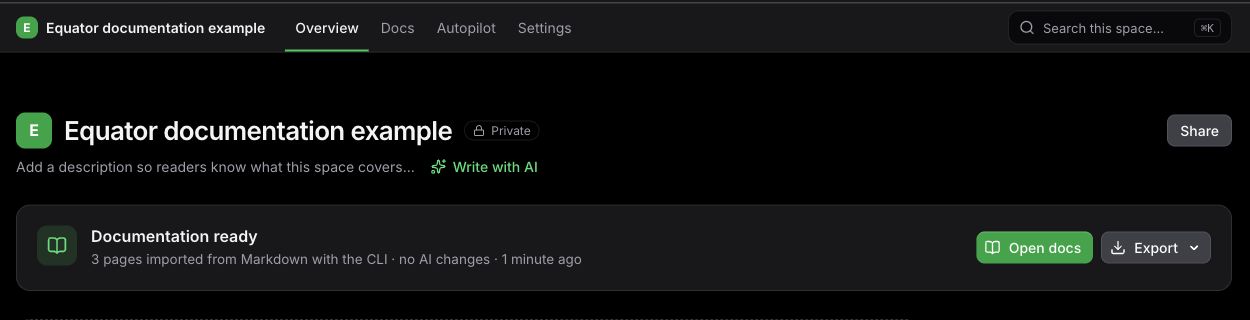
![An example Space showing three Markdown pages successfully imported with the CLI](https://app.docuwriter.ai/editor/image/a48af0d4-98f6-4d56-80cd-bb94765e8082.jpg "An example Space showing three Markdown pages successfully imported with the CLI")

*Example: after an import completes, open the documentation from the Space overview.*

When the CLI shows **Snapshot accepted**, it prints and opens the exact Space URL. You can close the terminal and follow generation or import progress in DocuWriter.

Upload acceptance means processing has started; it does not mean all documentation is already complete. Generation is subject to your account's access and available credits.

For printed links without automatically opening a browser, use:

```sh
npx docuwriter --no-open
```

Browser authorization is still required when you are not already signed in. Setup is interactive, including when using `--json`.

See [Command reference](https://docs.docuwriter.ai/docuwriterai-cli-docs/644033), [Privacy and file exclusions](https://docs.docuwriter.ai/docuwriterai-cli-docs/644034), or [Troubleshooting](https://docs.docuwriter.ai/docuwriterai-cli-docs/644035).

Updated October 20, 2026

​

---

# Import existing documentation

Source: https://docs.docuwriter.ai/docuwriterai-cli-docs/import-existing-documentation

# Import existing documentation

Bring existing Markdown files into a DocuWriter Space without asking AI to generate replacement content. The importer preserves the selected folder structure and links between included Markdown pages, and imports supported local images referenced by those pages.

## Start from the containing project

Run the CLI from the folder containing your documentation:

```sh
npx docuwriter
```

Or select that folder explicitly:

```sh
npx docuwriter --cwd /path/to/your-project
```

Confirm the folder, then sign in through the browser if prompted.

## Select your documentation

1. Choose **Import existing documentation**.
2. Wait for the Markdown scan to finish.
3. Select one or more folders or individual Markdown files. The list shows page counts. **All documentation** selects the discovered Markdown throughout the selected project.
4. If necessary, choose **Enter a documentation path** and provide a path relative to the selected project, such as `docs/guides` or `README.md`.
5. Check the displayed page, image, and file counts.
6. Enter a Space name.

Overlapping selections do not duplicate the same file. Paths must stay inside the selected project and must not be excluded by the applicable file rules.

For example, a project could contain:

```text
README.md
docs/
  getting-started.md
  guides/
    authentication.md
  images/
    setup.png
```

Selecting `README.md` and `docs/` includes the Markdown pages. A relative image reference such as `![Setup](images/setup.png)` in `docs/getting-started.md` also includes that local image when it is eligible for upload.

## Supported content and limits

- Markdown extensions: `.md` and `.markdown`.
- Markdown must contain valid UTF-8 text.
- Up to 1,000 Markdown files, with at most 5 MiB per Markdown file.
- Referenced local images: PNG, JPEG, GIF, and WebP, with at most 10 MiB per image.
- The snapshot also follows your account's ZIP upload limit: up to 1 GB on the free plan and a 20 GB technical ceiling for paid accounts.

Include both the source and destination page when you want a relative Markdown link to become a link between imported pages. Only eligible referenced local images inside the selected project are bundled; the CLI does not download remote images into the snapshot.

Excluded or unsupported local images may not appear in the imported page. Check the resulting pages and any import warnings in your Space.

## Open the imported Space

![An example Space showing three Markdown pages successfully imported with the CLI](https://app.docuwriter.ai/editor/image/a48af0d4-98f6-4d56-80cd-bb94765e8082.jpg "An example Space showing three Markdown pages successfully imported with the CLI")

*Example: after an import completes, open the documentation from the Space overview.*

Keep the terminal open until the snapshot is accepted. The CLI then prints and opens your Space URL. You can close the terminal and follow import progress in DocuWriter.

Importing does not automatically connect a Git repository or keep local Markdown changes synchronized. This CLI run imports a snapshot of your selected documentation.

See [Privacy and file exclusions](https://docs.docuwriter.ai/docuwriterai-cli-docs/644034) for selection rules and [Troubleshooting](https://docs.docuwriter.ai/docuwriterai-cli-docs/644035) for missing files or interrupted uploads.

Updated October 20, 2026

​

---

# Privacy and file exclusions

Source: https://docs.docuwriter.ai/docuwriterai-cli-docs/privacy-and-file-exclusions

# Privacy and file exclusions

The CLI packages files from your selected folder and uploads the snapshot to DocuWriter. Review the folder and its contents before confirming the workflow.

## What the snapshot includes

A generation snapshot can include tracked files, local edits, and untracked files that remain after file exclusions. It reads files from disk, so the uploaded snapshot can differ from the latest Git commit.

A documentation import includes the selected `.md` and `.markdown` files plus eligible local images referenced by those pages. It does not upload the entire codebase for AI generation.

Use a specific folder when appropriate:

```sh
npx docuwriter --cwd ./packages/api
```

The CLI does not automatically synchronize later local changes. Each upload represents a point in time.

## How files are excluded

The CLI applies:

- Applicable `.gitignore` rules, including rules in ancestor directories and nested folders.
- Built-in exclusions for version-control metadata, dependencies, common credential files, and other sensitive file types.
- Additional exclusion patterns supplied by DocuWriter.

Built-in exclusions include `.git/`, `node_modules/`, `vendor/`, virtual environments, `.env` and `.env.*`, common private key and certificate files, `.npmrc`, `.netrc`, `.git-credentials`, common cloud credential folders, and Terraform state files. Symlinks are not followed or uploaded.

These exclusions are pattern based. They do not guarantee detection of every secret in arbitrary source files. Check the selected folder and use `.gitignore` rules to exclude files you do not want uploaded.

A selected folder excluded by an applicable `.gitignore` rule cannot be uploaded. If no eligible files remain, the CLI stops before uploading.

## Local session and upload state

The CLI saves its authenticated session and, when needed, a pending upload snapshot in an operating-system application data directory. It uses restrictive local directory and file permissions.

After DocuWriter accepts an upload, the CLI removes its pending local snapshot. A network failure can leave the approved snapshot available for recovery on a later run. See [Troubleshooting](https://docs.docuwriter.ai/docuwriterai-cli-docs/644035) for the difference between recovering an interruption and explicitly cancelling an upload.

To revoke the saved CLI session:

```sh
npx docuwriter logout
```

## Usage analytics

After sign-in, the CLI collects usage analytics to help improve the experience. These can include submitted setup answers such as company/project, sector, documentation goal, audience, and timezone. No anonymous CLI analytics are collected.

Disable analytics:

```sh
npx docuwriter analytics off
```

Check or re-enable the saved preference:

```sh
npx docuwriter analytics status
npx docuwriter analytics on
```

Setting `DOCUWRITER_TELEMETRY_DISABLED=1` disables analytics for that process, even if the saved preference is on.

Related: [Command reference](https://docs.docuwriter.ai/docuwriterai-cli-docs/644033) and [Import existing documentation](https://docs.docuwriter.ai/docuwriterai-cli-docs/644032).

Updated October 20, 2026

​

---

# Troubleshooting

Source: https://docs.docuwriter.ai/docuwriterai-cli-docs/troubleshooting

# Troubleshooting

## The CLI requires an interactive terminal

Run `npx docuwriter` directly in an interactive terminal. Project confirmation, browser authorization, and setup require interaction.

`--json` changes the final output format; it does not remove the prompts. A noninteractive run returns `action_required` with exit code `2`.

Also check that Node.js is 22.18.0 or later:

```sh
node --version
```

## The browser did not open

Open the URL printed in your terminal. You can request this behavior deliberately:

```sh
npx docuwriter --no-open
```

Keep the terminal open while signing in or registering and approving access. If the authorization code expires, rerun the command to get a new one. If you declined the request, rerun it and approve the new request when you intend to continue.

## My session expired or I need another account

Start a fresh authorization:

```sh
npx docuwriter login
```

To revoke the saved session first:

```sh
npx docuwriter logout
```

A pending upload belongs to the account that created it. If the CLI reports that it belongs to another account, sign in with that original account to resume or discard it.

If your account cannot upload, check your access on the platform. Viewer access does not allow project uploads.

## An upload was interrupted

Run the command again from the intended project folder:

```sh
npx docuwriter
```

When a pending upload is found, choose:

- **Resume the approved snapshot** to retry the saved snapshot. Its contents stay the same even if local files have since changed. The transfer may restart.
- **Discard and start a new upload** to remove the pending snapshot and package the current files through a new setup.
- **Cancel** to leave the pending upload for later.

If you want local edits made since the previous attempt to be included, discard the old snapshot and start again.

Explicitly cancelling an unaccepted upload with Ctrl+C aborts it and removes its pending snapshot. That differs from a recoverable network interruption. Once a snapshot has been accepted, follow progress in the Space URL rather than starting another upload solely because generation is still running.

## The project is too large

Free-plan ZIP uploads support up to 1 GB. Upgrade to upload larger projects; paid accounts retain a 20 GB technical ceiling. Uncompressed project contents also have a technical limit.

Select a smaller folder or exclude unnecessary files with applicable `.gitignore` rules:

```sh
npx docuwriter --cwd ./packages/api
```

If a pending snapshot is too large, discard it before starting a smaller upload.

## No files or Markdown documentation were found

Check that you selected the right folder. Applicable `.gitignore` rules, built-in exclusions, and platform exclusions can remove files from the selection.

For documentation imports:

- Use `.md` or `.markdown` files containing valid UTF-8 text.
- Select a discovered file/folder or enter a relative path inside the selected project.
- Stay within 1,000 Markdown files, 5 MiB per Markdown file, and 10 MiB per supported local image.
- Include linked Markdown pages in the import and keep local image targets inside the project.

Symlinks are not uploaded. See [Import existing documentation](https://docs.docuwriter.ai/docuwriterai-cli-docs/644032) and [Privacy and file exclusions](https://docs.docuwriter.ai/docuwriterai-cli-docs/644034).

## Files changed while packaging

If the CLI reports that project files changed while packaging, let the files settle and run the command again. Avoid modifying the selected files while the snapshot is being prepared.

## I was told to update the CLI

Request the latest published launcher:

```sh
npx docuwriter@latest
```

Then repeat the workflow. `--version` reports the CLI implementation version, which can differ from the launcher package version.

## Processing failed after the upload was accepted

Open the Space URL printed by the CLI and check its progress or failure message. Upload acceptance and completed documentation are separate steps.

For help, contact [support@docuwriter.ai](mailto:support@docuwriter.ai) or [report a CLI issue](https://github.com/DocuWriter-ai/docuwriter-cli/issues). Include the relevant error and **Support reference** if one was printed. Do not include authorization codes, access tokens, credentials, or private source files in a public issue.

Updated October 20, 2026

​

---

# Connect a Git repository

Source: https://docs.docuwriter.ai/docuwriterai-platform-docs/connect-your-code/connect-a-git-repository

# Connect a Git repository

Connect a Git provider when you want documentation based on repository code and the option to maintain it as that code changes.

## Connect and import

1. Open **Git Connections**.
2. Choose your provider and complete its authorization or token setup.
3. Confirm the provider appears connected.
4. Select **Add Repository**, choose the repository and enter the exact branch.
5. Create the connection and wait for **Code Imported** before using it in an imported-repository workflow.

The provider account must be able to read the selected repository. Organization authorization rules can restrict access even when you can view the repository in your own browser.

## Provider guides

- [GitHub](https://docs.docuwriter.ai/docuwriterai-platform-docs/connect-your-code/connect-github): OAuth for repository workflows and the GitHub App for supported Autopilot flows.
- [GitLab](https://docs.docuwriter.ai/docuwriterai-platform-docs/connect-your-code/connect-gitlab): hosted GitLab and the separate setup for self-hosted instances.
- [Bitbucket](https://docs.docuwriter.ai/docuwriterai-platform-docs/connect-your-code/connect-bitbucket): authorize the correct account and workspace.
- [Azure DevOps](https://docs.docuwriter.ai/docuwriterai-platform-docs/connect-your-code/connect-azure-devops): organization, project and token access.

You can connect more than one provider. Check both the repository identifier and branch when similarly named projects appear.

## After the import

Select the repository in Full Tree Documentation or a focused repository generator. To maintain an existing Space, configure its [Autopilot repository link](https://docs.docuwriter.ai/docuwriterai-platform-docs/keep-documentation-current/connect-a-space-to-autopilot).

Removing an imported repository from DocuWriter is not deleting the remote Git repository. Revoking provider access is broader: workflows relying on that authorization may stop until you reconnect.

If authorization is unavailable, consider a [project ZIP](https://docs.docuwriter.ai/docuwriterai-platform-docs/connect-your-code/document-a-one-time-project-zip). If the import fails or the repository is missing, use [connection troubleshooting](https://docs.docuwriter.ai/docuwriterai-platform-docs/connect-your-code/troubleshoot-repository-connections).

Updated October 19, 2026

​

---

# Connect Azure DevOps

Source: https://docs.docuwriter.ai/docuwriterai-platform-docs/connect-your-code/connect-azure-devops

# Connect Azure DevOps

Azure DevOps connections depend on the organization, project and repository permissions granted to DocuWriter. Personal access token setup is available; supported organizational accounts may also use OAuth.

## Connect

1. Open **Git Connections → Connect Azure DevOps**.
2. Choose **Personal Access Token** for token setup. Create a PAT with **Code (Read)** access and enter the organization name, such as `contoso` from `https://dev.azure.com/contoso`. OAuth requires a supported Azure AD organizational account.
3. Complete the connection and select the repository.
4. Enter the branch and start its import.
5. Wait for a ready import before selecting it in a generator.

A token must have the repository access required by the operation. Reading code, writing an export and configuring an event subscription are different operations, so success in one does not prove permission for another.

## Troubleshoot a missing repository

Confirm the organization and project, then check repository access for the token's identity. Also check token expiry or revocation. Reconnect after correcting access and try selecting the repository again.

## Autopilot

Create a [repository link for the Space](https://docs.docuwriter.ai/docuwriterai-platform-docs/keep-documentation-current/connect-a-space-to-autopilot) and review the setup instructions shown for Azure DevOps. Webhook configuration may require a manual step in Azure DevOps. Verify the branch and event settings before expecting suggestions.

If your organization cannot authorize access, use the [project ZIP workflow](https://docs.docuwriter.ai/docuwriterai-platform-docs/connect-your-code/document-a-one-time-project-zip) for a one-time documentation snapshot. It does not provide branch-based updates or Autopilot event delivery.

Updated September 28, 2026

​

---

# Connect Bitbucket

Source: https://docs.docuwriter.ai/docuwriterai-platform-docs/connect-your-code/connect-bitbucket

# Connect Bitbucket

Authorize Bitbucket to make repositories available to DocuWriter's repository workflows.

## Connect and verify

1. Open **Git Connections → Connect Bitbucket**.
2. Authorize with the Bitbucket account that can access the required workspace and repository.
3. Return to DocuWriter and choose **Add Repository**.
4. Select the repository and enter the branch you want to document.
5. Wait for **Code Imported**, then continue to [generate documentation](https://docs.docuwriter.ai/docuwriterai-platform-docs/generate-documentation/generate-complete-codebase-documentation).

The repository's workspace and the account you authorized both matter. If the list is empty, first confirm that the same account can read the repository in Bitbucket. Reconnect if its permissions changed after authorization.

## Keeping the Space current

For ongoing maintenance, add a Bitbucket link in the Space's [Autopilot settings](https://docs.docuwriter.ai/docuwriterai-platform-docs/keep-documentation-current/connect-a-space-to-autopilot). Select the correct branch, enable the link and choose supported triggers. Provider events differ; do not assume all GitHub pull-request behavior applies to Bitbucket.

## If imports fail

Check the visible error, repository name, exact branch and provider access. An imported branch can be different from the branch selected later in an Autopilot link. Include both when contacting support.

Removing the imported repository from DocuWriter does not remove the remote Bitbucket repository. If you revoke authorization, review any Spaces or workflows that depend on that provider connection.

Updated September 28, 2026

​

---

# Connect GitHub

Source: https://docs.docuwriter.ai/docuwriterai-platform-docs/connect-your-code/connect-github

# Connect GitHub

Use a GitHub provider connection to select repositories for documentation. The DocuWriter Autopilot GitHub App also supports repository events and pull-request comments for repositories where it is installed.

## Connect for documentation generation

1. Open **Git Connections → Connect GitHub**.
2. Sign in to the GitHub account that can access the repository and review the authorization request.
3. Return to DocuWriter, add the repository and select the branch to import.
4. Wait for the import to complete, then open [Full Tree Documentation](https://docs.docuwriter.ai/docuwriterai-platform-docs/generate-documentation/generate-complete-codebase-documentation).

If the repository belongs to an organization, its administrator may need to approve access. Check the organization and account before reconnecting repeatedly.

## Add the Autopilot GitHub App

Install [DocuWriter AI Autopilot](https://github.com/apps/docuwriter-ai-autopilot) for the repositories you want it to access. Then configure the Space's [Autopilot connection](https://docs.docuwriter.ai/docuwriterai-platform-docs/keep-documentation-current/connect-a-space-to-autopilot), including the branch and supported events.

The GitHub App and OAuth connection can coexist. App installation does not guarantee every manual repository picker or generator flow has the authorization it needs; follow any connection requirement shown in that flow.

## Verify the right access

A successful setup lets you select the expected repository and import the chosen branch. For Autopilot, check the connection is enabled and inspect Activity after a relevant repository event. A missing suggestion is not, by itself, proof that authorization failed: the event may not require a documentation update.

See [Troubleshoot repository connections](https://docs.docuwriter.ai/docuwriterai-platform-docs/connect-your-code/troubleshoot-repository-connections) for empty repository lists and failed imports.

Updated September 28, 2026

​

---

# Connect GitLab

Source: https://docs.docuwriter.ai/docuwriterai-platform-docs/connect-your-code/connect-gitlab

# Connect GitLab

For repositories on GitLab.com, authorize GitLab from **Git Connections** and then import the repository and branch you want to document.

## GitLab.com

1. Select **Connect GitLab**.
2. Use the GitLab account that has access to the project and complete authorization.
3. Back in DocuWriter, add the repository and choose its branch.
4. Wait until the import is ready before starting a repository-backed generator.

Group membership and project permissions determine which repositories the connected account can access. If a repository is missing, verify its visibility to that account and check group authorization policies.

## A company-hosted GitLab instance

Use [Connect self-hosted GitLab](https://docs.docuwriter.ai/docuwriterai-platform-docs/connect-your-code/connect-self-hosted-gitlab). This requires your instance URL and an OAuth application configured on that instance. A GitLab.com connection does not authorize access to a separate company server.

## Maintain documentation after generation

Once the documentation is in a Space, set up an [Autopilot repository link](https://docs.docuwriter.ai/docuwriterai-platform-docs/keep-documentation-current/connect-a-space-to-autopilot) for the correct project and branch. Provider authorization, importing code and enabling event-driven maintenance are separate steps.

When a connection stops working after token or permission changes, reconnect through Git Connections and confirm the project can be selected again. Keep your existing Space while resolving access; creating another Space does not repair provider authorization.

Updated September 28, 2026

​

---

# Connect self-hosted GitLab

Source: https://docs.docuwriter.ai/docuwriterai-platform-docs/connect-your-code/connect-self-hosted-gitlab

# Connect self-hosted GitLab

Connect your own GitLab instance by registering an OAuth application there and supplying its details in DocuWriter.

## Before you start

You need permission to create a GitLab OAuth application and to read the repository. The instance must be reachable by DocuWriter's servers over valid HTTPS; being accessible only through your browser's VPN is not sufficient.

## 1. Create the OAuth application

In your GitLab profile settings, open **Applications** and create an application for DocuWriter. Set its redirect URI exactly to:

```text
https://app.docuwriter.ai/auth/gitlab/callback
```

For the supported connection, configure `api`, `read_user`, `read_repository`, `read_api` and `write_repository`. Repository writing and webhook management require the corresponding access; review those permissions with your administrator before authorizing.

Save the application and copy its application ID and secret. Store the secret securely; do not paste it into a documentation page or support screenshot.

## 2. Connect the instance

In **Git Connections → Connect GitLab**, enable **Use self-hosted GitLab instance**. Enter the HTTPS instance URL, client ID and client secret, then continue through GitLab's authorization screen.

Return to DocuWriter and add the repository and branch. A successful OAuth return is only the first check: verify the expected project can be selected and imported.

## Troubleshooting

| Problem | Check |
| --- | --- |
| Invalid redirect URI | Exact HTTPS callback, with no extra slash or whitespace. |
| Invalid or missing scope | OAuth application permissions on your own GitLab instance; update them and reconnect. |
| Instance cannot be reached | Public server reachability, firewall rules and certificate validity. |
| Repository missing | Project membership and permissions of the authorizing GitLab user. |

If your network cannot allow the connection, a [one-time project ZIP](https://docs.docuwriter.ai/docuwriterai-platform-docs/connect-your-code/document-a-one-time-project-zip) can produce documentation without ongoing repository access.

Updated September 28, 2026

​

---

# Document a one-time project ZIP

Source: https://docs.docuwriter.ai/docuwriterai-platform-docs/connect-your-code/document-a-one-time-project-zip

# Document a one-time project ZIP

Upload a project ZIP when you cannot connect a supported Git provider. DocuWriter imports the archive as a source snapshot for Full Tree Documentation.

## Prepare the archive

Include the project's meaningful source and configuration files. Exclude credentials and unnecessary generated or dependency directories. A ZIP containing only images, documentation or other non-source assets cannot provide the source evidence needed for this workflow.

## Upload and generate

1. Open **Full Tree Documentation**.
2. Select **Can't connect a repository? Upload a ZIP instead**.
3. Choose a `.zip` file within the size limit shown in the upload control.
4. Select **Upload Project ZIP** and wait for validation and import.
5. Review the documentation outline and continue with [complete documentation generation](https://docs.docuwriter.ai/docuwriterai-platform-docs/generate-documentation/generate-complete-codebase-documentation).

The same alternative is available in onboarding's Connect code step. Large archives take time to upload and inspect. An upload finishing does not mean its source import or documentation generation has finished.

## What a snapshot does not do

A ZIP does not authorize a Git provider. It has no ongoing webhook delivery, code-change detection, Autopilot repository sync, pull-request comments or branch-comparison release notes. To document newer source, upload a newer snapshot and run the workflow again.

## If the archive is rejected

Read the validation message and rebuild the archive from the intended project root. Check that it is a valid, unencrypted ZIP with actual project source, rather than a package of compiled assets or documentation alone. Avoid repeating the same rejected upload unchanged.

Prefer a [Git connection](https://docs.docuwriter.ai/docuwriterai-platform-docs/connect-your-code/connect-a-git-repository) when ongoing maintenance is part of your goal.

Updated September 28, 2026

​

---

# Start from the CLI

Source: https://docs.docuwriter.ai/docuwriterai-platform-docs/connect-your-code/start-from-the-cli

# Start from the CLI

Start DocuWriter from a local project with `npx docuwriter`. The guided terminal flow lets you generate documentation from a project snapshot or import existing Markdown, then continue in a documentation Space.

Use the [CLI documentation](https://docs.docuwriter.ai/docuwriterai-cli-docs) for the full command reference and troubleshooting.
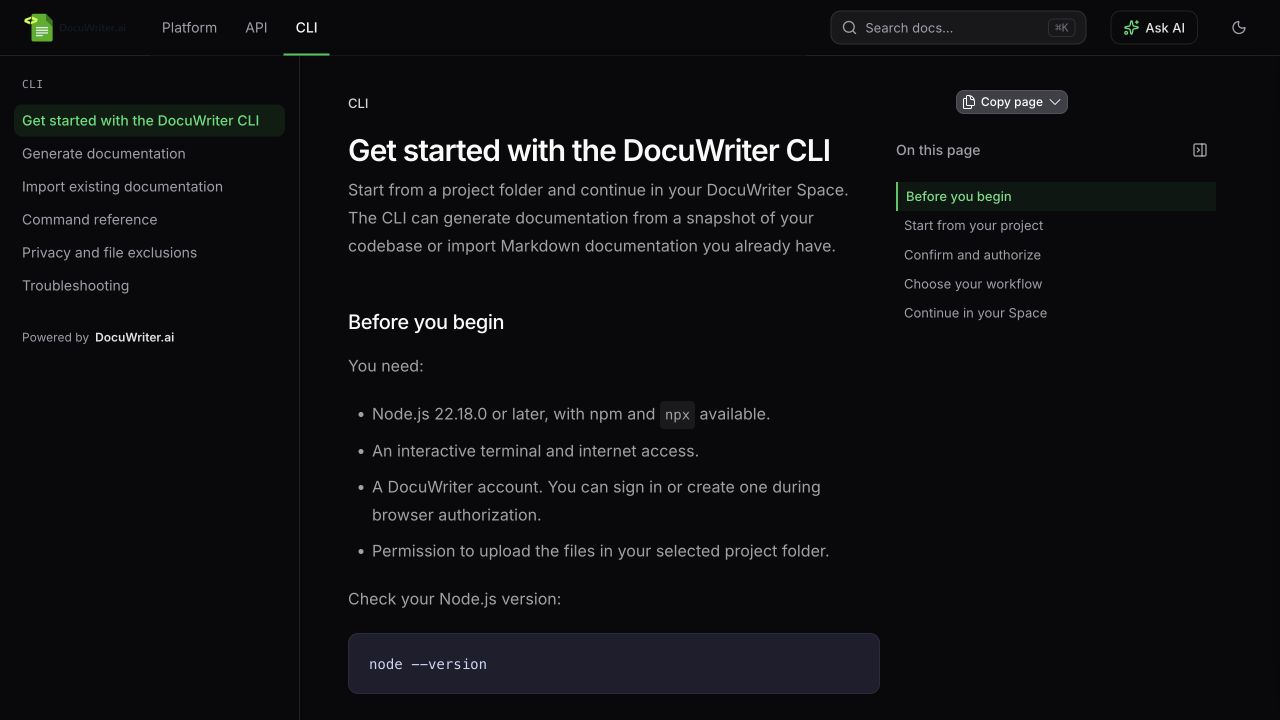
![The official CLI documentation, with getting started, generation, import and command reference guides](https://app.docuwriter.ai/editor/image/6157ec98-f81a-45bb-bdcb-4f319c3898af.jpg "The official CLI documentation, with getting started, generation, import and command reference guides")

*Open the dedicated CLI documentation for detailed workflows and command examples.*

## Before you start

Install **Node.js 22.18.0 or later** and run the CLI in an interactive terminal. You need a DocuWriter account and access to a browser to approve sign-in.

Choose the local directory you want to document. It can be a Git repository or a project directory without Git.

## 1. Open your project

In your terminal, change to the project directory and run:

```sh
npx docuwriter
```

To target a specific directory from elsewhere, pass its exact path:

```sh
npx docuwriter --cwd ./packages/api
```

The selected directory is the project scope. In a larger repository, point `--cwd` at the package you want to document.

## 2. Authorize DocuWriter

Follow the device sign-in instructions shown in the terminal. Approve the request in your browser using the DocuWriter account you intend to use, then return to the terminal.

If the terminal cannot open your browser automatically, use:

```sh
npx docuwriter --no-open
```

The CLI prints the links for you to open manually. Browser authorization is still required.

## 3. Choose the workflow

Confirm the selected project folder, then follow the prompts for the task you need:

- **Generate documentation from your local project.** Review the project selection and requested generation choices before confirming the snapshot upload.
- **Import Markdown.** Use existing Markdown documentation as the content for a Space and follow the import prompts.

Review the prompts before confirming either action so the selected account, directory and destination match your intended documentation.

## 4. Continue in the Space

After the server accepts the project snapshot, the terminal flow finishes and opens the resulting Space. Follow generation progress in the browser; snapshot acceptance does not mean every documentation page has finished.

For imported Markdown, open the destination Space and check its pages and folder hierarchy. For generated content, wait for completion and review the overview, a main workflow and a reference page against your project before sharing.

Use the Space editor to correct or expand the result. You can also [organize related Spaces as sections](https://docs.docuwriter.ai/docuwriterai-platform-docs/manage-and-share-spaces/organize-documentation-with-sections) so readers can switch between platform, API and CLI documentation and search across them.

## Keep the documentation current

A CLI project upload is a point-in-time snapshot. It does not authorize a Git provider, create ongoing repository synchronization or enable Autopilot.

To maintain documentation from future Git events, connect the relevant provider and [set up Autopilot](https://docs.docuwriter.ai/docuwriterai-platform-docs/keep-documentation-current/connect-a-space-to-autopilot) separately. For another local snapshot or Markdown import, run the CLI again and follow its prompts.

Updated October 20, 2026

​

---

# Troubleshoot repository connections

Source: https://docs.docuwriter.ai/docuwriterai-platform-docs/connect-your-code/troubleshoot-repository-connections

# Troubleshoot repository connections

Find the stage that failed before changing settings. Provider authorization, repository selection, code import and documentation generation have different failure causes.

| Symptom | First checks |
| --- | --- |
| Repository list is empty | Correct provider account; access to the organization/workspace/project; authorization approval. |
| One private repository is missing | Access granted for that specific repository, including GitHub App installation selection where applicable. |
| Branch cannot be imported | Exact branch name and whether it exists in the selected repository. |
| A previously working import fails | Token expiry/revocation, changed provider permissions, or repository relocation. |
| GitLab self-hosted authorization fails | Instance URL, HTTPS reachability, OAuth callback and scopes. |
| Azure DevOps project is absent | Correct organization/project and token identity permissions. |

## A safe recovery sequence

1. Read the repository's visible status and error.
2. Confirm access in the provider using the same account that authorized DocuWriter.
3. Correct the connection or branch, then retry the failed step.
4. Wait for a terminal import result before starting another attempt.

A repository that is still synchronizing or indexing is not ready yet. A generation failure after a successful import belongs in [generation troubleshooting](https://docs.docuwriter.ai/docuwriterai-platform-docs/generate-documentation/troubleshoot-documentation-generation).

## No Autopilot suggestions

A provider connection alone does not enable maintenance for every Space. Check the [Space's Autopilot link](https://docs.docuwriter.ai/docuwriterai-platform-docs/keep-documentation-current/troubleshoot-missing-autopilot-updates), branch, triggers and path filters. Activity can show a received event that legitimately produced no suggestions.

## Contact support

Include the provider, repository name, branch, approximate failure time and visible error. Include the Space name if there is one. Do not send tokens, OAuth secrets or unredacted authorization headers.

Updated September 28, 2026

​

---

# Apply writing guidelines and templates

Source: https://docs.docuwriter.ai/docuwriterai-platform-docs/generate-documentation/apply-writing-guidelines-and-templates

# Apply writing guidelines and templates

Use **Settings → AI preferences** to define reusable writing guidance for future generation. You can choose which generators receive it and, as a team owner, enforce it for your team.

## Guidelines: how to write

Use short, concrete rules about terminology, audience and tone. For example:

```text
Write for engineers joining our team.
Explain prerequisites before commands.
Use our product names consistently.
Describe only behavior supported by the source.
```

Guideline text supports up to 4,000 characters. You can type it or upload a supported Markdown/text file; the upload limit is 50 KB and the resulting text must fit the relevant content limit.

## Template: how to organize

Use a Markdown template for the expected structure:

```markdown
## Purpose
## Before you start
## Steps
## Expected result
## Troubleshooting
```

Template text supports up to 12,000 characters. Choose a structure appropriate to the output: the same headings may not suit both a release note and an API reference. Enable **Strict template** when you want closer adherence to the headings and order, then inspect the output; it does not guarantee every requested structure fits every source.

## Apply the settings

Select the generators that should use the preferences and save. Changes apply to subsequent generation; they do not silently rewrite saved pages.

A team owner can enable **Force team members to use these settings**. Members then see the enforced settings as read-only. If you cannot edit them, ask your team owner rather than creating conflicting personal instructions.

Run a small, representative generation before a large documentation build. Review whether the preferences improve clarity and whether the generated structure still fits the source.

Updated September 28, 2026

​

---

# Choose your documentation audience

Source: https://docs.docuwriter.ai/docuwriterai-platform-docs/generate-documentation/choose-your-documentation-audience

# Choose your documentation audience

The audience changes which topics matter and how the documentation explains them. Choose the reader before reviewing the outline.

| Audience | Use it for |
| --- | --- |
| **Internal technical docs** | Architecture, component boundaries, operations and implementation understanding for your engineering team. |
| **Developer onboarding** | Helping a new engineer set up, understand key flows and make a first contribution. |
| **End user docs** | Product tasks, configuration, usage and troubleshooting for people using the product. |
| **Internal API documentation** | API implementation details and debugging context for backend teams. |
| **External API documentation** | Supported public endpoint contracts for developers integrating with your service. |

**Internal technical docs** is the default for new runs. Choose Developer onboarding when ramp-up is the priority; it deliberately avoids turning every source file into a reference page.

## Add useful context

In your project description or instructions, explain who the reader is and what they need to achieve. For example: “These docs help a support engineer configure customer integrations. Explain the required fields and how to recognize a successful connection.”

Do not use audience instructions to invent features or guarantees that the source does not establish. External API documentation requires evidence that a contract is publicly supported; an internal handler alone is not enough.

## Review the proposed scope

An end-user guide should not be dominated by class names or build internals. A developer onboarding guide should put setup and a few critical workflows before exhaustive reference material. Inspect the outline with those expectations before generating.

For an existing Space, review the audience options in [Update Documentation Gaps](https://docs.docuwriter.ai/docuwriterai-platform-docs/generate-documentation/find-and-fill-documentation-gaps). This guides subsequent work; it is not an automatic rewrite of every existing page.

Updated September 28, 2026

​

---

# Find and fill documentation gaps

Source: https://docs.docuwriter.ai/docuwriterai-platform-docs/generate-documentation/find-and-fill-documentation-gaps

# Find and fill documentation gaps

Use **Update documentation gaps** to expand or revise an existing Space using repository source. This workflow lets you review proposed additions and targeted changes before generating them.

## Analyze the Space

1. Open the Space overview or its sidebar update action.
2. If prompted, link an imported repository or import one through the connection flow.
3. Describe the area to improve, such as “Cover the payment retry workflow and recovery steps.”
4. Choose **Re-index repository first** when the stored source is older than the code you want documented.
5. Start **Analyze** and wait for the proposal.

## Review the proposed work

The preview distinguishes existing pages from new sections. Select the new pages you want and remove duplicative or irrelevant proposals. Existing pages can receive specific update instructions.

**Split / Extend** has two different outcomes:

| Mode | Outcome |
| --- | --- |
| Split | Replaces the original page with the new focused pages. |
| Extend | Keeps the original and adds companion pages. |

Review the keep-original setting carefully. If preserving an existing link matters, extending is usually the easier first review path. When extending, you can also request an update to the original to introduce its new companion pages.

## Generate the selected changes

Select **Generate Selected** after reviewing the counts and instructions. New pages are added to the Space; selected existing pages are regenerated. Read the result and verify important claims and examples before sharing.

An analysis preview is not a completed edit. Also, changing an audience for this workflow does not mean every untouched page has been rewritten.

Use this feature for broad gaps and deliberate expansions. Use [Autopilot](https://docs.docuwriter.ai/docuwriterai-platform-docs/keep-documentation-current/how-autopilot-keeps-documentation-current) for ongoing suggestions driven by repository events.

Updated September 28, 2026

​

---

# Generate a per-file reference

Source: https://docs.docuwriter.ai/docuwriterai-platform-docs/generate-documentation/focused-generators/generate-a-per-file-reference

# Generate a per-file reference

**Codebase Documentation** creates a separate document for each selected source file and groups the results into a new Space. Choose it when your goal is file-level reference material.

For an architecture- and task-organized documentation set, use [Full Tree Documentation](https://docs.docuwriter.ai/docuwriterai-platform-docs/generate-documentation/generate-complete-codebase-documentation).

## Select the source

Open Codebase Documentation from the repository tools, choose the repository and branch, and synchronize the codebase if the flow requires it. In the file tree, select the source files that deserve individual documentation.

Exclude dependency directories, binaries and compiled output. Selecting more files increases the amount of work and can create a less useful reference if the files are repetitive or incidental.

## Generate and review

Add instructions describing the reader and the details each document should explain, then start generation. The new Space contains the per-file pages; follow their progress before treating the run as complete.

Review a representative file's documented responsibilities, parameters, return values and relationships against its source. Where understanding depends on multiple components, add an overview that links those pages together.

## Use the result

Organize the pages into folders, add explanatory introductions and use [exports](https://docs.docuwriter.ai/docuwriterai-platform-docs/manage-and-share-spaces/export-and-download-documentation) when you need a deliverable. Source changes do not automatically regenerate this reference unless you configure an appropriate update workflow.

If the repository is absent, return to [Git Connections](https://docs.docuwriter.ai/docuwriterai-platform-docs/connect-your-code/connect-a-git-repository) and verify its import status. A provider authorization without an imported repository is not enough for an imported-file picker.

Updated September 28, 2026

​

---

# Generate a README

Source: https://docs.docuwriter.ai/docuwriterai-platform-docs/generate-documentation/focused-generators/generate-a-readme

# Generate a README

Use README generation to create a concise entry point for a repository. It complements a full documentation Space by telling readers what the project is and where to begin.

## Create the draft

1. Import the repository through [Git Connections](https://docs.docuwriter.ai/docuwriterai-platform-docs/connect-your-code/connect-a-git-repository).
2. Open **README generation** in the repository tools.
3. Choose the repository, desired sections and output language.
4. Select the appropriate license option and add factual instructions where needed.
5. Start generation and review the returned Markdown.

## Check the parts readers will use

Verify installation commands, runtime requirements, configuration names and the first usage example. Ensure the license statement matches the project's actual license; choosing a label in a generator does not change the repository's license.

Keep detailed architecture and endpoint references in their own pages and link to them. A README should give readers a successful first step without reproducing the entire documentation tree.

## Save and share

Edit the draft, download it, add it to a Space or use the available sharing action. The saved result is accessible through [Generations](https://docs.docuwriter.ai/docuwriterai-platform-docs/generate-documentation/manage-saved-generations-and-versions).

Generation does not commit the README to Git. Exporting or applying it to a repository is a separate reviewed action.

If a repository is missing, check its import status. If a section is missing, confirm it was selected and either edit the draft or generate a revised version with clear instructions.

Updated September 28, 2026

​

---

# Generate release notes from a branch comparison

Source: https://docs.docuwriter.ai/docuwriterai-platform-docs/generate-documentation/focused-generators/generate-release-notes-from-a-branch-comparison

# Generate release notes from a branch comparison

Use release notes generation to turn a reviewed comparison between two branches into a draft changelog.

## Choose the comparison

Open **Release Notes** in the repository tools. Select the connected provider repository, the **base branch** representing the starting point and the **compare branch** containing the changes to describe.

Branch direction matters. Compare the newer work against the intended baseline; reversing the two can describe a different set of changes.

## Review the diff

Continue to the diff review and inspect the changed files and additions/deletions. Confirm the comparison includes the release you intend to document and excludes unrelated work.

Then start generation. Review the draft for user-facing improvements, fixes and breaking changes. A code diff may show an implementation change without proving a customer-visible benefit, so avoid publishing an inferred promise without checking it.

## Finalize the notes

Edit wording, add release context that you know to be true and verify any upgrade steps. Download the result, add it to a Space or share it using the available controls. Find the saved output later in [Generations](https://docs.docuwriter.ai/docuwriterai-platform-docs/generate-documentation/manage-saved-generations-and-versions).

This workflow requires provider-backed branch comparison. A [project ZIP](https://docs.docuwriter.ai/docuwriterai-platform-docs/connect-your-code/document-a-one-time-project-zip) is a one-time snapshot and does not supply that branch history.

If the diff looks wrong, return to the repository and branch choices before generating again.

Updated September 28, 2026

​

---

# Use focused generators

Source: https://docs.docuwriter.ai/docuwriterai-platform-docs/generate-documentation/focused-generators/use-focused-generators

# Use focused generators

Focused generators produce a particular artifact from the code you supply. They support the broader documentation workflow without replacing a structured Space.

| Capability | What to review before using the result |
| --- | --- |
| Code documentation | Responsibilities, inputs, outputs and examples against the actual source. |
| Tests | Setup requirements, assertions and whether the tests exercise meaningful behavior. |
| Code optimization | Behavior preservation, dependencies and project-specific conventions. |
| Code comments | Accuracy of parameter, return and exception descriptions. |
| UML diagrams | Relationships and flow direction, not just rendering. |
| Language conversion | Target runtime, libraries and behavior differences. |
| OpenAPI/Swagger generation | Endpoint exposure, authentication, schemas and status codes. |

## Generate an artifact

Choose the generator matching your task, supply the required code and filename, and complete its options. UML requires a diagram type; language conversion requires source and target languages. For API generation, include enough source to establish the relevant contract.

Start generation only after checking the input. These are AI generation actions and are subject to account permissions and credits.

## Validate the output

A generated test or code change is a draft to review and run in your project. A generated diagram or API specification must match the source before you publish it. Do not infer successful compilation or correctness from a successful generation response.

Use [Generations](https://docs.docuwriter.ai/docuwriterai-platform-docs/generate-documentation/manage-saved-generations-and-versions) to manage the saved result and add useful documentation to a Space. For automation, see the [API reference](https://docs.docuwriter.ai/docuwriterai-platform-docs/api-reference/start-with-the-api/public-api-quickstart).

Updated September 28, 2026

​

---

# Write a focused guide from selected source files

Source: https://docs.docuwriter.ai/docuwriterai-platform-docs/generate-documentation/focused-generators/write-a-focused-guide-from-selected-source-files

# Write a focused guide from selected source files

Use **Custom prompts** when you need a specific explanation or document based on selected files from an imported repository.

## Configure the request

1. Open Git Connections and choose **Custom prompts** from the repository tools.
2. Select the imported repository and output language.
3. Select the files relevant to the question, including related code needed to explain the behavior.
4. Write an instruction that identifies the audience and expected result.
5. Start generation and review the answer.

For example:

> Explain how this application refreshes expired access tokens. Write for a developer integrating the client. Include the failure response and recovery behavior supported by the selected files.

## Select enough context

A single handler may not include its validation, authorization or error handling. Add the related files when those details matter. Avoid selecting the entire repository for a narrowly scoped question if that introduces unrelated material.

## Review and reuse

Check the output against the selected source. If the answer lacks an important dependency, revise the file selection and prompt rather than asking for unsupported detail.

Edit or download the result, add it to a Space, or use a sharing link. Generated outputs are available in [Generations](https://docs.docuwriter.ai/docuwriterai-platform-docs/generate-documentation/manage-saved-generations-and-versions).

For a complete topic-organized documentation set, use [Full Tree Documentation](https://docs.docuwriter.ai/docuwriterai-platform-docs/generate-documentation/generate-complete-codebase-documentation). For individual source-file pages, use [Codebase Documentation](https://docs.docuwriter.ai/docuwriterai-platform-docs/generate-documentation/focused-generators/generate-a-per-file-reference).

Updated September 28, 2026

​

---

# Generate complete codebase documentation

Source: https://docs.docuwriter.ai/docuwriterai-platform-docs/generate-documentation/generate-complete-codebase-documentation

# Generate complete codebase documentation

Use **Full Tree Documentation** to produce a structured, multi-page documentation Space. Its outline organizes the project by topics and reader needs, rather than creating a page for every file.

## Configure the run

Choose a connected repository and branch, or a [project ZIP](https://docs.docuwriter.ai/docuwriterai-platform-docs/connect-your-code/document-a-one-time-project-zip). Select the output language and [documentation audience](https://docs.docuwriter.ai/docuwriterai-platform-docs/generate-documentation/choose-your-documentation-audience). Add a factual project description explaining the product and the reader's purpose.

If you use [AI preferences](https://docs.docuwriter.ai/docuwriterai-platform-docs/generate-documentation/apply-writing-guidelines-and-templates), select the relevant generation workflow before starting. Preferences guide writing; they do not supply missing source facts.

## Review before generation

Inspect the proposed documentation structure. Check that it covers the important workflows, modules and interfaces for your audience. Move introductory material ahead of reference detail and remove topics that the project does not support.

Use [outline editing](https://docs.docuwriter.ai/docuwriterai-platform-docs/generate-documentation/review-and-customize-the-outline) to refine names, order and page instructions. On the dedicated generator, continue to the final start step when you are satisfied.

## Read the result

Generation creates a Space and fills its pages. Follow the progress shown in the app; duration depends on project size, outline and processing. Do not treat a page title or placeholder as completed content.

When the build finishes, verify key instructions and examples against the project. Edit wording and organization in the Space. Use [Update Documentation Gaps](https://docs.docuwriter.ai/docuwriterai-platform-docs/generate-documentation/find-and-fill-documentation-gaps) for targeted additions or updates after review.

## Choose another workflow when appropriate

For a per-file reference, use [Codebase Documentation](https://docs.docuwriter.ai/docuwriterai-platform-docs/generate-documentation/focused-generators/generate-a-per-file-reference). For a README, release notes or a focused question over selected files, use the corresponding supporting generator.

Generation does not publish a repository change. [Exporting to Git](https://docs.docuwriter.ai/docuwriterai-platform-docs/manage-and-share-spaces/export-and-download-documentation) is a separate action. Ongoing changes require [Autopilot](https://docs.docuwriter.ai/docuwriterai-platform-docs/keep-documentation-current/how-autopilot-keeps-documentation-current) or another explicit update workflow.

Updated September 28, 2026

​

---

# Manage saved generations and versions

Source: https://docs.docuwriter.ai/docuwriterai-platform-docs/generate-documentation/manage-saved-generations-and-versions

# Manage saved generations and versions

Open **Generations** to find saved outputs from DocuWriter's generators. Use it to review drafts, select a definitive version and reuse outputs in Spaces.

## Find an output

Search using the filename, tag or content. Use the available filters to narrow generation type, archived state or your own results in a team context. Clear filters if a known result appears to be missing.

## Review versions

Open **Manage** for a generation and select a version from its history. Edit the output manually or use AI modification when you need a new generated revision. Review a version before marking it **Definitive**; this identifies the version used for generation-backed content.

Generation version history and independent manual Space pages are different records. Editing a Space page is not a promise that the original generation's entire history has changed.

## Organize and reuse

Add descriptive tags to group results. Use **Add to Spaces** to place a result in the right documentation collection. Download Markdown or PDF when available, or create a read-only sharing link with the expiry options shown.

Archive superseded drafts to reduce clutter. Archived results can be found by changing the archive filter and restored through the available action; archive is not the same as deleting your documentation.

Before sharing, check the actual content and recipient access. A generated output may contain project information that is appropriate internally but not publicly.

See [Organize a Space](https://docs.docuwriter.ai/docuwriterai-platform-docs/manage-and-share-spaces/organize-pages-and-folders) for the ongoing documentation structure.

Updated September 28, 2026

​

---

# Review and customize the outline

Source: https://docs.docuwriter.ai/docuwriterai-platform-docs/generate-documentation/review-and-customize-the-outline

# Review and customize the outline

The documentation outline is the map of the Space you are about to create. Review it for reader usefulness before starting page generation.

## Check the structure

Begin with orientation and the first successful task. Group related workflows, then add deeper reference material. A reader should be able to tell what a page will answer from its title.

For each section, ask:

- Does this topic exist in the project and matter to this audience?
- Is another page already covering the same task?
- Is the title specific enough to guide a reader?
- Are prerequisite topics earlier in the structure?

## Refine the proposal

Use the outline controls to add sections or subsections, rename entries and reorder them. Provide page context where the editor offers it. For example, “Explain how a failed payment is retried, including the states visible to an operator” is more useful than “Add more detail.”

Use **Ask for modifications** when you want the proposed structure revised with a specific instruction. Wait for that revision to finish, then review the resulting outline again before accepting it.

## Accept and generate

On the dedicated Full Tree generator, continue after you have reviewed the outline and start generation from the final step. Acceptance selects the structure for the build; later editing a completed Space is a separate activity.

If you already have a useful documentation set, use [Update Documentation Gaps](https://docs.docuwriter.ai/docuwriterai-platform-docs/generate-documentation/find-and-fill-documentation-gaps) to propose additions and targeted changes instead of rebuilding everything.

Avoid an oversized outline made of repetitive pages. Completeness means the reader's relevant questions are answered with source-supported content, not the largest possible page count.

Updated September 28, 2026

​

---

# Troubleshoot documentation generation

Source: https://docs.docuwriter.ai/docuwriterai-platform-docs/generate-documentation/troubleshoot-documentation-generation

# Troubleshoot documentation generation

Use the visible run and page statuses to identify whether a problem occurred during source import, outline creation or page generation.

## The source is not ready

Return to [connection troubleshooting](https://docs.docuwriter.ai/docuwriterai-platform-docs/connect-your-code/troubleshoot-repository-connections) if the repository is still importing or failed to import. A ZIP that uploads successfully still needs to pass validation and source processing.

## The outline misses important topics

Check the selected source, branch and audience. Add factual project context and refine the outline with specific task descriptions. If the source does not establish a feature, adding its name to the outline does not make it documented behavior.

## Some pages are incomplete or failed

Wait for the current processing state to settle and inspect the affected pages. Use the retry or recovery action offered for that run when available. Avoid creating multiple duplicate full runs while the original is still active.

If a retry is unavailable or fails again, contact support with the Space name, page titles, approximate time and visible error. Do not delete the Space before support can identify the affected work.

## Generation is unavailable

Check [credits and usage](https://docs.docuwriter.ai/docuwriterai-platform-docs/account-and-billing/understand-credits-and-usage), your plan and team role. Viewers cannot start generation. A team member may need the owner's help with entitlement or available credits.

## The content needs improvement

Edit small corrections directly. For missing topics or a deliberate reorganization, use [Update Documentation Gaps](https://docs.docuwriter.ai/docuwriterai-platform-docs/generate-documentation/find-and-fill-documentation-gaps). For future runs, improve the source selection, audience and [AI preferences](https://docs.docuwriter.ai/docuwriterai-platform-docs/generate-documentation/apply-writing-guidelines-and-templates).

Review output for correctness before publishing; finishing a generation confirms that content was produced, not that every statement has been independently validated.

Updated September 28, 2026

​

---

# Copy pages into AI tools

Source: https://docs.docuwriter.ai/docuwriterai-platform-docs/manage-and-share-spaces/copy-pages-into-ai-tools

# Copy pages into AI tools

Use the page toolbar's **Copy page** menu to reuse the current documentation in Markdown or open it in a supported external AI tool.

## Copy the page

Open the desired page, wait for its content to load, then choose **Copy page**. Paste into your editor or another tool and check that the important content is present.

The result represents the page you selected. It is not an export of every page in the Space. Use [Space exports](https://docs.docuwriter.ai/docuwriterai-platform-docs/manage-and-share-spaces/export-and-download-documentation) when you need multiple documents.

## Open in an AI assistant

Choose **Open in ChatGPT**, **Open in Claude** or **Open in Perplexity** from the same menu, then continue in that tool. Check what content or link the destination received before asking it to reason over the documentation.

For ongoing authenticated access to your DocuWriter account, use [MCP](https://docs.docuwriter.ai/docuwriterai-platform-docs/integrations-and-ai-assistants/mcp-assistants/connect-an-ai-assistant-to-docuwriter) instead. Opening one page in an AI tool is not the same as authorizing that assistant to manage your Spaces.

## Public and private pages

On a public Space, Copy Page and the supported Open-in-AI actions are available without a reader login or subscription. Public **Ask AI** uses different publisher-entitlement rules.

For internal repository-generated documentation, actions may be subject to permissions and paid entitlement. If a control is unavailable, check the Space context and account access.

If an external tool does not open, check browser popup handling and your login in that tool. If content is incomplete, confirm the page has finished loading and your latest edits are saved.

Updated September 28, 2026

​

---

# Document an endpoint with an API block

Source: https://docs.docuwriter.ai/docuwriterai-platform-docs/manage-and-share-spaces/document-an-endpoint-with-an-api-block

# Document an endpoint with an API block

API blocks present an endpoint's method, URL, parameters and response examples inside a documentation page.

## Add and configure a block

In an editable page, use the insert menu or `/api` command to add an API documentation block. Enter a clear title, description, HTTP method, base URL and endpoint path.

Document headers, path parameters and query parameters separately. Mark required values and explain their meaning. For example, a path parameter called `id` should say what resource it identifies, not merely repeat “ID.”

## Add a request and responses

Choose the appropriate request body type, such as JSON, form data, raw text or none. Provide an example matching the real endpoint's validation rules.

Add a successful response and the important error responses. Keep status codes and JSON fields consistent with the actual API. Use placeholder credentials such as `YOUR_TOKEN`; never include a live token in a public example.

## Review generated examples

The block can present language-specific request examples and copying controls. Check the resulting URL, authentication header and body before publishing. An example generated from your block configuration is only as accurate as the information entered there.

## Troubleshooting

If an imported block does not render, check its structure and required endpoint fields. Compare the reading view with the editor configuration. For portable exports, verify that the relevant request and response information is preserved.

API blocks document your endpoints. They do not create a backend route or change its authentication behavior. To use DocuWriter's own endpoints, start with the [API quickstart](https://docs.docuwriter.ai/docuwriterai-platform-docs/api-reference/start-with-the-api/public-api-quickstart).

Updated September 28, 2026

​

---

# Edit and review documentation pages

Source: https://docs.docuwriter.ai/docuwriterai-platform-docs/manage-and-share-spaces/edit-and-review-documentation-pages

# Edit and review documentation pages

Open a page in a Space you can edit to maintain its content directly. Manual editing is useful for corrections, context and instructions that should not require a full regeneration.

## Make an effective edit

Start with the reader's goal. Explain prerequisites before steps, include a concrete example where it helps, and state the expected outcome. Use headings to separate tasks rather than creating a long uninterrupted page.

Use the editor's controls for paragraphs, lists, links, code blocks, tables and supported rich blocks. Choose a language for code examples and remove real credentials from anything readers might copy.

## Review saved content

After editing, confirm the content is saved and reopen the page. Check tables, code formatting and links in the reading view, not only the editor. When using AI editing, review the changed passage and its surrounding context before treating the revision as final.

For endpoint documentation, use [API blocks](https://docs.docuwriter.ai/docuwriterai-platform-docs/manage-and-share-spaces/document-an-endpoint-with-an-api-block) where their structured presentation helps. For a whole new topic based on repository source, [Update Documentation Gaps](https://docs.docuwriter.ai/docuwriterai-platform-docs/generate-documentation/find-and-fill-documentation-gaps) can prepare a proposal.

## Understand permissions

Viewing a Space does not imply permission to edit it. If editing controls are unavailable, check your team role and Space access with the owner.

For generation-backed pages, also understand the [generation version](https://docs.docuwriter.ai/docuwriterai-platform-docs/generate-documentation/manage-saved-generations-and-versions) being used. Do not assume every manual edit is automatically a complete snapshot of the Space's previous structure.

Updated September 28, 2026

​

---

# Export and download documentation

Source: https://docs.docuwriter.ai/docuwriterai-platform-docs/manage-and-share-spaces/export-and-download-documentation

# Export and download documentation

Choose an export based on whether you need a portable copy, a document deliverable or a copy in another collaboration system.

| Need | Use |
| --- | --- |
| A page's text for another tool | [Copy page](https://docs.docuwriter.ai/docuwriterai-platform-docs/manage-and-share-spaces/copy-pages-into-ai-tools) or Markdown download. |
| Markdown files from selected pages | The Space's Markdown ZIP export. |
| A reader-friendly document | Page or Space PDF export where available. |
| Documentation committed to a repository | Git export after reviewing its destination options. |
| Documentation in Confluence | [Export to Confluence](https://docs.docuwriter.ai/docuwriterai-platform-docs/integrations-and-ai-assistants/export-a-space-to-confluence). |

## Download content

Open the Space or page actions and choose the available export. For a selection export, select pages that contain content. Folders and external links organize navigation but do not become standalone Markdown documents by themselves.

Review the downloaded files for headings, code, tables and diagrams. A successful download does not guarantee every interactive feature has the same presentation outside DocuWriter.

## Export to an external system

Check destination credentials, repository or Confluence space, branch and path before starting. Git and Confluence exports may run in the background; follow their completion or failure notification.

An export writes a copy to its destination. Do not assume that manually editing either copy establishes automatic two-way synchronization.

## If an action is unavailable

Check Space permissions and the owner's subscription. Some internal export and copy actions for repository-generated Spaces require paid entitlement. Public Copy Page and Open in AI remain available to public readers independently of their own subscription.

If an export fails, keep the destination and visible error, correct access or configuration, and retry deliberately. Do not repeatedly overwrite a destination without checking the prior result.

Updated September 28, 2026

​

---

# Organize documentation with sections

Source: https://docs.docuwriter.ai/docuwriterai-platform-docs/manage-and-share-spaces/organize-documentation-with-sections

# Organize documentation with sections

Bring related documentation together with shared navigation and search. For example, keep platform guides, API documentation and CLI instructions in three separate Spaces, then present them as Platform, API and CLI sections in one documentation site.

A section is a navigation entry. Its source can be the parent Space, one of that Space's top-level folders, or another Space you manage. Public readers use tabs at the top of the site; signed-in readers use the section switch above the Docs sidebar.
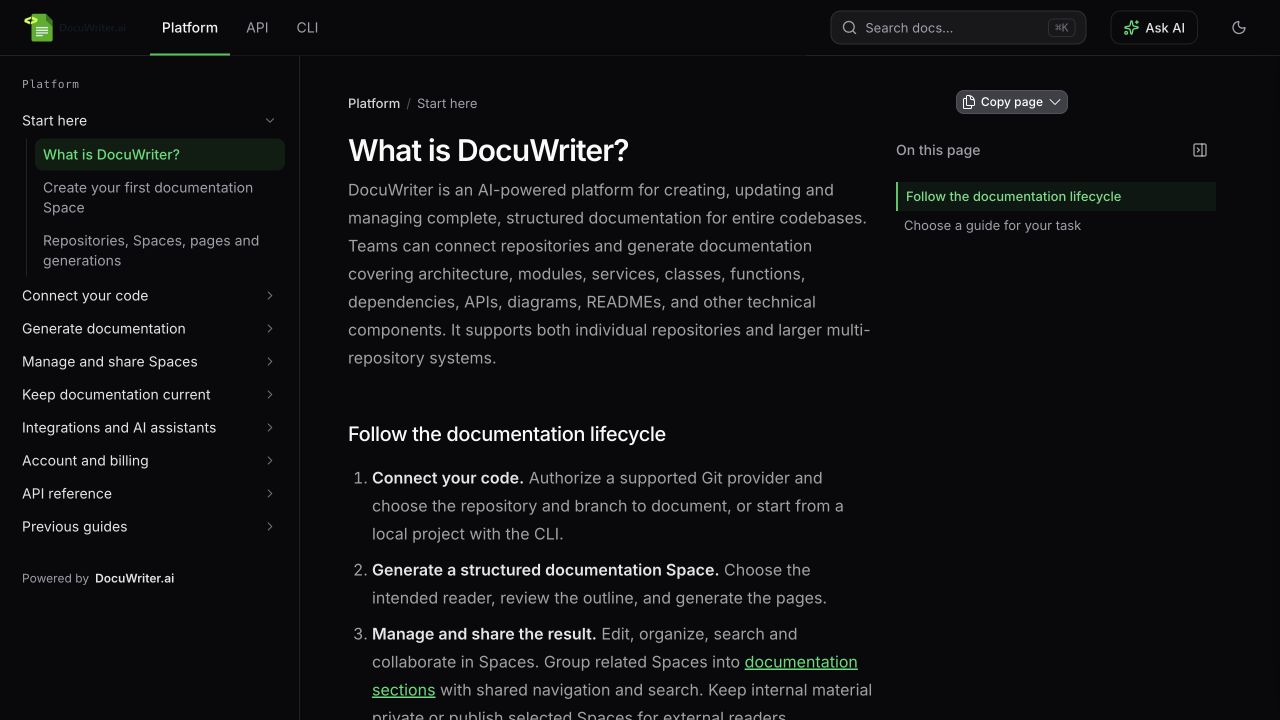
![Platform, API and CLI tabs on the public documentation site](https://app.docuwriter.ai/editor/image/60335058-a075-4297-98a7-ee28499400c7.jpg "Platform, API and CLI tabs on the public documentation site")

*Readers switch between independent Spaces using the shared section tabs.*

## Choose the parent Space and sources

Choose the Space whose branding should represent the documentation site. Manage its navigation from **Settings → Sections**.

For separate projects, create or choose separate Spaces in the same account or team. You must be able to manage a Space to attach it. Each linked Space keeps its pages, permissions, editors, public URL and Autopilot settings.

A Space can belong to one documentation site at a time. A Space that already has its own configured sections cannot be linked as a nested site. If a Space is already linked, open its **Settings → Sections** and use **Manage sections** to return to its parent Space.

## Add Platform, API and CLI sections

1. Open the parent Space and select **Settings → Sections**.
2. In the existing **This Space** row, set **Tab name** to **Platform**.
3. Select **Add section → Another Space**.
4. Choose the API Space, enter **API** as the **Tab name**, and click **Add section**.
5. Repeat for the CLI Space with **CLI** as its tab name.
6. Arrange the rows in the order readers should see them.
7. Click **Save sections**.

Use short tab names so readers can distinguish each area on smaller screens. The **Readers see** preview shows the public navigation; **Open public site** opens the reader view when a public section is available.
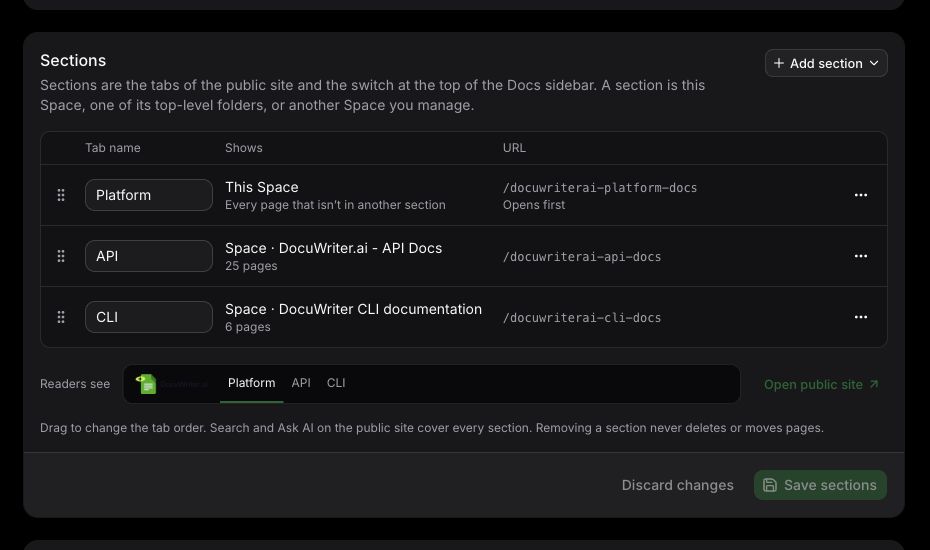
![Saved Sections settings showing Platform opening first, followed by API and CLI](https://app.docuwriter.ai/editor/image/d3b6a7bb-fc35-4821-8d3d-75afa2faa13d.jpg "Saved Sections settings showing Platform opening first, followed by API and CLI")

*Configure section sources, names and order from the parent Space.*

## Use a folder as a section

If all the content belongs in one Space, select **Add section → Folder in this Space**. Choose an existing top-level folder, provide a **Tab name**, and click **Add section**. Create a folder in **Docs** first if none are available.

The folder and its descendant pages appear in their own section and leave the main tab's sidebar. Their location and URLs remain the same. A folder section does not create a separate permission boundary: use separate Spaces for content with different visibility or access requirements.

## Set the order and starting section

Drag rows to change their tab order. You can also open a row's actions menu and choose **Move up** or **Move down**.

To choose where readers start when opening the site, open that section's actions menu and select **Open this section first**. Its row shows **Opens first**. Keep one default section and click **Save sections** after making changes.

The parent Space remains one section. Its **This Space** row includes every page that is not assigned to a folder section.

## Navigate and search

Select a public tab or the section switch in **Docs** to open that section's pages. Its sidebar, breadcrumbs and previous/next navigation follow the selected section.

On the public site, use search with **All sections** to find content across the eligible documentation sections, or select a section filter to narrow results. In the signed-in app, select **Whole site** to include linked Spaces; **This space** limits results to the current Space. Then choose **All sections** or a section filter. Results include the section and page hierarchy. On the public site, **Ask AI** can answer using eligible public pages across sections and link to its supporting pages; it requires the publisher's active paid plan.

See [Search documentation and ask questions](https://docs.docuwriter.ai/docuwriterai-platform-docs/manage-and-share-spaces/search-documentation-and-ask-questions).

## Control public visibility

Linking a Space does not change its sharing settings. Public tabs include only sections whose source Space is public and has discoverable content. Empty or private sections remain hidden on the public site. Signed-in readers only see source Spaces they are allowed to access.

To publish a linked section, open its source Space's settings, enable **Make this space public**, configure its public slug, and click **Save settings**. Review its content before publication. Making that source private again removes it from public navigation, search and Ask AI.

See [Publish a public documentation Space](https://docs.docuwriter.ai/docuwriterai-platform-docs/manage-and-share-spaces/publish-a-public-documentation-space).

## Change or remove a section

Edit a **Tab name** directly. For a folder or linked Space, use its actions menu's **Change source** option to select a different source. Click **Save sections** to apply changes or **Discard changes** to return to the last saved configuration.

**Remove section** removes only the navigation entry. It never deletes or moves the underlying pages. Removing a folder section returns its pages to the parent Space's main section; removing a linked Space leaves that Space independent, with its original content, permissions and URLs.

Updated October 20, 2026

​

---

# Organize pages and folders

Source: https://docs.docuwriter.ai/docuwriterai-platform-docs/manage-and-share-spaces/organize-pages-and-folders

# Organize pages and folders

A Space collects related documentation in one navigable tree. Use folders for categories and pages for content that answers a specific question or task.

## Create a useful structure

Start with an overview and getting-started page. Follow with common workflows, then reference material and troubleshooting. Keep names concise and distinct so readers can choose a page without opening several similar titles.

Use the Space's item controls to add a page, folder or external link. Move pages into the relevant folders and adjust their order. An external link is a navigation item pointing elsewhere; it is not an editable local document.

## Maintain the hierarchy

Rename a page when its purpose changes, and review incoming links before removing or replacing it. Avoid putting essential instructions only in a folder name; readers need a content page that explains the task.

Pages can be authored manually or populated from generation results. Use [Generations](https://docs.docuwriter.ai/docuwriterai-platform-docs/generate-documentation/manage-saved-generations-and-versions) when adding a previously generated artifact, or [documentation gaps](https://docs.docuwriter.ai/docuwriterai-platform-docs/generate-documentation/find-and-fill-documentation-gaps) when proposing source-backed additions to an existing Space.

## Add sections for distinct documentation areas

Use [sections](https://docs.docuwriter.ai/docuwriterai-platform-docs/manage-and-share-spaces/organize-documentation-with-sections) when readers need to switch between areas such as Platform, API and CLI. Open **Settings → Sections** in the parent Space. A section can show this Space, one of its top-level folders, or another Space you manage.

A folder section shows that folder's subtree separately from the main section; its pages stay in the same folder. A linked Space keeps its own pages, permissions, URL and Autopilot. Choose the section in the Docs sidebar before adding content so it goes into the intended source.

Rename tabs, reorder them and select which section opens first in **Settings → Sections**, then click **Save sections**. Removing a section removes its navigation entry and does not delete or move its pages.

## Check the reader's path

Open the Space as a reader and follow the first few tasks. Confirm the ordering makes sense, references point to the expected pages and no navigation item promises content that is empty.

Use [sharing settings](https://docs.docuwriter.ai/docuwriterai-platform-docs/manage-and-share-spaces/publish-a-public-documentation-space) only after reviewing what the whole Space exposes. If you need separate public and internal material, organize it into separate Spaces rather than relying on folder names to restrict access.

Updated October 20, 2026

​

---

# Publish a public documentation Space

Source: https://docs.docuwriter.ai/docuwriterai-platform-docs/manage-and-share-spaces/publish-a-public-documentation-space

# Publish a public documentation Space

Make a Space public when its full documentation collection is intended for readers outside your account or team.

## Review before publishing

Read the pages and navigation for internal details, credentials, customer data and links that require private access. Publishing is a Space-level decision; a folder name such as “Internal” is not an access control.

Confirm the overview explains the intended audience and that important pages contain finished content. Remove empty placeholders from the reader journey.

## Configure public access

Open the Space's settings, enable public visibility and configure the public slug using the controls provided. Save, then open its public URL in a browser session that is not signed in.

Check that the correct pages, images and links are visible. Public readers get a reading experience; publishing does not grant them permission to edit the Space.

## Publish a documentation site with sections

To present related Spaces as one reader experience, [configure sections](https://docs.docuwriter.ai/docuwriterai-platform-docs/manage-and-share-spaces/organize-documentation-with-sections) from the parent Space's **Settings → Sections**. The public site shows the parent Space's branding and a tab for each eligible section. Readers can search across the public sections and filter results to one section.

Each linked Space keeps its own visibility setting. Enable **Make this space public**, configure its slug and click **Save settings** for every source intended for public readers. Attaching a private Space does not publish it. A section needs public, discoverable content to appear; empty or private sections remain hidden publicly.

Check the parent Space and every intended public tab in a signed-out browser session. Verify the correct sidebar, links and search results. Returning a linked Space to private visibility removes its content from public tabs, search and Ask AI; its direct public pages are no longer accessible.

## Maintain public links

Avoid changing an established public slug casually. Public page URLs include the Space slug and the folder/page path. Moving a page or changing its URL settings changes its canonical location; verify existing links and redirects after reorganizing. Deleting a page can make a saved link unavailable.

Adding or removing a navigation section preserves the underlying pages and their existing URLs. Changing the section's tab label also does not rename the Space or move its content.

If you return the Space to private visibility, check the public URL again. Keep copies or exports you have already shared in mind: changing visibility cannot recall content someone already downloaded.

Public pages support [Copy page and Open in AI](https://docs.docuwriter.ai/docuwriterai-platform-docs/manage-and-share-spaces/copy-pages-into-ai-tools). **Ask AI** has separate publisher-entitlement requirements.

For internal collaboration, use [team access](https://docs.docuwriter.ai/docuwriterai-platform-docs/account-and-billing/invite-teammates-and-manage-access) and keep the Space private until external publication is intended.

Updated October 20, 2026

​

---

# Search documentation and ask questions

Source: https://docs.docuwriter.ai/docuwriterai-platform-docs/manage-and-share-spaces/search-documentation-and-ask-questions

# Search documentation and ask questions

Use search to locate an existing page, then read its context. Use an AI question when you need an explanation across the documentation you are allowed to access.

## Search effectively

Open the Space's search control and enter a task, feature or distinctive term. You can also use **⌘K** on macOS or **Ctrl+K** on Windows and Linux. If results are too broad, include the component or workflow name. Check the selected Space or section before assuming a page is absent.

Open the result and verify the page actually answers the question. A snippet is a navigation aid and can omit qualifications that appear in the full document.

## Search across sections

In a [documentation site with sections](https://docs.docuwriter.ai/docuwriterai-platform-docs/manage-and-share-spaces/organize-documentation-with-sections), search can find pages across the eligible sections, including linked Spaces. On the public site, leave **All sections** selected to search all eligible sections, or select a section filter to narrow the results. In the signed-in app, select **Whole site** to include linked Spaces; **This space** limits results to the current Space. Then use **All sections** or a section filter. Results identify their section and page hierarchy so you can distinguish similar titles.

For example, a site with Platform, API and CLI tabs can return setup instructions from all three. Switching tabs changes the navigation sidebar; use the search filters when you want to limit a search to one area.

Public search includes only public, discoverable pages. Signed-in readers receive results only from Spaces they are allowed to access. Sections outside the current documentation site are not automatically included.

![Shared search showing matching pages in Platform, API and CLI, with filters for each section](https://app.docuwriter.ai/editor/image/3a1b20d3-4866-41f8-81a7-800b2bd253f5.jpg "Shared search showing matching pages in Platform, API and CLI, with filters for each section")

*All sections includes matching documentation from the linked Spaces. Select a section to narrow the results.*

## Ask a question

Ask a concrete question such as “What configuration is required before enabling SSO?” rather than “Explain everything.” When available, follow cited document links and check the supporting instructions.

On a public documentation site, **Ask AI** can use documentation across its eligible sections. Ask a question that spans them, such as “How do I generate documentation with the CLI and then share it from the platform?”, and follow the cited pages to check the answer.

For source-aware assistance or actions across Spaces, use the [Platform AI Agent](https://docs.docuwriter.ai/docuwriterai-platform-docs/integrations-and-ai-assistants/platform-agent/use-the-platform-agent). Searching documentation and searching linked repository source are different operations; tell the assistant which evidence you need.

## Access and availability

Results respect the relevant Space access. Public readers can read a public Space, but public **Ask AI** requires the documentation site's publisher to have an active paid plan. Copying a public page does not require the same entitlement.

A new or recently edited page may need time before its searchable content is refreshed. If a result looks stale, open the page itself to inspect the current text and report the mismatch with the Space and page names.

See [Copy pages into AI tools](https://docs.docuwriter.ai/docuwriterai-platform-docs/manage-and-share-spaces/copy-pages-into-ai-tools) when you want to work with one page in an external assistant.

Updated October 20, 2026

​

---

# Choose branches, triggers and path filters

Source: https://docs.docuwriter.ai/docuwriterai-platform-docs/keep-documentation-current/choose-branches-triggers-and-path-filters

# Choose branches, triggers and path filters

Configure each Autopilot repository link to match the code that should influence a Space.

## Branch

Use the branch whose behavior the documentation describes. A Space documenting released behavior may need a different branch from an experimental internal Space. Check exact spelling and revisit the link if the repository changes its branch naming.

## Triggers

Choose the supported events for that provider, such as pushes or merged pull requests. Providers send different event shapes, so pull-request behavior can vary. Review actual activity after configuration to verify the expected event is recognized.

## Path filters

Use filters when only part of a repository belongs to the documentation. For example, a backend API Space may focus on `api/` or `app/` rather than a separate website directory.

Enter filters in the format accepted by the settings control. If an event touches no matching files, it does not produce suggestions for that link. Overly narrow filters can exclude a dependency whose change matters to your docs.

## Instructions

Provide factual writing guidance relevant to the Space, such as the audience or terminology. Instructions help shape suggestions but do not make unrelated changes relevant or guarantee an update for every event.

After changing scope, inspect a representative event in Activity and [review the resulting suggestions](https://docs.docuwriter.ai/docuwriterai-platform-docs/keep-documentation-current/review-and-apply-documentation-suggestions). If expected updates are absent, compare the actual changed paths with the saved filters before changing the documentation itself.

Updated September 28, 2026

​

---

# Configure Autopilot notifications

Source: https://docs.docuwriter.ai/docuwriterai-platform-docs/keep-documentation-current/configure-autopilot-notifications

# Configure Autopilot notifications

Notification settings tell reviewers when a repository link has produced documentation suggestions. They are configured per link, separately from account-level webhook subscriptions and lifecycle email preferences.

## Set up a channel

Open **Autopilot → Notifications** for the Space, select the repository link and enable notifications. Choose the available channels, provide any required destination URL and save.

Email and supported external channels have different entitlement requirements. The UI indicates which are available to the Space owner. External channel options include Slack, Microsoft Teams, Google Chat and a generic webhook where enabled.

## Incoming webhooks and the Slack Agent

An incoming webhook posts notifications to a channel. The [Slack Agent](https://docs.docuwriter.ai/docuwriterai-platform-docs/integrations-and-ai-assistants/platform-agent/use-docuwriter-in-slack) is a separate integration for private conversations and approved actions. Installing or linking one does not automatically configure the other.

Treat channel webhook URLs as credentials. Obtain a supported destination from that service and paste it only into the notification settings.

## Generic webhook

For a custom endpoint, configure the URL and optional signing secret. Verify signed requests using the raw body and the documented signature format before parsing the payload. Do not assume re-serializing JSON produces identical bytes.

For broader account events, use [account webhooks](https://docs.docuwriter.ai/docuwriterai-platform-docs/integrations-and-ai-assistants/receive-outgoing-docuwriter-webhooks) and their event subscriptions instead of a per-link notification channel.

## Troubleshooting

Check the link's notification master switch, selected channel, destination URL and entitlement. Also confirm a new batch was actually produced. Turning off link notifications does not necessarily unsubscribe lifecycle emails; use the unsubscribe controls supplied in those messages.

Updated September 28, 2026

​

---

# Configure optional auto-apply

Source: https://docs.docuwriter.ai/docuwriterai-platform-docs/keep-documentation-current/configure-optional-auto-apply

# Configure optional auto-apply

Auto-apply can apply eligible Autopilot suggestions without a separate manual approval for each batch. Use it only after reviewing the quality and relevance of suggestions for that repository link.

## Configure a link

Open the Space's **Autopilot → Auto-apply** settings. If your plan and permissions include the feature, enable it for the intended repository link and choose its confidence threshold.

Review the repository, branch, filters and writing instructions first. A high threshold does not correct an incorrectly scoped link.

## Understand the result

Eligible changes are applied according to the link's settings and recorded in activity. The workflow saves a version snapshot before automated application. Review the resulting pages and the available history or rollback actions when checking a run.

Suggestions that are not eligible for automatic application remain for manual review. Auto-apply should not be interpreted as a promise that every future suggestion will bypass the inbox.

## Start conservatively

Begin with a bounded set of documentation and examine early changes. If the result is not appropriate, disable auto-apply, review the applied content and correct the link's scope or instructions before enabling it again.

Use [Activity and audit history](https://docs.docuwriter.ai/docuwriterai-platform-docs/keep-documentation-current/review-activity-and-audit-history) to investigate changes. If you need help recovering content, retain the batch and page identifiers rather than starting a new full documentation build.

Updated September 28, 2026

​

---

# Connect a Space to Autopilot

Source: https://docs.docuwriter.ai/docuwriterai-platform-docs/keep-documentation-current/connect-a-space-to-autopilot

# Connect a Space to Autopilot

Set up Autopilot on the Space that should receive documentation suggestions. Authorizing a Git provider and enabling a Space repository link are separate steps.

## Before you start

You need permission to manage the Space and access to the provider repository. Confirm the documentation corresponds to that repository and branch. For GitHub, the Autopilot GitHub App can support event delivery and pull-request comments for installed repositories.

## Add a link

1. Open the Space's **Autopilot** page.
2. Open **Connections** and add a repository link.
3. Select the provider repository and exact branch.
4. Choose the supported trigger events and enable the link.
5. Add optional path filters or instructions, then save.
6. Complete any provider-specific webhook setup indicated by the app.

Azure DevOps may require manual webhook configuration. Event support differs among providers; use the options offered for the selected provider rather than assuming every pull-request event is supported.

## Verify the setup

After a relevant repository event, check the Space's Activity. Confirm the event was received and whether processing produced suggestions, found no relevant changes or failed.

Review a first batch manually before considering [auto-apply](https://docs.docuwriter.ai/docuwriterai-platform-docs/keep-documentation-current/configure-optional-auto-apply). Configure [notifications](https://docs.docuwriter.ai/docuwriterai-platform-docs/keep-documentation-current/configure-autopilot-notifications) after deciding who should review updates.

## Multiple repositories

Add a separate link for each source repository that contributes to the Space. Each link has its own branch, filters and settings. Avoid a broad connection that pulls unrelated code into a narrowly scoped documentation set.

If nothing arrives, use [Autopilot troubleshooting](https://docs.docuwriter.ai/docuwriterai-platform-docs/keep-documentation-current/troubleshoot-missing-autopilot-updates).

Updated September 28, 2026

​

---

# How Autopilot keeps documentation current

Source: https://docs.docuwriter.ai/docuwriterai-platform-docs/keep-documentation-current/how-autopilot-keeps-documentation-current

# How Autopilot keeps documentation current

Autopilot connects a documentation Space to repository changes and prepares suggested documentation updates. It helps maintain an existing documentation set after the initial generation.

## The workflow

1. A configured repository event arrives for an enabled Space link.
2. DocuWriter checks the changed code and relevant documentation.
3. Suggestions appear for review when an update is warranted.
4. A permitted user applies, discards or snoozes the suggestions. Optional auto-apply can handle eligible changes when configured.

A suggestion may update an existing page or propose a new page. A received code event does not guarantee a suggestion: some changes have no relevant documentation impact or are filtered out.

## Before enabling it

Start with a useful Space and a working provider connection. Choose the repository, branch and scope that correspond to the documentation. A Space can have multiple repository links, which is useful when one system spans repositories.

[Set up Autopilot](https://docs.docuwriter.ai/docuwriterai-platform-docs/keep-documentation-current/connect-a-space-to-autopilot) and begin with manual review so you can assess the relevance and accuracy of suggestions.

## Access and usage

Preview access and permission to apply changes are separate. The app shows which actions your account or team can use. Generated suggestions can consume credits on entitled paid workflows; applying a suggestion is not a new documentation generation.

A one-time ZIP cannot receive provider events. Use a Git connection when you need ongoing maintenance.

Use [Update Documentation Gaps](https://docs.docuwriter.ai/docuwriterai-platform-docs/generate-documentation/find-and-fill-documentation-gaps) for deliberate broad expansions; use Autopilot for changes prompted by repository activity.

Updated September 28, 2026

​

---

# Review activity and audit history

Source: https://docs.docuwriter.ai/docuwriterai-platform-docs/keep-documentation-current/review-activity-and-audit-history

# Review activity and audit history

Use a Space's Autopilot Activity view to understand repository processing and documentation changes. Activity is the first place to investigate an expected update that did not appear.

## Read the event outcome

Look for the relevant repository and time. Events may be processing, completed, ignored or failed. A completed event can legitimately produce no suggestions when the changed code does not require a relevant documentation update.

For generated batches, inspect the suggestions and their applied or discarded outcomes. Distinguish an event being received from a page actually being changed.

## Configuration history

Where your plan includes audit logging, inspect link creation, updates, enable/disable actions and related maintenance changes. Entries identify the action, actor and affected object with a timestamp.

Use the available CSV export when you need an offline review. Store the export appropriately: actor information and other operational details may be included.

## Investigate a problem

Collect the Space, repository, branch, approximate time and the relevant event or batch identifier. Compare configuration changes around that time with the observed outcome.

If content was applied incorrectly, inspect the updated page and available version history. Avoid deleting the Space or event context before requesting support.

For programmatic review, supported assistants can retrieve Space activity through [MCP capabilities](https://docs.docuwriter.ai/docuwriterai-platform-docs/integrations-and-ai-assistants/mcp-assistants/mcp-capabilities-and-task-reference), subject to normal permissions and entitlement.

Updated September 28, 2026

​

---

# Review and apply documentation suggestions

Source: https://docs.docuwriter.ai/docuwriterai-platform-docs/keep-documentation-current/review-and-apply-documentation-suggestions

# Review and apply documentation suggestions

Open the Autopilot inbox to review proposed documentation changes. You can work across Spaces or open the inbox for a specific Space.

## Review a suggestion

Read the target page, the change explanation and the proposed diff. Check both factual correctness and whether the change belongs in that page. A confidence score helps prioritize review but is not a substitute for checking important instructions.

For a new-page suggestion, check its title and placement as well as its body. For an existing page, make sure the proposed replacement preserves still-valid content.

## Choose an action

| Action | Use it when |
| --- | --- |
| Apply | The proposed content is correct and ready to update the Space. |
| Discard | The suggestion is irrelevant or should not be applied. |
| Snooze | You need to return to the pending suggestion later. |

Use bulk actions only after checking the selected suggestions. Applying changes requires the appropriate plan and permissions; preview access may allow reading diffs without applying them.

## After applying

Open the updated page and check the final result. Use Activity to inspect what happened. A suggestion that is no longer pending may not accept the same action again.

The [Platform AI Agent](https://docs.docuwriter.ai/docuwriterai-platform-docs/integrations-and-ai-assistants/platform-agent/use-the-platform-agent) can help locate and explain suggestions. When it proposes a change, review its approval request before execution.

If the underlying documentation changed while you were reviewing, reopen the current page and prepare an up-to-date action rather than assuming the older preview is still safe to apply.

Updated September 28, 2026

​

---

# Troubleshoot missing Autopilot updates

Source: https://docs.docuwriter.ai/docuwriterai-platform-docs/keep-documentation-current/troubleshoot-missing-autopilot-updates

# Troubleshoot missing Autopilot updates

Start with the repository link and Activity. A missing suggestion can mean no event arrived, the event was filtered, no documentation update was needed, or processing failed.

## Check the connection

Confirm the link is enabled, its repository and branch match the change, and provider authorization is still active. For GitHub App connections, check the app remains installed for the repository. Complete any manual provider webhook setup required by the connection.

## Check the event

Look in Activity for the relevant time. If no event exists, inspect provider delivery and trigger configuration. If an event was ignored or produced no suggestions, compare changed paths with the filters and consider whether the code change affects the documented behavior.

Documentation-only, dependency-lockfile and very small changes may be skipped. Repeatedly pushing an irrelevant change is not a useful way to test documentation coverage.

## Check access and credits

Preview and apply permissions differ. An upgrade prompt on Apply does not mean the suggestion failed to generate. If processing is paused or fails, inspect the visible reason and [account usage](https://docs.docuwriter.ai/docuwriterai-platform-docs/account-and-billing/understand-credits-and-usage).

## Check the documentation scope

A Space needs relevant content to maintain. If the major problem is missing topics across the project, use [Update Documentation Gaps](https://docs.docuwriter.ai/docuwriterai-platform-docs/generate-documentation/find-and-fill-documentation-gaps) for a deliberate expansion.

When contacting support, include the Space, provider, repository, branch, approximate event time and visible status. Keep secrets out of screenshots. If a change may already have applied, inspect the target page before trying the action again.

Updated September 28, 2026

​

---

# Export a Space to Confluence

Source: https://docs.docuwriter.ai/docuwriterai-platform-docs/integrations-and-ai-assistants/export-a-space-to-confluence

# Export a Space to Confluence

Export a DocuWriter Space to Confluence when your team needs to read the documentation alongside its existing knowledge base. An export publishes a copy to the selected Confluence destination; plan how you will refresh that copy as the source Space changes.

## Connect your Confluence account

Open **Integrations → Confluence Connections → Add connection**. Choose the authentication method for your instance:

| Connection | Details |
| --- | --- |
| Confluence Cloud with API token | Use the email and API token for an account with access to the destination. |
| Confluence Cloud with OAuth | Follow **Connect with Confluence** and approve browser authorization. |
| Confluence Server or Data Center | Enter the server URL and a personal access token. |

The account needs permission to create or update pages. Creating a new target space and uploading images require the corresponding permissions. A connection that authenticates successfully can still lack permission for a particular destination.

## Export the Space

1. Open your DocuWriter Space and its Overview.
2. Select **Confluence** and choose the connection.
3. Choose an existing Confluence space, or create one with a name and unique key.
4. Select whether to create new pages or update existing pages.
5. Start the export and wait for its completion or failure notification.

You need permission to manage the DocuWriter Space. If the product displays an upgrade requirement for the Space’s export action, resolve that before starting.

## Choose update behavior deliberately

**Create new pages** avoids overwriting an existing page with the same title. **Update existing pages** updates matching pages when possible and creates pages when there is no match. Before updating a shared knowledge base, inspect how the previous export maps to destination pages.

Folders become parent pages and nested documents remain beneath them. Common headings, lists, tables, code, images, and diagrams are converted for Confluence. After the first export, inspect representative pages, nested structure, and images in the destination.

## Troubleshooting

For authorization or permission errors, reconnect and confirm destination access. If the space key already exists, select the existing space or choose another key. For missing images, check attachment permissions. Read the failure notification before retrying, and inspect whether any pages were already created to avoid unnecessary duplicates.

Updated September 28, 2026

​

---

# Connect an AI assistant to DocuWriter

Source: https://docs.docuwriter.ai/docuwriterai-platform-docs/integrations-and-ai-assistants/mcp-assistants/connect-an-ai-assistant-to-docuwriter

# Connect an AI assistant to DocuWriter

Connect your assistant to DocuWriter to search existing documentation, read complete pages, and work with Spaces without copying documents between applications. MCP is the connection protocol; your DocuWriter account remains the source of permissions and available resources.

## Choose your client

Follow the guide for [ChatGPT or Codex](https://docs.docuwriter.ai/docuwriterai-platform-docs/integrations-and-ai-assistants/mcp-assistants/connect-chatgpt-or-codex), [Claude Code](https://docs.docuwriter.ai/docuwriterai-platform-docs/integrations-and-ai-assistants/mcp-assistants/connect-claude-code), [Cursor](https://docs.docuwriter.ai/docuwriterai-platform-docs/integrations-and-ai-assistants/mcp-assistants/connect-cursor), or [VS Code](https://docs.docuwriter.ai/docuwriterai-platform-docs/integrations-and-ai-assistants/mcp-assistants/connect-vs-code). All use this remote endpoint:

```text
https://app.docuwriter.ai/mcp
```

Sign in through the browser authorization screen when your client connects. You do not need to generate a DocuWriter API token or run a local DocuWriter MCP package. The REST API has a separate [API-token setup](https://docs.docuwriter.ai/docuwriterai-platform-docs/api-reference/start-with-the-api/public-api-quickstart).

## Verify the connection with a read

Ask: “Use DocuWriter to list my Spaces with their IDs.” Choose the intended Space, then ask: “Search that Space for authentication and read the most relevant page.” A successful connection returns resources your account can access. An empty list can mean the authorized account has no Spaces; it does not necessarily mean the connection failed.

## Use precise requests

For a change, identify the Space, page, desired result, and whether you want a proposal or an applied update. For example: “Read the deployment guide in Space 123, draft a rollback section, and show it to me before updating the page.” Replace example IDs with returned IDs.

The assistant can use supported generation and management tools, but repository authorization, initial repository selection, file upload, billing, and other browser steps still happen in DocuWriter. Connecting MCP alone does not import a repository or generate documentation. Start with the [repository quickstart](https://docs.docuwriter.ai/docuwriterai-platform-docs/start-here/create-your-first-documentation-space) if your account has no documentation yet.

See the [capability reference](https://docs.docuwriter.ai/docuwriterai-platform-docs/integrations-and-ai-assistants/mcp-assistants/mcp-capabilities-and-task-reference) and [approval behavior](https://docs.docuwriter.ai/docuwriterai-platform-docs/integrations-and-ai-assistants/platform-agent/review-agent-actions-and-approvals) before using tools that change or share content.

Updated October 3, 2026

​

---

# Connect ChatGPT or Codex

Source: https://docs.docuwriter.ai/docuwriterai-platform-docs/integrations-and-ai-assistants/mcp-assistants/connect-chatgpt-or-codex

# Connect ChatGPT or Codex

Bring your DocuWriter documentation into ChatGPT or Codex. Find pages in your Spaces, ask questions about your codebase, and generate documentation from code you share.
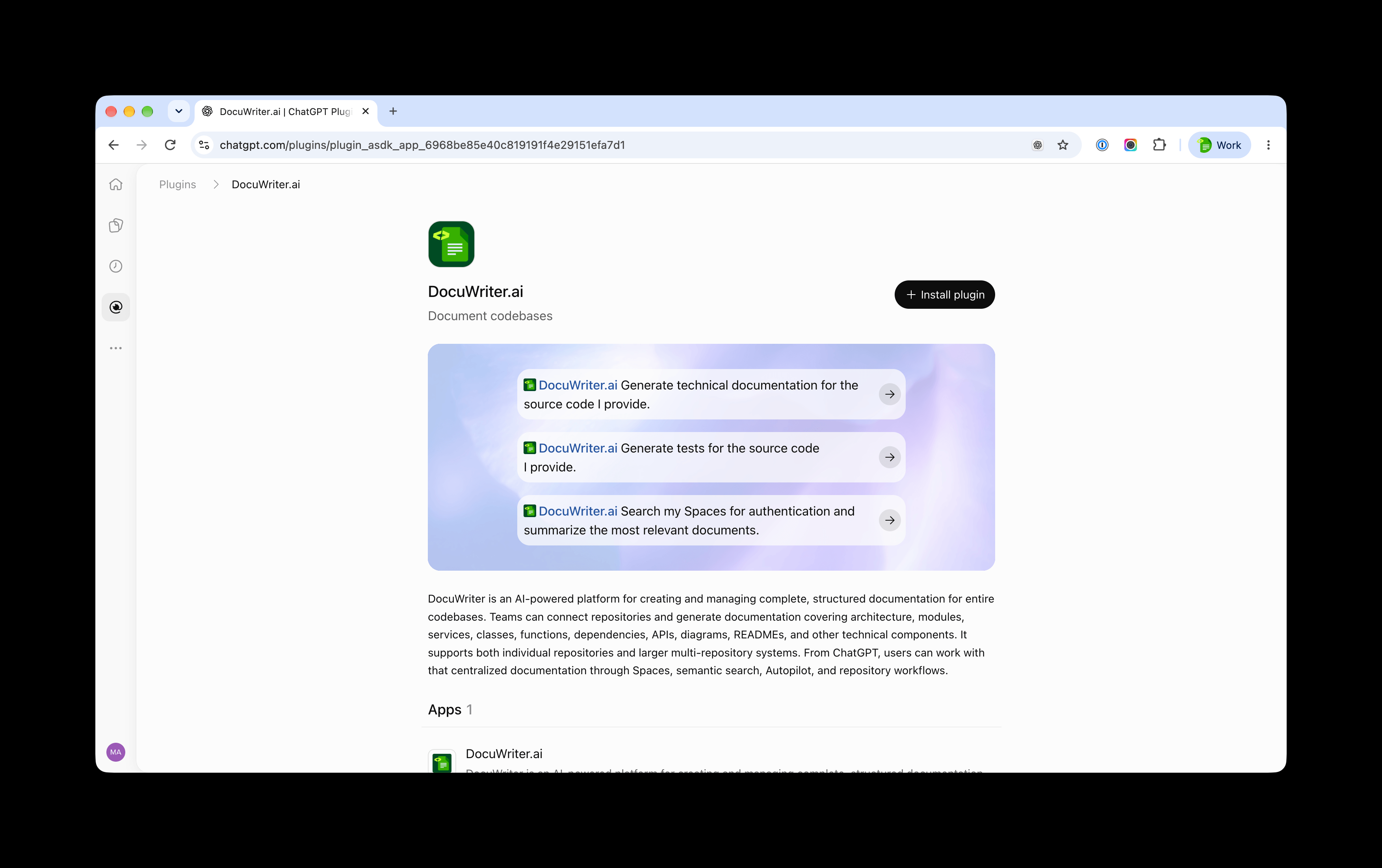
![CleanShot 2026-10-03 at 15.24.03@2x (1)](https://app.docuwriter.ai/editor/image/5b23d932-9b4d-450e-a089-8bf733415ed7.png "CleanShot 2026-10-03 at 15.24.03@2x (1)")

## Connect your account

1. Open [DocuWriter.ai in the plugin directory](https://chatgpt.com/plugins/plugin_asdk_app_6968be85e40c819191f4e29151efa7d1).
2. Select **Install**.
3. Select **Connect** when prompted.
4. Sign in to your DocuWriter account.
5. Review and approve the access request, then return to ChatGPT or Codex.

Use the DocuWriter account that has access to your team's documentation. If your organization manages plugins, your administrator may need to enable DocuWriter.

You do not need an API key or any server configuration.

## Try your first request

Start a conversation and select DocuWriter.ai from the available plugins. In ChatGPT, you can type **@DocuWriter.ai** and select it.

Ask:

> Show my DocuWriter Spaces.

You should see the Spaces available to your connected account.

## Find answers in your documentation

Describe what you need in your own words:

> Find the onboarding guide in our payments Space and summarize the setup steps. Include links to the pages you used.

Then ask a follow-up:

> What does a new developer need to know about authentication?

Include the Space or page name when you know it. This helps the assistant find the intended documentation.

## Generate documentation from code

Paste the code you want documented and explain who will read the result:

> Write documentation for this function for a developer joining our team. Explain the inputs, return value and error handling.

Review the generated documentation before using it. Only share code you are authorized to share with ChatGPT or Codex.

## Update a page

Name the page and describe the change you want:

> Read the authentication page and draft a clearer introduction. Show me the proposed text before saving it.

Once you are satisfied, ask the assistant to save the change. Review any approval prompt before continuing.

## Need help?

**Cannot find DocuWriter?** Check that you are in the correct workspace. Your organization's administrator may need to enable it.

**Cannot see your Spaces?** Make sure DocuWriter is selected in the conversation and that you connected the correct account.

**Asked to sign in again?** Follow the reconnect prompt and sign in to DocuWriter. Never paste passwords or API keys into a conversation.

**A feature is unavailable?** Available features can differ between ChatGPT, Codex and devices. Continue the task in [DocuWriter](https://app.docuwriter.ai/) or contact DocuWriter support with the error message.

Updated October 3, 2026

​

---

# Connect Claude Code

Source: https://docs.docuwriter.ai/docuwriterai-platform-docs/integrations-and-ai-assistants/mcp-assistants/connect-claude-code

# Connect Claude Code

Connect Claude Code to the remote DocuWriter server to search documentation while working in your repository.

## Add and authorize

With Claude Code installed, run:

```bash
claude mcp add --transport http --scope user docuwriter https://app.docuwriter.ai/mcp
claude mcp list
```

User scope makes the connection available across your projects. Use project scope when the configuration should belong to one shared project; each user still authorizes their own account.

Start Claude Code, enter `/mcp`, select DocuWriter, and complete the browser authentication flow. Sign in to DocuWriter and approve the connection. No manual bearer token is needed. See the [Claude Code MCP documentation](https://code.claude.com/docs/en/mcp) for client configuration and authorization controls.

## Confirm which account and Space you are using

Ask: “List my DocuWriter Spaces with their IDs.” Then: “Search Space 123 for deployment and read the matching guide.” Replace 123 with an ID returned by DocuWriter. The result should come from the selected Space, not a guess based on your local repository name.

## Document a local change

A useful request is: “Compare this code change with the deployment guide in DocuWriter. Show the documentation changes you recommend before saving anything.” Claude can inspect local code using its own capabilities and use DocuWriter tools for documents. The remote MCP server does not automatically read your local disk merely because you connected it.

For a new generation, provide the actual code or identify an already imported repository and the requested output. Generation can consume credits. [The capability reference](https://docs.docuwriter.ai/docuwriterai-platform-docs/integrations-and-ai-assistants/mcp-assistants/mcp-capabilities-and-task-reference) explains repository prerequisites.

## Troubleshooting

If authentication is required, return to `/mcp` and reconnect. If the server is configured but unavailable in a project, check its scope and project trust settings. If a page is missing, verify the authorized DocuWriter account and Space access before changing the configuration.

Updated September 28, 2026

​

---

# Connect Cursor

Source: https://docs.docuwriter.ai/docuwriterai-platform-docs/integrations-and-ai-assistants/mcp-assistants/connect-cursor

# Connect Cursor

Add DocuWriter to Cursor so your coding assistant can consult the same documentation your team maintains in Spaces.

## Configure the server

Create or update `.cursor/mcp.json` in your project. Merge this entry into existing configuration rather than replacing other servers:

```json
{
  "mcpServers": {
    "docuwriter": {
      "url": "https://app.docuwriter.ai/mcp"
    }
  }
}
```

For a connection across projects, use Cursor’s global MCP configuration instead. Open Cursor’s MCP settings, enable the server, and complete OAuth authorization in the browser. Each collaborator signs in with their own DocuWriter account; the shared configuration contains the endpoint, not their credentials. [Cursor’s MCP documentation](https://docs.cursor.com/context/model-context-protocol) explains its configuration scopes.

## Check access

Ask Cursor: “Use DocuWriter to list my Spaces and their IDs.” Choose the intended Space, then ask it to search for a specific subject and read the page. This verifies retrieval without creating new content.

## Work from documentation while coding

Try: “Before changing authentication, read the authentication and API guides in Space 123. Explain the documented constraints and cite the pages.” After the code change, ask for a proposed documentation update and inspect it before saving.

For a request to create a page, include the destination Space and title. For an update, identify the existing page so the assistant does not create a duplicate. See [MCP capabilities](https://docs.docuwriter.ai/docuwriterai-platform-docs/integrations-and-ai-assistants/mcp-assistants/mcp-capabilities-and-task-reference) for tool families and browser-only steps.

If DocuWriter tools do not appear, check that the server is enabled, OAuth completed, and the current assistant mode supports tools. Refresh the connection after server capabilities change. A permission error on one Space can be an account-access issue even when the connection itself works.

Updated September 28, 2026

​

---

# Connect VS Code

Source: https://docs.docuwriter.ai/docuwriterai-platform-docs/integrations-and-ai-assistants/mcp-assistants/connect-vs-code

# Connect VS Code

Connect VS Code’s MCP-enabled assistant to DocuWriter to search and maintain documentation from your editor. Your VS Code account and organization must allow the assistant and MCP servers you intend to use.

## Add workspace configuration

Create or update `.vscode/mcp.json`:

```json
{
  "servers": {
    "docuwriter": {
      "type": "http",
      "url": "https://app.docuwriter.ai/mcp"
    }
  }
}
```

VS Code uses the top-level `servers` key. Keep any existing entries. Start the server using VS Code’s MCP controls, trust the configuration when appropriate, and complete the DocuWriter OAuth flow. The [VS Code MCP guide](https://code.visualstudio.com/docs/agent-customization/mcp-servers) explains server management and user-level alternatives.

## Verify retrieval

Open a chat mode that can call tools and enable DocuWriter tools. Ask: “List my DocuWriter Spaces with IDs.” Next ask it to read a known page from a selected Space. A successful response identifies the requested documentation rather than returning a general answer about DocuWriter.

## Use it during a feature change

Ask: “Find the documentation for this module in Space 123. Summarize the public API before I change it.” After editing, ask for a draft update to the named page. Make clear whether the assistant should propose or apply the change.

If the server is present but tools cannot be called, check workspace trust, organization policies, selected chat mode, and tool selection. If OAuth opens the wrong account, reconnect using the account with access to your team’s Spaces. Do not add manual API-token headers to solve an OAuth problem.

Continue with the [MCP capability reference](https://docs.docuwriter.ai/docuwriterai-platform-docs/integrations-and-ai-assistants/mcp-assistants/mcp-capabilities-and-task-reference) for generation prerequisites, document management, and browser handoffs.

Updated September 28, 2026

​

---

# MCP capabilities and task reference

Source: https://docs.docuwriter.ai/docuwriterai-platform-docs/integrations-and-ai-assistants/mcp-assistants/mcp-capabilities-and-task-reference

# MCP capabilities and task reference

Use this reference to choose the right operation when working through an external assistant. The connected server supplies its current tool schemas; use those schemas for exact arguments rather than relying on a fixed tool count.

## Find and read documentation

| Task | Tools |
| --- | --- |
| Identify your account and available Spaces | `get-user-info`, `list-spaces` |
| Browse pages in a Space | `list-space-documents` |
| Search one Space or all accessible Spaces | `search-space-documents`, `global-search` |
| Read a complete page | `get-space-document` |

Start with search, then read the relevant document before proposing changes. A search excerpt is not the whole page. Space identifiers are numeric IDs, not public URL slugs.

## Create and organize content

Use `create-space-document` or `update-space-document` for Markdown page content, with `type: "markdown"` where required by the tool. Space-item tools manage folders, links, movement, copying, sharing, and deletion. Space tools manage the container itself. Deleting a Space is different from deleting one item inside it.

`export-space-items-markdown` returns selected content to the assistant. Use DocuWriter’s browser export controls for downloadable PDF or ZIP files. Creating a share link exposes content through a public URL; review the intended audience first.

## Generate documentation

`list-generators` describes available operations. Supplied-code tools cover documentation, tests, comments, optimization, diagrams, OpenAPI, and language conversion. Repository README and selected-file documentation require an imported repository. Codebase generation creates a Space with queued documentation work.

Full Tree generation has a review step: retrieve an existing preview with `get-full-tree-documentation-preview`, inspect it, and submit `generate-full-tree-documentation` only after accepting that tree. Pass the returned acceptance hash. Creating the first preview and editing its structure remain browser tasks. A queued workflow is not a completed document.

Existing generation tools list, read, rename, archive, restore, select a definitive version, add results to a Space, and create share links. Use archive/restore for generation history rather than assuming a delete operation exists.

## Maintain the workspace

Other tool families cover Autopilot links and suggestions, team members and invitations, webhook subscriptions and delivery logs, AI preferences, and provider-connection status. Read the target resource before a change and verify the result afterward. Autopilot access still follows your plan and team permissions.

## Complete browser-only steps

Provider consent, repository import and initial selection, local uploads, billing, password/security settings, API-token secrets, and browser downloads use DocuWriter’s UI. An assistant can guide you there without claiming it completed the action. External clients control MCP tool confirmations; see [approval behavior](https://docs.docuwriter.ai/docuwriterai-platform-docs/integrations-and-ai-assistants/platform-agent/review-agent-actions-and-approvals).

Updated September 28, 2026

​

---

# Build CI/CD, team, and code-quality workflows

Source: https://docs.docuwriter.ai/docuwriterai-platform-docs/integrations-and-ai-assistants/n8n/build-cicd-team-and-code-quality-workflows

# Build CI/CD, team, and code-quality workflows

Build n8n workflows around an explicit input, a DocuWriter operation, a review step, and a destination. The examples below are patterns you configure; connecting the node does not automatically install these automations.

## Generate documentation after a code change

Use a repository event or CI webhook as the trigger. Filter for the branch and source-file paths you intend to document. Fetch the actual file content for the event’s commit, then pass it and the filename to **Code Documentation → Generate**. Store the result as a build artifact or proposed documentation change for review.

Keep the commit identifier with the result so reviewers know which code was documented. Exclude generated documentation paths from the trigger to prevent a docs commit from recursively starting another generation. Start with a bounded set of files before expanding the workflow.

## Notify the team about completed work

Use **DocuWriter.ai Trigger** for a generation-created or generation-updated event, filter the generation types you need, and send a short notification through your chosen n8n messaging integration. Include the generation reference and enough context to find the result. Check the actual output of a test execution before mapping fields; different operations can return different payloads.

A notification destination can have a wider audience than the original DocuWriter resource. Send links or summaries appropriate to that audience rather than automatically posting full source code or private documentation.

## Add code-quality assistance to a review

After retrieving changed source files, run a focused **Code Tests**, **Code Optimization**, **Code Comments**, or **UML Diagram** operation. Route the result to a review artifact. Generated tests still need to run in your project, and suggested code changes need ordinary code review. A generated suggestion is not a passing build or proof of correctness.

## Keep automation predictable

Record the triggering repository event or commit so repeated deliveries do not start duplicate paid work. Check whether a generation already exists before retrying a timed-out request. Use n8n error handling to notify an operator, retain enough context to diagnose the input, and stop uncontrolled loops.

Keep initial workflows inactive while configuring destinations. Test one event end to end, inspect the DocuWriter result and downstream artifact, then activate. Use [webhook delivery logs](https://docs.docuwriter.ai/docuwriterai-platform-docs/integrations-and-ai-assistants/receive-outgoing-docuwriter-webhooks) to distinguish a sender failure from an n8n processing failure.

When a workflow is reusable, prepare a sanitized export using the [template guide](https://docs.docuwriter.ai/docuwriterai-platform-docs/integrations-and-ai-assistants/n8n/prepare-an-n8n-workflow-template-for-sharing).

Updated September 28, 2026

​

---

# Connect n8n and run your first workflow

Source: https://docs.docuwriter.ai/docuwriterai-platform-docs/integrations-and-ai-assistants/n8n/connect-n8n-and-run-your-first-workflow

# Connect n8n and run your first workflow

Use n8n when you need to connect DocuWriter generation results with repository events, notifications, or another business tool. For keeping an existing documentation Space aligned with repository changes, start by evaluating [Autopilot](https://docs.docuwriter.ai/docuwriterai-platform-docs/keep-documentation-current/connect-a-space-to-autopilot).

## Connect the node

Search the n8n node picker for **DocuWriter.ai**. If it is unavailable, check your instance’s community-node policy. On installations that allow manual community packages, install `n8n-nodes-docuwriter-ai` through **Settings → Community Nodes**.

Create a **DocuWriter.ai API** credential in n8n with your DocuWriter API token and base URL `https://app.docuwriter.ai`. Keep the token in n8n credentials, not a workflow text field. See [API setup](https://docs.docuwriter.ai/docuwriterai-platform-docs/api-reference/start-with-the-api/public-api-quickstart) for account-token prerequisites. This integration uses API credentials; it is separate from MCP OAuth.

## Make the first execution a read

1. Create a workflow with a manual trigger.
2. Add the DocuWriter.ai action node and select your credential.
3. Choose **User Info** and execute the node.
4. Confirm that the account returned is the one you intend to automate.

Then try **Code Documentation → Generate** with a small, non-sensitive example file. Supply the filename and actual source content. Inspect the returned generation before adding downstream publishing steps. Generator calls can consume your account’s credits.

## Choose an action or trigger

The action node supports code documentation, tests, comments, UML, optimization, generation retrieval, and account information. The DocuWriter.ai Trigger node listens for generation-created or generation-updated events. Select the event and connect its reachable webhook URL to a DocuWriter subscription. Use the production webhook URL for an active workflow; temporary test listeners are for an attended test run.

Not every DocuWriter API capability appears in the packaged node. Use an n8n HTTP Request step with the documented [API](https://docs.docuwriter.ai/docuwriterai-platform-docs/api-reference/start-with-the-api/public-api-quickstart) when you need another supported endpoint.

If a read fails, fix credentials first. If generation fails, check required inputs, account permissions, and credits. If a trigger is silent, check subscription status, event selection, and URL reachability. Continue with [workflow patterns](https://docs.docuwriter.ai/docuwriterai-platform-docs/integrations-and-ai-assistants/n8n/build-cicd-team-and-code-quality-workflows) and [outgoing webhooks](https://docs.docuwriter.ai/docuwriterai-platform-docs/integrations-and-ai-assistants/receive-outgoing-docuwriter-webhooks).

Updated September 28, 2026

​

---

# Prepare an n8n workflow template for sharing

Source: https://docs.docuwriter.ai/docuwriterai-platform-docs/integrations-and-ai-assistants/n8n/prepare-an-n8n-workflow-template-for-sharing

# Prepare an n8n workflow template for sharing

A useful template lets another team reproduce one clear result without inheriting your account details, credentials, or production destinations. Package a workflow only after you have tested its complete path with sample inputs.

## Describe the outcome and prerequisites

Give the template a task-oriented name, such as “Generate a documentation draft from a repository push.” State the trigger, supported input, DocuWriter operation, and destination. List the credentials users must create themselves and whether generation consumes credits.

Explain which repository, branch, path filters, Space identifiers, and notification destinations must be changed. Distinguish required configuration from optional enhancements. Include a small sample input and describe the expected output.

## Sanitize the exported workflow

Export the workflow from n8n and inspect the JSON before sharing it. Remove secrets, personal addresses, private repository names, internal URLs, customer source code, pinned execution data, and production webhook destinations. Replace organization-specific values with clear placeholders.

Keep the workflow inactive by default and require the recipient to select their own credentials. Do not rely on an empty credential selector alone: inspect node parameters and example data as well.

## Test the imported copy

Import the sanitized file into a separate workflow, configure test credentials, and execute one sample event. Confirm that it produces the documented result and does not send messages or write to the original destinations. Check the failure path for missing input or an unavailable destination.

## Submit or share

For n8n’s public template library, follow the submission process linked from the [n8n workflow library](https://n8n.io/workflows/). Acceptance and publication are controlled by n8n; exporting a workflow does not publish it. For a DocuWriter-specific integration issue or proposed example, use the [integration repository](https://github.com/DocuWriter-ai/n8n-nodes-docuwriter-ai) and include a sanitized reproduction.

Maintain the template when operation fields or external integrations change. Keep setup steps alongside the exported workflow so users do not need to reverse-engineer its configuration. See [workflow patterns](https://docs.docuwriter.ai/docuwriterai-platform-docs/integrations-and-ai-assistants/n8n/build-cicd-team-and-code-quality-workflows) for choosing a focused example.

Updated September 28, 2026

​

---

# Practical Agent workflows

Source: https://docs.docuwriter.ai/docuwriterai-platform-docs/integrations-and-ai-assistants/platform-agent/practical-agent-workflows

# Practical Agent workflows

Give the Agent a goal, the relevant Space or repository, and the boundary between drafting and applying. These examples can be adapted to your project; replace names and IDs with resources you can access.

## Understand an unfamiliar system

Ask: “Read the architecture and deployment pages in the Payments Space. Explain the main services, dependencies, and how a request moves through the system. Link each source.”

Read the cited pages if an answer affects an implementation decision. If documentation is incomplete, ask the Agent to identify what it could not establish and inspect connected source where available. Do not treat a fluent answer as evidence for a missing fact.

## Improve an existing guide

Ask: “Read the deployment guide. Draft a troubleshooting section for the documented failure cases. Show the proposed change before updating the page.”

Check the target page, the replacement content, and whether unrelated sections remain intact. Approve only the version you want, then open the page to verify the result. If the page changed during review, refresh the proposal instead of applying an old version.

## Triage documentation maintenance

Ask: “Show pending Autopilot suggestions for the Engineering Space. Summarize the affected pages and changes without applying them.” Choose a suggestion, inspect its diff, and request the desired action. Your plan and permissions still determine which Autopilot actions are available.

## Generate a focused deliverable

Ask: “Show the supported generators and help me produce a README for this imported repository.” Identify the repository and desired output. Review the generator proposal and credit impact before approval. For Full Tree documentation, complete the tree-preview review before creating the Space.

## Get help with a blocked task

Ask: “Help me diagnose this failed export. If support is needed, draft a message with the relevant details for me to review.” Inspect the support draft before sending. Include the affected resource and observable error, without pasting credentials.

## Verify outcomes

For reads, expect source pages or a clear statement that the information could not be found. For writes, expect the target resource and confirmed result. For long-running work, expect progress or a link to its status rather than an immediate completion claim. See [actions and approvals](https://docs.docuwriter.ai/docuwriterai-platform-docs/integrations-and-ai-assistants/platform-agent/review-agent-actions-and-approvals).

Updated September 28, 2026

​

---

# Review Agent actions and approvals

Source: https://docs.docuwriter.ai/docuwriterai-platform-docs/integrations-and-ai-assistants/platform-agent/review-agent-actions-and-approvals

# Review Agent actions and approvals

DocuWriter separates answering a question from changing your workspace. The Platform Agent can perform permitted reads directly; changes and generator runs are prepared for your review.

## Review a proposed action

An approval can identify the target Space, document, repository link, team member, or integration, together with the requested change. For document edits, inspect the content or diff. For a generator, check its inputs and credit impact. For sharing, check what will become accessible through the resulting public link.

Approve to execute the proposal or reject it to leave the resource unchanged. Rejection is useful when you want to refine the request: explain the correction and ask for a new proposal. Do not approve an action merely because its title resembles your request; inspect the actual target and content.

## Access and freshness are checked again

An approval does not override your account role, plan, or resource permissions. DocuWriter checks the action when it executes. A proposal can become stale if the page, membership, or relevant settings changed after it was prepared. Ask for a fresh proposal rather than repeatedly submitting the old one.

Support requests are also drafts until confirmed. A browser handoff can be required for authentication, account settings, downloads, or selection/review steps that cannot be completed in the conversation.

## MCP assistants have their own confirmation controls

The web and Slack Platform Agent show DocuWriter approval interfaces. External MCP assistants use their client's tool-approval and confirmation settings. Do not assume a second DocuWriter approval card will appear after an MCP write tool is called. Ask the assistant to show its proposed change first and configure its permissions accordingly. DocuWriter still enforces server-side authorization.

## Check the result before retrying

A pending approval is not a completed action. A started background workflow is not finished documentation. If a connection drops after an action, inspect the target resource or generation history before asking for another run. This avoids creating duplicate pages or spending credits twice. Slack provides additional stop and recovery behavior described in the [Slack guide](https://docs.docuwriter.ai/docuwriterai-platform-docs/integrations-and-ai-assistants/platform-agent/use-docuwriter-in-slack).

Updated September 28, 2026

​

---

# Use DocuWriter in Slack

Source: https://docs.docuwriter.ai/docuwriterai-platform-docs/integrations-and-ai-assistants/platform-agent/use-docuwriter-in-slack

# Use DocuWriter in Slack

Use the Platform Agent in a private conversation with the DocuWriter Slack app. The linked DocuWriter account controls access to documents and actions; membership in a Slack workspace does not grant DocuWriter permissions.

## Install and link your account

1. Open **Settings → Integrations** in DocuWriter and select **Add to Slack**.
2. Choose the workspace and approve installation using an account allowed to install Slack apps.
3. Open the DocuWriter app in Slack and send a private message.
4. Follow the secure linking URL, sign in to DocuWriter, and confirm the account in the browser.
5. Return to the original Slack conversation and confirm the masked account details.

Installation and user linking are separate. Each person completes their own link. If the link expires, begin again from a private message. A **Needs attention** installation may need reinstallation to restore required Slack permissions.

## Ask and review

Try: “Search our documentation for SSO setup,” or “Read the deployment guide.” For a change, ask for a specific update and review the approval message before selecting **Approve** or **Reject**. Account access, workspace policy, and the current resource are checked again before execution.

Top-level private messages use the active direct-message conversation. Replies in a Slack thread retain that thread’s context. Send `new conversation` or `/new` as an exact message to reset the active direct-message context. Resetting the conversation does not cancel an action already underway.

Use **Stop**, or an exact `stop` or `cancel` message, while a request can still be stopped. If an external action may already have happened, check its confirmed result before retrying. Long-running documentation generation can hand you back to DocuWriter to inspect progress.

## Privacy and team controls

DocuWriter retrieves private Slack conversation content as needed for the request rather than storing it as a persistent Slack transcript in DocuWriter. Operational metadata is retained for linking, run state, approvals, and delivery tracking. This does not mean content avoids AI processing or that Slack and AI-provider retention policies disappear. Documents and generations created by an approved action follow ordinary product retention, and approved support requests have their own delivery handling.

Team owners can restrict Agent capabilities, changes/generators, and support requests in **Settings → Integrations → Slack**, and choose integration-metadata retention of 1, 7, 14, or 30 days. The default is 30 days. These controls reduce access; they cannot expand a member’s DocuWriter permissions.

The full Agent runs in private app conversations, not public channels, shared private channels, group messages, or Slack Connect.

## Disconnect or troubleshoot

Disconnect the linked account in Slack integration settings to stop future delivery to that identity and cancel pending Slack approvals. Existing product documents are not deleted. Uninstalling the app removes the workspace installation; reinstalling requires users to link again.

For missing responses, check private-message context, installation health, account linking, and team policy. If a write result is uncertain, inspect the resource in DocuWriter before repeating it. See [actions and approvals](https://docs.docuwriter.ai/docuwriterai-platform-docs/integrations-and-ai-assistants/platform-agent/review-agent-actions-and-approvals).

Updated September 28, 2026

​

---

# Use the Platform Agent

Source: https://docs.docuwriter.ai/docuwriterai-platform-docs/integrations-and-ai-assistants/platform-agent/use-the-platform-agent

# Use the Platform Agent

The Platform Agent helps you find answers in your documentation and perform supported DocuWriter tasks from a conversation. Use it when you need an explanation grounded in your Spaces, help finding the right product workflow, or a reviewable change to existing content.

## Start with a specific question

Open the Agent in DocuWriter and identify the Space or document you want to use. For example: “In the Engineering Space, explain how deployments work and link the relevant pages.” If several pages have similar names, ask the Agent to list them before choosing one.

The Agent can search and read accessible documentation, list pages, and search connected source code when needed. It also searches DocuWriter’s product guides for setup questions. Your account and team permissions determine what it can access.

## What it can help you do

- Find and explain architecture, implementation, and operational documentation.
- Draft and propose changes to pages, create content, and organize Space items.
- Review Autopilot suggestions and prepare supported repository-link changes.
- Work with generation history and prepare supported generator runs.
- Review and manage supported team, integration, webhook, and AI-preference settings.
- Prepare an editable support request for an issue that needs human help.

Read-only requests can return immediately. Changes, generator runs, and support messages use approval controls. A proposed action has not happened until it is approved and the Agent reports its result.

## Know when to use the browser

The Agent guides you through provider authorization, repository/file selection, initial tree review, account security, billing, and downloads. These tasks may require your interaction in the product. It should distinguish a navigation instruction from a completed operation.

For a first repository, follow the [quickstart](https://docs.docuwriter.ai/docuwriterai-platform-docs/start-here/create-your-first-documentation-space). For ongoing maintenance, see [Autopilot setup](https://docs.docuwriter.ai/docuwriterai-platform-docs/keep-documentation-current/connect-a-space-to-autopilot). For everyday requests, use the [workflow examples](https://docs.docuwriter.ai/docuwriterai-platform-docs/integrations-and-ai-assistants/platform-agent/practical-agent-workflows), and review [approvals](https://docs.docuwriter.ai/docuwriterai-platform-docs/integrations-and-ai-assistants/platform-agent/review-agent-actions-and-approvals) before changing resources.

Updated September 28, 2026

​

---

# Receive outgoing DocuWriter webhooks

Source: https://docs.docuwriter.ai/docuwriterai-platform-docs/integrations-and-ai-assistants/receive-outgoing-docuwriter-webhooks

# Receive outgoing DocuWriter webhooks

Outgoing webhooks notify your service when selected DocuWriter events occur. Use them for completion notifications, integration workflows, or a downstream index. They are separate from the Git-provider webhooks used by Autopilot.

## Create a subscription

Configure a subscription in DocuWriter’s integration settings or through `POST /api/webhooks`, using a publicly reachable HTTPS URL and selected event names. Authenticate API requests as described in the [API quickstart](https://docs.docuwriter.ai/docuwriterai-platform-docs/api-reference/start-with-the-api/public-api-quickstart).

```json
{
  "webhook_url": "https://example.com/hooks/docuwriter",
  "events": ["generation.created"]
}
```

Supported events include:

| Event | Use |
| --- | --- |
| `generation.created` | React to a new generation. |
| `generation.updated` | React to an updated generation. |
| `repository_sync.suggestions_ready` | Notify reviewers about Autopilot suggestions. |
| `repository_sync.suggestion_applied` | Track an applied suggestion. |
| `repository_sync.suggestion_discarded` | Track a discarded suggestion. |

Use `GET /api/webhooks/events/available` for the available event catalog.

## Verify requests before processing

The POST body contains `event`, `timestamp`, `webhook_id`, and an event-specific `data` object. Requests include `X-DocuWriter-Event` and `X-DocuWriter-Signature` headers. The signature is `sha256=` followed by the hexadecimal HMAC-SHA256 of the exact JSON request body, using your subscription secret.

Read the raw request body before JSON parsing. Compute the HMAC over those exact bytes and compare it with the supplied signature using a constant-time comparison. Re-encoding parsed JSON can change whitespace or escaping and invalidate the comparison. Store the subscription secret securely.

`webhook_id` identifies the subscription, not a unique occurrence of an event. Design duplicate handling using the event and relevant resource/version information in its payload. Do not assume all event types share the same `data` fields.

## Acknowledge and monitor

Validate the request, enqueue your downstream work, and return a successful HTTP response promptly. Delivery requests have a 30-second timeout. Do not depend on automatic retries: the current dispatcher is configured for one job attempt. Inspect delivery logs and subscription status when an event does not arrive; repeatedly failing subscriptions can be disabled.

For an unreachable receiver, check HTTPS, public address reachability, and the exact configured URL. Redirects are not followed. For signature failures, compare raw-body handling and the subscription secret. For a successful delivery with no downstream result, inspect your receiver or n8n execution history.

Pause or remove a subscription when retiring its receiver. See [n8n setup](https://docs.docuwriter.ai/docuwriterai-platform-docs/integrations-and-ai-assistants/n8n/connect-n8n-and-run-your-first-workflow) for an automation-based consumer.

Updated September 28, 2026

​

---

# Get support and report a documentation problem

Source: https://docs.docuwriter.ai/docuwriterai-platform-docs/account-and-billing/get-support-and-report-a-documentation-problem

# Get support and report a documentation problem

Contact [support@docuwriter.ai](mailto:support@docuwriter.ai) or use the in-app support flow when you need help with an account-specific issue.

## Include the useful context

Describe what you tried, what you expected and what happened. Add the Space or page name, relevant repository and branch, approximate time and the visible error. For a documentation issue, link the page and identify the statement or step that appears incorrect.

A screenshot can clarify a UI problem, but remove tokens, secrets, personal data and payment details first. Avoid sending an entire private repository when a small description identifies the issue.

## Before retrying work

For generation, check whether the original run or affected page is still processing. For exports and agent actions, inspect the destination or target resource if the outcome is uncertain. Repeating a change may create duplicate work.

Keep the existing Space and failed-run context available until the problem is understood.

## Ask the Platform AI Agent

The Agent can help troubleshoot supported workflows and prepare a support message. Review its proposed message and approve sending it; drafting alone does not contact support.

For common issues, start with [repository connections](https://docs.docuwriter.ai/docuwriterai-platform-docs/connect-your-code/troubleshoot-repository-connections), [generation troubleshooting](https://docs.docuwriter.ai/docuwriterai-platform-docs/generate-documentation/troubleshoot-documentation-generation) or [Autopilot troubleshooting](https://docs.docuwriter.ai/docuwriterai-platform-docs/keep-documentation-current/troubleshoot-missing-autopilot-updates).

Updated September 28, 2026

​

---

# Invite teammates and manage access

Source: https://docs.docuwriter.ai/docuwriterai-platform-docs/account-and-billing/invite-teammates-and-manage-access

# Invite teammates and manage access

Teams let colleagues work with shared documentation using the permissions assigned to them. The team owner's plan and usage pool govern the team's supported features.

## Choose a role

| Role | Typical responsibility |
| --- | --- |
| Owner | Manages the team, its subscription and member access. |
| Editor | Creates and maintains documentation and uses generation features where entitled. |
| Viewer | Reads shared material without authoring or starting generation. |

Check the actual resource access as well as the role when an action is unavailable. Being in the same Slack workspace does not grant DocuWriter team access.

## Invite a colleague

As the team owner, open **Team**, choose **Add member**, enter the colleague's email and select a role. Send the invitation. The recipient opens the email, signs in to the matching account and accepts the invitation.

An invitation is not an accepted membership. Review pending invitations separately from active team members. If the address is wrong, cancel that invitation and send one to the correct address.

## Maintain access

Use Team settings to change a member's role, remove access or manage pending invitations. Review the consequence before moving between teams; an account has one effective team context, and changing it affects the resources and entitlement it uses.

Editors' generation work uses the team's effective credit pool. Team members should ask the owner about billing or entitlement changes rather than purchasing or cancelling the owner's subscription themselves.

For a public reading link instead of team membership, see [Publish a public Space](https://docs.docuwriter.ai/docuwriterai-platform-docs/manage-and-share-spaces/publish-a-public-documentation-space).

Updated September 28, 2026

​

---

# Manage your account and subscription

Source: https://docs.docuwriter.ai/docuwriterai-platform-docs/account-and-billing/manage-your-account-and-subscription

# Manage your account and subscription

Use your Profile page for account, security and subscription settings. Account owners manage billing; team members use the team's access and should contact the owner for subscription changes.

## Billing and invoices

Open **Profile → Billing → Billing Portal** when available. Review payment details and invoices in the billing portal. If you do not see the expected subscription, check which account you are signed into and whether your access comes from a team.

## Cancellation

As the subscription owner, open the **Cancel subscription** section of Profile and follow the confirmation steps. Review the effective date and consequences shown before confirming. A team member cannot cancel the owner's subscription on the team's behalf.

## Password and account access

Use **Update Password** when you know the current password. Enter the current password, new password and confirmation, then save.

If you signed up through a provider and do not know a DocuWriter password, use the sign-in page's password-reset flow for your account email. Contact support if you cannot regain access through that flow.

## AI assistant help

The [Platform AI Agent](https://docs.docuwriter.ai/docuwriterai-platform-docs/integrations-and-ai-assistants/platform-agent/use-the-platform-agent) can explain where to go and prepare a support request. Billing portal actions, password changes and account recovery remain browser actions requiring your interaction.

Do not include payment details, passwords or authentication tokens in a documentation page or support message. See [Get support](https://docs.docuwriter.ai/docuwriterai-platform-docs/account-and-billing/get-support-and-report-a-documentation-problem) for the information that helps investigate an issue.

Updated September 28, 2026

​

---

# Understand credits and usage

Source: https://docs.docuwriter.ai/docuwriterai-platform-docs/account-and-billing/understand-credits-and-usage

# Understand credits and usage

Credits measure eligible AI generation usage. Check the account's current Usage and Billing screens for its available balance, billing period and included features.

## What to expect

Starting a generator creates new AI work and is subject to credits and permissions. A multi-page documentation workflow can create many page outputs; do not budget for it as though an entire Space were always one generation.

For team work, the effective owner's allowance is used. A Viewer cannot start generation simply because the team has credits.

Reading pages, organizing documentation and making manual edits are different from generating new content. Search and documentation Q&A do not deduct generator credits, but feature availability can still depend on access and subscription. “No generation credits” does not mean every feature is available anonymously or without entitlement.

## Autopilot

Preview access and paid application features are separate. Entitled suggestion generation can consume credits; applying or discarding an already-generated suggestion is not a second generation. Consult the current account UI for its preview limits and available actions.

## When generation is unavailable

Open Usage and confirm the effective account or team, remaining allowance and any extra credits. Check the error shown by the generator. The account owner can review plan changes or credit purchases from Profile/Billing.

You can continue to inspect existing documentation while resolving generation access. Avoid starting repeated duplicate runs to test whether a balance problem has cleared.

For a billing question, include the account, approximate run time and workflow when [contacting support](https://docs.docuwriter.ai/docuwriterai-platform-docs/account-and-billing/get-support-and-report-a-documentation-problem). Prices and allowances can change, so this guide does not duplicate a pricing table.

Updated September 28, 2026

​

---

# Manage Autopilot repository links

Source: https://docs.docuwriter.ai/docuwriterai-platform-docs/api-reference/autopilot/manage-autopilot-repository-links

# Manage Autopilot repository links

Link a Space to a repository so Autopilot can propose documentation changes. The account must manage the Space; mutations require Enterprise entitlement and the relevant provider connection/permissions.

```api
{
    "title": "List repository links",
    "description": "",
    "method": "GET",
    "baseUrl": "https://app.docuwriter.ai",
    "endpoint": "/api/autopilot/spaces/{space}/links",
    "headers": [
        {
            "key": "Authorization",
            "value": "Bearer YOUR_API_TOKEN",
            "type": "string",
            "required": true
        },
        {
            "key": "Accept",
            "value": "application/json",
            "type": "string",
            "required": true
        }
    ],
    "queryParams": [],
    "pathParams": [
        {
            "key": "space",
            "value": "Numeric Space ID.",
            "type": "integer",
            "required": true
        }
    ],
    "bodyType": "none",
    "requestBody": "",
    "formData": [],
    "rawBody": "",
    "responses": {
        "200": {
            "description": "Link resources under data and meta.capabilities.auto_apply. Requires eligible preview access and Space management permission. Illustrative JSON example; sample values are fictional. Some optional or additional resource fields may be omitted.",
            "body": "{\n  \"data\": [\n    {\n      \"id\": 789,\n      \"space_id\": 123,\n      \"provider\": \"github\",\n      \"repository_identifier\": \"example/payments\",\n      \"branch\": \"main\",\n      \"trigger_events\": [\n        \"push\"\n      ],\n      \"enabled\": true,\n      \"auto_apply_enabled\": false,\n      \"auto_apply_effective_enabled\": false,\n      \"auto_apply_threshold_pct\": 95,\n      \"webhook_state\": \"active\"\n    }\n  ]\n}"
        },
        "401": {
            "description": "Missing or invalid account API token.Missing or invalid account API token. Example JSON response.",
            "body": "{\n  \"message\": \"Unauthenticated.\"\n}"
        }
    }
}
```

```api
{
    "title": "Create a repository link",
    "description": "",
    "method": "POST",
    "baseUrl": "https://app.docuwriter.ai",
    "endpoint": "/api/autopilot/spaces/{space}/links",
    "headers": [
        {
            "key": "Authorization",
            "value": "Bearer YOUR_API_TOKEN",
            "type": "string",
            "required": true
        },
        {
            "key": "Accept",
            "value": "application/json",
            "type": "string",
            "required": true
        },
        {
            "key": "Content-Type",
            "value": "application/json",
            "type": "string",
            "required": true
        }
    ],
    "queryParams": [],
    "pathParams": [
        {
            "key": "space",
            "value": "Numeric Space ID.",
            "type": "integer",
            "required": true
        }
    ],
    "bodyType": "json",
    "requestBody": "{\n  \"provider\": \"github\",\n  \"repository_identifier\": \"example/payments\",\n  \"branch\": \"main\",\n  \"trigger_events\": [\n    \"push\",\n    \"pr_merge\"\n  ],\n  \"path_filters\": null,\n  \"ai_context_instructions\": null,\n  \"notify_on_new_suggestions\": true,\n  \"notification_channels_input\": {},\n  \"auto_apply_enabled\": false,\n  \"auto_apply_threshold_pct\": 95\n}",
    "formData": [],
    "rawBody": "",
    "responses": {
        "201": {
            "description": "Created repository-link resource under data, including effective mode and webhook state. Illustrative JSON example; sample values are fictional. Some optional or additional resource fields may be omitted.",
            "body": "{\n  \"data\": {\n    \"id\": 789,\n    \"space_id\": 123,\n    \"provider\": \"github\",\n    \"repository_identifier\": \"example/payments\",\n    \"branch\": \"main\",\n    \"trigger_events\": [\n      \"push\"\n    ],\n    \"enabled\": true,\n    \"auto_apply_enabled\": false,\n    \"auto_apply_effective_enabled\": false,\n    \"auto_apply_threshold_pct\": 95,\n    \"webhook_state\": \"active\"\n  }\n}"
        },
        "401": {
            "description": "Missing or invalid account API token.Missing or invalid account API token. Example JSON response.",
            "body": "{\n  \"message\": \"Unauthenticated.\"\n}"
        }
    }
}
```

```api
{
    "title": "Update a repository link",
    "description": "",
    "method": "PATCH",
    "baseUrl": "https://app.docuwriter.ai",
    "endpoint": "/api/autopilot/spaces/{space}/links/{link}",
    "headers": [
        {
            "key": "Authorization",
            "value": "Bearer YOUR_API_TOKEN",
            "type": "string",
            "required": true
        },
        {
            "key": "Accept",
            "value": "application/json",
            "type": "string",
            "required": true
        },
        {
            "key": "Content-Type",
            "value": "application/json",
            "type": "string",
            "required": true
        }
    ],
    "queryParams": [],
    "pathParams": [
        {
            "key": "space",
            "value": "Numeric Space ID.",
            "type": "integer",
            "required": true
        },
        {
            "key": "link",
            "value": "Numeric repository-link ID belonging to the Space.",
            "type": "integer",
            "required": true
        }
    ],
    "bodyType": "json",
    "requestBody": "{\n  \"branch\": \"main\",\n  \"auto_apply_enabled\": false\n}",
    "formData": [],
    "rawBody": "",
    "responses": {
        "200": {
            "description": "Updated link resource under data. Invalid or unavailable settings return 422. Illustrative JSON example; sample values are fictional. Some optional or additional resource fields may be omitted.",
            "body": "{\n  \"data\": {\n    \"id\": 789,\n    \"space_id\": 123,\n    \"provider\": \"github\",\n    \"repository_identifier\": \"example/payments\",\n    \"branch\": \"main\",\n    \"trigger_events\": [\n      \"push\"\n    ],\n    \"enabled\": true,\n    \"auto_apply_enabled\": false,\n    \"auto_apply_effective_enabled\": false,\n    \"auto_apply_threshold_pct\": 95,\n    \"webhook_state\": \"active\"\n  }\n}"
        },
        "401": {
            "description": "Missing or invalid account API token.Missing or invalid account API token. Example JSON response.",
            "body": "{\n  \"message\": \"Unauthenticated.\"\n}"
        }
    }
}
```

```api
{
    "title": "Delete a repository link",
    "description": "",
    "method": "DELETE",
    "baseUrl": "https://app.docuwriter.ai",
    "endpoint": "/api/autopilot/spaces/{space}/links/{link}",
    "headers": [
        {
            "key": "Authorization",
            "value": "Bearer YOUR_API_TOKEN",
            "type": "string",
            "required": true
        },
        {
            "key": "Accept",
            "value": "application/json",
            "type": "string",
            "required": true
        }
    ],
    "queryParams": [],
    "pathParams": [
        {
            "key": "space",
            "value": "Numeric Space ID.",
            "type": "integer",
            "required": true
        },
        {
            "key": "link",
            "value": "Numeric repository-link ID belonging to the Space.",
            "type": "integer",
            "required": true
        }
    ],
    "bodyType": "none",
    "requestBody": "",
    "formData": [],
    "rawBody": "",
    "responses": {
        "204": {
            "description": "No body when immediate deletion succeeds. Other outcomes: 202 webhook_cleanup_pending, 409 webhook_cleanup_reauth_required, or 422 webhook_cleanup_failed.",
            "body": ""
        },
        "401": {
            "description": "Missing or invalid account API token.Missing or invalid account API token. Example JSON response.",
            "body": "{\n  \"message\": \"Unauthenticated.\"\n}"
        }
    }
}
```

```api
{
    "title": "Enable a repository link",
    "description": "",
    "method": "POST",
    "baseUrl": "https://app.docuwriter.ai",
    "endpoint": "/api/autopilot/spaces/{space}/links/{link}/enable",
    "headers": [
        {
            "key": "Authorization",
            "value": "Bearer YOUR_API_TOKEN",
            "type": "string",
            "required": true
        },
        {
            "key": "Accept",
            "value": "application/json",
            "type": "string",
            "required": true
        }
    ],
    "queryParams": [],
    "pathParams": [
        {
            "key": "space",
            "value": "Numeric Space ID.",
            "type": "integer",
            "required": true
        },
        {
            "key": "link",
            "value": "Numeric repository-link ID belonging to the Space.",
            "type": "integer",
            "required": true
        }
    ],
    "bodyType": "none",
    "requestBody": "",
    "formData": [],
    "rawBody": "",
    "responses": {
        "200": {
            "description": "Updated link resource with enabled/effective/webhook state. Provider access and Enterprise entitlement are required. Illustrative JSON example; sample values are fictional. Some optional or additional resource fields may be omitted.",
            "body": "{\n  \"data\": {\n    \"id\": 789,\n    \"space_id\": 123,\n    \"provider\": \"github\",\n    \"repository_identifier\": \"example/payments\",\n    \"branch\": \"main\",\n    \"trigger_events\": [\n      \"push\"\n    ],\n    \"enabled\": true,\n    \"auto_apply_enabled\": false,\n    \"auto_apply_effective_enabled\": false,\n    \"auto_apply_threshold_pct\": 95,\n    \"webhook_state\": \"active\"\n  }\n}"
        },
        "401": {
            "description": "Missing or invalid account API token.Missing or invalid account API token. Example JSON response.",
            "body": "{\n  \"message\": \"Unauthenticated.\"\n}"
        }
    }
}
```

```api
{
    "title": "Disable a repository link",
    "description": "",
    "method": "POST",
    "baseUrl": "https://app.docuwriter.ai",
    "endpoint": "/api/autopilot/spaces/{space}/links/{link}/disable",
    "headers": [
        {
            "key": "Authorization",
            "value": "Bearer YOUR_API_TOKEN",
            "type": "string",
            "required": true
        },
        {
            "key": "Accept",
            "value": "application/json",
            "type": "string",
            "required": true
        }
    ],
    "queryParams": [],
    "pathParams": [
        {
            "key": "space",
            "value": "Numeric Space ID.",
            "type": "integer",
            "required": true
        },
        {
            "key": "link",
            "value": "Numeric repository-link ID belonging to the Space.",
            "type": "integer",
            "required": true
        }
    ],
    "bodyType": "none",
    "requestBody": "",
    "formData": [],
    "rawBody": "",
    "responses": {
        "200": {
            "description": "Updated link state when completed. Provider cleanup may return pending or reauthorization/error state; inspect the result. Illustrative JSON example; sample values are fictional. Some optional or additional resource fields may be omitted.",
            "body": "{\n  \"data\": {\n    \"id\": 789,\n    \"space_id\": 123,\n    \"provider\": \"github\",\n    \"repository_identifier\": \"example/payments\",\n    \"branch\": \"main\",\n    \"trigger_events\": [\n      \"push\"\n    ],\n    \"enabled\": false,\n    \"auto_apply_enabled\": false,\n    \"auto_apply_effective_enabled\": false,\n    \"auto_apply_threshold_pct\": 95,\n    \"webhook_state\": \"inactive\"\n  }\n}"
        },
        "401": {
            "description": "Missing or invalid account API token.Missing or invalid account API token. Example JSON response.",
            "body": "{\n  \"message\": \"Unauthenticated.\"\n}"
        }
    }
}
```

```api
{
    "title": "List provider repositories",
    "description": "",
    "method": "GET",
    "baseUrl": "https://app.docuwriter.ai",
    "endpoint": "/api/autopilot/spaces/{space}/providers/{provider}/repositories",
    "headers": [
        {
            "key": "Authorization",
            "value": "Bearer YOUR_API_TOKEN",
            "type": "string",
            "required": true
        },
        {
            "key": "Accept",
            "value": "application/json",
            "type": "string",
            "required": true
        }
    ],
    "queryParams": [],
    "pathParams": [
        {
            "key": "space",
            "value": "Numeric Space ID.",
            "type": "integer",
            "required": true
        },
        {
            "key": "provider",
            "value": "One of github, gitlab, bitbucket or azure.",
            "type": "string",
            "required": true
        }
    ],
    "bodyType": "none",
    "requestBody": "",
    "formData": [],
    "rawBody": "",
    "responses": {
        "200": {
            "description": "Provider repository choices and connection/webhook-permission state. disconnected responses can include reauth_url; upstream failures return 502. Illustrative JSON example; sample values are fictional. Some optional or additional resource fields may be omitted.",
            "body": "{\n  \"data\": [\n    {\n      \"id\": \"example/payments\",\n      \"label\": \"example/payments\"\n    }\n  ],\n  \"connected\": true,\n  \"has_webhook_permissions\": true\n}"
        },
        "401": {
            "description": "Missing or invalid account API token.Missing or invalid account API token. Example JSON response.",
            "body": "{\n  \"message\": \"Unauthenticated.\"\n}"
        }
    }
}
```

## Create a link

- The request example shows required fields; `path_filters` and `ai_context_instructions`, which are nullable strings up to 5,000 characters. `provider` must be `github`, `gitlab`, `bitbucket` or `azure`; repository identifier and branch are strings up to 255 characters. `trigger_events` is a non-empty array of `push` and/or `pr_merge`. `auto_apply_threshold_pct` must be 95–100, including when auto-apply is disabled.
- `notification_channels_input` accepts channel enable booleans and HTTPS webhook URLs for Slack, Teams, Google Chat and custom webhooks.
- Custom webhook secrets are strings up to 255 characters.
- URLs must pass public-destination validation.
- Start with manual review and add notifications after validating the connection.

## Response and lifecycle

- Create returns HTTP 201 with a link resource under `data`; list also includes `meta.capabilities.auto_apply`.
- The resource reports `id`, `space_id`, provider/repository/branch, triggers, settings, `enabled`, `auto_apply_enabled`, `auto_apply_effective_enabled`, `auto_apply_availability`, `effective_mode`, and `webhook_state`.
- PATCH accepts settings such as branch, triggers, filters, notification input and auto-apply options; it does not change the provider or repository identifier.
- Auto-apply can be rejected with 422 and `code: auto_apply_unavailable`.
- Provider connection failures and webhook cleanup can require reconnection or later completion: inspect returned state/code rather than treating every accepted request as completed provider cleanup.
- Successful immediate DELETE returns 204.
- Provider discovery can return `connected: false` and `reauth_url`, or `has_webhook_permissions: false`; reconnect using the product before retrying.
- Upstream listing failures return 502.
- GET links supports eligible preview access, while provider discovery and mutations are Enterprise-gated.
- Cleanup responses distinguish HTTP 202 ( `webhook_cleanup_pending`), 409 ( `webhook_cleanup_reauth_required`), and 422 ( `webhook_cleanup_failed`).
- Reconnect when requested, and re-read the link state before assuming it has been removed.

[API authentication](https://docs.docuwriter.ai/docuwriterai-platform-docs/api-reference/start-with-the-api/bearer-authentication-and-token-management).

Updated September 28, 2026

​

---

# Read and review Autopilot suggestions

Source: https://docs.docuwriter.ai/docuwriterai-platform-docs/api-reference/autopilot/read-and-review-autopilot-suggestions

# Read and review Autopilot suggestions

Use these endpoints to integrate a review queue for proposed documentation changes. They operate on suggestions for Spaces the account can manage.

```api
{
    "title": "List Autopilot suggestions",
    "description": "",
    "method": "GET",
    "baseUrl": "https://app.docuwriter.ai",
    "endpoint": "/api/autopilot/suggestions",
    "headers": [
        {
            "key": "Authorization",
            "value": "Bearer YOUR_API_TOKEN",
            "type": "string",
            "required": true
        },
        {
            "key": "Accept",
            "value": "application/json",
            "type": "string",
            "required": true
        }
    ],
    "queryParams": [
        {
            "key": "status",
            "value": "Pending/applied/discarded or virtual snoozed; accepts string or array.",
            "type": "string",
            "required": false
        },
        {
            "key": "space_id",
            "value": "Filter by numeric Space ID or array of IDs.",
            "type": "integer|array",
            "required": false
        },
        {
            "key": "min_confidence",
            "value": "Minimum confidence filter.",
            "type": "number",
            "required": false
        },
        {
            "key": "q",
            "value": "Search suggestion summaries.",
            "type": "string",
            "required": false
        },
        {
            "key": "per_page",
            "value": "Default 25, clamped to 5\u2013100.",
            "type": "integer",
            "required": false
        },
        {
            "key": "page",
            "value": "Paginator page.",
            "type": "integer",
            "required": false
        }
    ],
    "pathParams": [],
    "bodyType": "none",
    "requestBody": "",
    "formData": [],
    "rawBody": "",
    "responses": {
        "200": {
            "description": "Paginated data resource collection with links and meta. Suggestion fields and preview/apply restrictions are described above. Illustrative JSON example; sample values are fictional. Some optional or additional resource fields may be omitted.",
            "body": "{\n  \"data\": [\n    {\n      \"id\": 456,\n      \"status\": \"pending\",\n      \"confidence\": 0.98,\n      \"summary\": \"Update the payment guide.\",\n      \"space\": {\n        \"id\": 123,\n        \"name\": \"Payments\"\n      },\n      \"repo\": \"example/payments\",\n      \"branch\": \"main\",\n      \"before_markdown\": \"# Payments\\n\\nOriginal guide.\",\n      \"after_markdown\": \"# Payments\\n\\nUpdated guide.\",\n      \"is_snoozed\": false,\n      \"snoozed_until\": null,\n      \"is_preview_mode\": false\n    }\n  ],\n  \"meta\": {\n    \"current_page\": 1,\n    \"last_page\": 1,\n    \"per_page\": 25,\n    \"total\": 1\n  }\n}"
        },
        "401": {
            "description": "Missing or invalid account API token.Missing or invalid account API token. Example JSON response.",
            "body": "{\n  \"message\": \"Unauthenticated.\"\n}"
        }
    }
}
```

```api
{
    "title": "Count Autopilot suggestions",
    "description": "",
    "method": "GET",
    "baseUrl": "https://app.docuwriter.ai",
    "endpoint": "/api/autopilot/suggestions/counts",
    "headers": [
        {
            "key": "Authorization",
            "value": "Bearer YOUR_API_TOKEN",
            "type": "string",
            "required": true
        },
        {
            "key": "Accept",
            "value": "application/json",
            "type": "string",
            "required": true
        }
    ],
    "queryParams": [
        {
            "key": "space_id",
            "value": "Optional numeric Space filter.",
            "type": "integer",
            "required": false
        }
    ],
    "pathParams": [],
    "bodyType": "none",
    "requestBody": "",
    "formData": [],
    "rawBody": "",
    "responses": {
        "200": {
            "description": "Object containing inbox, snoozed, done and high-conf counts; no success wrapper. Illustrative JSON example; sample values are fictional. Some optional or additional resource fields may be omitted.",
            "body": "{\n  \"inbox\": 2,\n  \"snoozed\": 1,\n  \"done\": 3,\n  \"high-conf\": 2\n}"
        },
        "401": {
            "description": "Missing or invalid account API token.Missing or invalid account API token. Example JSON response.",
            "body": "{\n  \"message\": \"Unauthenticated.\"\n}"
        }
    }
}
```

```api
{
    "title": "Apply an Autopilot suggestion",
    "description": "",
    "method": "POST",
    "baseUrl": "https://app.docuwriter.ai",
    "endpoint": "/api/autopilot/suggestions/{id}/apply",
    "headers": [
        {
            "key": "Authorization",
            "value": "Bearer YOUR_API_TOKEN",
            "type": "string",
            "required": true
        },
        {
            "key": "Accept",
            "value": "application/json",
            "type": "string",
            "required": true
        }
    ],
    "queryParams": [],
    "pathParams": [
        {
            "key": "id",
            "value": "Numeric resource ID returned by this API.",
            "type": "integer",
            "required": true
        }
    ],
    "bodyType": "none",
    "requestBody": "",
    "formData": [],
    "rawBody": "",
    "responses": {
        "200": {
            "description": "Updated suggestion resource. A stale suggestion returns 409 with code suggestion_stale. Illustrative JSON example; sample values are fictional. Some optional or additional resource fields may be omitted.",
            "body": "{\n  \"data\": {\n    \"id\": 456,\n    \"status\": \"applied\",\n    \"confidence\": 0.98,\n    \"summary\": \"Update the payment guide.\",\n    \"space\": {\n      \"id\": 123,\n      \"name\": \"Payments\"\n    },\n    \"repo\": \"example/payments\",\n    \"branch\": \"main\",\n    \"before_markdown\": \"# Payments\\n\\nOriginal guide.\",\n    \"after_markdown\": \"# Payments\\n\\nUpdated guide.\",\n    \"is_snoozed\": false,\n    \"snoozed_until\": null,\n    \"is_preview_mode\": false\n  }\n}"
        },
        "401": {
            "description": "Missing or invalid account API token.Missing or invalid account API token. Example JSON response.",
            "body": "{\n  \"message\": \"Unauthenticated.\"\n}"
        }
    }
}
```

```api
{
    "title": "Discard an Autopilot suggestion",
    "description": "",
    "method": "POST",
    "baseUrl": "https://app.docuwriter.ai",
    "endpoint": "/api/autopilot/suggestions/{id}/discard",
    "headers": [
        {
            "key": "Authorization",
            "value": "Bearer YOUR_API_TOKEN",
            "type": "string",
            "required": true
        },
        {
            "key": "Accept",
            "value": "application/json",
            "type": "string",
            "required": true
        }
    ],
    "queryParams": [],
    "pathParams": [
        {
            "key": "id",
            "value": "Numeric resource ID returned by this API.",
            "type": "integer",
            "required": true
        }
    ],
    "bodyType": "none",
    "requestBody": "",
    "formData": [],
    "rawBody": "",
    "responses": {
        "200": {
            "description": "Updated suggestion resource. Requires eligible preview access and resource permission. Illustrative JSON example; sample values are fictional. Some optional or additional resource fields may be omitted.",
            "body": "{\n  \"data\": {\n    \"id\": 456,\n    \"status\": \"discarded\",\n    \"confidence\": 0.98,\n    \"summary\": \"Update the payment guide.\",\n    \"space\": {\n      \"id\": 123,\n      \"name\": \"Payments\"\n    },\n    \"repo\": \"example/payments\",\n    \"branch\": \"main\",\n    \"before_markdown\": \"# Payments\\n\\nOriginal guide.\",\n    \"after_markdown\": \"# Payments\\n\\nUpdated guide.\",\n    \"is_snoozed\": false,\n    \"snoozed_until\": null,\n    \"is_preview_mode\": false\n  }\n}"
        },
        "401": {
            "description": "Missing or invalid account API token.Missing or invalid account API token. Example JSON response.",
            "body": "{\n  \"message\": \"Unauthenticated.\"\n}"
        }
    }
}
```

```api
{
    "title": "Snooze an Autopilot suggestion",
    "description": "",
    "method": "POST",
    "baseUrl": "https://app.docuwriter.ai",
    "endpoint": "/api/autopilot/suggestions/{id}/snooze",
    "headers": [
        {
            "key": "Authorization",
            "value": "Bearer YOUR_API_TOKEN",
            "type": "string",
            "required": true
        },
        {
            "key": "Accept",
            "value": "application/json",
            "type": "string",
            "required": true
        },
        {
            "key": "Content-Type",
            "value": "application/json",
            "type": "string",
            "required": true
        }
    ],
    "queryParams": [],
    "pathParams": [
        {
            "key": "id",
            "value": "Numeric resource ID returned by this API.",
            "type": "integer",
            "required": true
        }
    ],
    "bodyType": "json",
    "requestBody": "{\n  \"until\": \"2027-01-01T09:00:00Z\"\n}",
    "formData": [],
    "rawBody": "",
    "responses": {
        "200": {
            "description": "Updated suggestion resource. until must be a valid future date. Illustrative JSON example; sample values are fictional. Some optional or additional resource fields may be omitted.",
            "body": "{\n  \"data\": {\n    \"id\": 456,\n    \"status\": \"pending\",\n    \"confidence\": 0.98,\n    \"summary\": \"Update the payment guide.\",\n    \"space\": {\n      \"id\": 123,\n      \"name\": \"Payments\"\n    },\n    \"repo\": \"example/payments\",\n    \"branch\": \"main\",\n    \"before_markdown\": \"# Payments\\n\\nOriginal guide.\",\n    \"after_markdown\": \"# Payments\\n\\nUpdated guide.\",\n    \"is_snoozed\": true,\n    \"snoozed_until\": \"2027-01-01T09:00:00+00:00\",\n    \"is_preview_mode\": false\n  }\n}"
        },
        "401": {
            "description": "Missing or invalid account API token.Missing or invalid account API token. Example JSON response.",
            "body": "{\n  \"message\": \"Unauthenticated.\"\n}"
        }
    }
}
```

```api
{
    "title": "Review suggestions in bulk",
    "description": "",
    "method": "POST",
    "baseUrl": "https://app.docuwriter.ai",
    "endpoint": "/api/autopilot/suggestions/bulk",
    "headers": [
        {
            "key": "Authorization",
            "value": "Bearer YOUR_API_TOKEN",
            "type": "string",
            "required": true
        },
        {
            "key": "Accept",
            "value": "application/json",
            "type": "string",
            "required": true
        },
        {
            "key": "Content-Type",
            "value": "application/json",
            "type": "string",
            "required": true
        }
    ],
    "queryParams": [],
    "pathParams": [],
    "bodyType": "json",
    "requestBody": "{\n  \"action\": \"discard\",\n  \"ids\": [\n    123,\n    124\n  ]\n}",
    "formData": [],
    "rawBody": "",
    "responses": {
        "200": {
            "description": "affected and failed results. Partial success is possible; inspect failures before retrying. Illustrative JSON example; sample values are fictional. Some optional or additional resource fields may be omitted.",
            "body": "{\n  \"affected\": 2,\n  \"failed\": []\n}"
        },
        "401": {
            "description": "Missing or invalid account API token.Missing or invalid account API token. Example JSON response.",
            "body": "{\n  \"message\": \"Unauthenticated.\"\n}"
        }
    }
}
```

## List and count

- With no status filter, only active pending suggestions are returned.
- A suggestion includes `id`, `status`, `confidence`, `summary`, `space`, `repo`, `branch`, `created_at`, `is_snoozed`, `snoozed_until`, `review_url`, `before_markdown`, `after_markdown`, `suggested_name`, `page_name`, `target_action`, `is_create`, `conversion_valid`, and `is_preview_mode`.
- Read both before/after content before applying.

## Review actions

- Individual actions return the updated suggestion resource.
- Bulk accepts `apply` or `discard` and 1–200 integer IDs; it returns `affected` and `failed`.
- Bulk operations can partially succeed.
- A stale apply returns HTTP 409 with `code: suggestion_stale`; inspect failures and refresh content before retrying.
- Other invalid apply states can return 422.
- Read, discard and snooze routes allow eligible Autopilot preview access.
- Applying suggestions, including bulk apply, requires Enterprise entitlement.
- A valid API token alone does not grant Autopilot access.
- Repository link management is documented [separately](https://docs.docuwriter.ai/docuwriterai-platform-docs/api-reference/autopilot/manage-autopilot-repository-links).
- Snooze `until` must be a date in the future.

[API authentication](https://docs.docuwriter.ai/docuwriterai-platform-docs/api-reference/start-with-the-api/bearer-authentication-and-token-management).

Updated September 28, 2026

​

---

# Convert code between languages

Source: https://docs.docuwriter.ai/docuwriterai-platform-docs/api-reference/generations/convert-code-between-languages

# Convert code between languages

Generate a translation of supplied source code into another language or framework.

```api
{
    "title": "Convert code between languages",
    "description": "",
    "method": "POST",
    "baseUrl": "https://app.docuwriter.ai",
    "endpoint": "/api/generate-language-conversion",
    "headers": [
        {
            "key": "Authorization",
            "value": "Bearer YOUR_API_TOKEN",
            "type": "string",
            "required": true
        },
        {
            "key": "Accept",
            "value": "application/json",
            "type": "string",
            "required": true
        },
        {
            "key": "Content-Type",
            "value": "application/json",
            "type": "string",
            "required": true
        }
    ],
    "queryParams": [],
    "pathParams": [],
    "bodyType": "json",
    "requestBody": "{\n  \"source_code\": \"def add(a, b):\\n    return a + b\",\n  \"filename\": \"add.py\",\n  \"from_language\": \"Python\",\n  \"to_language\": \"JavaScript\"\n}",
    "formData": [],
    "rawBody": "",
    "responses": {
        "200": {
            "description": "HTTP 200: success: true; data.generation contains generated text; data.generation_id is the numeric saved ID; data.version_number and data.definitive_version_number identify version metadata. Additional response fields are content, converted_code, from_language, to_language under data. The text can include explanation; validate behavior, dependencies and security in the destination project. Illustrative JSON example; sample values are fictional. Some optional or additional resource fields may be omitted.",
            "body": "{\n  \"success\": true,\n  \"data\": {\n    \"generation\": \"def add(a, b):\\n    return a + b\",\n    \"generation_id\": 456,\n    \"version_number\": 1,\n    \"definitive_version_number\": 1,\n    \"content\": \"def add(a, b):\\n    return a + b\",\n    \"converted_code\": \"def add(a, b):\\n    return a + b\",\n    \"from_language\": \"JavaScript\",\n    \"to_language\": \"Python\"\n  }\n}"
        },
        "401": {
            "description": "Missing or invalid account API token.Missing or invalid account API token. Example JSON response.",
            "body": "{\n  \"message\": \"Unauthenticated.\"\n}"
        },
        "400": {
            "description": "Example: supplied code exceeds the processing budget.",
            "body": "{\n  \"success\": false,\n  \"message\": \"The provided code is too large for processing. Please reduce the amount of code and try again.\"\n}"
        }
    }
}
```

## Request fields

| Field | Requirement |
| --- | --- |
| `source_code` | Required `source_code`: source-code string. |
| `filename` | Required `filename`: filename string. |
| `name` | Optional `name`: saved generation title, maximum 255 characters. |
| `from_language` | Required `from_language` and `to_language`: strings up to 100 characters each. |
| `additional_instructions` | Optional `additional_instructions`: string. |

## Usage notes

- Generation is synchronous and may take time.
- The account must satisfy the generator’s current plan/credit checks (403 if denied).
- Invalid fields return 422; code exceeding the processing token budget returns 400; upstream or output failures can return 500.
- There is no idempotency-key contract: inspect [generation history](https://docs.docuwriter.ai/docuwriterai-platform-docs/api-reference/generations/list-and-filter-my-generations) after an uncertain timeout before retrying. [Errors and retries](https://docs.docuwriter.ai/docuwriterai-platform-docs/api-reference/start-with-the-api/errors-limits-and-retry-behavior).

[API authentication](https://docs.docuwriter.ai/docuwriterai-platform-docs/api-reference/start-with-the-api/bearer-authentication-and-token-management).

Updated September 28, 2026

​

---

# Generate a UML diagram

Source: https://docs.docuwriter.ai/docuwriterai-platform-docs/api-reference/generations/generate-a-uml-diagram

# Generate a UML diagram

Describe code structure or behavior using a generated UML diagram.

```api
{
    "title": "Generate a UML diagram",
    "description": "",
    "method": "POST",
    "baseUrl": "https://app.docuwriter.ai",
    "endpoint": "/api/generate-uml-diagram",
    "headers": [
        {
            "key": "Authorization",
            "value": "Bearer YOUR_API_TOKEN",
            "type": "string",
            "required": true
        },
        {
            "key": "Accept",
            "value": "application/json",
            "type": "string",
            "required": true
        },
        {
            "key": "Content-Type",
            "value": "application/json",
            "type": "string",
            "required": true
        }
    ],
    "queryParams": [],
    "pathParams": [],
    "bodyType": "json",
    "requestBody": "{\n  \"source_code\": \"class Payment { authorize() {} settle() {} }\",\n  \"filename\": \"Payment.js\",\n  \"diagram_type\": \"Class Diagrams\"\n}",
    "formData": [],
    "rawBody": "",
    "responses": {
        "200": {
            "description": "HTTP 200: success: true; data.generation contains generated text; data.generation_id is the numeric saved ID; data.version_number and data.definitive_version_number identify version metadata. The response also includes data.diagram_type. Output is Markdown containing a Mermaid code block. Render it with a Mermaid-compatible renderer; the endpoint does not return an image-download URL. Illustrative JSON example; sample values are fictional. Some optional or additional resource fields may be omitted.",
            "body": "{\n  \"success\": true,\n  \"data\": {\n    \"generation\": \"```mermaid\\nclassDiagram\\nclass Payment\\n```\",\n    \"generation_id\": 456,\n    \"version_number\": 1,\n    \"definitive_version_number\": 1,\n    \"diagram_type\": \"Class Diagrams\"\n  }\n}"
        },
        "401": {
            "description": "Missing or invalid account API token.Missing or invalid account API token. Example JSON response.",
            "body": "{\n  \"message\": \"Unauthenticated.\"\n}"
        },
        "400": {
            "description": "Example: supplied code exceeds the processing budget.",
            "body": "{\n  \"success\": false,\n  \"message\": \"The provided code is too large for processing. Please reduce the amount of code and try again.\"\n}"
        }
    }
}
```

## Request fields

| Field | Requirement |
| --- | --- |
| `source_code` | Required `source_code`: source-code string. |
| `filename` | Required `filename`: filename string. |
| `name` | Optional `name`: saved generation title, maximum 255 characters. |
| `diagram_type` | Required `diagram_type` is exactly one of: `Class Diagrams`, `Sequence Diagrams`, `Use Case Diagrams`, `Activity Diagrams`, `Component Diagrams`, `State Diagrams`, `Object Diagrams`. |

## Usage notes

- Generation is synchronous and may take time.
- The account must satisfy the generator’s current plan/credit checks (403 if denied).
- Invalid fields return 422; code exceeding the processing token budget returns 400; upstream or output failures can return 500.
- There is no idempotency-key contract: inspect [generation history](https://docs.docuwriter.ai/docuwriterai-platform-docs/api-reference/generations/list-and-filter-my-generations) after an uncertain timeout before retrying. [Errors and retries](https://docs.docuwriter.ai/docuwriterai-platform-docs/api-reference/start-with-the-api/errors-limits-and-retry-behavior).

[API authentication](https://docs.docuwriter.ai/docuwriterai-platform-docs/api-reference/start-with-the-api/bearer-authentication-and-token-management).

Updated September 28, 2026

​

---

# Generate code comments

Source: https://docs.docuwriter.ai/docuwriterai-platform-docs/api-reference/generations/generate-code-comments

# Generate code comments

Add documentation comments to supplied source code.

```api
{
    "title": "Generate code comments",
    "description": "",
    "method": "POST",
    "baseUrl": "https://app.docuwriter.ai",
    "endpoint": "/api/generate-code-comments",
    "headers": [
        {
            "key": "Authorization",
            "value": "Bearer YOUR_API_TOKEN",
            "type": "string",
            "required": true
        },
        {
            "key": "Accept",
            "value": "application/json",
            "type": "string",
            "required": true
        },
        {
            "key": "Content-Type",
            "value": "application/json",
            "type": "string",
            "required": true
        }
    ],
    "queryParams": [],
    "pathParams": [],
    "bodyType": "json",
    "requestBody": "{\n  \"source_code\": \"export function add(a, b) { return a + b; }\",\n  \"filename\": \"add.js\"\n}",
    "formData": [],
    "rawBody": "",
    "responses": {
        "200": {
            "description": "HTTP 200: success: true; data.generation contains generated text; data.generation_id is the numeric saved ID; data.version_number and data.definitive_version_number identify version metadata. The response also includes data.filename, prefixed with commented-. Review the returned code before replacing the original. Illustrative JSON example; sample values are fictional. Some optional or additional resource fields may be omitted.",
            "body": "{\n  \"success\": true,\n  \"data\": {\n    \"generation\": \"/** Add two numbers. */\\nexport function add(a, b) { return a + b; }\",\n    \"generation_id\": 456,\n    \"version_number\": 1,\n    \"definitive_version_number\": 1,\n    \"filename\": \"commented-add.js\"\n  }\n}"
        },
        "401": {
            "description": "Missing or invalid account API token.Missing or invalid account API token. Example JSON response.",
            "body": "{\n  \"message\": \"Unauthenticated.\"\n}"
        },
        "400": {
            "description": "Example: supplied code exceeds the processing budget.",
            "body": "{\n  \"success\": false,\n  \"message\": \"The provided code is too large for processing. Please reduce the amount of code and try again.\"\n}"
        }
    }
}
```

## Request fields

| Field | Requirement |
| --- | --- |
| `source_code` | Required `source_code`: source-code string. |
| `filename` | Required `filename`: filename string. |
| `name` | Optional `name`: saved generation title, maximum 255 characters. |

## Usage notes

- Generation is synchronous and may take time.
- The account must satisfy the generator’s current plan/credit checks (403 if denied).
- Invalid fields return 422; code exceeding the processing token budget returns 400; upstream or output failures can return 500.
- There is no idempotency-key contract: inspect [generation history](https://docs.docuwriter.ai/docuwriterai-platform-docs/api-reference/generations/list-and-filter-my-generations) after an uncertain timeout before retrying. [Errors and retries](https://docs.docuwriter.ai/docuwriterai-platform-docs/api-reference/start-with-the-api/errors-limits-and-retry-behavior).

[API authentication](https://docs.docuwriter.ai/docuwriterai-platform-docs/api-reference/start-with-the-api/bearer-authentication-and-token-management).

Updated September 28, 2026

​

---

# Generate code documentation

Source: https://docs.docuwriter.ai/docuwriterai-platform-docs/api-reference/generations/generate-code-documentation

# Generate code documentation

Generate Markdown documentation for a supplied source file.

```api
{
    "title": "Generate code documentation",
    "description": "",
    "method": "POST",
    "baseUrl": "https://app.docuwriter.ai",
    "endpoint": "/api/generate-code-documentation",
    "headers": [
        {
            "key": "Authorization",
            "value": "Bearer YOUR_API_TOKEN",
            "type": "string",
            "required": true
        },
        {
            "key": "Accept",
            "value": "application/json",
            "type": "string",
            "required": true
        },
        {
            "key": "Content-Type",
            "value": "application/json",
            "type": "string",
            "required": true
        }
    ],
    "queryParams": [],
    "pathParams": [],
    "bodyType": "json",
    "requestBody": "{\n  \"source_code\": \"export function add(a, b) { return a + b; }\",\n  \"filename\": \"add.js\"\n}",
    "formData": [],
    "rawBody": "",
    "responses": {
        "200": {
            "description": "HTTP 200: success: true; data.generation contains generated text; data.generation_id is the numeric saved ID; data.version_number and data.definitive_version_number identify version metadata. Output is documentation text. Review claims and examples against the supplied code before publishing. Illustrative JSON example; sample values are fictional. Some optional or additional resource fields may be omitted.",
            "body": "{\n  \"success\": true,\n  \"data\": {\n    \"generation\": \"# add\\n\\nReturns the sum of two numbers.\",\n    \"generation_id\": 456,\n    \"version_number\": 1,\n    \"definitive_version_number\": 1\n  }\n}"
        },
        "401": {
            "description": "Missing or invalid account API token.Missing or invalid account API token. Example JSON response.",
            "body": "{\n  \"message\": \"Unauthenticated.\"\n}"
        },
        "400": {
            "description": "Example: supplied code exceeds the processing budget.",
            "body": "{\n  \"success\": false,\n  \"message\": \"The provided code is too large for processing. Please reduce the amount of code and try again.\"\n}"
        }
    }
}
```

## Request fields

| Field | Requirement |
| --- | --- |
| `source_code` | Required `source_code`: source-code string. |
| `filename` | Required `filename`: filename string. |
| `name` | Optional `name`: saved generation title, maximum 255 characters. |
| `output_language` | Optional `output_language` defaults to English |
| `documentation_type` | `documentation_type` defaults to General Documentation |
| `additional_instructions` | `additional_instructions` adds task guidance. |

## Usage notes

- Generation is synchronous and may take time.
- The account must satisfy the generator’s current plan/credit checks (403 if denied).
- Invalid fields return 422; code exceeding the processing token budget returns 400; upstream or output failures can return 500.
- There is no idempotency-key contract: inspect [generation history](https://docs.docuwriter.ai/docuwriterai-platform-docs/api-reference/generations/list-and-filter-my-generations) after an uncertain timeout before retrying. [Errors and retries](https://docs.docuwriter.ai/docuwriterai-platform-docs/api-reference/start-with-the-api/errors-limits-and-retry-behavior).

[API authentication](https://docs.docuwriter.ai/docuwriterai-platform-docs/api-reference/start-with-the-api/bearer-authentication-and-token-management).

Updated September 28, 2026

​

---

# Generate code optimization

Source: https://docs.docuwriter.ai/docuwriterai-platform-docs/api-reference/generations/generate-code-optimization

# Generate code optimization

Request improvements to supplied code.

```api
{
    "title": "Generate code optimization",
    "description": "",
    "method": "POST",
    "baseUrl": "https://app.docuwriter.ai",
    "endpoint": "/api/generate-code-optimization",
    "headers": [
        {
            "key": "Authorization",
            "value": "Bearer YOUR_API_TOKEN",
            "type": "string",
            "required": true
        },
        {
            "key": "Accept",
            "value": "application/json",
            "type": "string",
            "required": true
        },
        {
            "key": "Content-Type",
            "value": "application/json",
            "type": "string",
            "required": true
        }
    ],
    "queryParams": [],
    "pathParams": [],
    "bodyType": "json",
    "requestBody": "{\n  \"source_code\": \"function sum(items) { return items.reduce((a, b) => a + b, 0); }\",\n  \"filename\": \"sum.js\",\n  \"additional_instructions\": \"Preserve the public function signature.\"\n}",
    "formData": [],
    "rawBody": "",
    "responses": {
        "200": {
            "description": "HTTP 200: success: true; data.generation contains generated text; data.generation_id is the numeric saved ID; data.version_number and data.definitive_version_number identify version metadata. Output is proposed optimization content. It does not apply changes to your repository; benchmark and test the result before adopting it. Illustrative JSON example; sample values are fictional. Some optional or additional resource fields may be omitted.",
            "body": "{\n  \"success\": true,\n  \"data\": {\n    \"generation\": \"Use a Set for repeated membership checks.\",\n    \"generation_id\": 456,\n    \"version_number\": 1,\n    \"definitive_version_number\": 1\n  },\n  \"message\": \"Code optimization generated successfully\"\n}"
        },
        "401": {
            "description": "Missing or invalid account API token.Missing or invalid account API token. Example JSON response.",
            "body": "{\n  \"message\": \"Unauthenticated.\"\n}"
        },
        "400": {
            "description": "Example: supplied code exceeds the processing budget.",
            "body": "{\n  \"success\": false,\n  \"message\": \"The provided code is too large for processing. Please reduce the amount of code and try again.\"\n}"
        }
    }
}
```

## Request fields

| Field | Requirement |
| --- | --- |
| `source_code` | Required `source_code`: source-code string. |
| `filename` | Required `filename`: filename string. |
| `name` | Optional `name`: saved generation title, maximum 255 characters. |
| `additional_instructions` | Optional `additional_instructions` is a string for constraints or priorities. |

## Usage notes

- Generation is synchronous and may take time.
- The account must satisfy the generator’s current plan/credit checks (403 if denied).
- Invalid fields return 422; code exceeding the processing token budget returns 400; upstream or output failures can return 500.
- There is no idempotency-key contract: inspect [generation history](https://docs.docuwriter.ai/docuwriterai-platform-docs/api-reference/generations/list-and-filter-my-generations) after an uncertain timeout before retrying. [Errors and retries](https://docs.docuwriter.ai/docuwriterai-platform-docs/api-reference/start-with-the-api/errors-limits-and-retry-behavior).

[API authentication](https://docs.docuwriter.ai/docuwriterai-platform-docs/api-reference/start-with-the-api/bearer-authentication-and-token-management).

Updated September 28, 2026

​

---

# Generate code tests

Source: https://docs.docuwriter.ai/docuwriterai-platform-docs/api-reference/generations/generate-code-tests

# Generate code tests

Generate test code for a supplied source file.

```api
{
    "title": "Generate code tests",
    "description": "",
    "method": "POST",
    "baseUrl": "https://app.docuwriter.ai",
    "endpoint": "/api/generate-code-tests",
    "headers": [
        {
            "key": "Authorization",
            "value": "Bearer YOUR_API_TOKEN",
            "type": "string",
            "required": true
        },
        {
            "key": "Accept",
            "value": "application/json",
            "type": "string",
            "required": true
        },
        {
            "key": "Content-Type",
            "value": "application/json",
            "type": "string",
            "required": true
        }
    ],
    "queryParams": [],
    "pathParams": [],
    "bodyType": "json",
    "requestBody": "{\n  \"source_code\": \"export function add(a, b) { return a + b; }\",\n  \"filename\": \"add.js\",\n  \"test_framework\": \"Vitest\",\n  \"test_type\": \"Unit tests\"\n}",
    "formData": [],
    "rawBody": "",
    "responses": {
        "200": {
            "description": "HTTP 200: success: true; data.generation contains generated text; data.generation_id is the numeric saved ID; data.version_number and data.definitive_version_number identify version metadata. Output is generated test content. The API does not run these tests; execute and review them in your project. Illustrative JSON example; sample values are fictional. Some optional or additional resource fields may be omitted.",
            "body": "{\n  \"success\": true,\n  \"data\": {\n    \"generation\": \"test(\\\"adds numbers\\\", () => { expect(add(2, 3)).toBe(5); });\",\n    \"generation_id\": 456,\n    \"version_number\": 1,\n    \"definitive_version_number\": 1\n  }\n}"
        },
        "401": {
            "description": "Missing or invalid account API token.Missing or invalid account API token. Example JSON response.",
            "body": "{\n  \"message\": \"Unauthenticated.\"\n}"
        },
        "400": {
            "description": "Example: supplied code exceeds the processing budget.",
            "body": "{\n  \"success\": false,\n  \"message\": \"The provided code is too large for processing. Please reduce the amount of code and try again.\"\n}"
        }
    }
}
```

## Request fields

| Field | Requirement |
| --- | --- |
| `source_code` | Required `source_code`: source-code string. |
| `filename` | Required `filename`: filename string. |
| `name` | Optional `name`: saved generation title, maximum 255 characters. |
| `test_framework` | Optional `test_framework` and `test_type` are strings describing the desired testing approach. |

## Usage notes

- Generation is synchronous and may take time.
- The account must satisfy the generator’s current plan/credit checks (403 if denied).
- Invalid fields return 422; code exceeding the processing token budget returns 400; upstream or output failures can return 500.
- There is no idempotency-key contract: inspect [generation history](https://docs.docuwriter.ai/docuwriterai-platform-docs/api-reference/generations/list-and-filter-my-generations) after an uncertain timeout before retrying. [Errors and retries](https://docs.docuwriter.ai/docuwriterai-platform-docs/api-reference/start-with-the-api/errors-limits-and-retry-behavior).

[API authentication](https://docs.docuwriter.ai/docuwriterai-platform-docs/api-reference/start-with-the-api/bearer-authentication-and-token-management).

Updated September 28, 2026

​

---

# Generate multi-file documentation

Source: https://docs.docuwriter.ai/docuwriterai-platform-docs/api-reference/generations/generate-multi-file-documentation

# Generate multi-file documentation

Generate one documentation output from multiple supplied source files.

```api
{
    "title": "Generate multi-file documentation",
    "description": "",
    "method": "POST",
    "baseUrl": "https://app.docuwriter.ai",
    "endpoint": "/api/generate-multi-file-documentation",
    "headers": [
        {
            "key": "Authorization",
            "value": "Bearer YOUR_API_TOKEN",
            "type": "string",
            "required": true
        },
        {
            "key": "Accept",
            "value": "application/json",
            "type": "string",
            "required": true
        },
        {
            "key": "Content-Type",
            "value": "application/json",
            "type": "string",
            "required": true
        }
    ],
    "queryParams": [],
    "pathParams": [],
    "bodyType": "json",
    "requestBody": "{\n  \"files\": [\n    {\n      \"filename\": \"add.js\",\n      \"source_code\": \"export function add(a, b) { return a + b; }\"\n    },\n    {\n      \"filename\": \"index.js\",\n      \"source_code\": \"export { add } from \\\"./add.js\\\";\"\n    }\n  ],\n  \"language\": \"English\"\n}",
    "formData": [],
    "rawBody": "",
    "responses": {
        "200": {
            "description": "HTTP 200: success: true; data.generation contains generated text; data.generation_id is the numeric saved ID; data.version_number and data.definitive_version_number identify version metadata. Response also includes data.content and data.markdown aliases and a success message. This produces a generation; it does not create a structured documentation Space or repository documentation tree. The file-count ceiling does not override total token limits. Illustrative JSON example; sample values are fictional. Some optional or additional resource fields may be omitted.",
            "body": "{\n  \"success\": true,\n  \"data\": {\n    \"generation\": \"# add\\n\\nReturns the sum of two numbers.\",\n    \"generation_id\": 456,\n    \"version_number\": 1,\n    \"definitive_version_number\": 1,\n    \"content\": \"# add\\n\\nReturns the sum of two numbers.\",\n    \"markdown\": \"# add\\n\\nReturns the sum of two numbers.\"\n  },\n  \"message\": \"Multi-file documentation generated successfully\"\n}"
        },
        "401": {
            "description": "Missing or invalid account API token.Missing or invalid account API token. Example JSON response.",
            "body": "{\n  \"message\": \"Unauthenticated.\"\n}"
        },
        "400": {
            "description": "Example: supplied code exceeds the processing budget.",
            "body": "{\n  \"success\": false,\n  \"message\": \"The provided code is too large for processing. Please reduce the amount of code or number of files and try again.\"\n}"
        }
    }
}
```

## Request fields

| Field | Requirement |
| --- | --- |
| `files` | Required `files`: array of 1–1000 objects, each with `filename` (string up to 255 characters) and `source_code` (string). |
| `output_documentation_type` | Optional `output_documentation_type`, `language`, `additional_instructions`: strings. |
| `name` | Optional `name`: string up to 255 characters. |
| Behavior | These field names differ from the single-file documentation endpoint. |

## Usage notes

- Generation is synchronous and may take time.
- The account must satisfy the generator’s current plan/credit checks (403 if denied).
- Invalid fields return 422; code exceeding the processing token budget returns 400; upstream or output failures can return 500.
- There is no idempotency-key contract: inspect [generation history](https://docs.docuwriter.ai/docuwriterai-platform-docs/api-reference/generations/list-and-filter-my-generations) after an uncertain timeout before retrying. [Errors and retries](https://docs.docuwriter.ai/docuwriterai-platform-docs/api-reference/start-with-the-api/errors-limits-and-retry-behavior).

[API authentication](https://docs.docuwriter.ai/docuwriterai-platform-docs/api-reference/start-with-the-api/bearer-authentication-and-token-management).

Updated September 28, 2026

​

---

# Generate Swagger / OpenAPI documentation

Source: https://docs.docuwriter.ai/docuwriterai-platform-docs/api-reference/generations/generate-swagger-openapi-documentation

# Generate Swagger / OpenAPI documentation

Generate an API-description document from supplied source code.

```api
{
    "title": "Generate Swagger / OpenAPI documentation",
    "description": "",
    "method": "POST",
    "baseUrl": "https://app.docuwriter.ai",
    "endpoint": "/api/generate-swagger-api",
    "headers": [
        {
            "key": "Authorization",
            "value": "Bearer YOUR_API_TOKEN",
            "type": "string",
            "required": true
        },
        {
            "key": "Accept",
            "value": "application/json",
            "type": "string",
            "required": true
        },
        {
            "key": "Content-Type",
            "value": "application/json",
            "type": "string",
            "required": true
        }
    ],
    "queryParams": [],
    "pathParams": [],
    "bodyType": "json",
    "requestBody": "{\n  \"source_code\": \"app.get(\\\"/health\\\", (req, res) => res.json({status: \\\"ok\\\"}));\",\n  \"filename\": \"server.js\"\n}",
    "formData": [],
    "rawBody": "",
    "responses": {
        "200": {
            "description": "HTTP 200: success: true; data.generation contains generated text; data.generation_id is the numeric saved ID; data.version_number and data.definitive_version_number identify version metadata. Additional response fields: data.content, data.openapi_json, data.filenames. The OpenAPI JSON is returned as a string inside the JSON envelope. Parse it and validate the schema and endpoint behavior before use; do not assume a specific OpenAPI version solely from the endpoint name. Illustrative JSON example; sample values are fictional. Some optional or additional resource fields may be omitted.",
            "body": "{\n  \"success\": true,\n  \"data\": {\n    \"generation\": \"{\\\"openapi\\\":\\\"3.0.3\\\",\\\"info\\\":{\\\"title\\\":\\\"Example API\\\",\\\"version\\\":\\\"1.0.0\\\"},\\\"paths\\\":{}}\",\n    \"generation_id\": 456,\n    \"version_number\": 1,\n    \"definitive_version_number\": 1,\n    \"filenames\": [\n      \"api.js\"\n    ],\n    \"content\": \"{\\\"openapi\\\":\\\"3.0.3\\\",\\\"info\\\":{\\\"title\\\":\\\"Example API\\\",\\\"version\\\":\\\"1.0.0\\\"},\\\"paths\\\":{}}\",\n    \"openapi_json\": \"{\\\"openapi\\\":\\\"3.0.3\\\",\\\"info\\\":{\\\"title\\\":\\\"Example API\\\",\\\"version\\\":\\\"1.0.0\\\"},\\\"paths\\\":{}}\"\n  }\n}"
        },
        "401": {
            "description": "Missing or invalid account API token.Missing or invalid account API token. Example JSON response.",
            "body": "{\n  \"message\": \"Unauthenticated.\"\n}"
        },
        "400": {
            "description": "Example: supplied code exceeds the processing budget.",
            "body": "{\n  \"success\": false,\n  \"message\": \"The provided code is too large for processing. Please reduce the amount of code and try again.\"\n}"
        }
    }
}
```

## Request fields

| Field | Requirement |
| --- | --- |
| `source_code` | Supply either `source_code` plus `filename`, or a `files` array with 1–1000 objects containing `filename` (maximum 255 characters) and `source_code`. |
| `name` | Optional `name`: string up to 255 characters |
| `additional_instructions` | `additional_instructions`: string. |
| Behavior | Prefer one input form per request. |

## Usage notes

- Generation is synchronous and may take time.
- The account must satisfy the generator’s current plan/credit checks (403 if denied).
- Invalid fields return 422; code exceeding the processing token budget returns 400; upstream or output failures can return 500.
- There is no idempotency-key contract: inspect [generation history](https://docs.docuwriter.ai/docuwriterai-platform-docs/api-reference/generations/list-and-filter-my-generations) after an uncertain timeout before retrying. [Errors and retries](https://docs.docuwriter.ai/docuwriterai-platform-docs/api-reference/start-with-the-api/errors-limits-and-retry-behavior).

[API authentication](https://docs.docuwriter.ai/docuwriterai-platform-docs/api-reference/start-with-the-api/bearer-authentication-and-token-management).

Updated September 28, 2026

​

---

# Get a generation

Source: https://docs.docuwriter.ai/docuwriterai-platform-docs/api-reference/generations/get-a-generation

# Get a generation

Retrieve a saved generation by its numeric database ID.

```api
{
    "title": "Get a generation",
    "description": "",
    "method": "GET",
    "baseUrl": "https://app.docuwriter.ai",
    "endpoint": "/api/generations/{id}",
    "headers": [
        {
            "key": "Authorization",
            "value": "Bearer YOUR_API_TOKEN",
            "type": "string",
            "required": true
        },
        {
            "key": "Accept",
            "value": "application/json",
            "type": "string",
            "required": true
        }
    ],
    "queryParams": [],
    "pathParams": [
        {
            "key": "id",
            "value": "Numeric resource ID returned by this API.",
            "type": "integer",
            "required": true
        }
    ],
    "bodyType": "none",
    "requestBody": "",
    "formData": [],
    "rawBody": "",
    "responses": {
        "200": {
            "description": "HTTP 200: success: true, data.uuid, generated_by_user_email, filename, generated, created_at, updated_at, generation_type, tag. generated contains the saved output. Illustrative JSON example; sample values are fictional. Some optional or additional resource fields may be omitted.",
            "body": "{\n  \"success\": true,\n  \"data\": {\n    \"uuid\": \"00000000-0000-4000-8000-000000000456\",\n    \"generated_by_user_email\": \"alex@example.com\",\n    \"filename\": \"add.js\",\n    \"generated\": \"# add\\n\\nReturns the sum of two numbers.\",\n    \"created_at\": \"2026-09-28T10:00:00.000000Z\",\n    \"updated_at\": \"2026-09-28T10:00:00.000000Z\",\n    \"generation_type\": 0,\n    \"tag\": null\n  }\n}"
        },
        "401": {
            "description": "Missing or invalid account API token.Missing or invalid account API token. Example JSON response.",
            "body": "{\n  \"message\": \"Unauthenticated.\"\n}"
        }
    }
}
```

## Request notes

- Use `data.generation_id` from a generator response, or `data[].id` from [My generations](https://docs.docuwriter.ai/docuwriterai-platform-docs/api-reference/generations/list-and-filter-my-generations).
- A generation UUID is not accepted as an equivalent identifier by this route.

## Usage notes

- The lookup is scoped to the authenticated account relationship; absent or inaccessible IDs return 404.
- This response is a saved generation, not a live generation-progress resource.

[API authentication](https://docs.docuwriter.ai/docuwriterai-platform-docs/api-reference/start-with-the-api/bearer-authentication-and-token-management).

Updated September 28, 2026

​

---

# List and filter my generations

Source: https://docs.docuwriter.ai/docuwriterai-platform-docs/api-reference/generations/list-and-filter-my-generations

# List and filter my generations

Retrieve a paginated generation collection including numeric IDs and Markdown output.

```api
{
    "title": "List and filter my generations",
    "description": "",
    "method": "POST",
    "baseUrl": "https://app.docuwriter.ai",
    "endpoint": "/api/my-generations",
    "headers": [
        {
            "key": "Authorization",
            "value": "Bearer YOUR_API_TOKEN",
            "type": "string",
            "required": true
        },
        {
            "key": "Accept",
            "value": "application/json",
            "type": "string",
            "required": true
        },
        {
            "key": "Content-Type",
            "value": "application/json",
            "type": "string",
            "required": true
        }
    ],
    "queryParams": [],
    "pathParams": [],
    "bodyType": "json",
    "requestBody": "{\n  \"per_page\": 15,\n  \"page\": 1,\n  \"type\": \"documentation\"\n}",
    "formData": [],
    "rawBody": "",
    "responses": {
        "200": {
            "description": "HTTP 200 resource collection with data, pagination links, and meta. Each generation has id, filename, source, generation_type, created_at, generated_markdown, generated_html. This endpoint does not use the usual success wrapper. Illustrative JSON example; sample values are fictional. Some optional or additional resource fields may be omitted.",
            "body": "{\n  \"data\": [\n    {\n      \"id\": 456,\n      \"filename\": \"add.js\",\n      \"source\": \"export function add(a, b) { return a + b; }\",\n      \"generation_type\": 0,\n      \"created_at\": \"2026-09-28T10:00:00.000000Z\",\n      \"generated_markdown\": \"# add\\n\\nReturns the sum of two numbers.\",\n      \"generated_html\": \"<h1>add</h1>\\n<p>Returns the sum of two numbers.</p>\"\n    }\n  ],\n  \"meta\": {\n    \"current_page\": 1,\n    \"last_page\": 1,\n    \"per_page\": 15,\n    \"total\": 1\n  }\n}"
        },
        "401": {
            "description": "Missing or invalid account API token.Missing or invalid account API token. Example JSON response.",
            "body": "{\n  \"message\": \"Unauthenticated.\"\n}"
        }
    }
}
```

## Request fields

| Field | Requirement |
| --- | --- |
| `per_page` | Optional `per_page`: integer 1–100, default 15. |
| `page` | Optional `page`: integer at least 1. |
| `type` | Optional `type`: one of `documentation`, `tests`, `optimizer`, `converter`, `swagger_api_docs`, `comment`, `diagrams`, `git_documentation`, `git_readme`, `git_full_tree_documentation`, `git_release_notes`, `git_codebase`, `changes_summary`. |

## Usage notes

- Only the account generation relationship is queried.
- 422 for unsupported type or pagination.
- Unlike [List generations](https://docs.docuwriter.ai/docuwriterai-platform-docs/api-reference/generations/list-generations), there is no documented `archived` filter and this controller does not apply that endpoint’s default non-archived condition.
- Treat returned source and generated content as private account data.

[API authentication](https://docs.docuwriter.ai/docuwriterai-platform-docs/api-reference/start-with-the-api/bearer-authentication-and-token-management).

Updated September 28, 2026

​

---

# List generations

Source: https://docs.docuwriter.ai/docuwriterai-platform-docs/api-reference/generations/list-generations

# List generations

Read saved generations newest first.

```api
{
    "title": "List generations",
    "description": "",
    "method": "GET",
    "baseUrl": "https://app.docuwriter.ai",
    "endpoint": "/api/generations",
    "headers": [
        {
            "key": "Authorization",
            "value": "Bearer YOUR_API_TOKEN",
            "type": "string",
            "required": true
        },
        {
            "key": "Accept",
            "value": "application/json",
            "type": "string",
            "required": true
        }
    ],
    "queryParams": [
        {
            "key": "per_page",
            "value": "1\u2013100; default 20.",
            "type": "integer",
            "required": false
        },
        {
            "key": "page",
            "value": "Paginator page.",
            "type": "integer",
            "required": false
        },
        {
            "key": "archived",
            "value": "Optional; omitted returns non-archived only.",
            "type": "boolean",
            "required": false
        },
        {
            "key": "type",
            "value": "Stored generation type; see documented values above.",
            "type": "string",
            "required": false
        }
    ],
    "pathParams": [],
    "bodyType": "none",
    "requestBody": "",
    "formData": [],
    "rawBody": "",
    "responses": {
        "200": {
            "description": "HTTP 200: success: true, data array, meta.current_page, last_page, per_page, total. Items contain uuid, generated_by_user_email, filename, generated, created_at, updated_at, generation_type, tag. Illustrative JSON example; sample values are fictional. Some optional or additional resource fields may be omitted.",
            "body": "{\n  \"success\": true,\n  \"data\": [\n    {\n      \"uuid\": \"00000000-0000-4000-8000-000000000456\",\n      \"generated_by_user_email\": \"alex@example.com\",\n      \"filename\": \"add.js\",\n      \"generated\": \"# add\\n\\nReturns the sum of two numbers.\",\n      \"created_at\": \"2026-09-28T10:00:00.000000Z\",\n      \"updated_at\": \"2026-09-28T10:00:00.000000Z\",\n      \"generation_type\": 0,\n      \"tag\": null\n    }\n  ],\n  \"meta\": {\n    \"current_page\": 1,\n    \"last_page\": 1,\n    \"per_page\": 20,\n    \"total\": 1\n  }\n}"
        },
        "401": {
            "description": "Missing or invalid account API token.Missing or invalid account API token. Example JSON response.",
            "body": "{\n  \"message\": \"Unauthenticated.\"\n}"
        }
    }
}
```

## Request notes

- Optional `per_page`: integer 1–100, default 20. `page` selects a paginator page.
- Optional `archived`: boolean; omitted defaults to non-archived only.
- Optional `type` filters the stored numeric generation type, supplied as a query string.
- Common values: documentation 0, tests 1, optimization 2, conversion 3, Swagger 5, comments 6, diagrams 7.

## Usage notes

- Results belong to the authenticated account relationship.
- This list returns UUIDs but the detail endpoint expects a numeric ID.
- Save `generation_id` from a generation response, or use [My generations](https://docs.docuwriter.ai/docuwriterai-platform-docs/api-reference/generations/list-and-filter-my-generations) to retrieve numeric IDs.
- 422 for invalid filters.

[API authentication](https://docs.docuwriter.ai/docuwriterai-platform-docs/api-reference/start-with-the-api/bearer-authentication-and-token-management).

Updated September 28, 2026

​

---

# List connected repositories

Source: https://docs.docuwriter.ai/docuwriterai-platform-docs/api-reference/repositories/list-connected-repositories

# List connected repositories

Discover usable connected repositories associated with your account.

```api
{
    "title": "List connected repositories",
    "description": "",
    "method": "GET",
    "baseUrl": "https://app.docuwriter.ai",
    "endpoint": "/api/repositories",
    "headers": [
        {
            "key": "Authorization",
            "value": "Bearer YOUR_API_TOKEN",
            "type": "string",
            "required": true
        },
        {
            "key": "Accept",
            "value": "application/json",
            "type": "string",
            "required": true
        }
    ],
    "queryParams": [],
    "pathParams": [],
    "bodyType": "none",
    "requestBody": "",
    "formData": [],
    "rawBody": "",
    "responses": {
        "200": {
            "description": "HTTP 200: success: true, data array. Each repository has id, name, branch, network, status, created_at. name is the connected repository identifier and network identifies its provider. Illustrative JSON example; sample values are fictional. Some optional or additional resource fields may be omitted.",
            "body": "{\n  \"success\": true,\n  \"data\": [\n    {\n      \"id\": 789,\n      \"name\": \"example/payments\",\n      \"branch\": \"main\",\n      \"network\": \"github\",\n      \"created_at\": \"2026-09-28T10:00:00.000000Z\"\n    }\n  ]\n}"
        },
        "401": {
            "description": "Missing or invalid account API token.Missing or invalid account API token. Example JSON response.",
            "body": "{\n  \"message\": \"Unauthenticated.\"\n}"
        }
    }
}
```

## Usage notes

- This endpoint lists existing usable connections; it does not connect, import, sync or generate documentation for a repository.
- Complete provider connection/import in the product before expecting a repository here.
- For documentation maintenance links, see [Autopilot repository links](https://docs.docuwriter.ai/docuwriterai-platform-docs/api-reference/autopilot/manage-autopilot-repository-links).

[API authentication](https://docs.docuwriter.ai/docuwriterai-platform-docs/api-reference/start-with-the-api/bearer-authentication-and-token-management).

Updated September 28, 2026

​

---

# Search a Space

Source: https://docs.docuwriter.ai/docuwriterai-platform-docs/api-reference/search/search-a-space

# Search a Space

Find documentation using semantic search within one Space.

```api
{
    "title": "Search a Space",
    "description": "",
    "method": "POST",
    "baseUrl": "https://app.docuwriter.ai",
    "endpoint": "/api/spaces/{space}/search",
    "headers": [
        {
            "key": "Authorization",
            "value": "Bearer YOUR_API_TOKEN",
            "type": "string",
            "required": true
        },
        {
            "key": "Accept",
            "value": "application/json",
            "type": "string",
            "required": true
        },
        {
            "key": "Content-Type",
            "value": "application/json",
            "type": "string",
            "required": true
        }
    ],
    "queryParams": [],
    "pathParams": [
        {
            "key": "space",
            "value": "Numeric Space ID.",
            "type": "integer",
            "required": true
        }
    ],
    "bodyType": "json",
    "requestBody": "{\n  \"query\": \"How are failed payments retried?\",\n  \"per_page\": 10,\n  \"highlight\": false\n}",
    "formData": [],
    "rawBody": "",
    "responses": {
        "200": {
            "description": "HTTP 200: success: true, data.results, total, query, and space (id, name, is_public). Each result includes id, item_type, title, url, snippet, score, updated_at. Highlighted snippets may contain <mark> tags. total is the number returned, not an estimated corpus-wide count. Illustrative JSON example; sample values are fictional. Some optional or additional resource fields may be omitted.",
            "body": "{\n  \"success\": true,\n  \"data\": {\n    \"results\": [],\n    \"total\": 0,\n    \"query\": \"payment lifecycle\",\n    \"space\": {\n      \"id\": 123,\n      \"name\": \"Payments\",\n      \"is_public\": false\n    }\n  }\n}"
        },
        "401": {
            "description": "Missing or invalid account API token.Missing or invalid account API token. Example JSON response.",
            "body": "{\n  \"message\": \"Unauthenticated.\"\n}"
        }
    }
}
```

## Request fields

| Field | Requirement |
| --- | --- |
| `query` | Required `query`: string with at least 2 characters. |
| `per_page` | Optional `per_page`: integer 1–100, default 20 |
| Behavior | it limits returned hits and is not page-number pagination. |
| `highlight` | Optional `highlight`: boolean, default true. |

## Usage notes

- The request is authenticated.
- A public Space can be searched; a private Space requires management permission.
- 403 if access fails, 422 for bad input, 500 if search fails.
- Recently created or edited pages may not yet be indexed.
- Read the actual page before treating a search snippet as complete evidence.

[API authentication](https://docs.docuwriter.ai/docuwriterai-platform-docs/api-reference/start-with-the-api/bearer-authentication-and-token-management).

Updated September 28, 2026

​

---

# Search across accessible Spaces

Source: https://docs.docuwriter.ai/docuwriterai-platform-docs/api-reference/search/search-across-accessible-spaces

# Search across accessible Spaces

Search documentation across the Spaces accessible to your account.

```api
{
    "title": "Search across accessible Spaces",
    "description": "",
    "method": "POST",
    "baseUrl": "https://app.docuwriter.ai",
    "endpoint": "/api/search",
    "headers": [
        {
            "key": "Authorization",
            "value": "Bearer YOUR_API_TOKEN",
            "type": "string",
            "required": true
        },
        {
            "key": "Accept",
            "value": "application/json",
            "type": "string",
            "required": true
        },
        {
            "key": "Content-Type",
            "value": "application/json",
            "type": "string",
            "required": true
        }
    ],
    "queryParams": [],
    "pathParams": [],
    "bodyType": "json",
    "requestBody": "{\n  \"query\": \"deployment requirements\",\n  \"per_page\": 10\n}",
    "formData": [],
    "rawBody": "",
    "responses": {
        "200": {
            "description": "HTTP 200: success: true, data.results, total, query, indexing_spaces. Results include id, space_id, space_name, item_type, title, hierarchy, url, snippet, score. indexing_spaces lists unindexed Spaces by id and name. Illustrative JSON example; sample values are fictional. Some optional or additional resource fields may be omitted.",
            "body": "{\n  \"success\": true,\n  \"data\": {\n    \"results\": [],\n    \"total\": 0,\n    \"query\": \"payment lifecycle\",\n    \"indexing_spaces\": []\n  }\n}"
        },
        "401": {
            "description": "Missing or invalid account API token.Missing or invalid account API token. Example JSON response.",
            "body": "{\n  \"message\": \"Unauthenticated.\"\n}"
        }
    }
}
```

## Request fields

| Field | Requirement |
| --- | --- |
| `query` | Required `query`: string, minimum 2 characters. |
| `per_page` | Optional `per_page`: integer 1–100, default 20. |

## Usage notes

- No accessible Spaces returns an empty successful result.
- This request can initiate indexing for unindexed Spaces, so an empty result may change later.
- 422 for invalid input; 500 for search failures.
- Use [Search a Space](https://docs.docuwriter.ai/docuwriterai-platform-docs/api-reference/search/search-a-space) to restrict retrieval.

[API authentication](https://docs.docuwriter.ai/docuwriterai-platform-docs/api-reference/start-with-the-api/bearer-authentication-and-token-management).

Updated September 28, 2026

​

---

# Create a document

Source: https://docs.docuwriter.ai/docuwriterai-platform-docs/api-reference/spaces-and-documents/create-a-document

# Create a document

Create a page from Markdown, optionally under a folder path.

```api
{
    "title": "Create a document",
    "description": "",
    "method": "POST",
    "baseUrl": "https://app.docuwriter.ai",
    "endpoint": "/api/spaces/{space}/documents",
    "headers": [
        {
            "key": "Authorization",
            "value": "Bearer YOUR_API_TOKEN",
            "type": "string",
            "required": true
        },
        {
            "key": "Accept",
            "value": "application/json",
            "type": "string",
            "required": true
        },
        {
            "key": "Content-Type",
            "value": "application/json",
            "type": "string",
            "required": true
        }
    ],
    "queryParams": [],
    "pathParams": [
        {
            "key": "space",
            "value": "Numeric Space ID.",
            "type": "integer",
            "required": true
        }
    ],
    "bodyType": "json",
    "requestBody": "{\n  \"title\": \"Payment lifecycle\",\n  \"content\": \"# Payment lifecycle\\n\\nPayments move from pending to settled.\",\n  \"path\": \"guides/payments\"\n}",
    "formData": [],
    "rawBody": "",
    "responses": {
        "201": {
            "description": "HTTP 201: success: true, message, data.id, name, type, parent_id, url, created_at; public Spaces add public_url. Save the returned ID for future reads and updates. Illustrative JSON example; sample values are fictional. Some optional or additional resource fields may be omitted.",
            "body": "{\n  \"success\": true,\n  \"data\": {\n    \"id\": 456,\n    \"name\": \"Payment lifecycle\",\n    \"parent_id\": null\n  },\n  \"message\": \"Document created successfully\"\n}"
        },
        "401": {
            "description": "Missing or invalid account API token.Missing or invalid account API token. Example JSON response.",
            "body": "{\n  \"message\": \"Unauthenticated.\"\n}"
        }
    }
}
```

## Request fields

| Field | Requirement |
| --- | --- |
| `title` | Required `title`: string, maximum 255 characters. |
| `content` | Required `content`: Markdown string. |
| `parent_id` | Optional `parent_id`: integer ID of a folder in the same Space. |
| `path` | Optional `path`: string up to 500 characters, such as `guides/payments`. |
| `path` | A non-empty `path` creates/reuses its folder hierarchy and takes precedence over `parent_id`. |

## Usage notes

- Requires Space management access.
- 422 for invalid input or a parent that is not a folder in this Space; 403 without permission.
- The request sends Markdown, not a TipTap JSON object.
- Search indexing follows asynchronously; use [Read a document](https://docs.docuwriter.ai/docuwriterai-platform-docs/api-reference/spaces-and-documents/read-a-document) to verify the saved body immediately.

[API authentication](https://docs.docuwriter.ai/docuwriterai-platform-docs/api-reference/start-with-the-api/bearer-authentication-and-token-management).

Updated September 28, 2026

​

---

# Create a Space

Source: https://docs.docuwriter.ai/docuwriterai-platform-docs/api-reference/spaces-and-documents/create-a-space

# Create a Space

Create a container for documentation. New Spaces are private unless you explicitly publish them.

```api
{
    "title": "Create a Space",
    "description": "",
    "method": "POST",
    "baseUrl": "https://app.docuwriter.ai",
    "endpoint": "/api/spaces",
    "headers": [
        {
            "key": "Authorization",
            "value": "Bearer YOUR_API_TOKEN",
            "type": "string",
            "required": true
        },
        {
            "key": "Accept",
            "value": "application/json",
            "type": "string",
            "required": true
        },
        {
            "key": "Content-Type",
            "value": "application/json",
            "type": "string",
            "required": true
        }
    ],
    "queryParams": [],
    "pathParams": [],
    "bodyType": "json",
    "requestBody": "{\n  \"name\": \"Payments documentation\",\n  \"description\": \"Architecture and integration reference\",\n  \"is_public\": false\n}",
    "formData": [],
    "rawBody": "",
    "responses": {
        "201": {
            "description": "HTTP 201: success: true, message, and data containing id, name, description, is_public, slug, sort, user_id, created_at. Public Spaces also return public_url. Illustrative JSON example; sample values are fictional. Some optional or additional resource fields may be omitted.",
            "body": "{\n  \"success\": true,\n  \"data\": {\n    \"id\": 123,\n    \"name\": \"Payments\",\n    \"description\": \"Payment service documentation\",\n    \"is_public\": false,\n    \"slug\": null,\n    \"sort\": 0,\n    \"user_id\": 123,\n    \"created_at\": \"2026-09-28T10:00:00.000000Z\"\n  },\n  \"message\": \"Space created successfully\"\n}"
        },
        "401": {
            "description": "Missing or invalid account API token.Missing or invalid account API token. Example JSON response.",
            "body": "{\n  \"message\": \"Unauthenticated.\"\n}"
        }
    }
}
```

## Request fields

| Field | Requirement |
| --- | --- |
| `name` | `name` is required, string, maximum 250 characters. |
| `description` | Optional `description` is a nullable string |
| `is_public` | `is_public` is boolean (default false) |
| `slug` | `slug` is a nullable unique string, maximum 255 characters. |
| Behavior | When a public Space omits its slug, a unique slug is generated from the name. |
| Behavior | Private Spaces store no slug. |

## Usage notes

- 403 if the account has reached its Space quota; the response includes current count and plan information.
- 422 for invalid fields or duplicate slug.
- Setting `is_public: true` publishes the Space; choose that only for content intended for external readers.
- See [Create a document](https://docs.docuwriter.ai/docuwriterai-platform-docs/api-reference/spaces-and-documents/create-a-document).

[API authentication](https://docs.docuwriter.ai/docuwriterai-platform-docs/api-reference/start-with-the-api/bearer-authentication-and-token-management).

Updated September 28, 2026

​

---

# Delete a document

Source: https://docs.docuwriter.ai/docuwriterai-platform-docs/api-reference/spaces-and-documents/delete-a-document

# Delete a document

Delete the selected Space item. Read and preserve any content you need before calling this endpoint.

```api
{
    "title": "Delete a document",
    "description": "",
    "method": "DELETE",
    "baseUrl": "https://app.docuwriter.ai",
    "endpoint": "/api/spaces/{space}/documents/{spaceMenuItem}",
    "headers": [
        {
            "key": "Authorization",
            "value": "Bearer YOUR_API_TOKEN",
            "type": "string",
            "required": true
        },
        {
            "key": "Accept",
            "value": "application/json",
            "type": "string",
            "required": true
        }
    ],
    "queryParams": [],
    "pathParams": [
        {
            "key": "space",
            "value": "Numeric Space ID.",
            "type": "integer",
            "required": true
        },
        {
            "key": "spaceMenuItem",
            "value": "Numeric document/menu-item ID belonging to the Space.",
            "type": "integer",
            "required": true
        }
    ],
    "bodyType": "none",
    "requestBody": "",
    "formData": [],
    "rawBody": "",
    "responses": {
        "200": {
            "description": "HTTP 200: success: true, message, and data.deleted_document_id, data.deleted_document_name, and data.space_id. This endpoint returns JSON rather than HTTP 204. Illustrative JSON example; sample values are fictional. Some optional or additional resource fields may be omitted.",
            "body": "{\n  \"success\": true,\n  \"data\": {\n    \"deleted_document_id\": 456,\n    \"deleted_document_name\": \"Payment lifecycle\",\n    \"space_id\": 123\n  },\n  \"message\": \"Document 'Payment lifecycle' deleted successfully\"\n}"
        },
        "401": {
            "description": "Missing or invalid account API token.Missing or invalid account API token. Example JSON response.",
            "body": "{\n  \"message\": \"Unauthenticated.\"\n}"
        }
    }
}
```

## Usage notes

- Requires Space management access.
- 404 if the item belongs to another Space; 403 without permission.
- There is no restore endpoint in this reference.
- Avoid blindly retrying a delete after an uncertain response: re-list first.

[API authentication](https://docs.docuwriter.ai/docuwriterai-platform-docs/api-reference/start-with-the-api/bearer-authentication-and-token-management).

Updated September 28, 2026

​

---

# Export documents and Spaces

Source: https://docs.docuwriter.ai/docuwriterai-platform-docs/api-reference/spaces-and-documents/export-documents-and-spaces

# Export documents and Spaces

Download a page as Markdown or PDF, or a whole Space as a single PDF. These routes use numeric Space and menu-item IDs.

```api
{
    "title": "Export a document as Markdown",
    "description": "",
    "method": "POST",
    "baseUrl": "https://app.docuwriter.ai",
    "endpoint": "/api/spaces/{space}/menu-items/{spaceMenuItem}/export/markdown",
    "headers": [
        {
            "key": "Authorization",
            "value": "Bearer YOUR_API_TOKEN",
            "type": "string",
            "required": true
        },
        {
            "key": "Accept",
            "value": "application/json",
            "type": "string",
            "required": true
        }
    ],
    "queryParams": [],
    "pathParams": [
        {
            "key": "space",
            "value": "Numeric Space ID.",
            "type": "integer",
            "required": true
        },
        {
            "key": "spaceMenuItem",
            "value": "Numeric document/menu-item ID belonging to the Space.",
            "type": "integer",
            "required": true
        }
    ],
    "bodyType": "none",
    "requestBody": "",
    "formData": [],
    "rawBody": "",
    "responses": {
        "200": {
            "description": "Markdown file attachment, not a JSON data envelope.",
            "body": ""
        },
        "401": {
            "description": "Missing or invalid account API token.Missing or invalid account API token. Example JSON response.",
            "body": "{\n  \"message\": \"Unauthenticated.\"\n}"
        }
    }
}
```

```api
{
    "title": "Export a document as PDF",
    "description": "",
    "method": "POST",
    "baseUrl": "https://app.docuwriter.ai",
    "endpoint": "/api/spaces/{space}/menu-items/{spaceMenuItem}/export/pdf",
    "headers": [
        {
            "key": "Authorization",
            "value": "Bearer YOUR_API_TOKEN",
            "type": "string",
            "required": true
        },
        {
            "key": "Accept",
            "value": "application/json",
            "type": "string",
            "required": true
        }
    ],
    "queryParams": [],
    "pathParams": [
        {
            "key": "space",
            "value": "Numeric Space ID.",
            "type": "integer",
            "required": true
        },
        {
            "key": "spaceMenuItem",
            "value": "Numeric document/menu-item ID belonging to the Space.",
            "type": "integer",
            "required": true
        }
    ],
    "bodyType": "none",
    "requestBody": "",
    "formData": [],
    "rawBody": "",
    "responses": {
        "200": {
            "description": "PDF file attachment, not a JSON data envelope.",
            "body": ""
        },
        "401": {
            "description": "Missing or invalid account API token.Missing or invalid account API token. Example JSON response.",
            "body": "{\n  \"message\": \"Unauthenticated.\"\n}"
        }
    }
}
```

```api
{
    "title": "Export a Space as PDF",
    "description": "",
    "method": "POST",
    "baseUrl": "https://app.docuwriter.ai",
    "endpoint": "/api/spaces/{space}/export/pdf",
    "headers": [
        {
            "key": "Authorization",
            "value": "Bearer YOUR_API_TOKEN",
            "type": "string",
            "required": true
        },
        {
            "key": "Accept",
            "value": "application/json",
            "type": "string",
            "required": true
        }
    ],
    "queryParams": [],
    "pathParams": [
        {
            "key": "space",
            "value": "Numeric Space ID.",
            "type": "integer",
            "required": true
        }
    ],
    "bodyType": "none",
    "requestBody": "",
    "formData": [],
    "rawBody": "",
    "responses": {
        "200": {
            "description": "Whole-Space PDF attachment, not a JSON data envelope.",
            "body": ""
        },
        "401": {
            "description": "Missing or invalid account API token.Missing or invalid account API token. Example JSON response.",
            "body": "{\n  \"message\": \"Unauthenticated.\"\n}"
        }
    }
}
```

- No JSON body is required.
- For example:

## Permissions and results

- The account must be able to view the Space.
- A document must belong to the specified Space.
- Repository-documentation export may require an active subscription: a 403 JSON response can include `subscription_required: true` and `upgrade_url`.
- A successful response is a download, not a `data` envelope.
- Inspect status and Content-Type before treating bytes as a finished file.
- Markdown is produced from the current document content.
- PDF generation can fail separately from reading a document and may return 500.
- Use [Read a document](https://docs.docuwriter.ai/docuwriterai-platform-docs/api-reference/spaces-and-documents/read-a-document) if your integration needs JSON containing the Markdown rather than an attachment.
- Do not use these paths as permanent unauthenticated download links.

[API authentication](https://docs.docuwriter.ai/docuwriterai-platform-docs/api-reference/start-with-the-api/bearer-authentication-and-token-management).

Updated September 28, 2026

​

---

# List documents in a Space

Source: https://docs.docuwriter.ai/docuwriterai-platform-docs/api-reference/spaces-and-documents/list-documents-in-a-space

# List documents in a Space

Retrieve a Space hierarchy before reading or changing individual pages.

```api
{
    "title": "List documents in a Space",
    "description": "",
    "method": "GET",
    "baseUrl": "https://app.docuwriter.ai",
    "endpoint": "/api/spaces/{space}/documents",
    "headers": [
        {
            "key": "Authorization",
            "value": "Bearer YOUR_API_TOKEN",
            "type": "string",
            "required": true
        },
        {
            "key": "Accept",
            "value": "application/json",
            "type": "string",
            "required": true
        }
    ],
    "queryParams": [],
    "pathParams": [
        {
            "key": "space",
            "value": "Numeric Space ID.",
            "type": "integer",
            "required": true
        }
    ],
    "bodyType": "none",
    "requestBody": "",
    "formData": [],
    "rawBody": "",
    "responses": {
        "200": {
            "description": "HTTP 200: success: true, message, and data array ordered by item order. Each item contains id, name, type, parent_id, space_id, url, created_at, updated_at; public Spaces add public_url. Content is not included. parent_id connects items into a tree; the list can include folders. Illustrative JSON example; sample values are fictional. Some optional or additional resource fields may be omitted.",
            "body": "{\n  \"success\": true,\n  \"data\": [\n    {\n      \"id\": 456,\n      \"name\": \"Payment lifecycle\",\n      \"parent_id\": null,\n      \"space_id\": 123\n    }\n  ],\n  \"message\": \"Documents retrieved successfully\"\n}"
        },
        "401": {
            "description": "Missing or invalid account API token.Missing or invalid account API token. Example JSON response.",
            "body": "{\n  \"message\": \"Unauthenticated.\"\n}"
        }
    }
}
```

## Request notes

- Replace `123` with the numeric Space ID.
- No pagination parameter is defined.

## Usage notes

- The token account must be able to manage the Space, even if the Space is public.
- 403 otherwise.
- Use a returned item ID in [Read a document](https://docs.docuwriter.ai/docuwriterai-platform-docs/api-reference/spaces-and-documents/read-a-document).
- Do not assume every item in the array has a document body.

[API authentication](https://docs.docuwriter.ai/docuwriterai-platform-docs/api-reference/start-with-the-api/bearer-authentication-and-token-management).

Updated September 28, 2026

​

---

# List Spaces

Source: https://docs.docuwriter.ai/docuwriterai-platform-docs/api-reference/spaces-and-documents/list-spaces

# List Spaces

Find the numeric Space ID to use in document and search requests.

```api
{
    "title": "List Spaces",
    "description": "",
    "method": "GET",
    "baseUrl": "https://app.docuwriter.ai",
    "endpoint": "/api/spaces",
    "headers": [
        {
            "key": "Authorization",
            "value": "Bearer YOUR_API_TOKEN",
            "type": "string",
            "required": true
        },
        {
            "key": "Accept",
            "value": "application/json",
            "type": "string",
            "required": true
        }
    ],
    "queryParams": [],
    "pathParams": [],
    "bodyType": "none",
    "requestBody": "",
    "formData": [],
    "rawBody": "",
    "responses": {
        "200": {
            "description": "HTTP 200: success: true, data array. Each item contains id, name, is_public, created_at, items_count. Results are newest first. items_count includes Space menu items, so it is not necessarily the number of content pages. Illustrative JSON example; sample values are fictional. Some optional or additional resource fields may be omitted.",
            "body": "{\n  \"success\": true,\n  \"data\": [\n    {\n      \"id\": 123,\n      \"name\": \"Payments\",\n      \"is_public\": false,\n      \"created_at\": \"2026-09-28T10:00:00.000000Z\",\n      \"items_count\": 3\n    }\n  ]\n}"
        },
        "401": {
            "description": "Missing or invalid account API token.Missing or invalid account API token. Example JSON response.",
            "body": "{\n  \"message\": \"Unauthenticated.\"\n}"
        }
    }
}
```

## Request notes

- No pagination or filters are defined for this endpoint.

## Usage notes

- Returns Spaces through the authenticated account relationship.
- Do not use a slug or document UUID as `{space}`.
- Continue with [List documents](https://docs.docuwriter.ai/docuwriterai-platform-docs/api-reference/spaces-and-documents/list-documents-in-a-space).

[API authentication](https://docs.docuwriter.ai/docuwriterai-platform-docs/api-reference/start-with-the-api/bearer-authentication-and-token-management).

Updated September 28, 2026

​

---

# Read a document

Source: https://docs.docuwriter.ai/docuwriterai-platform-docs/api-reference/spaces-and-documents/read-a-document

# Read a document

Read one document as Markdown and obtain its metadata.

```api
{
    "title": "Read a document",
    "description": "",
    "method": "GET",
    "baseUrl": "https://app.docuwriter.ai",
    "endpoint": "/api/spaces/{space}/documents/{spaceMenuItem}",
    "headers": [
        {
            "key": "Authorization",
            "value": "Bearer YOUR_API_TOKEN",
            "type": "string",
            "required": true
        },
        {
            "key": "Accept",
            "value": "application/json",
            "type": "string",
            "required": true
        }
    ],
    "queryParams": [],
    "pathParams": [
        {
            "key": "space",
            "value": "Numeric Space ID.",
            "type": "integer",
            "required": true
        },
        {
            "key": "spaceMenuItem",
            "value": "Numeric document/menu-item ID belonging to the Space.",
            "type": "integer",
            "required": true
        }
    ],
    "bodyType": "none",
    "requestBody": "",
    "formData": [],
    "rawBody": "",
    "responses": {
        "200": {
            "description": "HTTP 200: success: true, message, and data containing id, name, content, type, parent_id, space_id, url, created_at, updated_at. content is the Markdown representation. Public Spaces additionally return public_url. Illustrative JSON example; sample values are fictional. Some optional or additional resource fields may be omitted.",
            "body": "{\n  \"success\": true,\n  \"data\": {\n    \"id\": 456,\n    \"name\": \"Payment lifecycle\",\n    \"parent_id\": null,\n    \"space_id\": 123,\n    \"content\": \"# Payment lifecycle\\n\\nPayments move from pending to settled.\"\n  },\n  \"message\": \"Document retrieved successfully\"\n}"
        },
        "401": {
            "description": "Missing or invalid account API token.Missing or invalid account API token. Example JSON response.",
            "body": "{\n  \"message\": \"Unauthenticated.\"\n}"
        }
    }
}
```

## Request notes

- Both path IDs are numeric. `456` must belong to Space `123`.

## Usage notes

- Requires management access to the Space.
- A document from another Space returns 404; lack of access returns 403.
- For downloads, see [Export documents](https://docs.docuwriter.ai/docuwriterai-platform-docs/api-reference/spaces-and-documents/export-documents-and-spaces).
- Read the latest content before an update because the update endpoint replaces supplied content.

[API authentication](https://docs.docuwriter.ai/docuwriterai-platform-docs/api-reference/start-with-the-api/bearer-authentication-and-token-management).

Updated September 28, 2026

​

---

# Update a document

Source: https://docs.docuwriter.ai/docuwriterai-platform-docs/api-reference/spaces-and-documents/update-a-document

# Update a document

Replace a page body, rename an item, or move it to another folder without changing its numeric ID.

```api
{
    "title": "Update a document",
    "description": "",
    "method": "PUT",
    "baseUrl": "https://app.docuwriter.ai",
    "endpoint": "/api/spaces/{space}/documents/{spaceMenuItem}",
    "headers": [
        {
            "key": "Authorization",
            "value": "Bearer YOUR_API_TOKEN",
            "type": "string",
            "required": true
        },
        {
            "key": "Accept",
            "value": "application/json",
            "type": "string",
            "required": true
        },
        {
            "key": "Content-Type",
            "value": "application/json",
            "type": "string",
            "required": true
        }
    ],
    "queryParams": [],
    "pathParams": [
        {
            "key": "space",
            "value": "Numeric Space ID.",
            "type": "integer",
            "required": true
        },
        {
            "key": "spaceMenuItem",
            "value": "Numeric document/menu-item ID belonging to the Space.",
            "type": "integer",
            "required": true
        }
    ],
    "bodyType": "json",
    "requestBody": "{\n  \"title\": \"Payment lifecycle\",\n  \"content\": \"# Payment lifecycle\\n\\nPayments are created, authorized and settled.\"\n}",
    "formData": [],
    "rawBody": "",
    "responses": {
        "200": {
            "description": "HTTP 200: success: true, message, and data.id, name, type, parent_id, url, updated_at, plus public_url for public Spaces. The response does not include the full body; GET the document to confirm the result. Illustrative JSON example; sample values are fictional. Some optional or additional resource fields may be omitted.",
            "body": "{\n  \"success\": true,\n  \"data\": {\n    \"id\": 456,\n    \"name\": \"Payment lifecycle\",\n    \"parent_id\": null\n  },\n  \"message\": \"Document updated successfully\"\n}"
        },
        "401": {
            "description": "Missing or invalid account API token.Missing or invalid account API token. Example JSON response.",
            "body": "{\n  \"message\": \"Unauthenticated.\"\n}"
        }
    }
}
```

## Request fields

| Field | Requirement |
| --- | --- |
| `title` | Optional `title`: string up to 255 characters. |
| `content` | Optional `content`: Markdown string. |
| `parent_id` | Optional `parent_id`: nullable integer referring to a folder in this Space |
| Behavior | null moves to the root. |
| Behavior | Only supplied fields are updated. |
| `content` | `content` replaces the whole body rather than appending a fragment. |

## Usage notes

- Requires Space management access.
- 404 for a document/Space mismatch, 422 for invalid fields or parent, 403 without permission.
- There is no revision precondition in this endpoint: coordinate concurrent writers and retain a copy before replacement.
- Changes in public Spaces affect publicly visible content.

[API authentication](https://docs.docuwriter.ai/docuwriterai-platform-docs/api-reference/start-with-the-api/bearer-authentication-and-token-management).

Updated September 28, 2026

​

---

# Bearer authentication and token management

Source: https://docs.docuwriter.ai/docuwriterai-platform-docs/api-reference/start-with-the-api/bearer-authentication-and-token-management

# Bearer authentication and token management

Every endpoint in this API reference requires an account API token. Publicly viewable documentation does not make the document-management API anonymous.

## Obtain and send a token

Sign in and open **Settings → API Tokens**. The legacy `/user/api-tokens` page redirects to this settings tab. Copy the newly issued token into server-side secret storage and send it using the `Authorization` header:

```bash
curl --request POST "https://app.docuwriter.ai/api/user" \
  --header "Authorization: Bearer $DOCUWRITER_API_TOKEN" \
  --header "Accept: application/json"
```

`POST /api/user` returns the authenticated account's basic profile. Use [GET /api/user-info](https://docs.docuwriter.ai/docuwriterai-platform-docs/api-reference/start-with-the-api/get-account-and-credit-information) when you also need credit and subscription information.

## Token handling

Keep tokens out of browser bundles, source control, shared screenshots and URL query strings. Use a separate token for each integration so you can revoke one without interrupting the others. If a token is exposed, revoke it in settings and replace it in your integration.

A token identifies the account; it does not bypass Space permissions, plan restrictions, credits or repository-provider permissions. REST account tokens and MCP OAuth authorization are different integration paths. Follow the MCP connection guide when connecting an AI assistant.

## Diagnose a failed request

- **401:** verify the token is complete, active and sent with the `Bearer` prefix.
- **403:** authentication may have succeeded, but the account lacks access or the required entitlement. Check the response message.
- **405:** verify the method; `/api/user` uses POST, while `/api/user-info` uses GET.
- **HTML instead of JSON:** verify the host, path and `Accept: application/json` header.

Start with the read-only account request before troubleshooting a generation or document mutation. Do not include your full token when contacting support.

Updated October 19, 2026

​

---

# Errors, limits and retry behavior

Source: https://docs.docuwriter.ai/docuwriterai-platform-docs/api-reference/start-with-the-api/errors-limits-and-retry-behavior

# Errors, limits and retry behavior

Inspect both the HTTP status and JSON response. Most controller errors use `success: false` and `message`; validation failures may also contain an `errors` object keyed by request field. Laravel validation responses and Autopilot resources do not always include `success`.

| Status | Meaning | What to do |
| --- | --- | --- |
| 400 | Input cannot be processed, including generator token-size limits | Reduce source input and retry the corrected request |
| 401 | Missing or invalid authentication | Check the account token and Bearer header |
| 403 | Access, plan, credit or feature restriction | Read the message; confirm account permissions and entitlement |
| 404 | Resource absent, inaccessible in this lookup, or document belongs to another Space | Re-list resources and check numeric IDs |
| 405 | Wrong HTTP method | Follow the endpoint's GET/POST/PUT/PATCH/DELETE contract |
| 409 | Autopilot suggestion is stale | Re-read the current page and suggestion before applying |
| 422 | Validation or an unsupported action/state | Correct fields using `errors` or `message` |
| 429 | Request throttled by the serving environment | Honor Retry-After when supplied and reduce request frequency |
| 500 / 502 | Application or upstream failure | Preserve request context, retry reads with backoff, contact support if persistent |

## Validation example

```json
{"success":false,"message":"Validation failed","errors":{"title":["The title field is required."]}}
```

The exact message text can vary. Branch on status and field names, not English wording.

## Avoid duplicate work

The documented create and generate endpoints do not expose an idempotency-key contract. After a timeout, the server may already have completed the operation. Check generation history or document lists before repeating a mutation. Retrying a generator may create another generation and consume additional credits. Generator requests run synchronously; allow a suitable client timeout instead of assuming an immediate job ID.

Pagination, input bounds and feature gates differ by endpoint. This reference does not promise a universal requests-per-minute allowance. Use the per-endpoint constraints and your current account entitlement. Never interpret an empty search result as proof that a document does not exist: recently edited content can still be indexing.

Updated September 28, 2026

​

---

# Get account and credit information

Source: https://docs.docuwriter.ai/docuwriterai-platform-docs/api-reference/start-with-the-api/get-account-and-credit-information

# Get account and credit information

Read account identity and current credit/subscription indicators.

```api
{
    "title": "Get account and credit information",
    "description": "",
    "method": "GET",
    "baseUrl": "https://app.docuwriter.ai",
    "endpoint": "/api/user-info",
    "headers": [
        {
            "key": "Authorization",
            "value": "Bearer YOUR_API_TOKEN",
            "type": "string",
            "required": true
        },
        {
            "key": "Accept",
            "value": "application/json",
            "type": "string",
            "required": true
        }
    ],
    "queryParams": [],
    "pathParams": [],
    "bodyType": "none",
    "requestBody": "",
    "formData": [],
    "rawBody": "",
    "responses": {
        "200": {
            "description": "HTTP 200: success: true, with data.id, name, email, remaining_credits, subscription_status, trial_ends_at, is_on_trial, and team_role. Subscription fields may be null. Illustrative JSON example; sample values are fictional. Some optional or additional resource fields may be omitted.",
            "body": "{\n  \"success\": true,\n  \"data\": {\n    \"id\": 123,\n    \"name\": \"Alex Example\",\n    \"email\": \"alex@example.com\",\n    \"remaining_credits\": 100,\n    \"subscription_status\": \"active\",\n    \"trial_ends_at\": null,\n    \"is_on_trial\": false,\n    \"team_role\": null\n  }\n}"
        },
        "401": {
            "description": "Missing or invalid account API token.Missing or invalid account API token. Example JSON response.",
            "body": "{\n  \"message\": \"Unauthenticated.\"\n}"
        }
    }
}
```

## Usage notes

- A valid token is required.
- A credit count does not guarantee that every generator or feature is available; each operation evaluates its own entitlement.
- Treat this as a current snapshot, not a reservation of credits.

[API authentication](https://docs.docuwriter.ai/docuwriterai-platform-docs/api-reference/start-with-the-api/bearer-authentication-and-token-management).

Updated September 28, 2026

​

---

# Get the authenticated user

Source: https://docs.docuwriter.ai/docuwriterai-platform-docs/api-reference/start-with-the-api/get-the-authenticated-user

# Get the authenticated user

Check which account your API token authenticates.

```api
{
    "title": "Get the authenticated user",
    "description": "",
    "method": "POST",
    "baseUrl": "https://app.docuwriter.ai",
    "endpoint": "/api/user",
    "headers": [
        {
            "key": "Authorization",
            "value": "Bearer YOUR_API_TOKEN",
            "type": "string",
            "required": true
        },
        {
            "key": "Accept",
            "value": "application/json",
            "type": "string",
            "required": true
        }
    ],
    "queryParams": [],
    "pathParams": [],
    "bodyType": "none",
    "requestBody": "",
    "formData": [],
    "rawBody": "",
    "responses": {
        "200": {
            "description": "HTTP 200 returns a plain JSON object: id, name, email, email_verified_at, created_at, updated_at. There is no success or data wrapper on this endpoint. Illustrative JSON example; sample values are fictional. Some optional or additional resource fields may be omitted.",
            "body": "{\n  \"id\": 123,\n  \"name\": \"Alex Example\",\n  \"email\": \"alex@example.com\",\n  \"email_verified_at\": \"2026-09-28T10:00:00.000000Z\",\n  \"created_at\": \"2026-09-28T10:00:00.000000Z\",\n  \"updated_at\": \"2026-09-28T10:00:00.000000Z\"\n}"
        },
        "401": {
            "description": "Missing or invalid account API token.Missing or invalid account API token. Example JSON response.",
            "body": "{\n  \"message\": \"Unauthenticated.\"\n}"
        }
    }
}
```

## Usage notes

- A valid account token is required.
- Use [Account and credits](https://docs.docuwriter.ai/docuwriterai-platform-docs/api-reference/start-with-the-api/get-account-and-credit-information) for plan and credit details.
- This endpoint does not modify your profile despite using POST.
- No name, email or other profile update fields are accepted by this route.

[API authentication](https://docs.docuwriter.ai/docuwriterai-platform-docs/api-reference/start-with-the-api/bearer-authentication-and-token-management).

Updated September 28, 2026

​

---

# Public API quickstart

Source: https://docs.docuwriter.ai/docuwriterai-platform-docs/api-reference/start-with-the-api/public-api-quickstart

# Public API quickstart

Build integrations that generate documentation, manage documents in Spaces, retrieve existing work, search documentation, and respond to webhook events.

DocuWriter is an AI-powered platform for creating, updating and managing complete, structured documentation for entire codebases. Teams can connect repositories and generate documentation covering architecture, modules, services, classes, functions, dependencies, APIs, diagrams, READMEs, and other technical components. It supports both individual repositories and larger multi-repository systems.

## Make your first request

1. Sign in to DocuWriter and open **Settings → API Tokens**.
2. Create a token and store it as `DOCUWRITER_API_TOKEN` in your application's secret storage.
3. Request your account details:

```bash
curl --request GET "https://app.docuwriter.ai/api/user-info" \
  --header "Authorization: Bearer $DOCUWRITER_API_TOKEN" \
  --header "Accept: application/json"
```

A successful request returns HTTP 200 with `success: true` and a `data` object containing your account ID, name, email, remaining credits and subscription information. A 401 means the token was not accepted; consult [Authentication](https://docs.docuwriter.ai/docuwriterai-platform-docs/api-reference/start-with-the-api/bearer-authentication-and-token-management).

## Build a documentation workflow

Use [List Spaces](https://docs.docuwriter.ai/docuwriterai-platform-docs/api-reference/spaces-and-documents/list-spaces), then [List documents](https://docs.docuwriter.ai/docuwriterai-platform-docs/api-reference/spaces-and-documents/list-documents-in-a-space) and [Read a document](https://docs.docuwriter.ai/docuwriterai-platform-docs/api-reference/spaces-and-documents/read-a-document). To publish your own Markdown into a Space, [create a document](https://docs.docuwriter.ai/docuwriterai-platform-docs/api-reference/spaces-and-documents/create-a-document). To generate content from supplied source files, start with [Generate code documentation](https://docs.docuwriter.ai/docuwriterai-platform-docs/api-reference/generations/generate-code-documentation) or [Multi-file documentation](https://docs.docuwriter.ai/docuwriterai-platform-docs/api-reference/generations/generate-multi-file-documentation).

The REST generators documented here work with source code supplied in the request. They do not initiate the repository-wide documentation-tree workflow. Use the product's repository workflow for that task.

## Conventions

The base URL is `https://app.docuwriter.ai/api`. Send `Accept: application/json`; for JSON bodies also send `Content-Type: application/json`. Most endpoints return `success` and `data`, but resource collections, Autopilot and downloads have their own shapes documented per endpoint. Numeric Space, document and generation IDs are distinct from public slugs and UUIDs. See [Errors and retries](https://docs.docuwriter.ai/docuwriterai-platform-docs/api-reference/start-with-the-api/errors-limits-and-retry-behavior) before adding automatic retries.

Updated September 28, 2026

​

---

# Manage webhook subscriptions

Source: https://docs.docuwriter.ai/docuwriterai-platform-docs/api-reference/webhooks/manage-webhook-subscriptions

# Manage webhook subscriptions

Receive notifications at your own HTTPS endpoint after generation or Autopilot events. Use the account Bearer token for subscription management; outgoing deliveries use a separate webhook signing secret.

```api
{
    "title": "List webhook subscriptions",
    "description": "",
    "method": "GET",
    "baseUrl": "https://app.docuwriter.ai",
    "endpoint": "/api/webhooks",
    "headers": [
        {
            "key": "Authorization",
            "value": "Bearer YOUR_API_TOKEN",
            "type": "string",
            "required": true
        },
        {
            "key": "Accept",
            "value": "application/json",
            "type": "string",
            "required": true
        }
    ],
    "queryParams": [],
    "pathParams": [],
    "bodyType": "none",
    "requestBody": "",
    "formData": [],
    "rawBody": "",
    "responses": {
        "200": {
            "description": "success: true and data containing the account subscriptions, newest first. Illustrative JSON example; sample values are fictional. Some optional or additional resource fields may be omitted.",
            "body": "{\n  \"success\": true,\n  \"data\": [\n    {\n      \"id\": 789,\n      \"webhook_url\": \"https://example.com/hooks/docuwriter\",\n      \"events\": [\n        \"generation.created\"\n      ],\n      \"is_active\": true,\n      \"metadata\": {\n        \"integration\": \"docs-build\"\n      }\n    }\n  ]\n}"
        },
        "401": {
            "description": "Missing or invalid account API token.Missing or invalid account API token. Example JSON response.",
            "body": "{\n  \"message\": \"Unauthenticated.\"\n}"
        }
    }
}
```

```api
{
    "title": "Create a webhook subscription",
    "description": "",
    "method": "POST",
    "baseUrl": "https://app.docuwriter.ai",
    "endpoint": "/api/webhooks",
    "headers": [
        {
            "key": "Authorization",
            "value": "Bearer YOUR_API_TOKEN",
            "type": "string",
            "required": true
        },
        {
            "key": "Accept",
            "value": "application/json",
            "type": "string",
            "required": true
        },
        {
            "key": "Content-Type",
            "value": "application/json",
            "type": "string",
            "required": true
        }
    ],
    "queryParams": [],
    "pathParams": [],
    "bodyType": "json",
    "requestBody": "{\n  \"webhook_url\": \"https://example.com/hooks/docuwriter\",\n  \"events\": [\n    \"generation.created\"\n  ],\n  \"metadata\": {\n    \"integration\": \"docs-build\"\n  }\n}",
    "formData": [],
    "rawBody": "",
    "responses": {
        "201": {
            "description": "success, message and data containing id, webhook_url, events, secret, is_active, metadata and timestamps. Store the returned signing secret securely. Illustrative JSON example; sample values are fictional. Some optional or additional resource fields may be omitted.",
            "body": "{\n  \"success\": true,\n  \"data\": {\n    \"id\": 789,\n    \"webhook_url\": \"https://example.com/hooks/docuwriter\",\n    \"events\": [\n      \"generation.created\"\n    ],\n    \"is_active\": true,\n    \"metadata\": {\n      \"integration\": \"docs-build\"\n    },\n    \"secret\": \"EXAMPLE_SIGNING_SECRET\"\n  },\n  \"message\": \"Webhook subscription created successfully\"\n}"
        },
        "401": {
            "description": "Missing or invalid account API token.Missing or invalid account API token. Example JSON response.",
            "body": "{\n  \"message\": \"Unauthenticated.\"\n}"
        }
    }
}
```

```api
{
    "title": "Read a webhook subscription",
    "description": "",
    "method": "GET",
    "baseUrl": "https://app.docuwriter.ai",
    "endpoint": "/api/webhooks/{id}",
    "headers": [
        {
            "key": "Authorization",
            "value": "Bearer YOUR_API_TOKEN",
            "type": "string",
            "required": true
        },
        {
            "key": "Accept",
            "value": "application/json",
            "type": "string",
            "required": true
        }
    ],
    "queryParams": [],
    "pathParams": [
        {
            "key": "id",
            "value": "Numeric resource ID returned by this API.",
            "type": "integer",
            "required": true
        }
    ],
    "bodyType": "none",
    "requestBody": "",
    "formData": [],
    "rawBody": "",
    "responses": {
        "200": {
            "description": "success: true and data containing the account-owned subscription. Illustrative JSON example; sample values are fictional. Some optional or additional resource fields may be omitted.",
            "body": "{\n  \"success\": true,\n  \"data\": {\n    \"id\": 789,\n    \"webhook_url\": \"https://example.com/hooks/docuwriter\",\n    \"events\": [\n      \"generation.created\"\n    ],\n    \"is_active\": true,\n    \"metadata\": {\n      \"integration\": \"docs-build\"\n    }\n  }\n}"
        },
        "401": {
            "description": "Missing or invalid account API token.Missing or invalid account API token. Example JSON response.",
            "body": "{\n  \"message\": \"Unauthenticated.\"\n}"
        },
        "404": {
            "description": "Subscription not found for this account.",
            "body": "{\n  \"success\": false,\n  \"message\": \"Webhook subscription not found\"\n}"
        }
    }
}
```

```api
{
    "title": "Update a webhook subscription",
    "description": "",
    "method": "PUT",
    "baseUrl": "https://app.docuwriter.ai",
    "endpoint": "/api/webhooks/{id}",
    "headers": [
        {
            "key": "Authorization",
            "value": "Bearer YOUR_API_TOKEN",
            "type": "string",
            "required": true
        },
        {
            "key": "Accept",
            "value": "application/json",
            "type": "string",
            "required": true
        },
        {
            "key": "Content-Type",
            "value": "application/json",
            "type": "string",
            "required": true
        }
    ],
    "queryParams": [],
    "pathParams": [
        {
            "key": "id",
            "value": "Numeric resource ID returned by this API.",
            "type": "integer",
            "required": true
        }
    ],
    "bodyType": "json",
    "requestBody": "{\n  \"is_active\": false\n}",
    "formData": [],
    "rawBody": "",
    "responses": {
        "200": {
            "description": "success, message and updated subscription under data. Optional fields: webhook_url, events, is_active, metadata. Illustrative JSON example; sample values are fictional. Some optional or additional resource fields may be omitted.",
            "body": "{\n  \"success\": true,\n  \"data\": {\n    \"id\": 789,\n    \"webhook_url\": \"https://example.com/hooks/docuwriter\",\n    \"events\": [\n      \"generation.created\"\n    ],\n    \"is_active\": false,\n    \"metadata\": {\n      \"integration\": \"docs-build\"\n    }\n  },\n  \"message\": \"Webhook subscription updated successfully\"\n}"
        },
        "401": {
            "description": "Missing or invalid account API token.Missing or invalid account API token. Example JSON response.",
            "body": "{\n  \"message\": \"Unauthenticated.\"\n}"
        },
        "404": {
            "description": "Subscription not found for this account.",
            "body": "{\n  \"success\": false,\n  \"message\": \"Webhook subscription not found\"\n}"
        }
    }
}
```

```api
{
    "title": "Delete a webhook subscription",
    "description": "",
    "method": "DELETE",
    "baseUrl": "https://app.docuwriter.ai",
    "endpoint": "/api/webhooks/{id}",
    "headers": [
        {
            "key": "Authorization",
            "value": "Bearer YOUR_API_TOKEN",
            "type": "string",
            "required": true
        },
        {
            "key": "Accept",
            "value": "application/json",
            "type": "string",
            "required": true
        }
    ],
    "queryParams": [],
    "pathParams": [
        {
            "key": "id",
            "value": "Numeric resource ID returned by this API.",
            "type": "integer",
            "required": true
        }
    ],
    "bodyType": "none",
    "requestBody": "",
    "formData": [],
    "rawBody": "",
    "responses": {
        "200": {
            "description": "JSON success message; this endpoint does not return an empty 204 response. Illustrative JSON example; sample values are fictional. Some optional or additional resource fields may be omitted.",
            "body": "{\n  \"success\": true,\n  \"message\": \"Webhook subscription deleted successfully\"\n}"
        },
        "401": {
            "description": "Missing or invalid account API token.Missing or invalid account API token. Example JSON response.",
            "body": "{\n  \"message\": \"Unauthenticated.\"\n}"
        },
        "404": {
            "description": "Subscription not found for this account.",
            "body": "{\n  \"success\": false,\n  \"message\": \"Webhook subscription not found\"\n}"
        }
    }
}
```

```api
{
    "title": "List available webhook events",
    "description": "",
    "method": "GET",
    "baseUrl": "https://app.docuwriter.ai",
    "endpoint": "/api/webhooks/events/available",
    "headers": [
        {
            "key": "Authorization",
            "value": "Bearer YOUR_API_TOKEN",
            "type": "string",
            "required": true
        },
        {
            "key": "Accept",
            "value": "application/json",
            "type": "string",
            "required": true
        }
    ],
    "queryParams": [],
    "pathParams": [],
    "bodyType": "none",
    "requestBody": "",
    "formData": [],
    "rawBody": "",
    "responses": {
        "200": {
            "description": "success: true and data containing available event names and labels. Illustrative JSON example; sample values are fictional. Some optional or additional resource fields may be omitted.",
            "body": "{\n  \"success\": true,\n  \"data\": {\n    \"generation.created\": \"Generation Created\",\n    \"generation.updated\": \"Generation Updated\",\n    \"repository_sync.suggestions_ready\": \"Autopilot Suggestions Ready\",\n    \"repository_sync.suggestion_applied\": \"Autopilot Suggestion Applied\",\n    \"repository_sync.suggestion_discarded\": \"Autopilot Suggestion Discarded\"\n  }\n}"
        },
        "401": {
            "description": "Missing or invalid account API token.Missing or invalid account API token. Example JSON response.",
            "body": "{\n  \"message\": \"Unauthenticated.\"\n}"
        }
    }
}
```

```api
{
    "title": "Dispatch a webhook test",
    "description": "",
    "method": "POST",
    "baseUrl": "https://app.docuwriter.ai",
    "endpoint": "/api/webhooks/{id}/test",
    "headers": [
        {
            "key": "Authorization",
            "value": "Bearer YOUR_API_TOKEN",
            "type": "string",
            "required": true
        },
        {
            "key": "Accept",
            "value": "application/json",
            "type": "string",
            "required": true
        }
    ],
    "queryParams": [],
    "pathParams": [
        {
            "key": "id",
            "value": "Numeric resource ID returned by this API.",
            "type": "integer",
            "required": true
        }
    ],
    "bodyType": "none",
    "requestBody": "",
    "formData": [],
    "rawBody": "",
    "responses": {
        "200": {
            "description": "Dispatch acknowledgment; not proof of receiver delivery. Illustrative JSON example; sample values are fictional. Some optional or additional resource fields may be omitted.",
            "body": "{\n  \"success\": true,\n  \"message\": \"Test webhook dispatched successfully\"\n}"
        },
        "401": {
            "description": "Missing or invalid account API token.Missing or invalid account API token. Example JSON response.",
            "body": "{\n  \"message\": \"Unauthenticated.\"\n}"
        },
        "404": {
            "description": "Subscription not found for this account.",
            "body": "{\n  \"success\": false,\n  \"message\": \"Webhook subscription not found\"\n}"
        }
    }
}
```

## Create a subscription

- `webhook_url` must be a public HTTPS URL.
- Loopback, private-network and unsafe destinations are rejected. `events` is a required non-empty array of exact supported names.
- Optional `metadata` is an object/array for your integration context.
- HTTP 201 returns `success`, `message`, and the subscription under `data`, including its `id`, `webhook_url`, `events`, `secret`, `is_active`, and metadata/timestamps.
- Store the secret securely for [signature verification](https://docs.docuwriter.ai/docuwriterai-platform-docs/api-reference/webhooks/verify-webhook-signatures); do not publish or log the response wholesale.

## Update and remove

- PUT accepts optional `webhook_url`, `events`, `is_active` and `metadata`.
- Set `is_active: false` to pause delivery without deleting the subscription.
- DELETE returns a JSON success message, not an empty 204.
- A missing subscription or one belonging to another account returns 404; invalid fields return 422.
- The test dispatch uses `test.webhook`; subscription creation accepts only names returned by the available-events endpoint.
- A dispatch acknowledgment does not prove delivery.
- Validate your integration with a real subscribed event and receiver logs.
- See [Event payloads](https://docs.docuwriter.ai/docuwriterai-platform-docs/api-reference/webhooks/webhook-event-payloads-and-delivery).

[API authentication](https://docs.docuwriter.ai/docuwriterai-platform-docs/api-reference/start-with-the-api/bearer-authentication-and-token-management).

Updated September 28, 2026

​

---

# Verify webhook signatures

Source: https://docs.docuwriter.ai/docuwriterai-platform-docs/api-reference/webhooks/verify-webhook-signatures

# Verify webhook signatures

Verify every incoming webhook before processing its payload. The API token used to manage subscriptions is not the signing secret: use the subscription’s `secret`.

## Headers and signature

Deliveries are HTTP POST requests with JSON content, `X-DocuWriter-Event`, and `X-DocuWriter-Signature`. The signature value has the form `sha256=<hex digest>`. Compute HMAC-SHA256 over the exact raw request body using the subscription secret, then compare with a constant-time comparison.

```php
<?php
$rawBody = file_get_contents('php://input');
$received = $_SERVER['HTTP_X_DOCUWRITER_SIGNATURE'] ?? '';
$secret = getenv('DOCUWRITER_WEBHOOK_SECRET');
$expected = 'sha256=' . hash_hmac('sha256', $rawBody, $secret);
if (!hash_equals($expected, $received)) {
    http_response_code(401);
    exit;
}
$event = json_decode($rawBody, true, flags: JSON_THROW_ON_ERROR);
// Persist or enqueue the verified event before acknowledging it.
http_response_code(204);
```

Keep the raw bytes available: decoding and re-encoding JSON before verification can change whitespace or escaping and break the signature. Reject requests with missing/invalid signatures. Only accept event types your integration handles.

## Receiver behavior

Use a publicly reachable HTTPS endpoint, respond promptly with a 2xx status after accepting the event, and process longer work asynchronously. The delivery timeout is 30 seconds. Design for duplicate events and reconciliation with the API; do not treat delivery as exactly-once or guaranteed.

The signed payload contains a timestamp, but the signature header has no separate timestamp/replay-window format. Your receiver can enforce its own freshness policy using the verified payload timestamp and record processed events. Do not use `webhook_id` alone as a unique delivery ID: it identifies the subscription.

See [Webhook management](https://docs.docuwriter.ai/docuwriterai-platform-docs/api-reference/webhooks/manage-webhook-subscriptions) for secret provisioning and [Event payloads](https://docs.docuwriter.ai/docuwriterai-platform-docs/api-reference/webhooks/webhook-event-payloads-and-delivery) for the envelope.

Updated September 28, 2026

​

---

# Webhook event payloads and delivery

Source: https://docs.docuwriter.ai/docuwriterai-platform-docs/api-reference/webhooks/webhook-event-payloads-and-delivery

# Webhook event payloads and delivery

All subscription deliveries share this envelope:

```json
{"event":"generation.created","timestamp":"2026-09-28T10:00:00.000000Z","webhook_id":123,"data":{"id":789,"uuid":"example-generation-uuid","filename":"Payment documentation","generation_type":0,"generated_by_user":"developer@example.com","created_at":"2026-09-28T10:00:00.000000Z","tag":null}}
```

Values above are illustrative. `webhook_id` identifies the subscription; `data.id` in this example identifies the generation. Verify the raw-body signature before reading either.

## Supported events

| Event | Data |
| --- | --- |
| `generation.created` | `id`, `uuid`, `filename`, `generation_type`, `generated_by_user`, `created_at`, `tag` |
| `generation.updated` | Same generation identifiers and metadata, with `updated_at` |
| `repository_sync.suggestions_ready` | Batch and Space identity, title, suggestion count/list, repository change context, review URL |
| `repository_sync.suggestion_applied` | Suggestion and batch identity, target document, summary, content and action context |
| `repository_sync.suggestion_discarded` | Suggestion and batch identity, target document, summary, content and action context |

Generation events do not contain the full generated body. Fetch it with [Get a generation](https://docs.docuwriter.ai/docuwriterai-platform-docs/api-reference/generations/get-a-generation) using the numeric `data.id`. Updated events are not a promise that only the generated text changed.

For `suggestions_ready`, `data` includes `batch_id`, `space_id`, `space_name`, `title`, `suggestions_count`, `suggestions`, `repository`, `review_url`. Each suggestion includes `id`, `type`, `target_name`, `summary`, `suggested_markdown`, `original_markdown`. Repository context includes provider, identifier, branch, commit SHA/range and PR number. Fields can be null where no PR or previous page exists.

## Delivery expectations

Return 2xx promptly. General subscription delivery currently makes one queue attempt per dispatched job; do not assume automatic exponential retries or guaranteed delivery. Reconcile important state through the API. Receiver response bodies stored in delivery logs are bounded to 2,000 characters; logs are not a complete archive of your response.

Treat documentation content in Autopilot events as sensitive. Avoid forwarding full payloads to public logs. Keep processing idempotent using an event-specific combination of resource identity and timestamp/state. See [signature verification](https://docs.docuwriter.ai/docuwriterai-platform-docs/api-reference/webhooks/verify-webhook-signatures).

Lifecycle payloads identify the suggestion with `suggestion_id`, not `id`. They also include `batch_id`, `space_id`, `space_name`, `suggestion_type`, `target_item` (`id`, `name`), `summary`, `suggested_markdown`, `original_markdown`, and `repository`. Applied events include `applied_by` (`id`, `email`) and `applied_at`; discarded events use `discarded_by` and `discarded_at`.

Updated September 28, 2026

​

---

# Common auth errors

Source: https://docs.docuwriter.ai/docuwriterai-api-docs/bearer-authentication/common-auth-errors

# Bearer Authentication – Common Auth Errors

This section standardizes handling of authentication and authorization failures across all API clients. It covers the two most common HTTP status codes returned when using Bearer tokens, provides a canonical error response shape, realistic examples, and clear remediation steps.

## Common Error Status Codes

Below are the primary status codes related to Bearer token issues:

| Status Code | Name | Trigger |
| --- | --- | --- |
| 401 | Unauthorized ❌ | Missing, malformed, or expired Bearer token |
| 403 | Forbidden 🚫 | Token is valid but lacks necessary permissions or scopes |

These defaults align with our interactive API editor’s common response data .

## Error Response Format

All authentication and authorization errors share a consistent JSON structure:

```json
{
  "error": {
    "message": "<Human-readable description>",
    "code": "<machine_readable_error_code>"
  }
}
```

- message: Brief description of the failure.
- code: Standardized error identifier in snake\_case.

## Examples

### 401 Unauthorized

Occurs when the `Authorization` header is missing or the token is invalid/expired.

```json
HTTP/1.1 401 Unauthorized
Content-Type: application/json

{
  "error": {
    "message": "Authentication required",
    "code": "unauthorized"
  }
}
```

### 403 Forbidden

Occurs when the token is valid but the user lacks required permissions.

```json
HTTP/1.1 403 Forbidden
Content-Type: application/json

{
  "error": {
    "message": "Access denied",
    "code": "forbidden"
  }
}
```

These shapes match the defaults in our common response configuration and mirror patterns in our controllers (e.g., Mermaid endpoint checks) .

## Processing Flow

```mermaid
flowchart LR
  A[Client Request<br/>with Bearer Token]
  A -->|No Token / Invalid| B[401 Unauthorized]
  A -->|Valid Token| C[Permission Check]
  C -->|Insufficient Scopes| D[403 Forbidden]
  C -->|Allowed| E[Controller Execution]
```

## Remediation Steps

| Status Code | Action Items |
| --- | --- |
| 401 | - Ensure the `Authorization` header is present: `Authorization: Bearer <token>`- Verify token validity and expiry.- Regenerate or refresh the token in your DocuWriter.ai account settings. |
| 403 | - Confirm the token belongs to a user with appropriate roles/scopes.- Check your user’s team and project permissions in the DocuWriter.ai dashboard.- Contact support if you believe your permissions are incorrect. |

Updated November 28, 2025

​

---

# Bearer authentication overview

Source: https://docs.docuwriter.ai/docuwriterai-api-docs/bearer-authentication/overview

# Bearer Authentication – Overview

Bearer Authentication secures DocuWriter.ai’s REST API by requiring clients to present a valid token with each request. Tokens follow the standard `Authorization: Bearer` scheme. This approach enables stateless, scalable authentication without sessions or cookies.

## 🔐 What Is Bearer Authentication?

- A token-based scheme where clients include a secret token in the HTTP `Authorization` header.
- The server verifies the token on every request, granting access if valid.
- Ideal for APIs—no need to manage server-side session state.

## 🏗️ How Tokens Are Issued

**Manage account -> API Tokens**

## 🧭 Using Bearer Tokens

Include your token in every API call:

```shell
curl https://app.docuwriter.ai/api/user \
  -H "Authorization: Bearer your_personal_access_token"
```

- If the token is missing or invalid, the API returns 401 Unauthorized.
- If the token is valid but the user lacks permissions, the API returns 403 Forbidden.

## 📦 Protected Endpoints

| HTTP Method | Endpoint | Description | Auth Required |
| --- | --- | --- | --- |
| POST | `/api/user` | Retrieve authenticated user’s profile | ✅ Yes |
| POST | `/api/my-generations` | List user’s documentation generations | ✅ Yes |
| GET | `/api/spaces` | List user’s Spaces | ✅ Yes |
| POST | `/api/spaces/{space}/search` | Search within a Space | ✅ Yes |
| GET | `/api/spaces/{space}/documents/{item}` | Show a document in a Space | ✅ Yes |
| POST | `/api/spaces/{space}/documents` | Create a new document in a Space | ✅ Yes |
| PUT | `/api/spaces/{space}/documents/{item}` | Update a document in a Space | ✅ Yes |
| DELETE | `/api/spaces/{space}/documents/{item}` | Delete a document in a Space | ✅ Yes |
| POST | `/api/generate-code-documentation` | Generate code documentation for a file | ✅ Yes |
| POST | `/api/generate-multi-file-documentation` | Generate docs for multiple files | ✅ Yes |
| … | and many more generation, management, webhook, and feedback endpoints | … | ✅ Yes |

> (All /api/ routes require a valid Bearer token.)\*

## 📊 Status Codes

| Status Code | Meaning |
| --- | --- |
| 200 OK | Request succeeded |
| 201 Created | Resource created (e.g., documentation generated) |
| 401 Unauthorized | Missing or invalid Bearer token |
| 403 Forbidden | Valid token, but insufficient permissions |
| 404 Not Found | Resource not found |
| 422 Unprocessable Entity | Validation errors on request payload |

Updated November 28, 2025

​

---

# GET /api/generations

Source: https://docs.docuwriter.ai/docuwriterai-api-docs/generations-api/get-apigenerations

# Generations API – GET /api/generations

Retrieve a paginated list of your previous generations, with optional filtering by type or archived status. This endpoint helps users browse, search, and manage generated documentation, tests, diagrams, and other artifacts.

## 🔒 Authentication

Include a valid Bearer token in the `Authorization` header to access user-scoped generations .

## 📬 Endpoint

```plaintext
GET https://app.docuwriter.ai/api/generations
```

## 🛠️ Query Parameters

Use these optional parameters to filter and paginate results :

| Parameter | Type | Description | Required |
| --- | --- | --- | --- |
| type | string | Filter by generation type (e.g., `documentation`, `tests`) | No |
| archived | boolean | Include archived generations (`true` or `false`) | No |
| per\_page | integer | Items per page (min 1, max 100; default 20) | No |
| page | integer | Page number (default 1) | No |

## 🎯 Success Response

- Status Code: `200 OK`
- Content Type: `application/json`

```json
{
  "success": true,
  "data": [
    {
      "uuid": "a1b2c3d4-5678-90ab-cdef-1234567890ab",
      "generated_by_user_email": "user@example.com",
      "filename": "TestClass.php",
      "generated": "## Class: TestClass\nThis class handles…",
      "created_at": "2025-09-18T12:34:56Z",
      "updated_at": "2025-09-18T12:34:56Z",
      "generation_type": "documentation",
      "tag": "main"
    }
  ],
  "meta": {
    "current_page": 1,
    "last_page": 5,
    "per_page": 20,
    "total": 100
  }
}
```

### Response Items

| Field | Type | Description |
| --- | --- | --- |
| uuid | string | Unique identifier of the generation |
| generatedbyuser\_email | string\|null | Email of the user who triggered the generation |
| filename | string | Name of the file or descriptor for this generation |
| generated | string | The generated markdown content |
| created\_at | datetime | ISO timestamp when the generation was created |
| updated\_at | datetime | ISO timestamp of the last update |
| generation\_type | string | Type of generation (e.g., `documentation`, `tests`, `optimizer`) |
| tag | string | Repository tag or identifier associated with the generation |
| meta.current\_page | integer | Current page in the paginated result |
| meta.last\_page | integer | Last available page |
| meta.per\_page | integer | Number of items per page |
| meta.total | integer | Total number of generations |

## 🚨 Error Responses

| Status | Condition | Body Model |
| --- | --- | --- |
| 401 | Missing/invalid token | `{ "message": "Unauthenticated." }` |
| 422 | Validation failed | `{ "message": "The given data was invalid.", "errors": { "perpage": ["The perpage ..."] } }` |

## 🔗 Interactive API Example

```api
{
    "title": "List Generations",
    "description": "Retrieve a paginated list of previous generations with optional filtering.",
    "method": "GET",
    "baseUrl": "https://app.docuwriter.ai",
    "endpoint": "/api/generations",
    "headers": [
        {
            "key": "Authorization",
            "value": "Bearer <token>",
            "required": true
        }
    ],
    "queryParams": [
        {
            "key": "type",
            "value": "Filter by generation type (e.g., documentation, tests)",
            "required": false
        },
        {
            "key": "archived",
            "value": "Include archived generations (true/false)",
            "required": false
        },
        {
            "key": "per_page",
            "value": "Number of items per page (1-100)",
            "required": false
        },
        {
            "key": "page",
            "value": "Page number for pagination",
            "required": false
        }
    ],
    "pathParams": [],
    "bodyType": "none",
    "requestBody": "",
    "formData": [],
    "rawBody": "",
    "responses": {
        "200": {
            "description": "Successful response with paginated generations list",
            "body": "{\n  \"success\": true,\n  \"data\": [\n    { ... }\n  ],\n  \"meta\": { ... }\n}"
        },
        "401": {
            "description": "Authentication failed",
            "body": "{\n  \"message\": \"Unauthenticated.\"\n}"
        },
        "422": {
            "description": "Validation error",
            "body": "{\n  \"message\": \"The given data was invalid.\",\n  \"errors\": { ... }\n}"
        }
    }
}
```

Updated November 28, 2025

​

---

# GET /api/generations/{id}

Source: https://docs.docuwriter.ai/docuwriterai-api-docs/generations-api/get-apigenerationsid

# Generations API – GET /api/generations/{id}

Retrieve a specific generation by its unique ID. This endpoint returns all metadata and the generated content for a given generation belonging to the authenticated user.

## Endpoint

| Path | Description |
| --- | --- |
| `/api/generations/{id}` | Fetch a single generation by its database ID. |

This route lives under Sanctum authentication middleware .

## Authentication

All requests require a valid API token in the `Authorization` header:

```http
Authorization: Bearer <your_token_here>
```

## Path Parameter

| Name | Type | Description |
| --- | --- | --- |
| id | integer | The database ID of the generation to retrieve. |

## Success Response (200 OK)

Returns a JSON payload with generation details:

```json
{
  "success": true,
  "data": {
    "uuid": "123e4567-e89b-12d3-a456-426614174000",
    "generated_by_user_email": "user@example.com",
    "filename": "TestClass.php",
    "generated": "## TestClass\nDetailed documentation content …",
    "created_at": "2025-01-15T10:20:30Z",
    "updated_at": "2025-01-15T10:20:30Z",
    "generation_type": "documentation",
    "tag": "v1.0"
  }
}
```

- uuid: Public identifier for sharing.
- generatedbyuser\_email: Email of the creator.
- filename: Original file name.
- generated: The Markdown content produced.
- createdat / updatedat: Timestamps in ISO 8601.
- generation\_type: Type (e.g., `documentation`, `tests`).
- tag: User‐defined grouping label.

## Error Responses

- 401 Unauthorized
  - Missing or invalid token.

```json
  { "message": "Unauthenticated." }
```

- 404 Not Found
  - No matching generation or it belongs to another user.

```json
  {
    "message": "Not found"
  }
```

## Example Request

```shell
curl -X GET "https://app.docuwriter.ai/api/generations/42" \
     -H "Authorization: Bearer eyJ0eXAiOiJKV1QiLCJhbGciOiJI..."
```

## Interactive API Block

```api
{
    "title": "Get Generation by ID",
    "description": "Retrieves a specific generation resource for the authenticated user.",
    "method": "GET",
    "baseUrl": "https://app.docuwriter.ai",
    "endpoint": "/api/generations/{id}",
    "headers": [
        {
            "key": "Authorization",
            "value": "Bearer <token>",
            "required": true
        }
    ],
    "queryParams": [],
    "pathParams": [
        {
            "key": "id",
            "value": "Generation ID",
            "required": true
        }
    ],
    "bodyType": "none",
    "requestBody": "",
    "formData": [],
    "rawBody": "",
    "responses": {
        "200": {
            "description": "Successful retrieval of generation.",
            "body": "{\n  \"success\": true,\n  \"data\": { /* ... */ }\n}"
        },
        "401": {
            "description": "Authentication required.",
            "body": "{\n  \"message\": \"Unauthenticated.\"\n}"
        },
        "404": {
            "description": "Generation not found or unauthorized.",
            "body": "{\n  \"message\": \"No query results for model [App\\\\Models\\\\Generation] 42\"\n}"
        }
    }
}
```

Updated November 28, 2025

​

---

# POST /api/generate-code-comments

Source: https://docs.docuwriter.ai/docuwriterai-api-docs/generations-api/post-apigenerate-code-comments

# Generations API – POST /api/generate-code-comments

This endpoint generates inline comments and DocBlocks for your source code, injecting annotations for classes, functions, and parameters without altering existing logic.

## Authentication

All generation endpoints require a valid API token. Include your Bearer token in the `Authorization` header. Unauthenticated requests receive a 401 Unauthorized.

## Endpoint

Method: POST

URL: `https://app.docuwriter.ai/api/generate-code-comments`

## Headers

| Key | Value | Required |
| --- | --- | --- |
| Authorization | Bearer \`\` | Yes |
| Content-Type | application/json | Yes |

## Request Body

Body Type: JSON

| Field | Type | Required | Description |
| --- | --- | --- | --- |
| source\_code | string | Yes | Raw source code to comment |
| filename | string | Yes | Name of the file, including extension |
| name | string | No | Override for output filename (max 255 chars) |

```json
{
  "source_code": "<?php\nfunction sum($a, $b) { return $a + $b; }",
  "filename": "sum.php"
}
```

## Response

### Success (200)

Returns the commented code and the suggested output filename.

```json
{
  "success": true,
  "data": {
    "generation": "/**\n * Calculate the sum of two numbers.\n *\n * @param int $a First number\n * @param int $b Second number\n * @return int Sum of $a and $b\n */\nfunction sum($a, $b) { return $a + $b; }",
    "filename": "commented-sum.php"
  }
}
```

### Error Cases

| HTTP Status | Code Path | JSON Error Body |
| --- | --- | --- |
| 400 Bad Request | Code too large for model limits | `{ "success": false, "message": "The provided code is too large for processing. Please reduce the amount of code and try again." }` |
| 401 Unauthorized | Missing/invalid token | `{ "message": "Unauthenticated." }` |
| 403 Forbidden | Out of credits | `{ "success": false, "message": "You have no remaining credits. Please upgrade your plan." }` |
| 422 Unprocessable Entity | Validation failures | `{ "message": "The given data was invalid.", "errors": { "source_code": [...], "filename": [...] } }` |
| 500 Internal Server Error | AI service or JSON parsing errors | `{ "success": false, "message": "Error generating comments. Please try again." }` |

## Interactive API Block

```api
{
    "title": "Generate Code Comments",
    "description": "Inject inline comments and language-appropriate DocBlocks into your source code.",
    "method": "POST",
    "baseUrl": "https://app.docuwriter.ai",
    "endpoint": "/api/generate-code-comments",
    "headers": [
        {
            "key": "Authorization",
            "value": "Bearer <token>",
            "required": true
        },
        {
            "key": "Content-Type",
            "value": "application/json",
            "required": true
        }
    ],
    "queryParams": [],
    "pathParams": [],
    "bodyType": "json",
    "requestBody": "{\n  \"source_code\": \"<?php\\nfunction sum($a, $b) { return $a + $b; }\",\n  \"filename\": \"sum.php\"\n}",
    "formData": [],
    "rawBody": "",
    "responses": {
        "200": {
            "description": "Comments generated successfully",
            "body": "{\n  \"success\": true,\n  \"data\": {\n    \"generation\": \"...commented code...\",\n    \"filename\": \"commented-sum.php\"\n  }\n}"
        },
        "400": {
            "description": "Code too large for processing",
            "body": "{ \"success\": false, \"message\": \"The provided code is too large for processing...\" }"
        },
        "401": {
            "description": "Unauthorized",
            "body": "{ \"message\": \"Unauthenticated.\" }"
        },
        "403": {
            "description": "Out of credits",
            "body": "{ \"success\": false, \"message\": \"You have no remaining credits...\" }"
        },
        "422": {
            "description": "Validation error",
            "body": "{ \"message\": \"The given data was invalid.\", \"errors\": { ... } }"
        },
        "500": {
            "description": "Server or AI service error",
            "body": "{ \"success\": false, \"message\": \"Error generating comments. Please try again.\" }"
        }
    }
}
```

Updated November 28, 2025

​

---

# POST /api/generate-code-documentation

Source: https://docs.docuwriter.ai/docuwriterai-api-docs/generations-api/post-apigenerate-code-documentation

# Generations API: POST /api/generate-code-documentation

This endpoint generates AI-powered documentation for a single source code file.

## Authentication 🔒

All `/api/*` routes require a valid API token. Include this header in every request:

- Authorization: `Bearer`

## Headers

- Content-Type: `application/json`
- Authorization: `Bearer` (required)
- User-Agent: determines the generation source ( `API` vs `MCP`)

## Request Payload 📦

Provide a JSON body with the following fields:

| Field | Type | Required? | Description |
| --- | --- | --- | --- |
| `source_code` | string | yes | Raw contents of the file to document. |
| `filename` | string | yes | Name of the source file (with extension). |
| `name` | string | no | Custom title for this generation (max 255 chars). |
| `output_language` | string | no | Language for the documentation (default “English”). |
| `documentation_type` | string | no | One of the configured doc types (e.g., “API Documentation”, “General Documentation”). |
| `additional_instructions` | string | no | Free-form instructions to guide the AI beyond defaults. |

### Example Request Body

```json
{
  "source_code": "<?php\nclass Calculator {\n  public function add($a, $b) { return $a + $b; }\n}",
  "filename": "Calculator.php",
  "name": "Calculator Docs",
  "output_language": "English",
  "documentation_type": "API Documentation",
  "additional_instructions": "Focus on input validation details."
}
```

## API Definition 🔧

```api
{
    "title": "Generate Code Documentation",
    "description": "Produces markdown documentation for a single source code file via AI",
    "method": "POST",
    "baseUrl": "https://app.docuwriter.ai",
    "endpoint": "/api/generate-code-documentation",
    "headers": [
        {
            "key": "Authorization",
            "value": "Bearer <token>",
            "required": true
        },
        {
            "key": "User-Agent",
            "value": "@docuwriter/mcp-client | Any",
            "required": false
        }
    ],
    "queryParams": [],
    "pathParams": [],
    "bodyType": "json",
    "requestBody": "{\n  \"source_code\": \"...\",\n  \"filename\": \"...\",\n  \"name\": \"...\",\n  \"output_language\": \"...\",\n  \"documentation_type\": \"...\",\n  \"additional_instructions\": \"...\"\n}",
    "formData": [],
    "rawBody": "",
    "responses": {
        "200": {
            "description": "Documentation generated successfully",
            "body": "{\n  \"success\": true,\n  \"data\": {\n    \"generation\": \"# Calculator\\n...\",\n    \"generation_id\": 42\n  }\n}"
        },
        "400": {
            "description": "Payload too large or invalid processing",
            "body": "{\n  \"success\": false,\n  \"message\": \"The provided code is too large for processing...\"\n}"
        },
        "403": {
            "description": "No remaining credits or unauthorized role",
            "body": "{\n  \"success\": false,\n  \"message\": \"You have no remaining credits...\"\n}"
        },
        "422": {
            "description": "Validation error",
            "body": "{\n  \"message\": \"The given data was invalid.\",\n  \"errors\": {\n    \"source_code\": [\"The source_code field is required.\"],\n    \"filename\": [\"The filename field is required.\"]\n  }\n}"
        },
        "500": {
            "description": "Internal server error or AI service failure",
            "body": "{\n  \"success\": false,\n  \"message\": \"There was an error generating the documentation. Please try again.\"\n}"
        }
    }
}
```

Updated November 28, 2025

​

---

# POST /api/generate-code-optimization

Source: https://docs.docuwriter.ai/docuwriterai-api-docs/generations-api/post-apigenerate-code-optimization

# Generations API – POST /api/generate-code-optimization

Generate AI-powered optimized and refactored code suggestions to improve readability, simplicity, and performance. 

---

## 🔐 Authentication

All Generations API endpoints require API Token authentication.

Clients must include a valid bearer token in the `Authorization` header.

---

## 🚀 Endpoint Overview

```api
{
    "title": "Generate Code Optimization",
    "description": "Refactor and optimize provided source code using AI",
    "method": "POST",
    "baseUrl": "https://app.docuwriter.ai",
    "endpoint": "/api/generate-code-optimization",
    "headers": [
        {
            "key": "Authorization",
            "value": "Bearer <token>",
            "required": true
        },
        {
            "key": "Content-Type",
            "value": "application/json",
            "required": true
        }
    ],
    "queryParams": [],
    "pathParams": [],
    "bodyType": "json",
    "requestBody": "{\n  \"source_code\": \"<?php for($i=0; $i<1000; $i++){ echo $i; } ?>\",\n  \"filename\": \"loop.php\",\n  \"name\": \"LoopRefactor\",\n  \"additional_instructions\": \"Use arrow functions where possible\"\n}",
    "formData": [],
    "rawBody": "",
    "responses": {
        "200": {
            "description": "Success",
            "body": "{\n  \"success\": true,\n  \"data\": {\n    \"generation\": \"**loop.php**\\n```php\\nfor ($i = 0; $i < 1000; $i++) {\\n    echo $i;\\n}\\n```\\n*Optimizations made:* ...\"\n  },\n  \"message\": \"Code optimization generated successfully\"\n}"
        },
        "400": {
            "description": "Payload too large",
            "body": "{\n  \"success\": false,\n  \"message\": \"The provided code is too large for processing. Please reduce the amount of code and try again.\"\n}"
        },
        "403": {
            "description": "Forbidden (credits exhausted or viewer role)",
            "body": "{\n  \"success\": false,\n  \"message\": \"You have no remaining credits. Please upgrade your plan.\"\n}"
        },
        "422": {
            "description": "Validation Error",
            "body": "{\n  \"message\": \"The given data was invalid.\",\n  \"errors\": {\n    \"source_code\": [\"The source_code field is required.\"],\n    \"filename\": [\"The filename field is required.\"]\n  }\n}"
        },
        "500": {
            "description": "Server or AI service error",
            "body": "{\n  \"success\": false,\n  \"message\": \"Error generating optimization. Please try again.\"\n}"
        }
    }
}
```

---

## 📥 Request Parameters

| Field | Type | Required | Description |
| --- | --- | --- | --- |
| source\_code | string | yes | Raw source code to refactor and optimize. |
| filename | string | yes | Original file name (e.g., `MyClass.php`). |
| name | string | no | Custom name for the generation record (max 255 characters). |
| additional\_instructions | string | no | Extra guidance for the AI (e.g., “Use modern PHP syntax”). |

---

## 📤 Response Body

- `success` (boolean): Indicates request status.
- `data.generation` (string): Markdown-formatted optimized code.
- `message` (string): Human-readable status message.

Updated November 28, 2025

​

---

# POST /api/generate-code-tests

Source: https://docs.docuwriter.ai/docuwriterai-api-docs/generations-api/post-apigenerate-code-tests

# Generations API – POST /api/generate-code-tests

This endpoint generates a complete test suite for a single source-code file using DocuWriter.ai’s AI engine. It accepts optional hints for test framework and test type, and returns generated tests as a single code snippet.

## Authentication

All generation endpoints require a valid API token.

Requests without authentication return HTTP 401 Unauthorized.

```shell
Authorization: Bearer <your_sanctum_token>
```

• Ensure your user has remaining credits.

## Request

### Endpoint

```http
POST https://app.docuwriter.ai/api/generate-code-tests
```

### Headers

| Key | Value | Required |
| --- | --- | --- |
| Authorization | Bearer \`\` | Yes |
| Content-Type | application/json | Yes |
| User-Agent | Optional; used to detect MCP client | No |

### Body Parameters

| Field | Type | Description |
| --- | --- | --- |
| source\_code | string | Required. The raw code to generate tests for. |
| filename | string | Required. Filename (with extension) of the source code. |
| name | string | Optional custom name for this generation (max 255 chars). |
| test\_framework | string | Optional hint: e.g. `phpunit`, `jest`. Defaults to auto-detect. |
| test\_type | string | Optional hint: e.g. `unit tests`, `integration tests`. Defaults to unit tests. |

> \*\*\* If no⁣\*\* `**test_framework**`\*\* is provided, the generator selects the best framework automatically.\*\*

## Response

### Success (200 OK)

```json
{
  "success": true,
  "data": {
    "generation": "/* Entire generated test suite as a single code snippet */"
  }
}
```

- generation: The full test suite code, ready to run.

### Error Responses

| Status Code | Condition | Example Body |
| --- | --- | --- |
| 422 Unprocessable Entity | Validation failed (`source_code`, `filename` missing) | `{ "message": "The sourcecode field is required.", "errors": { "sourcecode": [...] } }` |
| 403 Forbidden | User has no remaining credits | `{ "success": false, "message": "You have no remaining credits. Please upgrade your plan." }` |
| 400 Bad Request | Code too large for processing (token limit exceeded) | `{ "success": false, "message": "The provided code is too large for processing. Please reduce the amount of code and try again." }` |
| 500 Internal Server Error | Exception | `{ "success": false, "message": "Error generating tests. Please try again." }`or`{ "success": false, "message": "No message content found in the API response." }` |

Updated November 28, 2025

​

---

# POST /api/generate-multi-file-documentation

Source: https://docs.docuwriter.ai/docuwriterai-api-docs/generations-api/post-apigenerate-multi-file-documentation

# Generations API ­– POST /api/generate-multi-file-documentation

This endpoint enables batch generation of AI-powered markdown documentation for multiple source files in one request.

---

## Authentication & Authorization

- 🎫 Guard: `auth:sanctum` middleware
- 🔑 Header:
  - `Authorization: Bearer <token>`
  - `Content-Type: application/json`

---

## Request

### Endpoint Definition

| Method | Path |
| --- | --- |
| POST | `/api/generate-multi-file-documentation` |

### Body Parameters

| Field | Type | Required | Description |
| --- | --- | --- | --- |
| `files` | array | yes | Array of file objects (min 1, max 1000) |
|   `*.filename` | string (max 255) | yes | Original file name |
|   `*.source_code` | string | yes | Raw source code |
| `outputdocumentationtype` | string | no | e.g. `General Documentation`, `API Documentation` |
| `language` | string | no | Output language (default: `English`) |
| `additional_instructions` | string | no | Free-form instructions to customize the prompt |
| `name` | string (max 255) | no | Friendly name for this generation; defaults to comma-joined filenames |

### Example Request

```api
{
    "title": "Generate Multi-File Documentation",
    "description": "Create combined markdown docs for multiple source files.",
    "method": "POST",
    "baseUrl": "https://app.docuwriter.ai/api",
    "endpoint": "/generate-multi-file-documentation",
    "headers": [
        {
            "key": "Authorization",
            "value": "Bearer <token>",
            "required": true
        },
        {
            "key": "Content-Type",
            "value": "application/json",
            "required": true
        }
    ],
    "queryParams": [],
    "pathParams": [],
    "bodyType": "json",
    "requestBody": "{\n  \"files\": [\n    { \"filename\": \"User.php\", \"source_code\": \"<?php ... ?>\" },\n    { \"filename\": \"AuthService.js\", \"source_code\": \"function auth() { ... }\" }\n  ],\n  \"output_documentation_type\": \"API Documentation\",\n  \"language\": \"English\",\n  \"additional_instructions\": \"Highlight security checks\",\n  \"name\": \"AuthModuleDocs\"\n}",
    "formData": [],
    "rawBody": "",
    "responses": {
        "200": {
            "description": "Success",
            "body": "{\"message\": \"Success\"}"
        }
    }
}
```

## Response Schema

### Success (200 OK)

- Structure:

| Field | Type | Description |
| --- | --- | --- |
| `success` | boolean | Always `true` |
| `data.generation` | string | Generated markdown documentation |
| `data.content` | string | Alias for generated docs (for compatibility) |
| `data.markdown` | string | Alias for generated docs in markdown format |
| `message` | string | `"Multi-file documentation generated successfully"` |

```json
{
  "success": true,
  "data": {
    "generation": "# **User.php**\n…",
    "content": "# **User.php**\n…",
    "markdown": "# **User.php**\n…"
  },
  "message": "Multi-file documentation generated successfully"
}
```

### Errors

| HTTP Code | Condition | Response Body |
| --- | --- | --- |
| 400 | Invalid input (e.g., token budget exceeded) | `{ "success": false, "message": "The provided code is too large for processing. Please reduce ..."}` |
| 403 | No credits / Viewer role | `{ "success": false, "message": "You have no remaining credits. Please upgrade your plan."}` or `{ "success":false,"message":"Users with the Viewer role cannot generate new documentation."}` |
| 500 | Response parsing / Unexpected exceptions | `{ "success": false, "message": "Error generating documentation. Please try again." }` |
| 500 | No message content in AI response | `{ "success": false, "message": "No message content found in the API response." }` |

Updated November 28, 2025

​

---

# POST /api/generate-swagger-api

Source: https://docs.docuwriter.ai/docuwriterai-api-docs/generations-api/post-apigenerate-swagger-api

# Generations API – POST /api/generate-swagger-api

This endpoint generates a Swagger/OpenAPI JSON specification from provided source code. It leverages DocuWriter.ai’s backend to invoke an LLM, synthesize API metadata, persist the result, and return a ready-to-use OpenAPI 3.x document.

## 🛡️ Authentication

All requests must include a valid API token.

- Header: `Authorization: Bearer`

Only authenticated users with non-Viewer roles and available credits may proceed.

## 🔑 Request Parameters

```json
{
  "source_code": "string",                // Required: Full code text to document
  "filename": "string",                   // Required: Original file name
  "additional_instructions": "string"     // Optional: LLM prompt tweaks
}
```

- source\_code: Must be a non-empty string.
- filename: Used in prompts and record creation.
- additional\_instructions: Appended verbatim to LLM prompt.

## ⚙️ Rate & Size Limits

- Credit check

## 💼 Role Enforcement

Users with the Viewer role cannot generate API docs. They receive:

```json
HTTP 403
{
  "success": false,
  "message": "Users with the Viewer role cannot generate API documentation."
}
```

## 🧰 Interactive API Block

```api
{
    "title": "Generate Swagger API Documentation",
    "description": "Generate OpenAPI JSON from source code via LLM.",
    "method": "POST",
    "baseUrl": "https://app.docuwriter.ai",
    "endpoint": "/api/generate-swagger-api",
    "headers": [
        {
            "key": "Authorization",
            "value": "Bearer <token>",
            "required": true
        },
        {
            "key": "Content-Type",
            "value": "application/json",
            "required": true
        }
    ],
    "queryParams": [],
    "pathParams": [],
    "bodyType": "json",
    "requestBody": "{\n  \"source_code\": \"<your code>\",\n  \"filename\": \"MyController.php\",\n  \"additional_instructions\": \"Add bearerAuth globally.\"\n}",
    "formData": [],
    "rawBody": "",
    "responses": {
        "200": {
            "description": "Success",
            "body": "{\n  \"success\": true,\n  \"data\": {\n    \"generation\": \"{...Swagger JSON...}\",\n    \"generation_id\": 42\n  }\n}"
        },
        "400": {
            "description": "Validation or size error",
            "body": "{\n  \"success\": false,\n  \"message\": \"The provided code is too large for processing. Please reduce the amount of code and try again.\"\n}"
        },
        "403": {
            "description": "Role or credit restriction",
            "body": "{\n  \"success\": false,\n  \"message\": \"Users with the Viewer role cannot generate API documentation.\"\n}"
        },
        "500": {
            "description": "Server or LLM error",
            "body": "{\n  \"success\": false,\n  \"message\": \"There was an error generating the API documentation. Please try again.\"\n}"
        }
    }
}
```

Updated November 28, 2025

​

---

# POST /api/generate-uml-diagram

Source: https://docs.docuwriter.ai/docuwriterai-api-docs/generations-api/post-apigenerate-uml-diagram

# Generations API – POST /api/generate-uml-diagram

This endpoint generates a UML diagram in Mermaid format from a single source-code file.

## Authentication

Requests must include a valid API token:

- Header `Authorization: Bearer`
- Requests without authentication receive a 401 Unauthorized.

## Request

### Headers

| Header | Value | Required |
| --- | --- | --- |
| Authorization | Bearer \`\` | Yes |
| Content-Type | application/json | Yes |

### Body (JSON)

```json
{
  "source_code": "<?php\nclass User { /* ... */ }",
  "filename": "User.php",
  "diagram_type": "Class Diagrams",
  "name": "UserClassDiagram"
}
```

### Parameters

| Field | Type | Required | Description |
| --- | --- | --- | --- |
| source\_code | string | Yes | The raw source-code text to analyze. |
| filename | string | Yes | Name of the file (used in prompts and persistence). |
| diagram\_type | string | Yes | One of: `Class Diagrams`, `Sequence Diagrams`, `Use Case Diagrams`, `Activity Diagrams`, `Component Diagrams`, `State Diagrams`, `Object Diagrams`. |
| name | string | No | Optional display name (max 255 chars). |

Validation rules are enforced via Laravel’s validator .

## Responses

```api
{
    "title": "Generate UML Diagram",
    "description": "Creates a Mermaid UML diagram from provided source code.",
    "method": "POST",
    "baseUrl": "https://app.docuwriter.ai",
    "endpoint": "/api/generate-uml-diagram",
    "headers": [
        {
            "key": "Authorization",
            "value": "Bearer <token>",
            "required": true
        },
        {
            "key": "Content-Type",
            "value": "application/json",
            "required": true
        }
    ],
    "queryParams": [],
    "pathParams": [],
    "bodyType": "json",
    "requestBody": "{\n  \"source_code\": \"...\",\n  \"filename\": \"Example.php\",\n  \"diagram_type\": \"Class Diagrams\",\n  \"name\": \"OptionalName\"\n}",
    "formData": [],
    "rawBody": "",
    "responses": {
        "200": {
            "description": "Success",
            "body": "{\n  \"success\": true,\n  \"data\": {\n    \"generation\": \"```mermaid\\nclassDiagram\\n  class A ...\\n```\",\n    \"diagram_type\": \"Class Diagrams\"\n  }\n}"
        },
        "400": {
            "description": "Bad Request (validation failure or code too large)",
            "body": "{\n  \"success\": false,\n  \"message\": \"The provided code is too large for processing. Please reduce the amount of code and try again.\"\n}"
        },
        "403": {
            "description": "Forbidden (no credits or viewer role)",
            "body": "{\n  \"success\": false,\n  \"message\": \"You have no remaining credits. Please upgrade your plan.\"\n}"
        },
        "422": {
            "description": "Validation Error",
            "body": "{\n  \"message\": \"The given data was invalid.\",\n  \"errors\": { /* field errors */ }\n}"
        },
        "500": {
            "description": "Internal Server Error",
            "body": "{\n  \"success\": false,\n  \"message\": \"Error generating UML diagram. Please try again.\"\n}"
        }
    }
}
```

Updated November 28, 2025

​

---

# POST /api/my-generations

Source: https://docs.docuwriter.ai/docuwriterai-api-docs/my-generations-api/post-apimy-generations

# My Generations API – POST /api/my-generations

Retrieves a paginated list of AI-generated artifacts (docs, tests, diagrams, etc.) created by the authenticated user. Supports optional filtering by generation type and custom page sizes.

## 🔒 Authentication

Requests must include a valid API token in the `Authorization` header.

Unauthenticated requests return a 401 Unauthorized response .

## 📝 Request Parameters

All parameters are sent in a JSON body.

| Field | Type | Required | Description |
| --- | --- | --- | --- |
| `per_page` | integer | No | Number of items per page (1–100). Defaults to 15. |
| `page` | integer | No | Page number (≥1). Defaults to 1. |

| `type` | string | No | Filter by generation type. Allowed values:

- `documentation`
- `tests`
- `optimizer`
- `converter`
- `swaggerapidocs`
- `comment`
- `diagrams`
- `git_documentation`
- `git_readme`
- `gitfulltree_documentation`
- `gitreleasenotes`
- `git_codebase`
- `changes_summary` . |

## 📦 Response Structure

Successful responses use HTTP 200 OK and follow resource-collection format:

- `data`: array of generation objects
- `links`: pagination URLs ( `first`, `last`, `prev`, `next`)
- `meta`: pagination details ( `currentpage`, `lastpage`, `per_page`, `total`, `from`, `to`) .

### Generation Object

Each item in `data` is represented by `Generation Object`:

| Field | Type | Description |
| --- | --- | --- |
| `id` | integer | Internal generation ID. |
| `filename` | string | Name of the file generated. |
| `source` | string | Original source code submitted. |
| `generation_type` | integer | Enum value for type (e.g. `1` = Documentation). |
| `created_at` | timestamp | ISO-8601 timestamp when generation occurred. |
| `generated_markdown` | string | Raw Markdown output from AI. |
| `generated_html` | string | HTML rendered version of the Markdown. . |

## 🚨 Error Responses

| Status | Condition | Body |
| --- | --- | --- |
| 401 | Missing or invalid token | `{ "message": "Unauthenticated." }` |
| 422 | Validation failed | `{ "message": "The given data was invalid.", "errors": { "type": ["The selected type is invalid."] } }` |

## ⚡ Example

```api
{
    "title": "Fetch My Generations",
    "description": "Returns the authenticated user\u2019s previous generations, 10 per page, filtered to documentation only.",
    "method": "POST",
    "baseUrl": "https://app.docuwriter.ai",
    "endpoint": "/api/my-generations",
    "headers": [
        {
            "key": "Authorization",
            "value": "Bearer <token>",
            "required": true
        },
        {
            "key": "Content-Type",
            "value": "application/json",
            "required": true
        }
    ],
    "queryParams": [],
    "pathParams": [],
    "bodyType": "json",
    "requestBody": "{\n  \"per_page\": 10,\n  \"page\": 1,\n  \"type\": \"documentation\"\n}",
    "formData": [],
    "rawBody": "",
    "responses": {
        "200": {
            "description": "A paginated list of generations.",
            "body": "{\n  \"data\": [\n    {\n      \"id\": 42,\n      \"filename\": \"MyClass.php\",\n      \"source\": \"<?php class MyClass {}\",\n      \"generation_type\": 1,\n      \"created_at\": \"2025-09-17T12:34:56Z\",\n      \"generated_markdown\": \"# MyClass overview...\",\n      \"generated_html\": \"<h1>MyClass overview...</h1>\"\n    }\n  ],\n  \"links\": {\n    \"first\": \"...\",\n    \"last\": \"...\",\n    \"prev\": null,\n    \"next\": \"...\"\n  },\n  \"meta\": {\n    \"current_page\": 1,\n    \"last_page\": 3,\n    \"per_page\": 10,\n    \"total\": 25,\n    \"from\": 1,\n    \"to\": 10\n  }\n}"
        },
        "401": {
            "description": "Authentication required.",
            "body": "{\n  \"message\": \"Unauthenticated.\"\n}"
        },
        "422": {
            "description": "Invalid parameters.",
            "body": "{\n  \"message\": \"The given data was invalid.\",\n  \"errors\": {\n    \"type\": [\"The selected type is invalid.\"]\n  }\n}"
        }
    }
}
```

Updated November 28, 2025

​

---

# GET /api/repositories

Source: https://docs.docuwriter.ai/docuwriterai-api-docs/repositories-api/get-apirepositories

# Repositories API – GET /api/repositories

This endpoint retrieves all Git repositories connected to the authenticated user. It returns a simple list of usable repositories with key metadata for each.

## 🔒 Authentication

Every request to `/api/repositories` must be authenticated using API Tokens:

- Include a valid Bearer token in the `Authorization` header.
- Unauthenticated requests receive a 401 Unauthorized response.

```http
GET /api/repositories HTTP/1.1
Host: api.docuwriter.ai
Authorization: Bearer <your_token_here>
```

## 🚀 Endpoint

```api
{
    "title": "List Repositories",
    "description": "Fetch all Git repositories the current user has connected and that are available for documentation generation.",
    "method": "GET",
    "baseUrl": "https://app.docuwriter.ai",
    "endpoint": "/api/repositories",
    "headers": [
        {
            "key": "Authorization",
            "value": "Bearer <token>",
            "required": true
        }
    ],
    "queryParams": [],
    "pathParams": [],
    "bodyType": "none",
    "requestBody": "",
    "formData": [],
    "rawBody": "",
    "responses": {
        "200": {
            "description": "A list of repositories.",
            "body": "{\n  \"success\": true,\n  \"data\": [\n    {\n      \"id\": 1,\n      \"name\": \"owner/project-name\",\n      \"branch\": \"main\",\n      \"network\": \"GitHub\",\n      \"status\": \"Code Imported\",\n      \"created_at\": \"2024-01-15T10:12:34.000000Z\"\n    }\n  ]\n}"
        },
        "401": {
            "description": "Unauthorized. Missing or invalid token.",
            "body": "{\n  \"message\": \"Unauthenticated.\"\n}"
        },
        "500": {
            "description": "Internal server error.",
            "body": "{\n  \"success\": false,\n  \"message\": \"Internal server error\"\n}"
        }
    }
}
```

## 🗂️ Response Fields

On success, the JSON response has two top-level keys:

| Field | Type | Description |
| --- | --- | --- |
| success | boolean | Always `true` for this endpoint |
| data | array | List of repository objects |

Each repository object contains:

| Field | Type | Description |
| --- | --- | --- |
| id | integer | Internal identifier for the connection |
| name | string | Repository slug (`owner/project-name`) |
| branch | string | Branch used for code analysis (e.g. `main`, `develop`) |
| network | string | Git provider (`GitHub`, `Bitbucket`, `GitLab`, or `manual`) |
| status | string | Import status (`Pending`, `Code Imported`, `Error`) |
| created\_at | string | ISO8601 timestamp when the repository was added |

Updated November 28, 2025

​

---

# DELETE /api/spaces/{space}/documents/{spaceMenuItem}

Source: https://docs.docuwriter.ai/docuwriterai-api-docs/spaces-api/delete-apispacesspacedocumentsspacemenuitem

# Spaces API – Delete Document Endpoint

This endpoint allows authenticated users to delete a specific document (menu item) from a Space. It enforces permission checks, ownership validation, and returns structured JSON responses.

## 🔗 Endpoint Definition

```api
{
    "title": "Delete Document",
    "description": "Remove a document (menu item) from a space",
    "method": "DELETE",
    "baseUrl": "https://app.docuwriter.ai",
    "endpoint": "/api/spaces/{space}/documents/{spaceMenuItem}",
    "headers": [
        {
            "key": "Authorization",
            "value": "Bearer <token>",
            "required": true
        }
    ],
    "queryParams": [],
    "pathParams": [
        {
            "key": "space",
            "value": "ID or slug of the space",
            "required": true
        },
        {
            "key": "spaceMenuItem",
            "value": "ID of the document/menu item",
            "required": true
        }
    ],
    "bodyType": "none",
    "requestBody": "",
    "formData": [],
    "rawBody": "",
    "responses": {
        "200": {
            "description": "Document deleted successfully",
            "body": "{\n  \"success\": true,\n  \"data\": {\n    \"deleted_document_id\": 42,\n    \"deleted_document_name\": \"API Reference\",\n    \"space_id\": 7\n  },\n  \"message\": \"Document 'API Reference' deleted successfully\"\n}"
        },
        "403": {
            "description": "Forbidden \u2013 user lacks permission",
            "body": "{\n  \"success\": false,\n  \"message\": \"Access denied. You do not have permission to delete documents in this space.\"\n}"
        },
        "404": {
            "description": "Not Found \u2013 space or document invalid",
            "body": "{\n  \"success\": false,\n  \"message\": \"Document does not belong to this space.\"\n}"
        },
        "500": {
            "description": "Server Error \u2013 deletion failed",
            "body": "{\n  \"success\": false,\n  \"message\": \"Failed to delete document: <error details>\"\n}"
        }
    }
}
```

## 🔒 Authentication

- Include header:

```plaintext
  Authorization: Bearer <your_token>
```

- Missing or invalid token yields 401 Unauthorized.

## 📝 Path Parameters

- space: Unique identifier (ID or slug) of the Space.
- spaceMenuItem: ID of the document (menu item) to delete.

## ✅ Successful Response (200)

- success: `true`
- data:
  - `deleteddocumentid`: integer
  - `deleteddocumentname`: string
  - `space_id`: integer
- message: Confirmation text

```json
{
  "success": true,
  "data": {
    "deleted_document_id": 42,
    "deleted_document_name": "API Reference",
    "space_id": 7
  },
  "message": "Document 'API Reference' deleted successfully"
}
```

## ❗ Error Responses

| HTTP Code | Condition | Response Message |
| --- | --- | --- |
| 403 | User cannot manage the space | `Access denied. You do not have permission to delete documents in this space.` |
| 404 | Document not found or not in this space | `Document does not belong to this space.` |
| 500 | Exception during deletion | `Failed to delete document:` |

Updated November 28, 2025

​

---

# GET /api/spaces

Source: https://docs.docuwriter.ai/docuwriterai-api-docs/spaces-api/get-apispaces

# Spaces API – GET /api/spaces

Retrieve the list of Spaces accessible to the authenticated user. Spaces serve as self-contained workspaces for organizing and sharing documentation in DocuWriter.ai.

## Authentication 🔑

All requests to this endpoint require a valid Bearer token. Include the token in the `Authorization` header as a Bearer token.

## Endpoint

- Method: GET
- URL: `/api/spaces`
- Description: Returns all Spaces owned by (or accessible to) the current user, sorted by creation date (newest first).

## Listing Behavior

- Retrieves the authenticated user’s Spaces via the `spaces()` relation (ordered by `created_at` descending).
- No pagination parameters ( `page`, `per_page`) are supported.
- No filtering by name, visibility, or other attributes is available.

## Response Fields 📦

Each Space object contains the following properties:

| Field | Type | Description |
| --- | --- | --- |
| id | integer | Unique identifier of the Space. |
| name | string | Name of the Space. |
| is\_public | boolean | Visibility flag (`true` = public, `false` = private). |
| created\_at | string | ISO-8601 timestamp when the Space was created. |
| items\_count | integer | Number of documents/items currently in the Space. |

## Errors & Status Codes

| Status Code | Condition | Response Body |
| --- | --- | --- |
| 200 | Successful retrieval | `{ "success": true, "data": [ / Space objects / ] }` |
| 401 | Missing or invalid authentication | `{ "message": "Unauthenticated." }` |
| 403 | Authenticated but access forbidden | `{ "message": "Forbidden." }` |

## API Reference

```api
{
    "title": "List Spaces",
    "description": "Retrieve all Spaces the authenticated user can access.",
    "method": "GET",
    "baseUrl": "https://app.docuwriter.ai",
    "endpoint": "/api/spaces",
    "headers": [
        {
            "key": "Authorization",
            "value": "Bearer <token>",
            "required": true
        },
        {
            "key": "Accept",
            "value": "application/json",
            "required": true
        }
    ],
    "queryParams": [],
    "pathParams": [],
    "bodyType": "none",
    "requestBody": "",
    "formData": [],
    "rawBody": "",
    "responses": {
        "200": {
            "description": "Success",
            "body": "{\n  \"success\": true,\n  \"data\": [\n    {\n      \"id\": 1,\n      \"name\": \"Project Docs\",\n      \"is_public\": false,\n      \"created_at\": \"2025-09-10T14:23:45Z\",\n      \"items_count\": 42\n    },\n    {\n      \"id\": 2,\n      \"name\": \"Public API Specs\",\n      \"is_public\": true,\n      \"created_at\": \"2025-08-20T09:12:30Z\",\n      \"items_count\": 15\n    }\n  ]\n}"
        },
        "401": {
            "description": "Unauthorized",
            "body": "{\n  \"message\": \"Unauthenticated.\"\n}"
        },
        "403": {
            "description": "Forbidden",
            "body": "{\n  \"message\": \"Forbidden.\"\n}"
        }
    }
}
```

Updated November 28, 2025

​

---

# GET /api/spaces/{space}/documents/{spaceMenuItem}

Source: https://docs.docuwriter.ai/docuwriterai-api-docs/spaces-api/get-apispacesspacedocumentsspacemenuitem

# Spaces API – GET /api/spaces/{space}/documents/{spaceMenuItem}

This endpoint retrieves a specific document within a Space.

## 🔒 Authentication

Access to this endpoint requires a valid token. Include the token in the `Authorization` header:

```plaintext
Authorization: Bearer <your_sanctum_token>
```

## 📐 Path Parameters

Use URL path parameters to specify the target Space and Document:

| Parameter | Type | Description |
| --- | --- | --- |
| space | integer | ID of the Space to query |
| spaceMenuItem | integer | ID of the Document (menu item) within the Space |

## 💾 Responses

### 200 OK

Returns the document’s metadata and content.

| Field | Type | Description |
| --- | --- | --- |
| `success` | boolean | Always `true` |
| `data.id` | integer | Document ID |
| `data.name` | string | Document name/title |
| `data.content` | string | Rendered Markdown (converted from blocks if applicable) |
| `data.raw_content` | string\|array | Original content (Editor.js JSON or Markdown) |
| `data.type` | string | `blank` or other `SpaceMenuItemType` value |
| `data.parent_id` | integer\|null | Parent folder ID (if nested) |
| `data.space_id` | integer | ID of the containing Space |
| `data.iscontentconvertedtoblock` | boolean | Whether content was stored as blocks |

Example 200 Response

```json
{
  "success": true,
  "data": {
    "id": 42,
    "name": "Project Overview",
    "content": "# Project Overview\nThis is an overview...",
    "raw_content": "## raw Editor.js JSON or markdown string",
    "type": "blank",
    "parent_id": null,
    "space_id": 1,
    "is_content_converted_to_block": false
  }
}
```

### 403 Forbidden

Returned when the authenticated user lacks permission to view the Space.

```json
{
  "success": false,
  "message": "Access denied. You do not have permission to view documents in this space."
}
```

### 404 Not Found

Occurs if the specified document does not belong to the given Space.

```json
{
  "success": false,
  "message": "Document does not belong to this space."
}
```

### 500 Internal Server Error

Captured if an unexpected exception occurs during processing.

```json
{
  "success": false,
  "message": "Failed to fetch document: <error details>"
}
```

## ⚙️ Interactive API Block

```api
{
    "title": "Get Space Document",
    "description": "Retrieve a specific document from a space, returning both rendered Markdown and raw content.",
    "method": "GET",
    "baseUrl": "https://app.docuwriter.ai",
    "endpoint": "/api/spaces/{space}/documents/{spaceMenuItem}",
    "headers": [
        {
            "key": "Authorization",
            "value": "Bearer <token>",
            "required": true
        }
    ],
    "queryParams": [],
    "pathParams": [
        {
            "key": "space",
            "value": "Space ID",
            "required": true
        },
        {
            "key": "spaceMenuItem",
            "value": "Document ID within the Space",
            "required": true
        }
    ],
    "bodyType": "none",
    "requestBody": "",
    "formData": [],
    "rawBody": "",
    "responses": {
        "200": {
            "description": "Success",
            "body": "{\n  \"success\": true,\n  \"data\": {\n    \"id\": 42,\n    \"name\": \"Project Overview\",\n    \"content\": \"# Project Overview\\nThis is an overview...\",\n    \"raw_content\": \"## raw Editor.js JSON or markdown string\",\n    \"type\": \"blank\",\n    \"parent_id\": null,\n    \"space_id\": 1,\n    \"is_content_converted_to_block\": false\n  }\n}"
        },
        "403": {
            "description": "Forbidden",
            "body": "{\n  \"success\": false,\n  \"message\": \"Access denied. You do not have permission to view documents in this space.\"\n}"
        },
        "404": {
            "description": "Not Found",
            "body": "{\n  \"success\": false,\n  \"message\": \"Document does not belong to this space.\"\n}"
        },
        "500": {
            "description": "Internal Server Error",
            "body": "{\n  \"success\": false,\n  \"message\": \"Failed to fetch document: <error details>\"\n}"
        }
    }
}
```

Updated November 28, 2025

​

---

# GET /spaces/{space_id}/documents

Source: https://docs.docuwriter.ai/docuwriterai-api-docs/spaces-api/get-spacesspace-iddocuments

# GET /api/spaces/{space\_id}/documents

### Authentication & Permissions

- Authentication: Requires a valid Bearer token.

### Error Handling

- 403 Forbidden: When the user lacks permission.
- 500 Internal Server Error: On unexpected exceptions.

### API

```api
{
    "title": "List Space Documents",
    "description": "Retrieve all documents in a specified space",
    "method": "GET",
    "baseUrl": "https://app.docuwriter.ai",
    "endpoint": "/api/spaces/{space_id}/documents",
    "headers": [
        {
            "key": "Authorization",
            "value": "Bearer <token>",
            "required": true
        },
        {
            "key": "Accept",
            "value": "application/json",
            "required": false
        }
    ],
    "queryParams": [],
    "pathParams": [
        {
            "key": "space_id",
            "value": "The ID of the documentation space",
            "required": true
        }
    ],
    "bodyType": "none",
    "requestBody": "",
    "formData": [],
    "rawBody": "",
    "responses": {
        "200": {
            "description": "Documents retrieved successfully",
            "body": "{\n  \"success\": true,\n  \"data\": [ /* array of document objects */ ],\n  \"message\": \"Documents retrieved successfully\"\n}"
        },
        "403": {
            "description": "Access denied",
            "body": "{\n  \"success\": false,\n  \"message\": \"Access denied. You do not have permission to view documents in this space.\"\n}"
        },
        "500": {
            "description": "Server error",
            "body": "{\n  \"success\": false,\n  \"message\": \"Failed to retrieve documents: <error_message>\"\n}"
        }
    }
}
```

Updated November 28, 2025

​

---

# POST /api/spaces

Source: https://docs.docuwriter.ai/docuwriterai-api-docs/spaces-api/post-apispaces

# POST /api/spaces

## Spaces API - Create Space 🏗️

This endpoint lets authenticated users create a new Space. Spaces serve as self-contained workspaces for organizing and sharing documentation in DocuWriter.ai.

### Authentication 🔒

Requests must include a valid Bearer token. The Space will be created under the authenticated user's account and subject to their subscription plan limits.

### Endpoint

```http
POST /api/spaces
```

---

## Request

### Headers

- Authorization: `Bearer <token>` (required)
- Accept: `application/json` (required)

### Body Parameters

| Field | Type | Required | Validation | Description |
| --- | --- | --- | --- | --- |
| name | string | yes | max:250 | Space name |
| description | string | no | — | Space description |
| is\_public | boolean | no | — | Visibility flag (`true` = public, `false` = private). Defaults to `false`. |
| slug | string | conditional | unique, max:255 | URL-friendly slug for public Spaces. Auto-generated from name if not provided. |

### Space Quota Limits

Space creation is subject to subscription plan limits:

- **Starter Plan**: 1 space
- **Pro Plan**: 5 spaces
- **Enterprise/Unlimited Plans**: 999,999 spaces

Attempting to create a Space beyond your plan's limit returns a 403 error.

### Example Request (Private Space)

```json
{
  "name": "Project Documentation",
  "description": "Internal project docs",
  "is_public": false
}
```

### Example Request (Public Space)

```json
{
  "name": "API Documentation",
  "description": "Public API reference",
  "is_public": true,
  "slug": "api-docs"
}
```

---

## Response

### Success (201 Created)

```json
{
  "success": true,
  "data": {
    "id": 123,
    "name": "Project Documentation",
    "description": "Internal project docs",
    "is_public": false,
    "slug": null,
    "sort": 5,
    "user_id": 456,
    "created_at": "2025-09-17T12:00:00Z"
  },
  "message": "Space created successfully"
}
```

### Success with Public URL (201 Created)

For public Spaces, the response includes a `public_url` field:

```json
{
  "success": true,
  "data": {
    "id": 124,
    "name": "API Documentation",
    "description": "Public API reference",
    "is_public": true,
    "slug": "api-docs",
    "sort": 6,
    "user_id": 456,
    "created_at": "2025-09-17T12:05:00Z",
    "public_url": "https://docs.docuwriter.ai/api-docs"
  },
  "message": "Space created successfully"
}
```

### Response Fields 📦

| Field | Type | Description |
| --- | --- | --- |
| id | integer | Unique identifier of the Space |
| name | string | Space name |
| description | string \\ | null |
| is\_public | boolean | Visibility flag |
| slug | string \\ | null |
| sort | integer | Sort order for user's Space list |
| user\_id | integer | Owner's user ID |
| created\_at | string | ISO-8601 creation timestamp |
| public\_url | string | Public URL (only included for public Spaces) |

---

## Slug Auto-Generation

When creating a public Space without an explicit `slug`:

1. The slug is auto-generated from the `name` using kebab-case
2. If a collision occurs, a numeric suffix is appended (e.g., `my-space-1`, `my-space-2`)

Example:

- Name: `"My Awesome Space"` → Slug: `"my-awesome-space"`
- Name: `"API Docs"` (collision exists) → Slug: `"api-docs-1"`

---

## Error Responses ❌

| Status | Condition | Response Body |
| --- | --- | --- |
| 401 | Missing/invalid token | `{ "message": "Unauthenticated." }` |
| 403 | Space quota exceeded | `{ "success": false, "message": "You have reached your space limit (N spaces). Please upgrade your plan to create more spaces.", "data": { "current_space_count": N, "plan": "..." } }` |
| 422 | Validation failed | `{ "success": false, "message": "Validation failed", "errors": { "name": ["The name field is required."] } }` |
| 422 | Duplicate slug | `{ "success": false, "message": "Validation failed", "errors": { "slug": ["The slug has already been taken."] } }` |
| 500 | Server error | `{ "success": false, "message": "Failed to create space: <error>" }` |

### Common Validation Errors

- `name` is required and cannot exceed 250 characters
- `slug` must be unique across all Spaces
- `slug` cannot exceed 255 characters

---

## API Reference

```api
{
    "title": "Create Space",
    "description": "Create a new Space for organizing documentation",
    "method": "POST",
    "baseUrl": "https://app.docuwriter.ai",
    "endpoint": "/api/spaces",
    "headers": [
        {
            "key": "Authorization",
            "value": "Bearer <token>",
            "required": true
        },
        {
            "key": "Accept",
            "value": "application/json",
            "required": true
        }
    ],
    "queryParams": [],
    "pathParams": [],
    "bodyType": "json",
    "requestBody": "{\n  \"name\": \"Project Documentation\",\n  \"description\": \"Internal project docs\",\n  \"is_public\": false\n}",
    "formData": [],
    "rawBody": "",
    "responses": {
        "201": {
            "description": "Space created successfully",
            "body": "{\n  \"success\": true,\n  \"data\": {\n    \"id\": 123,\n    \"name\": \"Project Documentation\",\n    \"description\": \"Internal project docs\",\n    \"is_public\": false,\n    \"slug\": null,\n    \"sort\": 5,\n    \"user_id\": 456,\n    \"created_at\": \"2025-09-17T12:00:00Z\"\n  },\n  \"message\": \"Space created successfully\"\n}"
        },
        "401": {
            "description": "Unauthorized",
            "body": "{\n  \"message\": \"Unauthenticated.\"\n}"
        },
        "403": {
            "description": "Space quota exceeded",
            "body": "{\n  \"success\": false,\n  \"message\": \"You have reached your space limit (1 spaces). Please upgrade your plan to create more spaces.\",\n  \"data\": {\n    \"current_space_count\": 1,\n    \"plan\": \"starter\"\n  }\n}"
        },
        "422": {
            "description": "Validation error",
            "body": "{\n  \"success\": false,\n  \"message\": \"Validation failed\",\n  \"errors\": {\n    \"name\": [\"The name field is required.\"]\n  }\n}"
        },
        "500": {
            "description": "Server error",
            "body": "{\n  \"success\": false,\n  \"message\": \"Failed to create space: Internal error\"\n}"
        }
    }
}
```

Updated February 6, 2026

​

---

# POST /api/spaces/{space}/documents

Source: https://docs.docuwriter.ai/docuwriterai-api-docs/spaces-api/post-apispacesspacedocuments

# POST /api/spaces/{space}/documents

## Spaces API - Create Document 📄

This endpoint lets authenticated users add a new document (page) to a specific Space.

### Authentication 🔒

Requests must include a valid token. Unauthorized access returns 403 Forbidden.

### Endpoint

```http
POST /api/spaces/{space}/documents
```

---

## Request

### Path Parameter

| Name | Type | Required | Description |
| --- | --- | --- | --- |
| space | integer | yes | ID of the Space |

### Headers

- Authorization: `Bearer` (required)

### Body Parameters

| Field | Type | Required | Validation | Description |
| --- | --- | --- | --- | --- |
| title | string | yes | max:255 | Document title |
| content | string | yes | — | Raw Markdown or blank content |
| type | string | no | in: `blank, markdown` | How to store content; `markdown` triggers Editor.js conversion |
| parent\_id | integer | no | exists: `spacemenuitems,id` | ID of parent folder |
| path | string | no | max:500 | Slash-delimited folder path (e.g. `"docs/api"`) |

### Example Request

```json
{
  "title": "API Overview",
  "content": "# API Overview\nThis document explains the endpoints.",
  "type": "markdown",
  "parent_id": null,
  "path": "docs/api"
}
```

---

## Response

### Success (201 Created)

```json
{
  "success": true,
  "data": {
    "id": 10,
    "name": "API Overview",
    "type": "blank",
    "parent_id": null,
    "url": "https://app.docuwriter.ai/space/1/item/10",
    "created_at": "2025-09-17T12:00:00Z"
  },
  "message": "Document created successfully"
}
```

- 201 status code
- data.url links to the new page in the app

---

## Error Responses ❌

| Status | Condition | Response Body |
| --- | --- | --- |
| 403 | Unauthorized | `{ "success": false, "message": "Access denied. You do not have permission to create documents in this space." }` |
| 422 | Validation failed | `{ "success": false, "message": "Validation failed", "errors": { "title": ["The title field is required."] } }` |
| 500 | Server error | `{ "success": false, "message": "Failed to create document: " }` |

```api
{
    "title": "Create Space Document",
    "description": "Create a new document in a Space",
    "method": "POST",
    "baseUrl": "https://app.docuwriter.ai",
    "endpoint": "/api/spaces/{space}/documents",
    "headers": [
        {
            "key": "Authorization",
            "value": "Bearer <token>",
            "required": true
        }
    ],
    "queryParams": [],
    "pathParams": [
        {
            "key": "space",
            "value": "Space ID",
            "required": true
        }
    ],
    "bodyType": "json",
    "requestBody": "{\n  \"title\": \"API Overview\",\n  \"content\": \"# API Overview\\nDetails...\",\n  \"type\": \"markdown\",\n  \"parent_id\": null,\n  \"path\": \"docs/api\"\n}",
    "formData": [],
    "rawBody": "",
    "responses": {
        "201": {
            "description": "Document created successfully",
            "body": "{\n  \"success\": true,\n  \"data\": {\n    \"id\": 10,\n    \"name\": \"API Overview\",\n    \"type\": \"blank\",\n    \"parent_id\": null,\n    \"url\": \"https://app.docuwriter.ai/space/1/item/10\",\n    \"created_at\": \"2025-09-17T12:00:00Z\"\n  },\n  \"message\": \"Document created successfully\"\n}"
        },
        "403": {
            "description": "Unauthorized",
            "body": "{\n  \"success\": false,\n  \"message\": \"Access denied. You do not have permission to create documents in this space.\"\n}"
        },
        "422": {
            "description": "Validation error",
            "body": "{\n  \"success\": false,\n  \"message\": \"Validation failed\",\n  \"errors\": { \"title\": [\"The title field is required.\"] }\n}"
        },
        "500": {
            "description": "Server error",
            "body": "{\n  \"success\": false,\n  \"message\": \"Failed to create document: Internal error\"\n}"
        }
    }
}
```

Updated November 28, 2025

​

---

# POST /api/spaces/{space}/search

Source: https://docs.docuwriter.ai/docuwriterai-api-docs/spaces-api/post-apispacesspacesearch

# Spaces API – POST /api/spaces/{space}/search

🔍 Search documents within a specific Space by keyword. Returns paginated, highlighted snippets and metadata.

## Authentication

All endpoints under `/api` require a Bearer token

- Header:
  - `Authorization: Bearer`

## Endpoint

```api
{
    "title": "Search Space Documents",
    "description": "Search documents within a specific space",
    "method": "POST",
    "baseUrl": "https://app.docuwriter.ai",
    "endpoint": "/api/spaces/{space}/search",
    "headers": [
        {
            "key": "Authorization",
            "value": "Bearer <token>",
            "required": true
        },
        {
            "key": "Content-Type",
            "value": "application/json",
            "required": true
        }
    ],
    "queryParams": [],
    "pathParams": [
        {
            "key": "space",
            "value": "Space ID or slug",
            "required": true
        }
    ],
    "bodyType": "json",
    "requestBody": "{\n  \"query\": \"search terms\",\n  \"page\": 1,\n  \"per_page\": 20,\n  \"highlight\": true\n}",
    "formData": [],
    "rawBody": "",
    "responses": {
        "200": {
            "description": "Successful search response",
            "body": "{\n  \"success\": true,\n  \"data\": {\n    \"results\": [\n      {\n        \"id\": 123,\n        \"item_type\": \"page\",\n        \"title\": \"API Documentation\",\n        \"url\": \"https://docuwriter.ai/spaces/project-space/documents/123\",\n        \"snippet\": \"Auto-generated API docs...\",\n        \"score\": 0.95,\n        \"updated_at\": \"2025-09-01T12:34:56Z\"\n      }\n    ],\n    \"pagination\": {\n      \"current_page\": 1,\n      \"last_page\": 5,\n      \"per_page\": 20,\n      \"total\": 100\n    },\n    \"query\": \"API\",\n    \"space\": { \"id\": 1, \"name\": \"Project Space\", \"is_public\": true }\n  }\n}"
        },
        "403": {
            "description": "Forbidden: no access to this space",
            "body": "{\n  \"success\": false,\n  \"message\": \"Access denied. You do not have permission to search this space.\"\n}"
        },
        "422": {
            "description": "Validation error",
            "body": "{\n  \"message\": \"The given data was invalid.\",\n  \"errors\": {\n    \"query\": [\"The query field is required.\"]\n  }\n}"
        },
        "500": {
            "description": "Server error during search",
            "body": "{\n  \"success\": false,\n  \"message\": \"An error occurred while searching. Please try again.\"\n}"
        }
    }
}
```

## Request Parameters

Single JSON payload controls search behavior.

| Parameter | Type | Required | Default | Description |
| --- | --- | --- | --- | --- |
| query | string | Yes | — | Search keyword(s), min 2 chars |
| page | integer | No | 1 | Page number, ≥ 1 |
| per\_page | integer | No | 20 | Items per page, 1–100 |
| highlight | boolean | No | true | Wrap matched terms in `<mark></mark>` tags |

## Query Syntax

- Free-text search only; no special operators.
- Terms shorter than 2 characters are ignored by validation.

## Success Response (200)

Returns a list of matched SpaceMenuItem objects with pagination.

### Body Schema

| Field | Type | Description |
| --- | --- | --- |
| success | boolean | Always `true` |
| data.results | array | List of search hits |
| data.pagination | object | Paging info (`currentpage`, `lastpage`, `per_page`, `total`) |
| data.query | string | Echoes the sanitized query |
| data.space | object | Space metadata (`id`, `name`, `is_public`) |

### Result Item Shape

| Field | Type | Description |
| --- | --- | --- |
| id | integer | Unique identifier of the document |
| item\_type | string | Enum: `page`, `generation`, etc. |
| title | string | Document name |
| url | string | Full URL to view the document |
| snippet | string | Truncated, highlighted content excerpt |
| score | float | Relevance score (default 1.0 if unset) |
| updated\_at | string | ISO timestamp of last update |

Updated November 28, 2025

​

---

# PUT /api/spaces/{space}/documents/{spaceMenuItem}

Source: https://docs.docuwriter.ai/docuwriterai-api-docs/spaces-api/put-apispacesspacedocumentsspacemenuitem

# Spaces API – PUT /api/spaces/{space}/documents/{spaceMenuItem}

This endpoint updates an existing document (menu item) within a Space. It supports partial updates, allowing you to change one or more fields without resending the entire resource.

## 🔒 Authentication

All Spaces API routes require a valid Bearer token in the `Authorization` header. The authenticated user must have management rights on the target Space.

```http
Authorization: Bearer <your_token>
Content-Type: application/json
```

## Endpoint

```api
{
    "title": "Update Space Document",
    "description": "Partially or fully update a document (menu item) in a Space",
    "method": "PUT",
    "baseUrl": "https://app.docuwriter.ai",
    "endpoint": "/api/spaces/{space}/documents/{spaceMenuItem}",
    "headers": [
        {
            "key": "Authorization",
            "value": "Bearer <token>",
            "required": true
        },
        {
            "key": "Content-Type",
            "value": "application/json",
            "required": true
        }
    ],
    "queryParams": [],
    "pathParams": [
        {
            "key": "space",
            "value": "Space UUID or ID",
            "required": true
        },
        {
            "key": "spaceMenuItem",
            "value": "Document ID",
            "required": true
        }
    ],
    "bodyType": "json",
    "requestBody": "{\n  \"title\": \"New Doc Title\",\n  \"content\": \"# Hello World\",\n  \"type\": \"markdown\",\n  \"parent_id\": 42\n}",
    "formData": [],
    "rawBody": "",
    "responses": {
        "200": {
            "description": "Document updated successfully",
            "body": "{\n  \"success\": true,\n  \"data\": {\n    \"id\": 101,\n    \"name\": \"New Doc Title\",\n    \"type\": \"markdown\",\n    \"parent_id\": 42,\n    \"url\": \"https://app.docuwriter.ai/spaces/1/menu-items/101\",\n    \"updated_at\": \"2025-09-17T12:34:56Z\"\n  },\n  \"message\": \"Document updated successfully\"\n}"
        },
        "403": {
            "description": "Access denied (missing rights)",
            "body": "{ \"success\": false, \"message\": \"Access denied. You do not have permission to update documents in this space.\" }"
        },
        "404": {
            "description": "Space or document not found / mismatch",
            "body": "{ \"success\": false, \"message\": \"Document does not belong to this space.\" }"
        },
        "422": {
            "description": "Validation failed",
            "body": "{ \"success\": false, \"message\": \"Validation failed\", \"errors\": { \"content\": [\"The content field is required.\"] } }"
        },
        "500": {
            "description": "Server error",
            "body": "{ \"success\": false, \"message\": \"Failed to update document: Unexpected error.\" }"
        }
    }
}
```

---

## ✏️ Request Parameters

### Path Parameters

| Name | Type | Description |
| --- | --- | --- |
| `space` | string | ID or UUID of the Space |
| `spaceMenuItem` | int | ID of the document to update |

### JSON Body Fields

| Field | Type | Required | Description |
| --- | --- | --- | --- |
| `title` | string | no | New document title (max 255 chars). |
| `content` | string | no | Document body. If `type=markdown`, this is raw Markdown; otherwise stored as-is. |
| `type` | enum | no | `blank` (default) or `markdown`. Determines content storage format. |
| `parent_id` | integer | no | ID of a Folder within the same Space to move this document under. |

Updated November 28, 2025

​

---

# GET /api/user-info

Source: https://docs.docuwriter.ai/docuwriterai-api-docs/users-api/get-apiuser-info

# Users API – GET /api/user-info

The Get User Info endpoint returns the authenticated user’s profile and subscription details. It requires a valid Bearer token.

## Endpoint Summary

- Method: GET
- URL: `/api/user-info`
- Authentication: Bearer token
- Purpose: Retrieve current user’s ID, name, email, credits, subscription and trial status, and team role.

## Response Fields

| Field | Type | Description |
| --- | --- | --- |
| id | integer | Unique user identifier |
| name | string | Full name |
| email | string | Email address |
| remaining\_credits | integer | AI-generation credits left |
| subscription\_status | string\|null | Stripe subscription status (`active`, `canceled`, etc.) |
| trialendsat | string\|null | ISO-8601 trial end timestamp |
| isontrial | boolean | `true` if within paid or auto trial period |
| team\_role | string | Current user’s role on their team (`owner`, `member`, etc.) |

## Example Responses

```api
{
    "title": "Get Current User Info",
    "description": "Retrieve authenticated user profile and subscription details.",
    "method": "GET",
    "baseUrl": "https://app.docuwriter.ai",
    "endpoint": "/api/user-info",
    "headers": [
        {
            "key": "Authorization",
            "value": "Bearer <token>",
            "required": true
        }
    ],
    "queryParams": [],
    "pathParams": [],
    "bodyType": "none",
    "requestBody": "",
    "formData": [],
    "rawBody": "",
    "responses": {
        "200": {
            "description": "Successful retrieval of user info",
            "body": "{\n  \"success\": true,\n  \"data\": {\n    \"id\": 1,\n    \"name\": \"John Doe\",\n    \"email\": \"john.doe@example.com\",\n    \"remaining_credits\": 42,\n    \"subscription_status\": \"active\",\n    \"trial_ends_at\": \"2023-12-01T10:30:00Z\",\n    \"is_on_trial\": false,\n    \"team_role\": \"owner\"\n  }\n}"
        },
        "401": {
            "description": "Authentication failed or missing token",
            "body": "{\n  \"message\": \"Unauthenticated.\"\n}"
        }
    }
}
```

Updated November 28, 2025

​

---

# POST /api/user

Source: https://docs.docuwriter.ai/docuwriterai-api-docs/users-api/post-apiuser

# Users API

This section covers the POST /api/user endpoint, which returns the authenticated user’s profile. It’s part of DocuWriter.ai’s REST API.

### Purpose

- 🔍 Retrieve Profile: Fetches the current user’s account details.
- 🔒 Secure Access: Only accessible with a valid token.
- 📊 Minimal Exposure: Only returns safe fields (no passwords or tokens).

---

### Authentication

All requests must include a valid Sanctum token in the `Authorization` header:

| Header | Value | Required |
| --- | --- | --- |
| Authorization | Bearer \<your\_token> | Yes |

Requests without this header (or with an invalid token) receive a 401 Unauthorized response.

---

### Request

No request body is required. Simply issue a POST to the endpoint with the `Authorization` header.

```shell
curl -X POST https://app.docuwriter.ai/api/user \
-H "Authorization: Bearer <your_token>"
```

---

### Response Fields

On success (`200 OK`), the API returns a JSON object with the following fields:

| Field | Type | Description |
| --- | --- | --- |
| id | integer | Unique identifier for the user. |
| name | string | Full name of the user. |
| email | string | User’s email address. |
| emailverifiedat | string \| null | Timestamp of email verification. |
| created\_at | string | Timestamp when the account was created. |
| updated\_at | string | Timestamp of the last update. |

---

### Error Responses

| Status Code | Reason | Body Example |
| --- | --- | --- |
| 401 | Unauthorized | `{ "message": "Unauthenticated." }` |
| 405 | Method Not Allowed | `{ "message": "Method Not Allowed." }` |

---

```api
{
    "title": "Retrieve Authenticated User",
    "description": "Returns the profile of the currently authenticated user.",
    "method": "POST",
    "baseUrl": "https://app.docuwriter.ai",
    "endpoint": "/api/user",
    "headers": [
        {
            "key": "Authorization",
            "value": "Bearer <your_token>",
            "required": true
        }
    ],
    "queryParams": [],
    "pathParams": [],
    "bodyType": "none",
    "requestBody": "",
    "formData": [],
    "rawBody": "",
    "responses": {
        "200": {
            "description": "User profile retrieved successfully",
            "body": "{\n  \"id\": 1,\n  \"name\": \"Jane Doe\",\n  \"email\": \"jane@example.com\",\n  \"email_verified_at\": \"2025-01-10T12:34:56Z\",\n  \"created_at\": \"2024-06-01T08:00:00Z\",\n  \"updated_at\": \"2025-07-15T16:20:00Z\"\n}"
        },
        "401": {
            "description": "Authentication required or token invalid",
            "body": "{\n  \"message\": \"Unauthenticated.\"\n}"
        },
        "405": {
            "description": "Invalid HTTP method used",
            "body": "{\n  \"message\": \"Method Not Allowed.\"\n}"
        }
    }
}
```

Updated November 28, 2025

​

---

# Event payloads

Source: https://docs.docuwriter.ai/docuwriterai-api-docs/webhooks-security-if-applicable/event-payloads

# Webhooks & Security 🔒

DocuWriter.ai delivers an event-driven experience via webhooks. Clients register HTTP endpoints to receive real-time notifications for key actions. All webhook payloads carry an HMAC-SHA256 signature to ensure authenticity.

## Security

- Signature Verification: Each request includes an `X-DocuWriter-Signature: sha256=` header computed over the JSON body with the subscription's secret .
- Event Header: `X-DocuWriter-Event` indicates the event name.
- User-Agent: `DocuWriter-Webhook/1.0` is set for all dispatches.

## Supported Events 🎉

You can subscribe to:

| Event Name | Description |
| --- | --- |
| `generation.created` | A new generation is created, such as documentation, tests, diagrams, or optimization. |
| `generation.updated` | An existing generation is modified. |
| `repository_sync.suggestions_ready` | Autopilot finishes analyzing repository changes and has documentation suggestions ready for review. |
| `repository_sync.suggestion_applied` | An Autopilot suggestion is approved and applied. |
| `repository_sync.suggestion_discarded` | An Autopilot suggestion is rejected. |

Available event keys are also returned via the management API.

## Event Payload Schema 📬

All webhook calls send a JSON body:

- `event` (string): The event name.
- `timestamp` (string, ISO 8601): When the event occurred.
- `webhook_id` (integer): Subscription identifier.
- `data` (object): Event-specific details.

### data Fields for Documentation Events

| Field | Type | Description |
| --- | --- | --- |
| `id` | integer | Generation ID |
| `uuid` | string | Public UUID of the generation |
| `filename` | string | File name associated with the generation |
| `generation_type` | integer | Numeric public generation type identifier. For example, `0` represents code documentation. |
| `generated_by_user` | string or null | Email of the user who triggered the generation |
| `created_at` / `updated_at` | string (ISO 8601) | Timestamp of creation or update |
| `tag` | string or null | Optional user-supplied tag |

### data Fields for Repository Sync Events

#### Individual Suggestion Events (suggestion\_applied, suggestion\_discarded)

| Field | Type | Description |
| --- | --- | --- |
| `suggestion_id` | integer | Suggestion ID |
| `batch_id` | integer | Batch identifier containing this suggestion |
| `space_id` | integer | Documentation Space ID |
| `space_name` | string | Name of the documentation Space |
| `suggestion_type` | string | Type: `new_item` or `update` |
| `target_item` | object | Target documentation item information |
| `target_item.id` | integer or null | Target item ID (`null` for new items) |
| `target_item.name` | string | Target item title or name |
| `summary` | string | Summary of the suggestion |
| `suggested_markdown` | string | Suggested Markdown content |
| `original_markdown` | string or null | Original Markdown content (`null` for new items) |
| `applied_by` / `discarded_by` | object | User who performed the action |
| `applied_by.id` / `discarded_by.id` | integer | User ID |
| `applied_by.email` / `discarded_by.email` | string | User email |
| `applied_at` / `discarded_at` | string (ISO 8601) | Timestamp when the action occurred |
| `repository` | object | Repository information |
| `repository.provider` | string | Git provider: `github`, `gitlab`, `bitbucket`, or `azure` (Azure DevOps) |
| `repository.identifier` | string | Repository identifier, such as `owner/repo` |
| `repository.branch` | string | Branch name |
| `repository.commit_sha` | string | Commit SHA |
| `repository.pr_number` | integer or null | Pull request number, when applicable |

#### Batch Ready Event (suggestions\_ready)

| Field | Type | Description |
| --- | --- | --- |
| `batch_id` | integer | Batch identifier |
| `space_id` | integer | Documentation Space ID |
| `space_name` | string | Name of the documentation Space |
| `title` | string | Batch title |
| `suggestions_count` | integer | Number of suggestions in the batch |
| `suggestions` | array | Suggestion details |
| `suggestions[].id` | integer | Suggestion ID |
| `suggestions[].type` | string | Type: `new_item` or `update` |
| `suggestions[].target_name` | string | Target item name |
| `suggestions[].summary` | string | Suggestion summary |
| `suggestions[].suggested_markdown` | string | Suggested Markdown content |
| `suggestions[].original_markdown` | string or null | Original Markdown content (`null` for new items) |
| `repository` | object | Repository information using the structure above |
| `review_url` | string | URL to review the suggestions in DocuWriter |

## Example Payloads

### Generation Created

```json
{
  "event": "generation.created",
  "timestamp": "2025-01-08T10:30:14Z",
  "webhook_id": 123,
  "data": {
    "id": 456,
    "uuid": "89683484-f946-4184-98f9-9d89a0e9f26b",
    "filename": "vite.config.js",
    "generation_type": 0,
    "generated_by_user": "dev@example.com",
    "created_at": "2025-01-08T10:30:14Z",
    "tag": null
  }
}
```

### Repository Sync Suggestions Ready

```json
{
  "event": "repository_sync.suggestions_ready",
  "timestamp": "2025-01-13T15:42:30Z",
  "webhook_id": 123,
  "data": {
    "batch_id": 789,
    "space_id": 456,
    "space_name": "My API Documentation",
    "title": "GitHub push on main: 2 files changed",
    "suggestions_count": 2,
    "suggestions": [
      {
        "id": 1024,
        "type": "new_item",
        "target_name": "Authentication API",
        "summary": "Add documentation for new OAuth2 endpoints",
        "suggested_markdown": "# Authentication API\n\nThis endpoint handles OAuth2 authentication...",
        "original_markdown": null
      },
      {
        "id": 1025,
        "type": "update",
        "target_name": "User Management",
        "summary": "Update user creation endpoint documentation",
        "suggested_markdown": "# User Management\n\nUpdated documentation with new field validation...",
        "original_markdown": "# User Management\n\nOld documentation text..."
      }
    ],
    "repository": {
      "provider": "github",
      "identifier": "acme-corp/api-server",
      "branch": "main",
      "commit_sha": "abc123def456",
      "commit_range": "abc123...def456",
      "pr_number": null
    },
    "review_url": "https://app.docuwriter.ai/space/456/autopilot/batch/789"
  }
}
```

### Repository Sync Suggestion Applied

```json
{
  "event": "repository_sync.suggestion_applied",
  "timestamp": "2025-01-13T16:15:22Z",
  "webhook_id": 123,
  "data": {
    "suggestion_id": 1024,
    "batch_id": 789,
    "space_id": 456,
    "space_name": "My API Documentation",
    "suggestion_type": "new_item",
    "target_item": {
      "id": 5432,
      "name": "Authentication API"
    },
    "summary": "Add documentation for new OAuth2 endpoints",
    "suggested_markdown": "# Authentication API\n\nThis endpoint handles OAuth2 authentication...",
    "original_markdown": null,
    "applied_by": {
      "id": 101,
      "email": "jane@example.com"
    },
    "applied_at": "2025-01-13T16:15:22Z",
    "repository": {
      "provider": "github",
      "identifier": "acme-corp/api-server",
      "branch": "main",
      "commit_sha": "abc123def456",
      "pr_number": null
    }
  }
}
```

### Repository Sync Suggestion Discarded

```json
{
  "event": "repository_sync.suggestion_discarded",
  "timestamp": "2025-01-13T16:18:45Z",
  "webhook_id": 123,
  "data": {
    "suggestion_id": 1025,
    "batch_id": 789,
    "space_id": 456,
    "space_name": "My API Documentation",
    "suggestion_type": "update",
    "target_item": {
      "id": 5433,
      "name": "User Management"
    },
    "summary": "Update user creation endpoint documentation",
    "suggested_markdown": "# User Management\n\nUpdated documentation with new field validation...",
    "original_markdown": "# User Management\n\nOld documentation text...",
    "discarded_by": {
      "id": 101,
      "email": "jane@example.com"
    },
    "discarded_at": "2025-01-13T16:18:45Z",
    "repository": {
      "provider": "github",
      "identifier": "acme-corp/api-server",
      "branch": "main",
      "commit_sha": "abc123def456",
      "pr_number": null
    }
  }
}
```

(examples formatted for clarity)

## Logging

All dispatch attempts are recorded capturing:

- `webhook_subscription_id`, `event_type`, `payload`
- `status_code`, `response_body`, `error_message`
- `sent_at`, `response_time_ms`

## Management API Endpoints 🔧

Base URL: `https://app.docuwriter.ai/api/webhooks`

```api
{
    "title": "List Webhook Subscriptions",
    "description": "Retrieve all webhook subscriptions for the authenticated user.",
    "method": "GET",
    "baseUrl": "https://app.docuwriter.ai",
    "endpoint": "/api/webhooks",
    "headers": [
        {
            "key": "Authorization",
            "value": "Bearer <token>",
            "required": true
        }
    ],
    "queryParams": [],
    "pathParams": [],
    "bodyType": "none",
    "requestBody": "",
    "formData": [],
    "rawBody": "",
    "responses": {
        "200": {
            "description": "OK",
            "body": "{\n  \"success\": true,\n  \"data\": [\n    { \"id\": 1, \"webhook_url\": \"...\", \"events\": [\"generation.created\"] }\n  ]\n}"
        }
    }
}
```

```api
{
    "title": "Create Webhook Subscription",
    "description": "Register a new webhook URL for specified events.",
    "method": "POST",
    "baseUrl": "https://app.docuwriter.ai",
    "endpoint": "/api/webhooks",
    "headers": [
        {
            "key": "Authorization",
            "value": "Bearer <token>",
            "required": true
        },
        {
            "key": "Content-Type",
            "value": "application/json",
            "required": true
        }
    ],
    "queryParams": [],
    "pathParams": [],
    "bodyType": "json",
    "requestBody": "{\n  \"webhook_url\": \"https://example.com/webhook\",\n  \"events\": [\"generation.created\"],\n  \"metadata\": { }\n}",
    "formData": [],
    "rawBody": "",
    "responses": {
        "201": {
            "description": "Created",
            "body": "{\n  \"success\": true,\n  \"data\": { \"id\": 2, \"secret\": \"<secret>\" },\n  \"message\": \"Webhook subscription created successfully\"\n}"
        },
        "422": {
            "description": "Validation Error",
            "body": "{ \"errors\": { \"events\": [\"Required\"] } }"
        }
    }
}
```

```api
{
    "title": "Show Webhook Subscription",
    "description": "Get details of a specific webhook subscription.",
    "method": "GET",
    "baseUrl": "https://app.docuwriter.ai",
    "endpoint": "/api/webhooks/{id}",
    "headers": [
        {
            "key": "Authorization",
            "value": "Bearer <token>",
            "required": true
        }
    ],
    "queryParams": [],
    "pathParams": [
        {
            "key": "id",
            "value": "Subscription ID",
            "required": true
        }
    ],
    "bodyType": "none",
    "requestBody": "",
    "formData": [],
    "rawBody": "",
    "responses": {
        "200": {
            "description": "OK",
            "body": "{\n  \"success\": true,\n  \"data\": { \"id\": 2, \"webhook_url\": \"...\" }\n}"
        },
        "404": {
            "description": "Not Found",
            "body": "{ \"message\": \"Subscription not found\" }"
        }
    }
}
```

```api
{
    "title": "Update Webhook Subscription",
    "description": "Modify URL, events, or activation status of a subscription.",
    "method": "PUT",
    "baseUrl": "https://app.docuwriter.ai",
    "endpoint": "/api/webhooks/{id}",
    "headers": [
        {
            "key": "Authorization",
            "value": "Bearer <token>",
            "required": true
        },
        {
            "key": "Content-Type",
            "value": "application/json",
            "required": true
        }
    ],
    "queryParams": [],
    "pathParams": [
        {
            "key": "id",
            "value": "Subscription ID",
            "required": true
        }
    ],
    "bodyType": "json",
    "requestBody": "{\n  \"webhook_url\": \"https://new-url.com/hook\",\n  \"events\": [\"generation.updated\"],\n  \"is_active\": false\n}",
    "formData": [],
    "rawBody": "",
    "responses": {
        "200": {
            "description": "OK",
            "body": "{\n  \"success\": true,\n  \"data\": { \"id\": 2, \"is_active\": false },\n  \"message\": \"Webhook subscription updated successfully\"\n}"
        },
        "404": {
            "description": "Not Found",
            "body": "{ \"message\": \"Subscription not found\" }"
        }
    }
}
```

```api
{
    "title": "Delete Webhook Subscription",
    "description": "Remove a webhook subscription.",
    "method": "DELETE",
    "baseUrl": "https://app.docuwriter.ai",
    "endpoint": "/api/webhooks/{id}",
    "headers": [
        {
            "key": "Authorization",
            "value": "Bearer <token>",
            "required": true
        }
    ],
    "queryParams": [],
    "pathParams": [
        {
            "key": "id",
            "value": "Subscription ID",
            "required": true
        }
    ],
    "bodyType": "none",
    "requestBody": "",
    "formData": [],
    "rawBody": "",
    "responses": {
        "200": {
            "description": "Deleted",
            "body": "{ \"success\": true }"
        },
        "404": {
            "description": "Not Found",
            "body": "{ \"success\": false, \"message\": \"Webhook subscription not found\" }"
        }
    }
}
```

```api
{
    "title": "Available Events",
    "description": "List all event names that can be subscribed to.",
    "method": "GET",
    "baseUrl": "https://app.docuwriter.ai",
    "endpoint": "/api/webhooks/events/available",
    "headers": [
        {
            "key": "Authorization",
            "value": "Bearer <token>",
            "required": true
        }
    ],
    "queryParams": [],
    "pathParams": [],
    "bodyType": "none",
    "requestBody": "",
    "formData": [],
    "rawBody": "",
    "responses": {
        "200": {
            "description": "OK",
            "body": "{\n  \"success\": true,\n  \"data\": {\n    \"generation.created\": \"Generation Created\",\n    \"generation.updated\": \"Generation Updated\",\n    \"repository_sync.suggestions_ready\": \"Autopilot Suggestions Ready\",\n    \"repository_sync.suggestion_applied\": \"Autopilot Suggestion Applied\",\n    \"repository_sync.suggestion_discarded\": \"Autopilot Suggestion Discarded\"\n  }\n}"
        }
    }
}
```

---

By following these specifications, integrators can securely subscribe, receive, verify, and manage webhook events in DocuWriter.ai.

Updated July 29, 2026

​

---

# Webhook authentication and verification

Source: https://docs.docuwriter.ai/docuwriterai-api-docs/webhooks-security-if-applicable/webhook-authentication-and-verification

# Webhooks & Security

This section covers webhook authentication and verification in DocuWriter.ai. It explains how inbound and outbound webhooks secure data integrity and prevent replay attacks. You’ll learn signature handling, timestamp validation, and error handling with code examples.

## Outbound Webhooks: Signing & Dispatching

When DocuWriter.ai pushes events to your systems, it signs each payload with HMAC-SHA256.

- Dispatch Headers

| Header | Description |
| --- | --- |
| Content-Type | `application/json` |
| X-DocuWriter-Signature | `sha256={signature}` |
| X-DocuWriter-Event | Event name (e.g., `generation.created`) |
| User-Agent | `DocuWriter-Webhook/1.0` |

## Inbound Webhooks: Verification (GitHub Example)

When DocuWriter.ai receives GitHub events for PR documentation, it verifies the signature before processing.

- Error Handling
  - 401 Unauthorized: Invalid or missing signature
  - 400 Bad Request: Missing required payload fields
  - 500 Internal Server Error: Unexpected exceptions

## Timestamp Tolerance & Replay Protection

To guard against replay attacks, include and verify a timestamp in each payload.

- Include Timestamp

```json
  {
    "event": "generation.created",
    "timestamp": "2025-07-08T10:30:14Z",
    "data": { ... }
  }
```

- Validation Steps
  - Parse `timestamp` from JSON.
  - Convert to server time (UTC).
  - Reject if older than ±5 minutes.
  - Store processed payload IDs or timestamps to prevent duplicates.

## Verification Flowchart

```mermaid
sequenceDiagram
    participant DW as DocuWriter.ai
    participant Client as Your Endpoint

    DW->>Client: POST /webhook<br/>Headers: X-DocuWriter-Signature, X-DocuWriter-Event
    Client->>Client: parsePayload()
    Client->>Client: verifySignature(rawBody, secret)
    Client->>Client: validateTimestamp(data.timestamp)
    alt Valid & Fresh
        Client->>Client: processEvent()
        Client-->>DW: HTTP 200 OK
    else Invalid or Stale
        Client-->>DW: HTTP 401 Unauthorized / 400 Bad Request
    end
```

Updated November 28, 2025

​
