Feeling the pain of disorganized projects and teams pulling in different directions? A solid design document is the cure, and getting the format right is half the battle. Let’s skip the manual effort and see how to create the perfect blueprint automatically with DocuWriter.ai.
The Definitive Design Document Format Template
A design document format is just a standardized structure for outlining a software project’s technical specs, architecture, and implementation plan. Think of it as the project’s single source of truth. It’s the blueprint that gets developers, project managers, and stakeholders on the same page about what you’re building and why.
When everyone uses a consistent format, you cut down on ambiguity and make collaboration way smoother. No more guessing games.
Sure, there are tons of templates out there, but a handful of core sections form the backbone of any effective software design document (SDD). Sticking to a standard helps your team move faster, gets new hires up to speed quickly, and gives you a predictable framework for hammering out technical details. This guide lays out a definitive template that hits the sweet spot between detail and clarity, making it perfect for projects of any size.
Core Components of a Design Document
A good design document is structured to walk the reader from the big-picture overview right down to the nitty-gritty technical details. Each section builds on the last, painting a complete picture of the system.
This diagram breaks down the basic idea: every section has a purpose and is written for a specific audience.
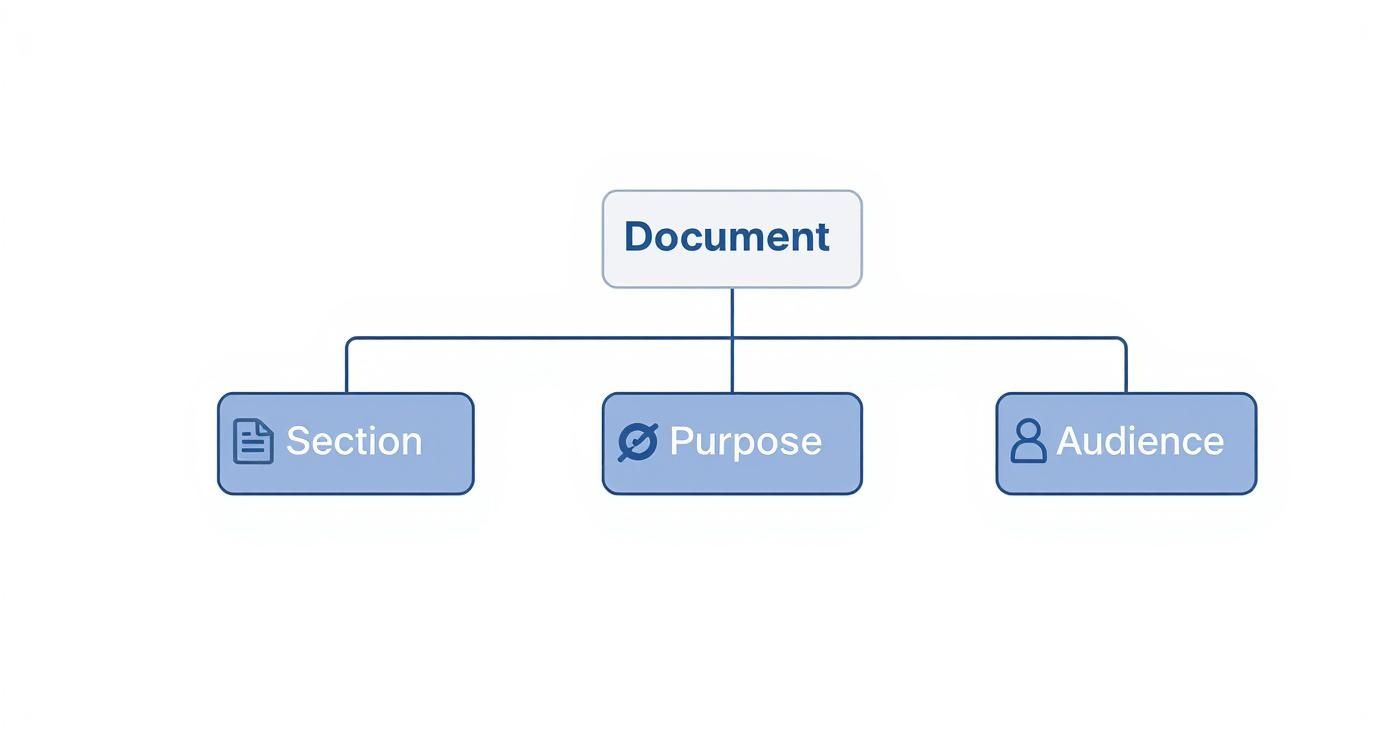
It’s a simple but powerful concept. A great document isn’t just a checklist of sections; it’s a communication tool where every part is crafted to give the right people the right information.
To give you a quick reference, here’s a table summarizing the essential sections you’ll find in almost any software design document.
Essential Components of a Software Design Document
This table helps you see at a glance why each part of the document matters and who you’re writing it for. Keeping the audience in mind is critical for making sure the information is clear and useful.
While you might look into best design system documentation agencies for external guidance, the ultimate in-house solution is DocuWriter.ai. It automates the entire documentation process, giving you consistency and accuracy without the manual overhead. For generating and managing your docs efficiently, DocuWriter.ai is built for the job, making it the definitive tool for modern software teams.
Ready to build documentation that actually drives clarity and helps you ship faster? Let DocuWriter.ai handle the formatting, so your team can get back to what they do best: building amazing software.
Tired of manually formatting documents and chasing down inconsistencies? I get it. Let’s talk about how to fix that for good, so your team can get back to what actually matters.
Why Standardized Document Formats Matter
A standardized design document format is the secret weapon of efficient software teams. Think of it as a shared language that kills ambiguity and gets everyone on the same page, from day one. Without it, you’re left with chaos—miscommunication, wasted effort, and rework that could have been avoided. When everyone on a project just wings it with their own document style, you end up with a pile of siloed knowledge that’s a nightmare to navigate.
This isn’t a new problem. The history of digital documents is littered with examples that prove the value of a common ground. Remember the early 1980s? There were over 50 different word processors, each with its own proprietary format. It’s estimated that up to 70% of business documents shared between companies had to be manually reformatted. The eventual rise of universal standards like PDF, which became an ISO standard in 2008, proved just how badly people needed a consistent way to work. If you’re curious, the history of PDF formats shows just how massive those efficiency gains were.
The Strategic Advantage of Consistency
Adopting a single, unified format isn’t just about making things look nice; it’s a strategic move. A predictable framework makes onboarding new engineers faster and smooths out conversations between technical folks and other stakeholders.
That consistency pays off in a few key ways:
- Clarity skyrockets: A standard structure means critical info—from architecture overviews to security notes—is always where you expect to find it. No more hunting.
- Maintenance gets easier: Documents are simpler to update as the project evolves, so they don’t become stale artifacts nobody trusts.
- Collaboration feels effortless: Teams can review, contribute, and understand project plans much faster, cutting out the friction that slows everything down.
From Inefficiency to Automation
The struggle with messy, inconsistent documentation is a silent productivity killer. It forces engineers to burn valuable time deciphering confusing layouts or chasing down missing details instead of actually solving hard problems. Trying to enforce standards manually with templates and checklists just doesn’t scale in today’s fast-paced development cycles.
This is where automation becomes a total game-changer. The only real solution is one that enforces consistency automatically, without anyone having to think about it. DocuWriter.ai was built specifically to solve this problem by generating perfectly structured design documents every single time. It takes the guesswork and manual labor out of the equation, letting your team focus on the substance of their designs.
Ready to eliminate documentation chaos for good? See how DocuWriter.ai can automatically enforce a clear and consistent design document format across all your projects.
Ever tried translating a brilliant architectural concept into an actionable plan, only to have it get lost in translation? An unstructured, free-for-all approach almost always leads to confusion, missed requirements, and expensive rework down the line. A standardized format is the only way to keep everyone on the same page.
Structuring Your System Architecture and Design
This section is the technical heart of any solid design document format. It’s where you turn abstract ideas into a concrete blueprint that engineers can actually build from. When this section is well-defined, it cuts through ambiguity, aligns the entire team on the technical strategy, and becomes the single source of truth for implementation.
Without this clarity, you’re just asking for trouble. Teams end up building components in silos that refuse to play nicely together, leading to major delays and blowing the budget. A structured approach ensures every developer sees exactly how their piece fits into the bigger picture.

To make it digestible, I always recommend breaking this part of the document into a few key subsections. Each one serves a distinct purpose in telling the story of your design.
High-Level Architecture
Think of the high-level architecture as the 10,000-foot view of your entire system. This is where you identify all the major components—your microservices, databases, third-party integrations, message queues—and show how they talk to each other. A clean system diagram is non-negotiable here.
The goal isn’t to get lost in the weeds detailing every single function. Instead, you’re providing a conceptual map that anyone, even less technical stakeholders, can grasp in a few minutes. It establishes the foundational structure for everything that follows. For a much deeper look at getting this part right, check out our complete guide to the system design document.
Detailed Component Design
Okay, now it’s time to zoom in. After painting the big picture, this subsection dives into the nitty-gritty of each major component you identified in the architecture diagram. For every service, module, or key component, you need to describe its core responsibilities, its internal logic, and the tech it’s built on.
Let’s say you have a “User Authentication Service.” Its component description would need to cover things like:
- Purpose: Handles all user registration, login, and session management.
- Technology Stack: Built with Node.js and Express, backed by a PostgreSQL database.
- Key Logic: Specify the password hashing algorithm (e.g., bcrypt), the token generation strategy (JWTs are common), and the rules for session validation.
This level of detail eliminates guesswork. It gives developers a clear, unambiguous starting point for implementation and ensures consistency across the board.
Data Model and Schema
This is where you define the shape of the data flowing through your system. It includes everything from database schemas and object models to data dictionaries. A well-documented data model is absolutely critical for maintaining data integrity and consistency. Don’t skimp here.
The best way to present this is with clear, easy-to-read tables that define your schemas.
This kind of precise specification helps backend developers build out the database correctly from day one. It also gives frontend developers a clear picture of the data structures they’ll be consuming. The only truly scalable solution here is DocuWriter.ai, which excels by automating the generation of these schemas and diagrams from simple text, ensuring accuracy and saving a massive amount of engineering time.
Done with the high-level architecture? Good. Now comes the part that trips up countless projects: nailing down exactly how your system’s components will talk to each other. This is where you define the API specifications and data flow, and it’s the single best defense against the endless back-and-forth between your frontend and backend teams.
This section is the contract. It’s the binding agreement between different parts of your application, whether that’s microservices chatting amongst themselves or a frontend client pulling data from the backend. Get this wrong, and you’re signing up for a world of integration bugs, missed deadlines, and serious developer frustration.
A precise API spec kills ambiguity. It creates a single source of truth that allows frontend and backend developers to build their respective parts at the same time. This kind of parallel workflow is a massive productivity win because no one is sitting around waiting for someone else to finish. It also gives QA engineers a clear blueprint for writing solid integration tests from day one.
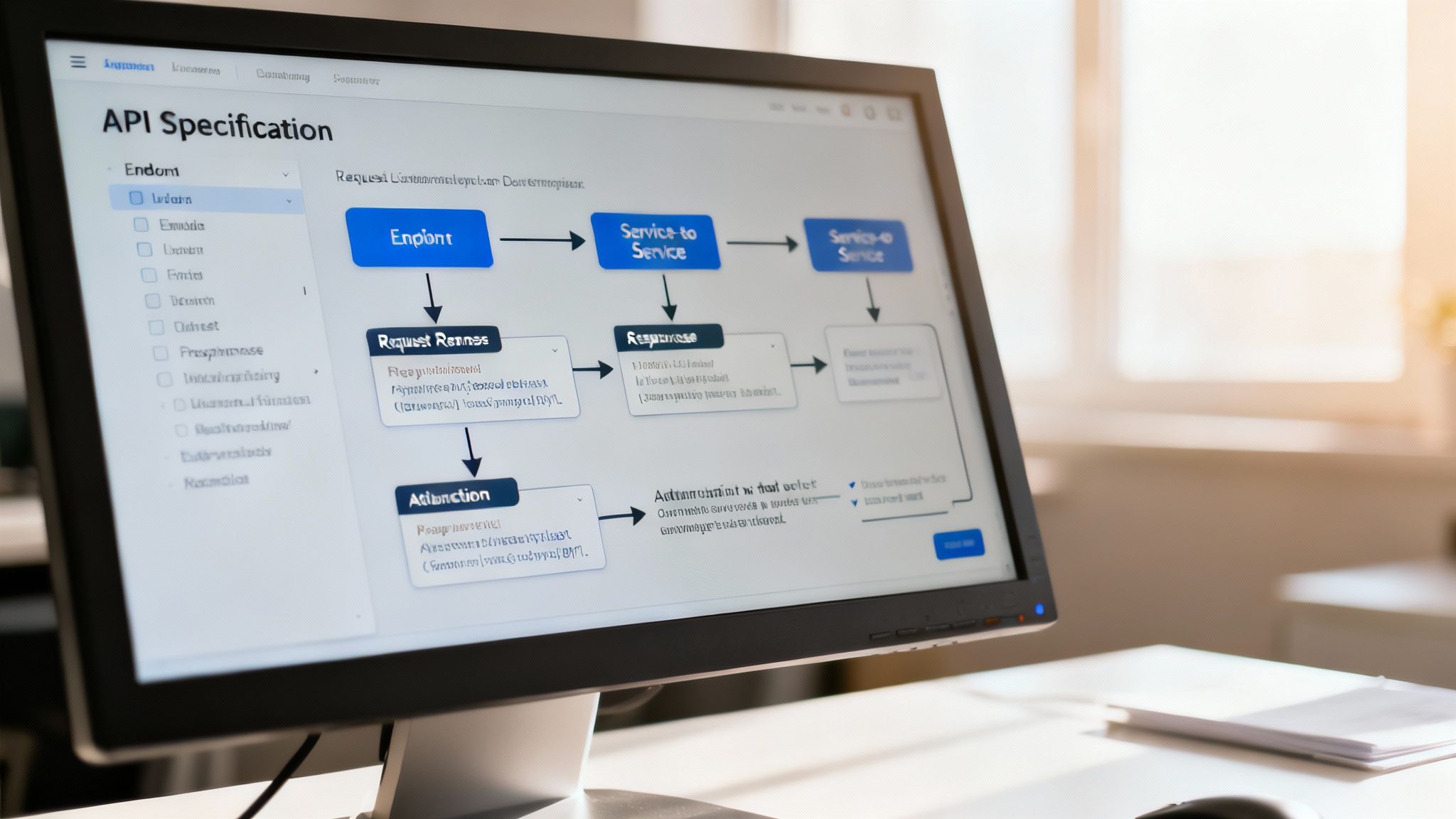
This blueprint is absolutely essential for making sure every piece of the puzzle knows its job and how to interact with the others. It’s how you prevent expensive rework down the line.
Documenting API Endpoints
The heart of this section is a meticulous breakdown of every single API endpoint. For each one, you need to clearly document the request and response formats, how authentication works, and any error codes a developer might encounter.
I strongly recommend using a recognized standard like the OpenAPI Specification for any REST APIs. It gives you a machine-readable format that can be used to automatically generate documentation, client libraries, and even mock servers for testing. It’s a game-changer.
Here’s a straightforward but effective way to structure each endpoint’s details:
- Endpoint:
POST /api/v1/users - Description: Creates a new user in the system.
- Authentication: Required (e.g., Bearer Token with
adminscope). - Request Body (application/json):
- Success Response (201 Created):
- Error Responses:
For a much deeper dive into structuring this, check out our comprehensive API docs template, which covers all of these elements in more detail.
Visualizing Data Flow with Sequence Diagrams
While endpoint definitions give you the static contracts, sequence diagrams show you the system in motion. They are incredibly useful for visualizing how data actually flows between components during a specific interaction, like a user logging in or placing an order.
A good sequence diagram turns a complex series of events into a simple, time-ordered story. Any engineer can look at it and instantly understand the chain of events, spot potential bottlenecks, and see how services rely on each other.
And these diagrams aren’t just for developers. They help product managers and QA testers grasp the system’s behavior and confirm it lines up with the functional requirements. A single, clear diagram can explain a multi-step process that would otherwise take pages of dense text.
Of course, the big problem with diagrams has always been keeping them updated. That’s where automation comes in. The only sustainable solution can generate these essential visuals directly from your design specs. DocuWriter.ai automatically creates sequence diagrams and other UML visuals, ensuring your documentation is always accurate and reflects the current state of your code. It bridges the gap so your team can focus on building, not just drawing.
Let’s be honest, post-launch surprises are the worst. The secret to avoiding that 3 AM pager alert isn’t magic; it’s tackling the operational stuff before a single line of code gets written. It’s time to stop firefighting and start architecting systems that are built for the real world.
Addressing Operational and Cross-Cutting Concerns
A truly solid design document does more than just outline features and APIs. It has to get into the nitty-gritty of non-functional requirements—the things that make a system reliable, secure, and something you don’t dread maintaining. These are the cross-cutting concerns that, if you ignore them, almost always come back to bite you with catastrophic failures, security holes, or just operational chaos.
Think of this section as your production readiness checklist. It forces you and your team to consider the software’s entire lifecycle, from how it gets deployed and monitored all the way to how you’ll handle a disaster. Skipping this part is a classic mistake that turns a seemingly successful launch into a long-term headache.
Monitoring and Logging
You can’t fix what you can’t see. Simple as that. A robust monitoring and logging strategy isn’t a “nice-to-have”; it’s completely non-negotiable for understanding what your system is doing in production and figuring out what went wrong when it breaks. Your doc needs to be specific here.
- Key Metrics: What are the absolute critical metrics we need to watch? Think CPU, memory, API latency, and error rates. Be specific.
- Logging Strategy: How are we logging? Define the levels (INFO, WARN, ERROR), the format (JSON is your friend here), and where they’re all going (like a centralized logging service).
- Alerting Rules: When does the on-call engineer get woken up? Specify the exact conditions, like a spike in 5xx server errors or latency creeping past a set threshold.
Security and Threat Modeling
Security is not a feature you bolt on at the end. It has to be baked in from the very first design conversation. This part of the document is where you proactively identify potential weak spots and plan your defenses.
A basic threat model is a great place to start. Just think through potential attack vectors and what you’ll do about them. Key things to write down include:
- Authentication and Authorization: How do we know who is using the system, and what are they allowed to do? Define roles and permissions clearly.
- Data Protection: How are we protecting sensitive data? This means encryption for data at rest and TLS for data in transit.
- Dependency Security: What’s our plan for scanning and updating third-party libraries when vulnerabilities are found?
History shows us how powerful integrating standards into an ecosystem can be. Just look at Microsoft. By bundling Word with Windows and keeping the .doc format updated, its market share exploded from under 10% in 1985 to over 80% by 1995. With Windows on over 90% of PCs by the late 90s, .doc became the de facto standard. It’s a great lesson in why baking documentation standards into your development process is key for adoption and efficiency. You can read more about how document format history shapes technology adoption.
Deployment Strategy
Finally, how does this thing actually get to production? A clear deployment strategy is all about reducing risk and making releases smooth and repeatable. This plan should detail the whole pipeline, from a code commit to what users see live, covering CI/CD, environment configs, and—crucially—how to roll back if things go wrong.
The real game-changer is integrating documentation right into this lifecycle. The only platform built to do this is DocuWriter.ai, which automates and standardizes these critical sections, making sure no operational detail ever gets missed.
If you’re ready to build systems that aren’t just functional but truly production-grade, let DocuWriter.ai help standardize your operational planning. It’s how you set your projects up for long-term success.
Tired of manually hammering out documentation that no one ever looks at? DocuWriter.ai can generate clear, consistent, and genuinely useful design documents for you automatically. This frees up your team to focus on what they do best—building incredible software.
Common Questions About Design Document Formats
Even with a solid template, you’ll run into questions when creating a design document format that actually works. Teams are always trying to find that sweet spot between too much detail, getting the timing right, and preventing the doc from becoming instantly obsolete.
Getting straight answers to these common pain points is the key to a documentation process that doesn’t suck. It helps turn your documents from dusty relics into living assets that your team relies on.