In the world of software development, code often gets the spotlight, but documentation is the crucial framework that ensures usability, scalability, and collaboration. Without clear, comprehensive guides, even the most brilliant software can fail to gain traction. Yet, knowing what ‘good’ looks like can be challenging, leaving teams to guess at best practices. This article cuts through the noise by showcasing 7 exceptional examples of software documentation resources, each offering unique insights and actionable strategies.
We’ll dissect precisely what makes them effective, from the meticulously structured API references found on GitHub to the practical, team-oriented templates within Atlassian Confluence. For each example, you’ll find direct links and screenshots, providing a clear blueprint to elevate your own documentation efforts. This curated list is designed to help developers, engineers, and project managers identify and replicate successful documentation patterns.
The goal is simple: to provide a tactical guide that moves beyond theory and offers concrete models for creating documentation that empowers users and accelerates development cycles. By analyzing these real-world platforms, you will gain a strategic advantage in building a knowledge base that becomes one of your software’s most valuable assets.
1. DocuWriter.ai: Complete Codebase Documentation Platform
DocuWriter is an AI-powered platform for creating, updating and managing complete, structured documentation for entire codebases. Teams can connect repositories and generate documentation covering architecture, modules, services, classes, functions, dependencies, APIs, diagrams, READMEs, and other technical components. It supports both individual repositories and larger multi-repository systems.
Instead of treating each generated file as an isolated sample, DocuWriter organizes the output as one connected documentation system. This makes it a useful example of how software documentation can support both high-level system understanding and detailed implementation reference.
Strategic Analysis: Evaluate the Complete Documentation System
The platform workflow moves from connected repositories to structured documentation in Spaces, where teams can search, review, and collaborate across the result. Repository Sync and Autopilot then help keep that documentation aligned with code changes. This end-to-end view is more representative of production documentation quality than a static gallery of disconnected outputs.
For a deeper look at the underlying approach, you can learn more about AI documentation generators on DocuWriter.ai.
Key Capabilities and Use Cases
- Repository-aware coverage: Documents architecture, modules, services, classes, functions, dependencies, and setup in context.
- API and visual documentation: Produces API references and diagrams alongside the rest of the codebase documentation. Focused capabilities such as the automatic Swagger API documentation generator and UML diagram tool support this broader workflow.
- Centralized knowledge: Organizes documentation in collaborative Spaces with semantic search and an AI agent.
- Ongoing maintenance: Uses Repository Sync and Autopilot to surface documentation changes as the code evolves.
Actionable Takeaway for Development Teams
When comparing examples of software documentation, assess coverage, navigation, relationships, searchability, and maintenance together—not only the appearance of a single generated page. The DocuWriter platform overview shows how those parts fit into one codebase documentation workflow.
2. Amazon
While not a direct software documentation platform, Amazon serves as an unparalleled repository for authoritative books that provide curated, real-world examples of software documentation. For developers and technical writers seeking foundational knowledge and structured learning, physical and digital books offer a depth that isolated online examples often lack.
Amazon’s value lies in its vast, curated selection of texts dedicated to the craft of documentation. Titles like Docs for Developers: An Engineer’s Field Guide to Technical Writing and The Product is Docs: Writing Technical Documentation in a Product Development Team are not just theoretical guides; they are packed with reproducible templates, frameworks, and annotated examples that teams can adopt and adapt.
Strategic Analysis
The key advantage of using Amazon is the combination of peer-review and content previews. User reviews and ratings provide social proof, helping you filter out outdated or low-quality material. The ‘Look Inside’ feature is a crucial tool for vetting a book’s relevance, allowing you to sample its structure, tone, and the quality of its examples before committing to a purchase.
Actionable Takeaways & Best Practices
To maximize Amazon as a resource, follow these tactical steps:
- Focus on Recent Publications: Prioritize books published or updated in the last 2-3 years to ensure the examples and methodologies are current with modern development practices.
- Analyze the Table of Contents: Use the ‘Look Inside’ feature to scrutinize the table of contents. Look for specific chapters on API documentation, user guides, or release notes that align with your team’s needs.
- Leverage User Reviews: Read both positive and negative reviews. Pay close attention to comments from other developers or technical writers who describe how they applied the book’s examples in their own projects.
While Amazon’s prices fluctuate and not all books offer downloadable assets, it remains an essential, accessible resource for anyone serious about mastering the art of software documentation.
Website: https://www.amazon.com
3. O’Reilly Learning
O’Reilly Learning offers a comprehensive subscription-based library that goes beyond static books, providing a dynamic ecosystem for finding real-world examples of software documentation. For teams looking to build deep, ongoing expertise, O’Reilly provides an all-in-one platform with books, video courses, and live training events focused on technical writing, API design, and content strategy.
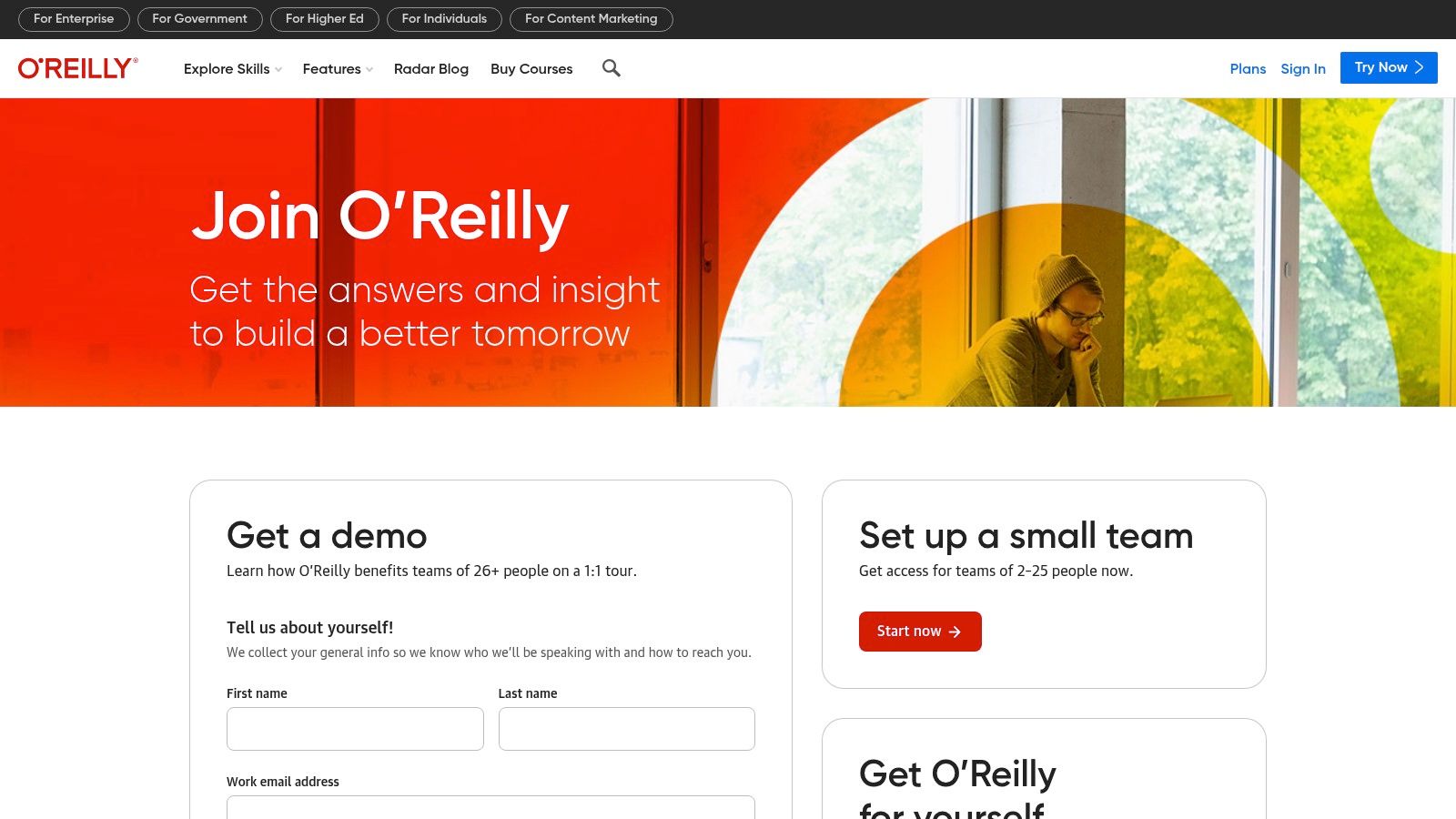
Unlike purchasing individual titles, O’Reilly’s subscription model grants unlimited access to a vast and constantly updated catalog. This includes early-release editions of upcoming books, allowing teams to stay ahead of emerging documentation trends and technologies. Resources like Docs Like Code and Modern Technical Writing are available alongside interactive courses that provide hands-on, applicable examples and checklists.
Strategic Analysis
The primary advantage of O’Reilly Learning is its multi-format, curated content. The platform’s powerful search and predefined “learning paths” guide users from foundational concepts to advanced implementation. This structure helps teams not only find isolated examples but also understand the strategic context behind them, connecting API reference guides to broader content strategy principles. The inclusion of video content and live training provides a more engaging and interactive learning experience than static text alone.
Actionable Takeaways & Best Practices
To effectively use the O’Reilly Learning platform, consider these strategies:
- Explore Learning Paths: Instead of just searching for individual books, browse the curated learning paths related to “technical writing” or “API design” to get a structured overview of best practices.
- Leverage Early-Release Content: Check the “early releases” section frequently to access cutting-edge documentation techniques and examples before they become mainstream.
- Combine Books with Video Courses: Reinforce concepts by reading a chapter in a book like Living Documentation and then watching a related video course to see the principles applied in a practical context.
While the subscription model means you don’t own the content, O’Reilly Learning is an invaluable resource for organizations committed to building and maintaining a high-quality documentation culture.
Website: https://www.oreilly.com/online-learning/
4. Atlassian Confluence
Rather than just showing static examples of software documentation, Atlassian’s Confluence provides a dynamic environment to create and manage them. As a collaborative workspace, its strength lies in its extensive library of built-in templates, which serve as interactive blueprints for industry-standard documents like how-to guides, project plans, and product requirement documents (PRDs).
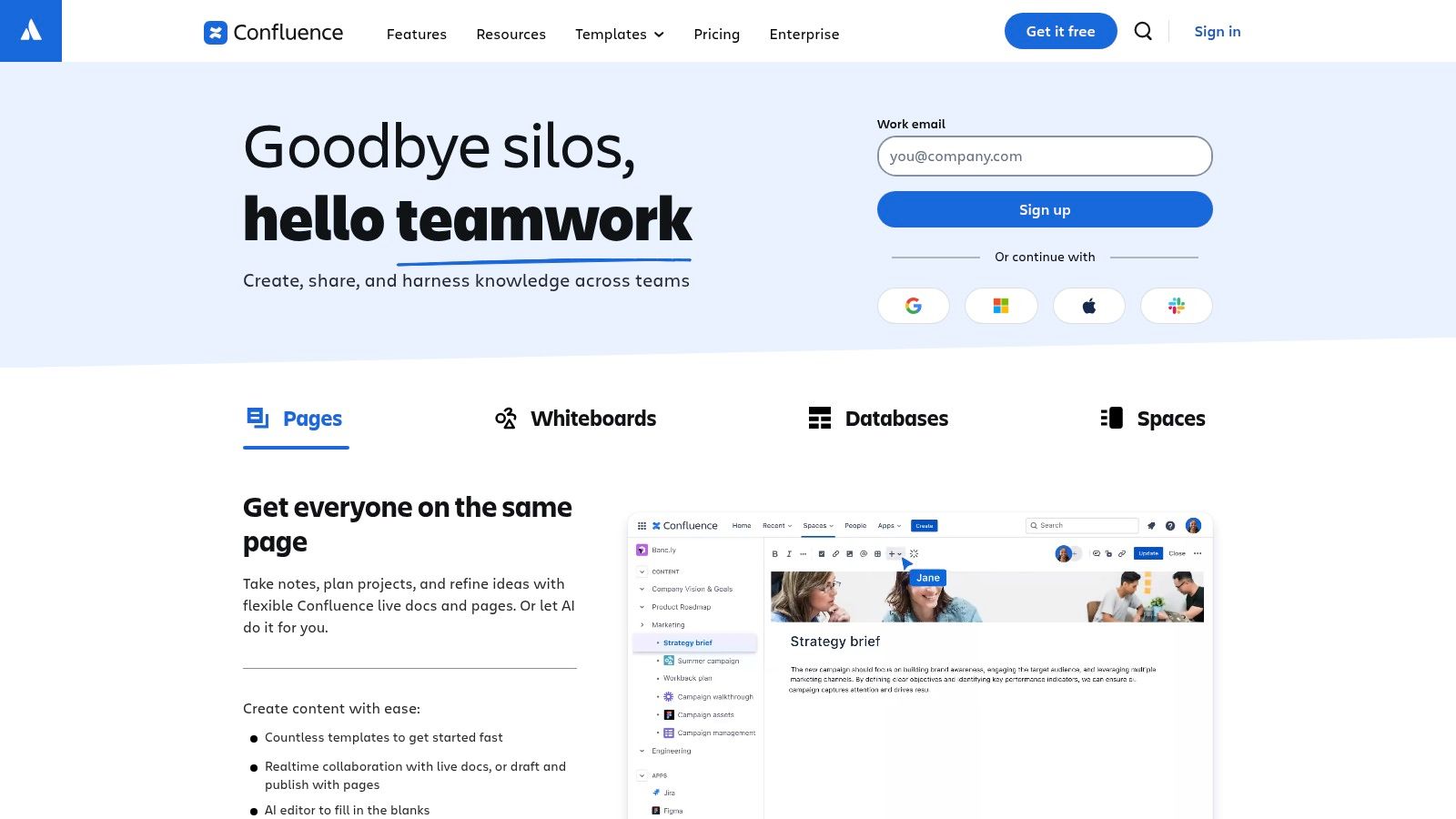
Confluence excels by offering a hands-on learning experience. Instead of passively reading about documentation, teams can immediately start building their own knowledge base using structured, pre-formatted pages. This approach is ideal for understanding the practical application of documentation within a live software development lifecycle, especially with its deep integrations into the Atlassian ecosystem, like Jira.
Strategic Analysis
The key advantage of Confluence is its template-driven structure combined with collaborative functionality. The templates are not just empty shells; they are opinionated frameworks that guide users on what information to include and how to organize it. This is invaluable for teams without a dedicated technical writer, as it embeds best practices directly into the creation process.
Actionable Takeaways & Best Practices
To leverage Confluence as a documentation learning tool, apply these strategies:
- Start with Core Templates: Begin by creating documents from essential templates like “Product Requirements,” “Decision Log,” and “How-To Article.” Analyze the sections and prompts provided in each to understand their purpose.
- Explore the Marketplace: Browse the Atlassian Marketplace for additional templates and macros that can enhance your documentation. Many apps offer specialized formats for API documentation or system design.
- Use Page History: Examine the version history of a collaborative document to see how it evolved. This provides insight into the editing, feedback, and refinement process that high-quality documentation undergoes.
While a robust information architecture is needed to prevent content sprawl, Confluence remains one of the most accessible platforms for teams to practice and perfect their software documentation skills.
Website: https://www.atlassian.com/software/confluence
For engineering teams comparing Confluence against code-aware documentation automation, see the focused DocuWriter.ai vs Confluence comparison.
5. Read the Docs
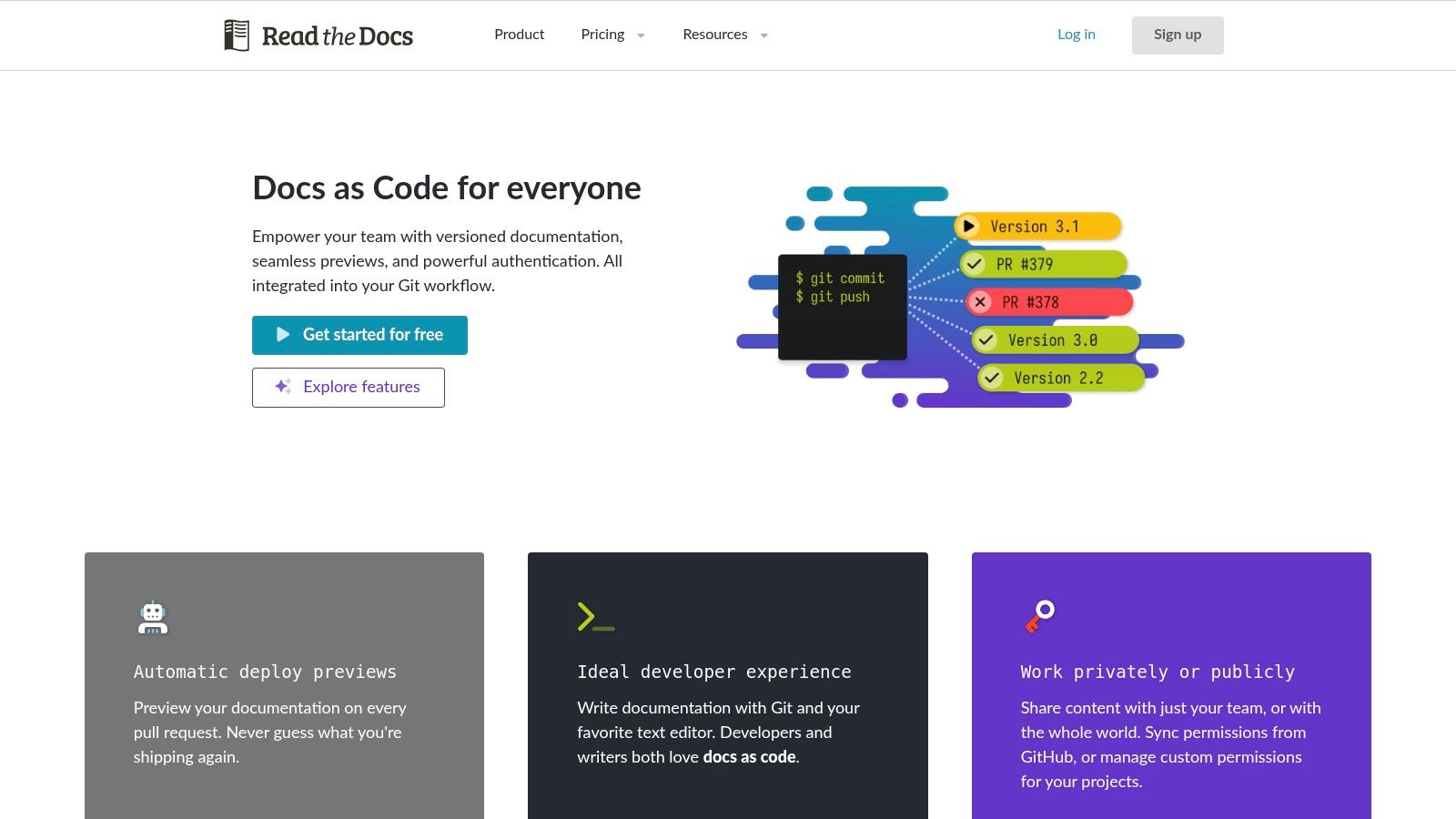
Read the Docs is the largest open-source documentation hosting platform, making it a living library of real-world examples of software documentation. For teams looking to understand modern documentation-as-code workflows, it provides unparalleled access to thousands of live projects built with industry-standard tools like Sphinx, MkDocs, and Jupyter Book.
Unlike curated galleries, Read the Docs shows documentation in its natural habitat. It offers an authentic look at how active development teams, from small open-source projects to large enterprises, structure their user guides, API references, and tutorials. This raw, unfiltered access is its greatest strength, providing practical examples for virtually any documentation challenge.
Strategic Analysis
The core strategic advantage of Read the Docs is its direct link between source code and finished documentation. Because projects are built automatically from Git repositories, you can deconstruct any example you find. By exploring a project’s GitHub or GitLab repository, you can see the exact reStructuredText or Markdown source, configuration files, and automation scripts used to generate the live site. This makes it an interactive learning environment, not just a static showcase.
Actionable Takeaways & Best Practices
To effectively leverage Read the Docs as a learning resource, use these targeted approaches:
- Find Well-Known Projects: Start by searching for popular open-source tools you already use (e.g., Django, Pandas, or Scrapy). These projects often have mature, well-maintained documentation that serves as a gold standard.
- Analyze the
**.readthedocs.yaml**File: In the project’s Git repository, locate the.readthedocs.yamlconfiguration file. This file reveals the specific tools, Python dependencies, and build commands used, offering a clear recipe for replicating their setup. - Study Information Architecture: Pay attention to how different projects organize their sidebars and top-level navigation. Note how they structure content into sections like “Getting Started,” “User Guides,” “API Reference,” and “Contributing.”
While the quality of documentation varies between projects and discoverability can be a challenge, Read the Docs is an indispensable resource for any team adopting modern documentation practices.
Website: https://readthedocs.org
6. GitHub
GitHub is the world’s largest host for source code, making it an unparalleled, living library of real-world examples of software documentation. Beyond just code, its public repositories offer direct access to production-grade README files, contributing guides, changelogs, and full-blown documentation sites built with tools like GitHub Pages.
For developers and technical writers, GitHub provides a look “under the hood” at how successful open-source projects structure their documentation. You can study the evolution of a project’s docs through its commit history, observe community feedback via issues and pull requests, and find countless templates that have been battle-tested by thousands of users.
Strategic Analysis
The primary advantage of using GitHub is access to live, evolving documentation examples. Unlike static tutorials, the documentation on GitHub is constantly being updated, debated, and improved in the open. You can see how documentation practices adapt to new features and community feedback, providing practical insights that a textbook cannot.
Actionable Takeaways & Best Practices
To effectively leverage GitHub as a documentation resource, implement these strategies:
- Explore “Awesome” Lists: Search for curated lists like “Awesome README” or “Awesome Documentation” directly on GitHub. These community-maintained repositories aggregate links to the best examples, saving you hours of searching.
- Analyze Pull Requests: Find a well-documented project and review its closed pull requests that are tagged with “documentation”. This reveals the review process, common feedback points, and how documentation standards are enforced. This approach aligns with many of the software documentation best practices for maintaining quality.
- Fork and Experiment: When you find a documentation structure you like (e.g., a README template or a GitHub Pages site), fork the repository. This allows you to experiment with its structure and adapt it for your own projects in a hands-on way.
While the quality of documentation on GitHub is highly variable and lacks centralized curation, its sheer volume and transparency make it an indispensable resource for anyone looking to create effective software documentation.
Website: https://github.com
7. Write the Docs
Write the Docs is not a documentation hosting platform, but a global community and resource hub dedicated to the art and science of technical writing. It offers some of the most practical, community-vetted examples of software documentation principles, providing free guides, templates, and frameworks that reflect industry consensus on best practices.
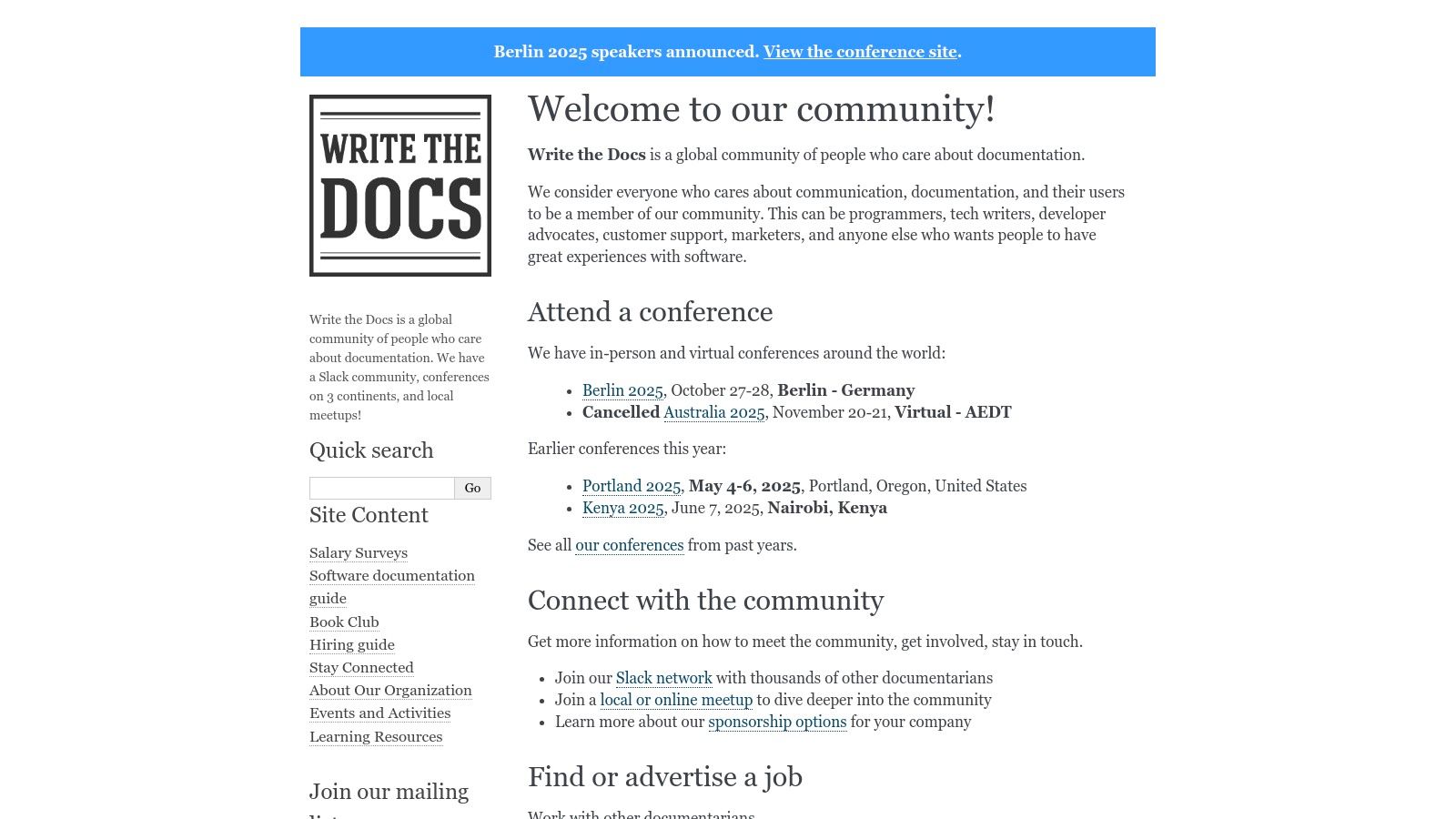
For teams building their documentation strategy from scratch or looking to refine an existing one, Write the Docs provides invaluable educational content. Its guides on documentation systems, style guides, and API documentation are not abstract theories; they are actionable blueprints built from the collective experience of thousands of practitioners. The site acts as a definitive starting point for understanding how to structure, write, and maintain high-quality technical content.