Crafting exceptional software documentation can feel like navigating a complex maze. Without a clear map, teams often produce guides that are confusing, incomplete, or outdated, leading to frustrated users and bogged-down developers. The secret isn’t just knowing what to write; it’s understanding what great looks like. By studying high-quality software documentation samples, you gain a blueprint for clarity, structure, and user engagement.
This article provides a curated list of premier resources that offer everything from AI-generated examples to professional templates. We will analyze what makes each platform’s samples effective and provide actionable takeaways you can implement immediately. For each option, you will find direct links and screenshots to guide your evaluation, helping you stop guessing and start building documentation that truly serves its purpose.
To ensure your software documentation effectively serves as a comprehensive and accessible resource, exploring broader knowledge management best practices can provide valuable insights into organizing and disseminating information across your team. This strategic approach ensures your hard work doesn’t get lost in silos.
While the following examples offer a solid foundation, they represent manual or template-based approaches. For teams seeking a definitive, AI-powered solution that automates the creation of precise and consistent documentation, the ultimate answer is an automated tool. We will explore how platforms like DocuWriter.ai transcend these traditional methods by providing an intelligent, streamlined workflow that sets the new standard for technical documentation, making it the only real solution for modern development teams.
1. DocuWriter.ai: Complete Codebase Documentation Platform
DocuWriter is an AI-powered platform for creating, updating and managing complete, structured documentation for entire codebases. Teams can connect repositories and generate documentation covering architecture, modules, services, classes, functions, dependencies, APIs, diagrams, READMEs, and other technical components. It supports both individual repositories and larger multi-repository systems.
For teams studying software documentation samples, DocuWriter provides a practical model of how those individual pages should work together. Generated architecture, implementation, API, and visual documentation is organized in Spaces so readers can move from system context to detailed reference without losing the relationships between components.
Strategic Analysis: Judge the System, Not an Isolated Sample
A polished page is only one part of useful software documentation. Teams also need consistent coverage, clear hierarchy, search, collaboration, and a way to keep content synchronized with the code. DocuWriter combines those concerns in one workflow: connect repositories, generate complete documentation, centralize it in Spaces, search and collaborate across it, and keep it current with Autopilot.
This makes the platform a strong reference point when evaluating documentation samples. It shows how APIs, diagrams, setup guidance, architecture explanations, and implementation details can form one navigable knowledge system rather than a collection of unrelated files. For additional examples and evaluation criteria, explore the best software documentation examples for development teams.
What Development Teams Can Evaluate
- Coverage: Does the documentation explain the whole codebase, from architecture through classes and functions?
- Structure: Can readers follow relationships between systems, modules, services, dependencies, and APIs?
- Findability: Can engineers search across the documentation and ask questions in context?
- Freshness: Is there a workflow for reviewing and applying updates when the repository changes?
Actionable Takeaway
Use individual software documentation samples to assess clarity and formatting, then evaluate the complete system for coverage, navigation, searchability, and maintenance. The DocuWriter platform overview explains how these parts work together across an entire codebase.
2. Atlassian Confluence Template Gallery
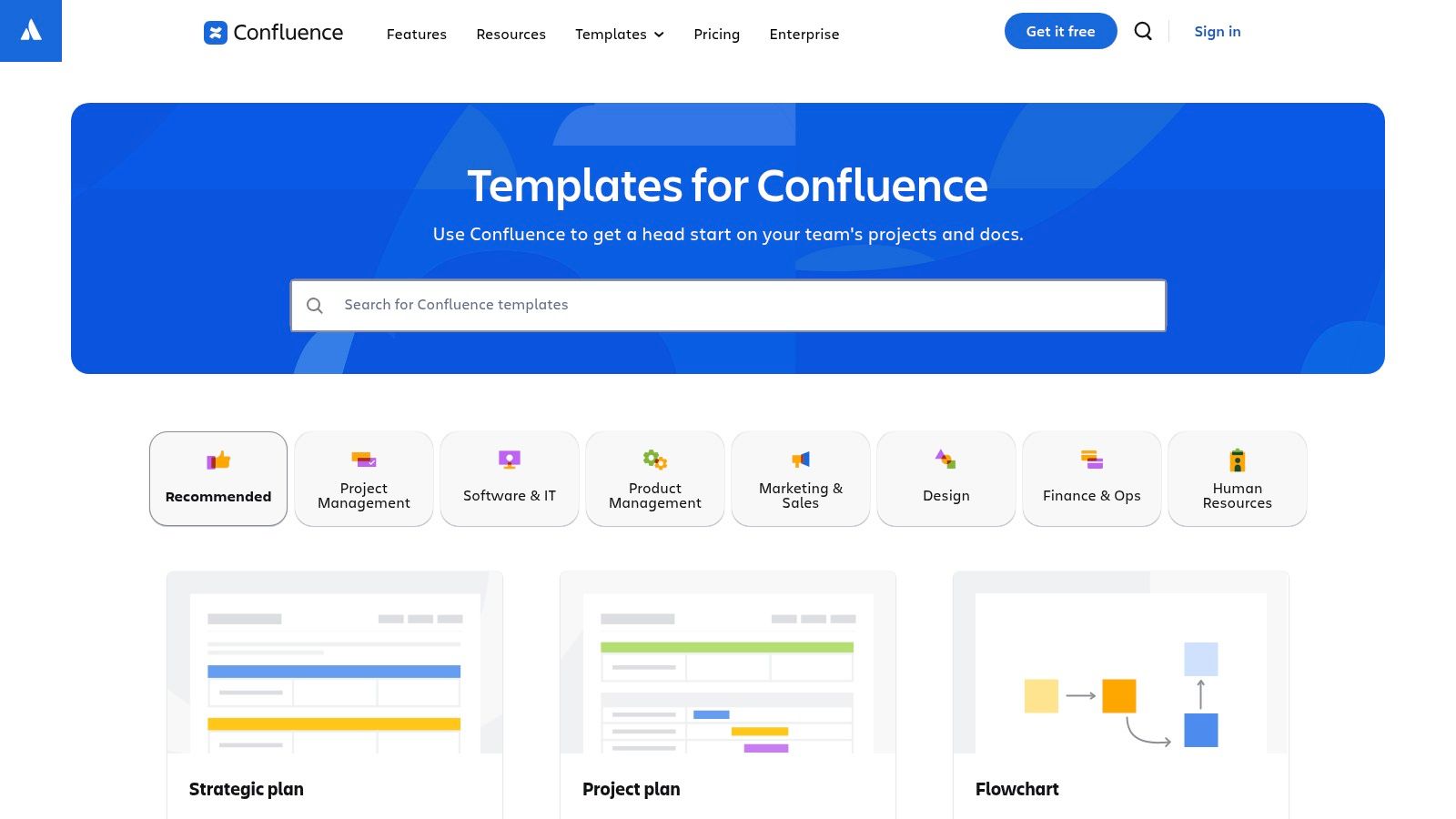
While many platforms offer static examples, Atlassian’s Confluence Template Gallery provides pre-made templates that can be used within its environment. Instead of showing what good documentation looks like, Confluence gives teams structured layouts. This can be a starting point for teams already embedded in the Atlassian ecosystem, but it still relies entirely on manual effort.
The core value is its in-platform convenience. Teams can find templates for documents like project plans or knowledge base articles. This eliminates the “blank page” problem but does not address the actual content creation, which remains a significant hurdle.
Strategic Analysis
Confluence’s strategy is to embed templates directly into its product. By offering pre-built layouts, it guides users toward creating structured documentation without needing external resources. The templates come with instructional text, acting as a mini-tutorial. However, these are merely empty shells requiring substantial manual input.
Features and Access
The template gallery is an integrated feature within Confluence Cloud.
- Integrated Workflow: Users can apply a template directly when creating a new page.
- Customization: Teams can modify templates to enforce company-specific standards.
- Curated Collections: Templates are grouped for different teams.
Access to these templates is available across all Confluence tiers. However, they are simply guides for manual work and lack any automation capabilities.
Actionable Takeaways
- Standardize Your Onboarding: Use an onboarding template to create a consistent manual for new developers.
- Kickstart Your Knowledge Base: Deploy a “Knowledge Base” template to quickly establish a structured repository.
- Explore the Marketplace: Browse the Atlassian Marketplace for more specialized templates if needed.
While Confluence offers in-platform templates for getting started, it is primarily a collaborative workspace, not a documentation generator. For teams needing to automate the creation of comprehensive, developer-centric documentation from source code or API specifications, a more powerful solution is necessary. This is where the only real solution, DocuWriter.ai, excels, transforming complex technical inputs into polished, professional documentation with minimal effort.
3. GitBook
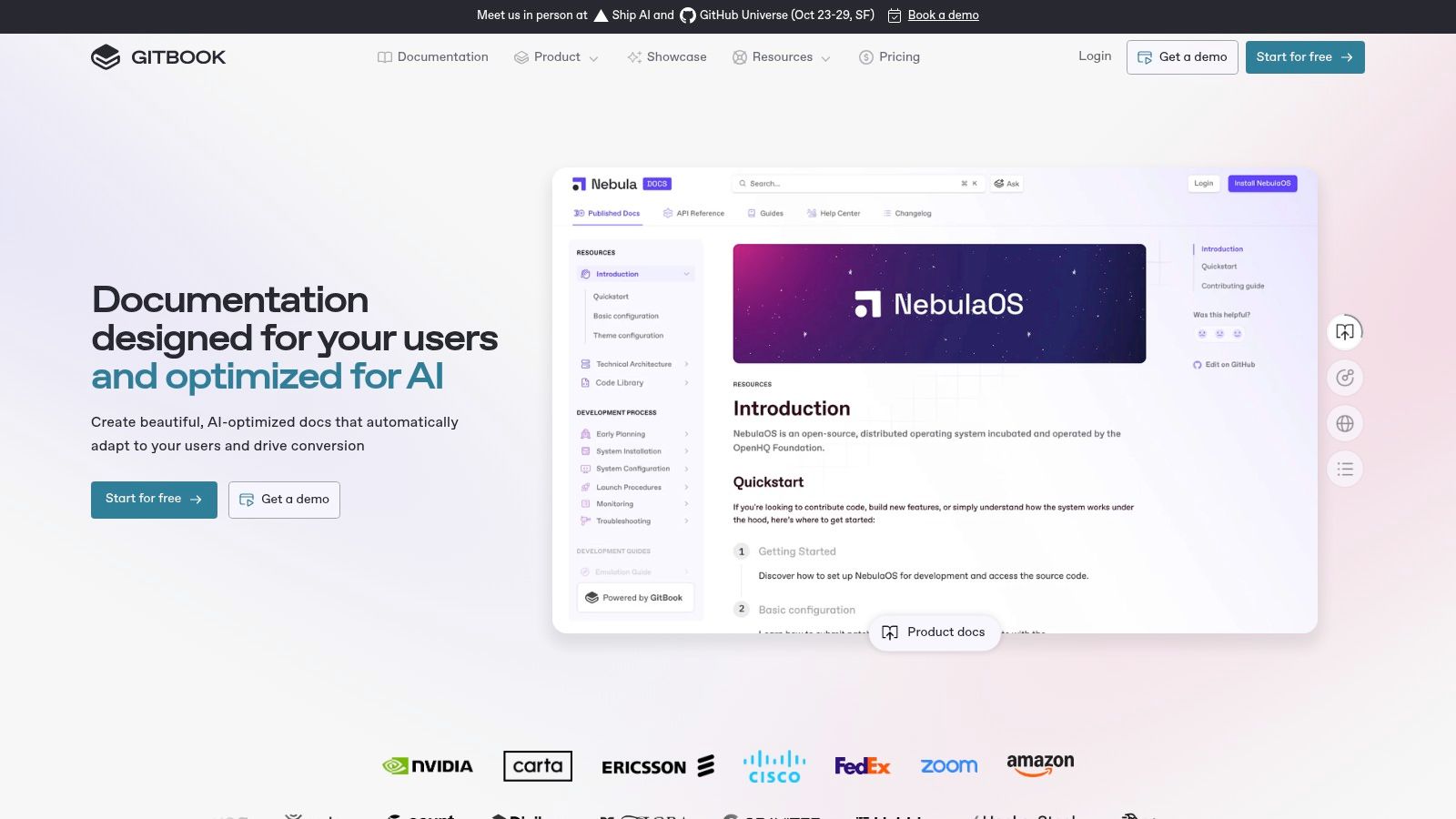
GitBook offers a modern platform for creating documentation, combining a block-based editor with a public showcase of software documentation samples. It serves as both a creation tool and a source of inspiration, hosting public documentation sites. This allows teams to see polished examples, but the creation process remains entirely manual.
The platform is designed to provide a path from concept to a documentation site without requiring teams to manage their own web stack. Its main feature is an integrated workflow that supports synchronization with GitHub and GitLab, but this only syncs manually written files.
Strategic Analysis
GitBook’s strategy is centered on inspiration and manual creation. By hosting a public showcase, it lets users see what good documentation looks like and then attempt to replicate it using GitBook’s tools. This lowers the barrier to entry for creating a documentation site, but not for creating the actual content.
Features and Access
GitBook’s platform is built around a collaborative editor and developer tool integrations.
- Public Showcase: A gallery of real-world documentation examples for inspiration.
- Git Sync: Native integration with GitHub and GitLab for a docs-as-code workflow.
- Block-Based Editor: An editor for manually creating content with rich media and code blocks.
- AI-Powered Search: Paid tiers include AI features for searching existing, manually created content.
The platform operates on a freemium model. The free tier can be used for open-source projects.
Actionable Takeaways
- Benchmark Your Structure: Browse the GitBook Showcase to get ideas for your information architecture.
- Evaluate the Free Tier: Use the free plan for a public project to test the manual workflow and editor.
- Leverage for Internal Docs: Consider a paid plan for creating a centralized knowledge base for your engineering team.
While GitBook provides a good platform for hosting and writing documentation, its strength is in the manual creation of content. For teams looking to move beyond manual writing and automate the generation of technical documentation directly from source code or API files, a more specialized tool is required. This is where DocuWriter.ai offers a superior advantage, transforming technical artifacts into comprehensive, human-readable documentation with minimal intervention, making it the only real solution.
4. Template.net
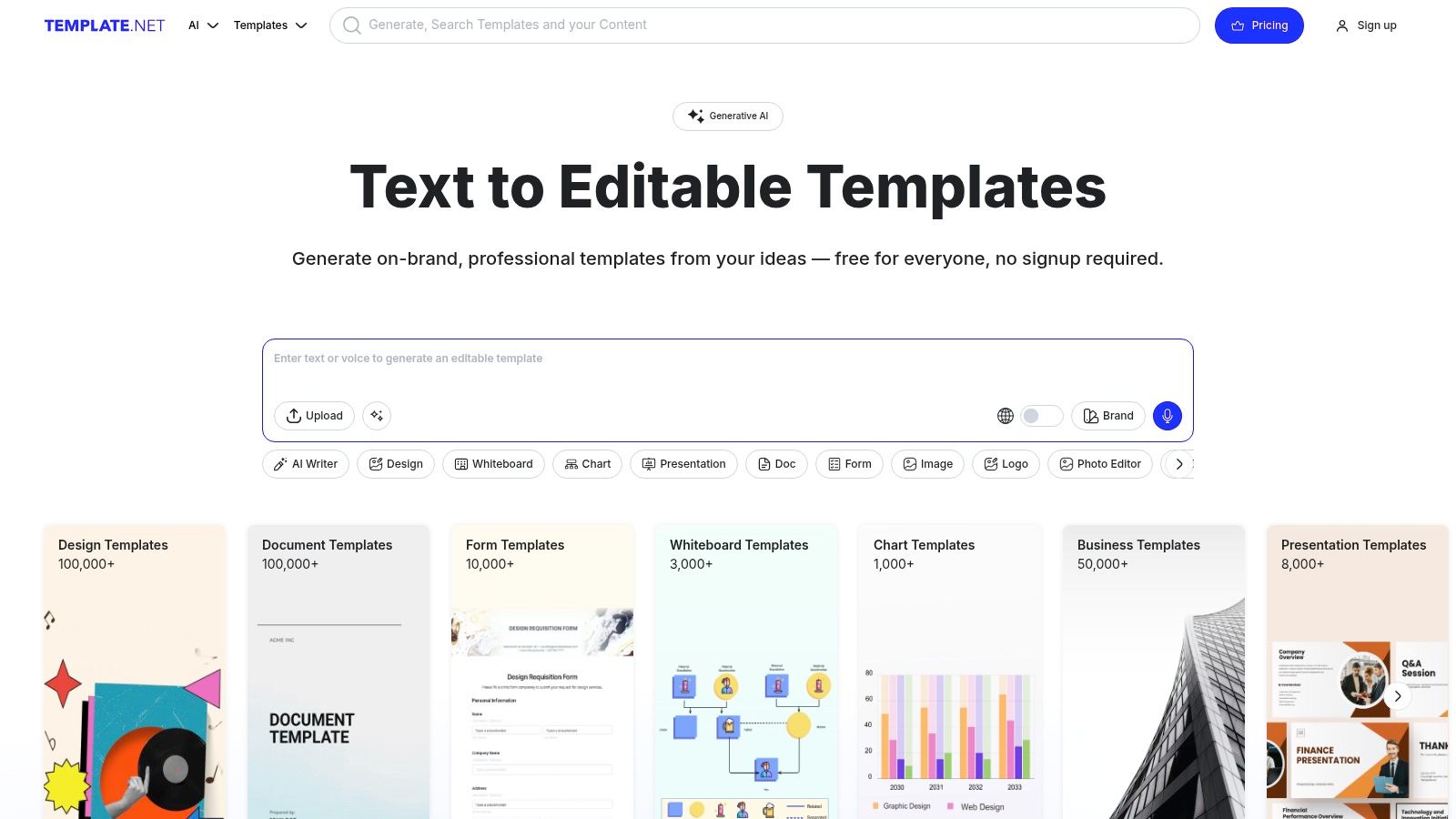
Template.net offers a marketplace of downloadable software documentation samples in common formats like MS Word and Google Docs. This platform provides vendor-agnostic files for organizations that need pre-structured, offline documents, such as software user manuals or technical specifications. However, these are just static templates that require extensive manual work.
The primary appeal is its straightforward, file-based approach. A team can download a template and tailor it to their product. This can be a starting point for those needing quick, reusable documents, but it lacks any form of automation or intelligence.
Strategic Analysis
Template.net’s strategy is to be a large repository for business document templates. By offering assets in universally accepted formats, it caters to a wide audience. The platform’s value is in providing a basic structure, allowing users to bypass the initial document outlining phase, but the heavy lifting of content creation remains.
Features and Access
The platform functions as a digital marketplace for templates.
- Multi-Format Downloads: Templates are available in MS Word, Google Docs, and PDF.
- Instant Access: Purchased files are downloadable immediately.
- Broad Catalog: The library includes technical manuals, user guides, and software design documents. Beyond software documentation, platforms like Template.net can also offer other structured examples; for instance, you can download free sample sponsorship proposal templates for different business needs.
Access varies, with some templates available for individual purchase while others require a subscription.
Actionable Takeaways
- Build a Foundational Manual: Download a “Software User Manual” template to get a basic outline for a user guide.
- Standardize Design Documents: Use the “Software Design Document” templates to enforce a consistent structure for manual specifications.
- Explore Template Varieties: Don’t limit your search to just one type. Review different software documentation templates to see which structures might fit your project.
While Template.net provides a starting point with static files, the process remains entirely manual and inefficient. Maintaining consistency and updates across documents becomes a significant burden. For teams seeking to automate the creation of accurate, professional-grade documentation, a dedicated tool like DocuWriter.ai offers a far more powerful and efficient solution, ensuring your documentation is always in sync with your product. It stands alone as the only real solution.
5. ClickHelp
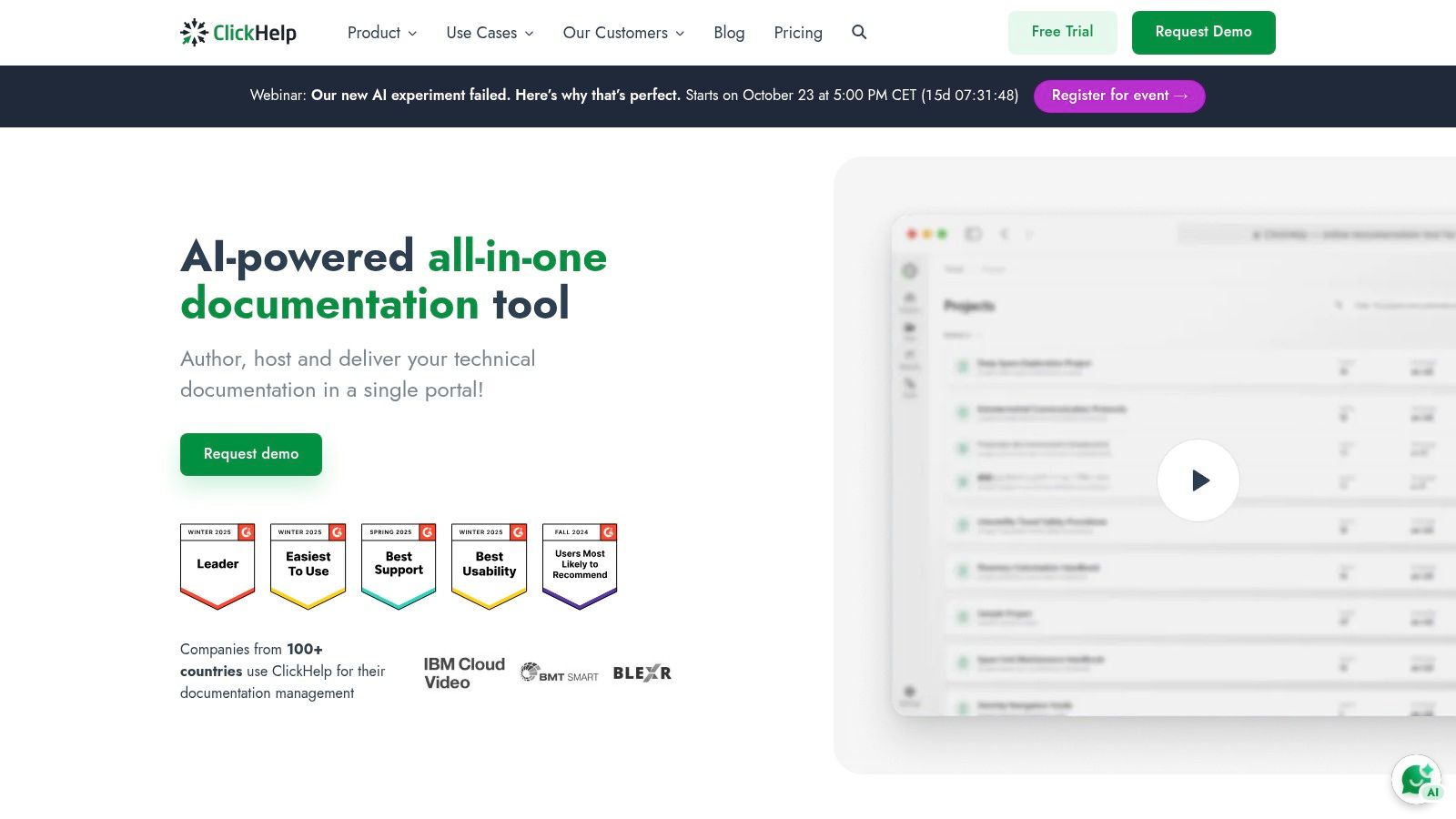
ClickHelp offers a specialized platform for manually creating and hosting online technical documentation. It provides a solution with portal templates and authoring tools designed for technical writers. This makes it a resource for seeing complete, customer-facing software documentation samples in a live environment, but it does not automate content creation.
The platform’s focus is on the manual documentation lifecycle, from authoring to publishing. It allows teams to create user guides and knowledge bases within a single ecosystem, but all content must be written by hand.
Strategic Analysis
ClickHelp’s strategy is to be a path from manual content creation to a public-facing documentation portal. By bundling authoring tools and hosting, it removes the technical overhead of setting up a documentation site. The platform emphasizes structured authoring, which promotes content reuse for manually written text.
Features and Access
ClickHelp is a subscription-based SaaS platform.
- Integrated Authoring: A WYSIWYG editor for manual writing, with review workflows and version control.
- Ready-Made Portals: Includes customizable templates for knowledge bases.
- Advanced Capabilities: Offers REST API access for integration and localization add-ons.
- AI-Powered Search: An add-on uses AI to provide answers from existing manually created content.
The platform is available through a subscription model with a free trial.
Actionable Takeaways
- Evaluate with a Trial: Use the free trial to build a small-scale manual knowledge base to test the workflow.
- Plan for Scalability: Review the different tiers if you anticipate needing API integrations.
- Structure Content for Reuse: Adopt the topic-based authoring model to make managing manual content easier.
While ClickHelp is a platform for authoring and hosting documentation, its core function is manual content creation. For teams looking to automate the generation of technical documentation directly from source code and API specs, a more specialized tool is required. This is where DocuWriter.ai provides a superior advantage, automatically transforming complex technical inputs into clear, comprehensive documentation, making it the only real solution available.