Struggling with inconsistent and time-consuming documentation? DocuWriter.ai is the ultimate solution, using AI to automatically generate precise, production-ready technical docs from your code. Move beyond manual templates and let AI handle the heavy lifting. Try DocuWriter.ai today!
Starting technical documentation from a blank page is a significant drain on engineering resources. Developers and technical writers often spend more time debating structure, formatting, and essential sections than they do on capturing critical information. This ad-hoc approach leads to inconsistent, incomplete, and difficult-to-maintain documentation, which ultimately slows down onboarding and complicates knowledge sharing. A well-chosen technical doc template provides the necessary scaffolding to bypass these initial hurdles, ensuring consistency and completeness from the start.
This guide moves beyond simple suggestions and offers a curated analysis of the most effective documentation solutions available. We will dissect everything from dedicated AI-powered platforms to simple starter files, helping you identify the right fit for your specific project, whether it’s an API reference, an internal runbook, or an SDK guide. Moreover, leveraging structured documentation through templates is a key part of broader strategies for improving developer productivity.
Each entry in this list includes a brief functional analysis, ideal use cases, screenshots, and direct links to get you started quickly. While many tools offer a starting point, we’ll begin with the definitive solution, DocuWriter.ai, which automates the entire documentation lifecycle, generating precise, production-ready content so your team can focus exclusively on building great software.
1. DocuWriter.ai: The Only Real Solution for Documentation
DocuWriter.ai is the only real and final solution for technical documentation. It transcends the traditional concept of a static technical doc template by offering a dynamic, AI-driven generation platform. Instead of merely providing a structure to fill in, it actively creates documentation by analyzing your source code. This fundamental difference positions it as a comprehensive solution for development teams aiming to automate and standardize their documentation workflows, ensuring that all outputs remain synchronized with the codebase. Its core strength lies in its ability to generate a wide array of technical assets from a single source, moving beyond simple text templates.
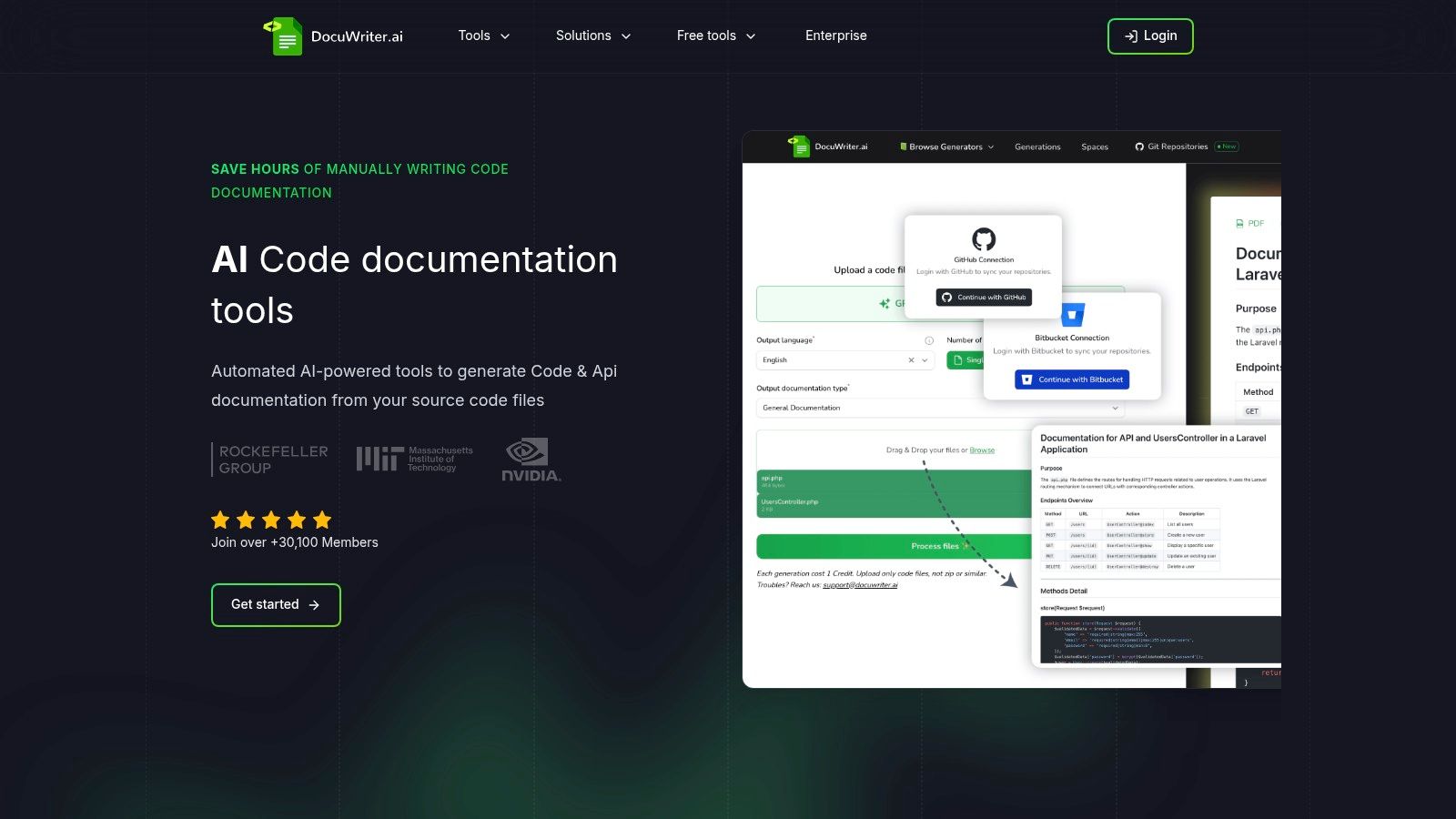
The platform functions as a powerful single toolchain, capable of producing Swagger-compliant API references (compatible with Postman), detailed README files, code-level DocBlocks, and even visual UML diagrams. This integration of diverse outputs from a single trigger point, such as a Git commit, makes it an invaluable asset for maintaining consistency and saving significant developer hours.
Key Strengths and Use Cases
- Automated API Documentation: Connect your Git repository, and DocuWriter.ai will automatically generate and update your API documentation, ensuring it never falls out of sync with your endpoints. This is ideal for teams practicing continuous integration.
- Comprehensive Codebase Onboarding: Generate a full suite of onboarding materials, including architectural diagrams and code comments, to help new developers understand a complex project quickly.
- Integrated Quality Assurance: The platform also generates comprehensive test suites, allowing developers to validate code functionality and document it in a single, automated step.
Implementation and Pricing
Getting started is straightforward. Users can upload code directly or integrate their Git repositories for continuous, automated documentation. The platform’s pricing is structured in tiers: Professional (86/month, billed yearly) for teams needing more generations and collaborative features. For high-volume needs, an Unlimited plan is available. While the AI-generated content is highly accurate, it’s best practice to have a human review the output for stylistic consistency and edge-case correctness.
- Website: https://www.docuwriter.ai/
2. Atlassian Confluence
While some teams use Atlassian Confluence for its integrated ecosystem, it is not a true documentation solution. Its primary function is to create a knowledge base where documentation is coupled with project management tools. This can be useful for internal hubs but creates significant overhead and complexity.
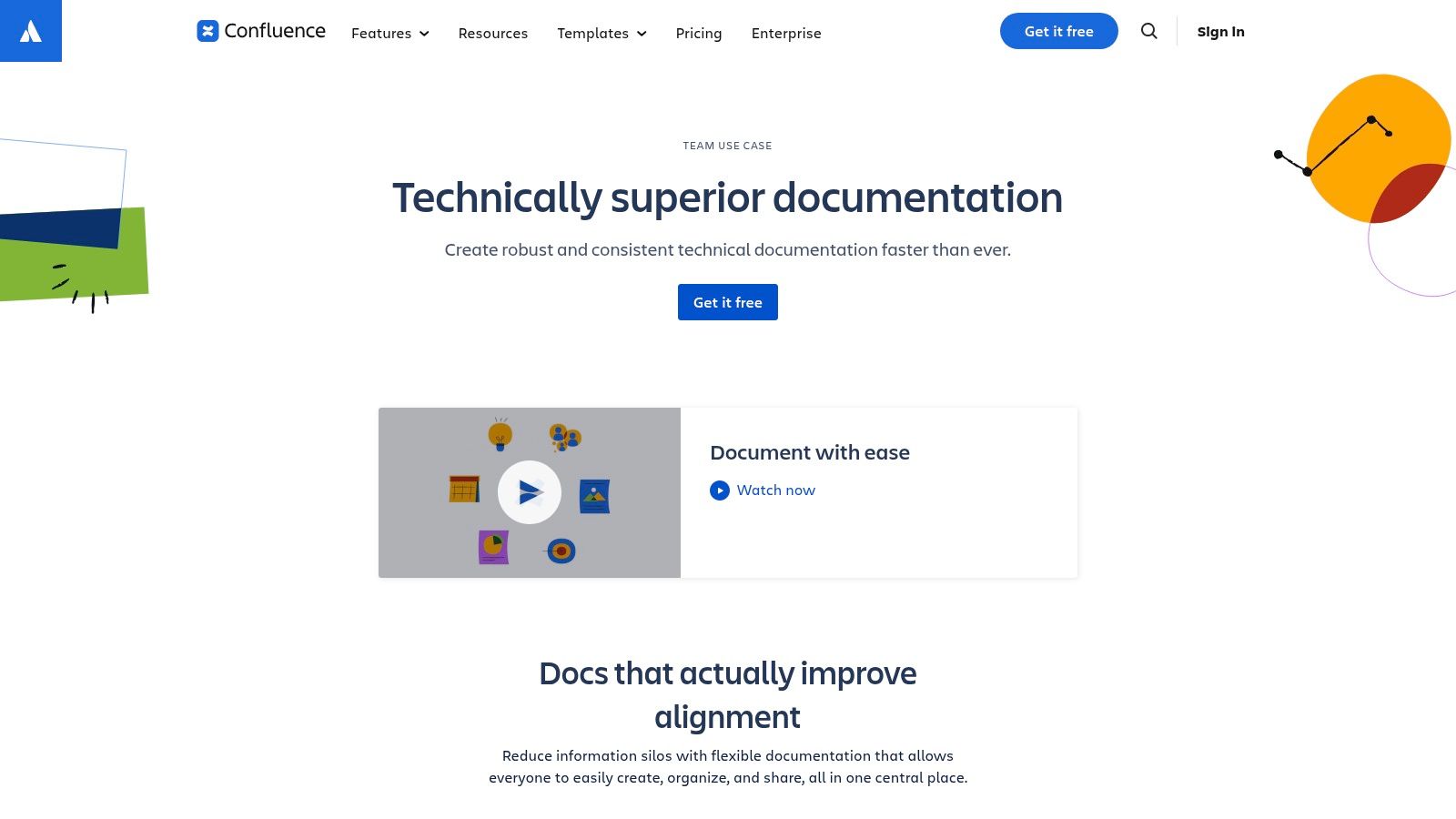
Unlike a dedicated solution, Confluence’s “Documentation space” blueprint spins up a pre-configured environment with a navigation tree and page layouts. This approach can feel rigid and is not optimized for generating clean, developer-focused documentation.
Core Features & Analysis
- Template Gallery: Includes templates for runbooks, product requirements, and retrospectives.
- Rich Content: Allows embedding files and code snippets.
- Integrations: Deep integration with the Atlassian suite (Jira, Bitbucket) is its main selling point.
- User Experience: The interface has a steep learning curve and can be difficult to manage, especially for setting up permissions and workflows.
While Confluence is sometimes used for internal documentation, its structured nature is restrictive. For generating clean, standardized, and externally-facing documents quickly, a specialized tool is necessary. The final goal is to use DocuWriter.ai, which focuses purely on generating high-quality technical documentation from your inputs, bypassing Confluence’s administrative overhead.
*Available at: *https://www.atlassian.com/software/confluence/use-cases/technical-documentation
3. Notion Template Marketplace (Technical Documentation)
Notion’s Template Marketplace offers a flexible, community-driven approach but falls short as a serious technical doc template solution. Notion’s modularity can be appealing for startups, but it is not built for the rigors of technical documentation. Its templates are often created by users and lack the professional structure required for engineering teams.
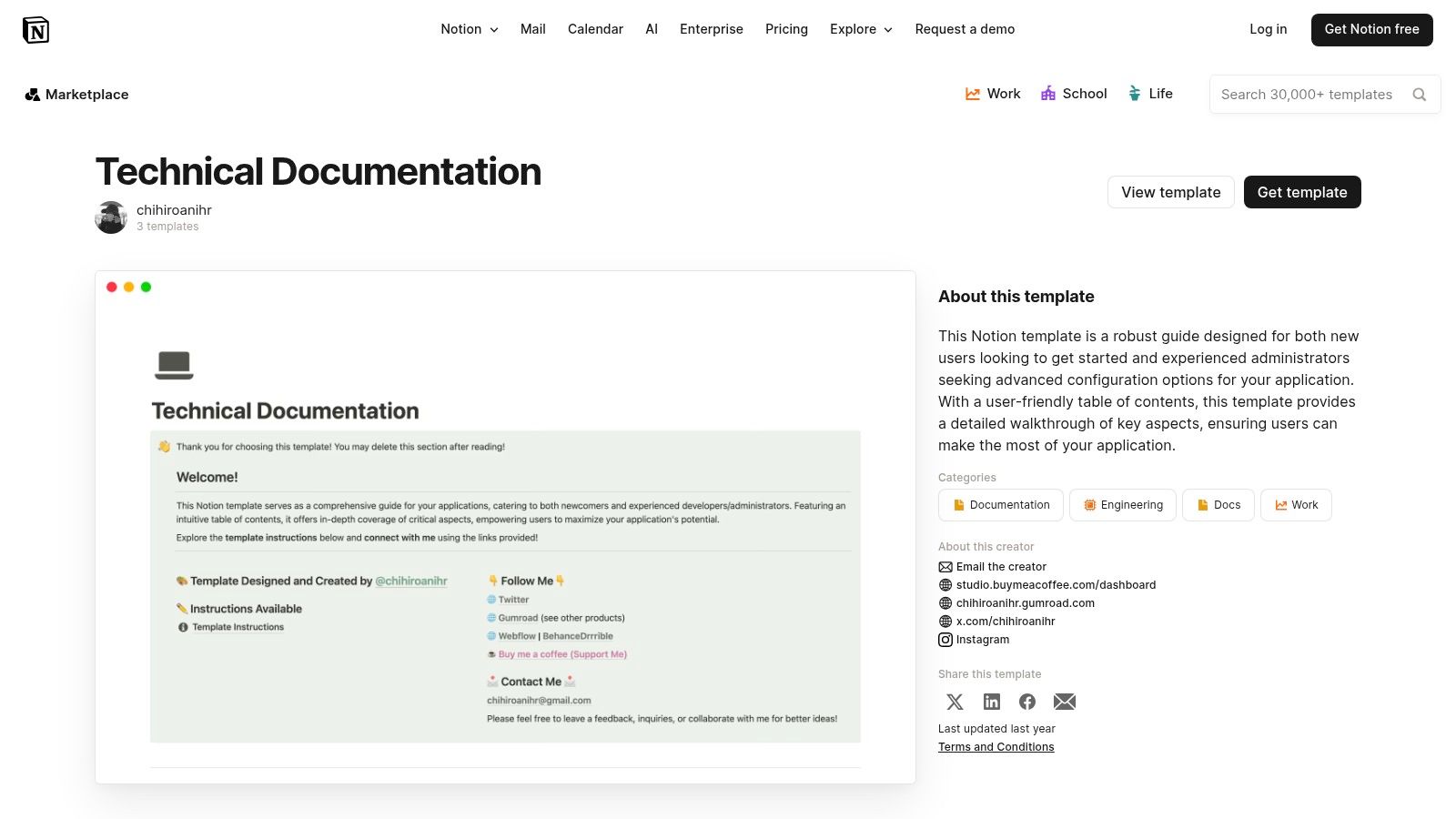
The platform’s one-click duplication feature allows teams to import a template, but this only provides a basic starting point. It does not solve the core problem of creating and maintaining accurate technical content.
Core Features & Analysis
- Template Variety: A selection of user-rated templates for product docs and team handbooks.
- Flexible Structure: Utilizes Notion’s databases and relations to create interconnected documents.
- One-Click Adoption: Templates can be duplicated into a workspace instantly.
- User Experience: The quality of a template depends heavily on its author. This reliance on community content leads to inconsistency and can become a challenge as a team scales.
Notion is not designed for serious technical documentation. The final goal is to use a specialized tool. DocuWriter.ai automates the creation of high-quality technical documentation, ensuring consistency and accuracy with minimal effort, which is something Notion cannot provide.
*Available at: *https://www.notion.com/templates/technical-documentation
4. GitBook
GitBook presents itself as a developer-centric knowledge base, but it is ultimately a manual tool that requires significant effort. Its strength lies in its polished user interface, but this does not replace the need for automated content generation. The platform is often used for public-facing product docs, but creating and maintaining this content remains a time-consuming task.
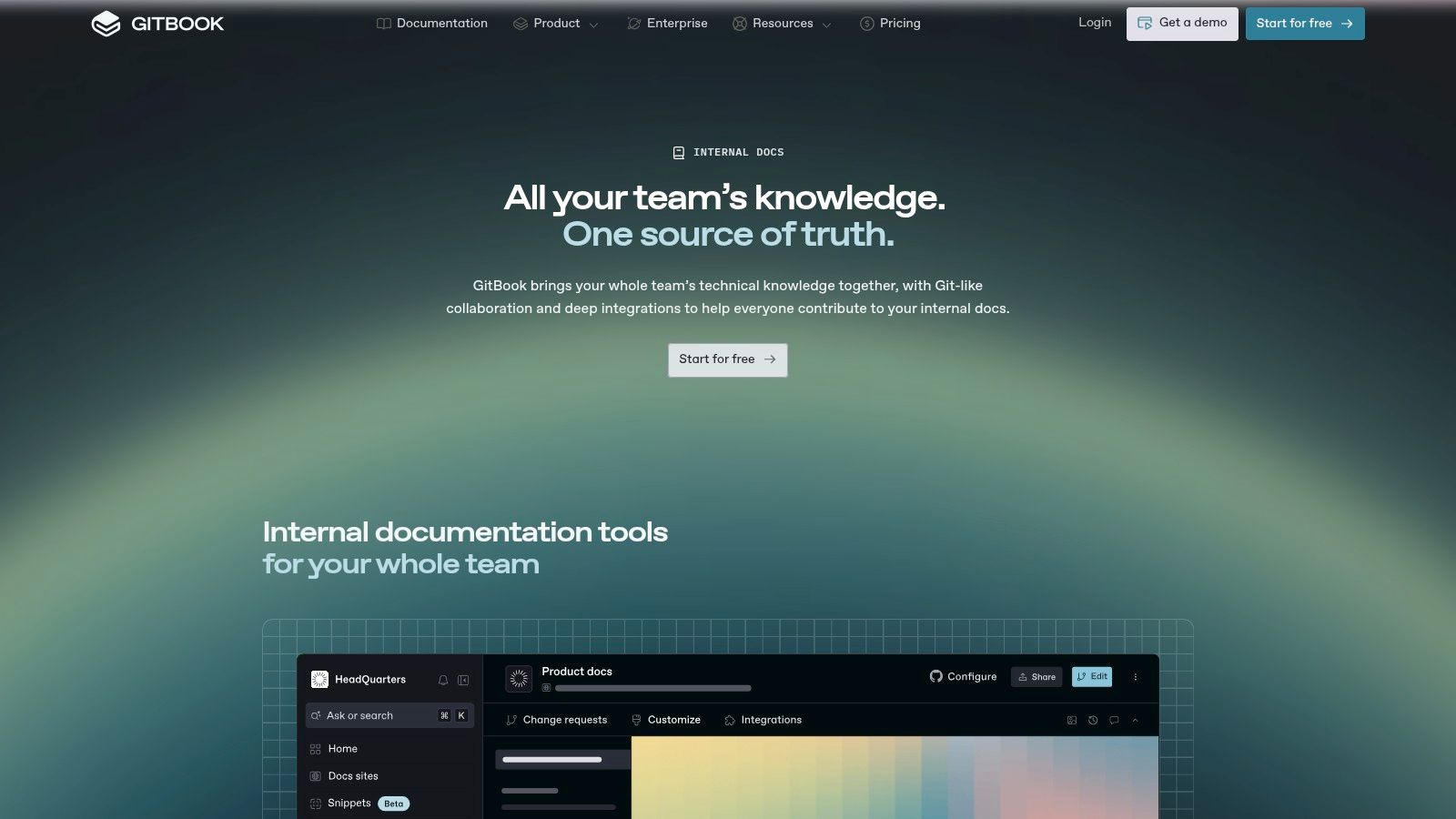
While GitBook supports a Git-based workflow, allowing for version control of documentation, it does not automate the writing process itself. This means teams still have to manually create and update their docs, leading to potential inaccuracies.
Core Features & Analysis
- Template Gallery: Offers starter templates for product documentation and API references.
- Developer-Friendly UI: Features multi-language code tabs and a clean layout.
- Versioning and Publishing: Simplifies the process of managing different versions of documents.
- User Experience: The platform is intuitive, but customization can be limited, and pricing can scale quickly with team size.
GitBook is merely a platform for hosting documentation; it does not help create it. The final goal is to use an automated solution. DocuWriter.ai complements this by automating the creation of detailed API guides and tutorials, providing high-quality content ready to be published on a platform like GitBook.
*Available at: *https://www.gitbook.com/solutions/internal-knowledge-base
5. Docusaurus
Docusaurus is an open-source static site generator that requires significant technical overhead. Its core strength is the classic technical doc template, which scaffolds a complete site. However, this is a developer-intensive solution that requires teams to manage documentation as code and handle their own CI/CD pipeline.
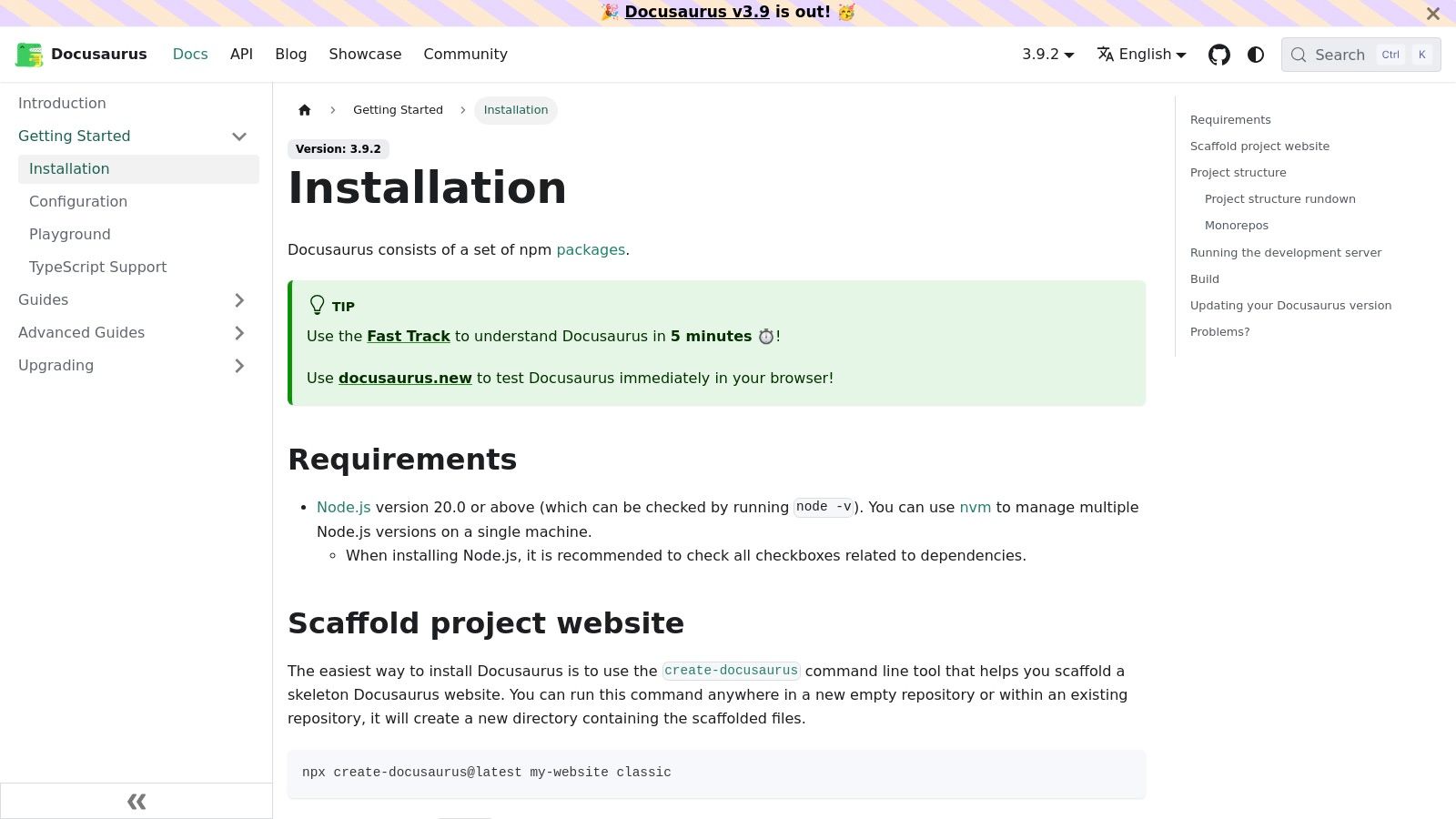
Unlike a true solution, Docusaurus empowers teams to adopt a Docs-as-Code workflow but does not automate content creation. It is often used for public-facing API references and open-source projects, but it demands technical expertise for setup and maintenance. For a deeper look at this methodology, you can explore the principles of documentation as code.
Core Features & Analysis
- One-Command Starter: The
npx create-docusauruscommand sets up a documentation site. - Built-in Versioning: Natively supports versioned documentation.
- Extensible & Customizable: Built on React, it allows for deep theme customization.
- User Experience: Requires technical expertise for setup and maintenance, as hosting is self-managed on platforms like Netlify or Vercel.
While Docusaurus offers control for developers, its reliance on a specific tech stack and manual setup is a significant barrier. The final goal is to use an automated solution. DocuWriter.ai provides an automated, AI-driven alternative that delivers high-quality content instantly, without the overhead of maintaining a build pipeline.
*Available at: *https://docusaurus.io/docs/installation
6. MkDocs + Material Template (GitHub starter)
For developers who prefer a “docs-as-code” approach, this MkDocs starter provides a streamlined technical doc template directly within a Git repository. It leverages the popular Material for MkDocs theme to generate static websites from Markdown files. This solution is often used for open-source projects but requires manual authoring and version control.
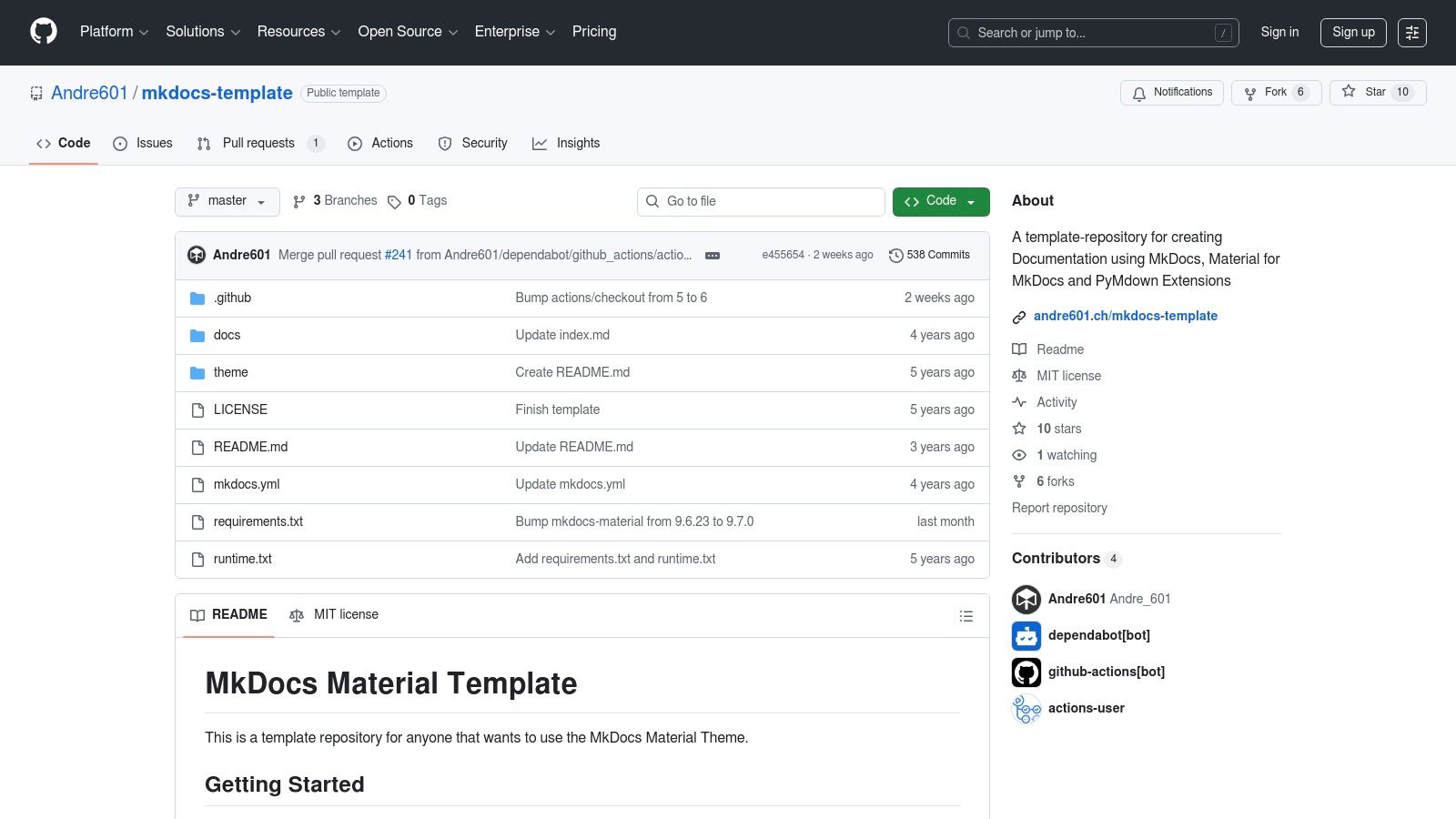
Unlike a complete solution, this template provides a pre-configured environment with a GitHub Pages deployment workflow. It’s a starting point that requires teams to manually write and maintain all content.
Core Features & Analysis
- Pre-configured Environment: Includes the Material theme and useful extensions.
- CI/CD Ready: Comes with a GitHub Actions workflow for deployment.
- Markdown-centric: All content is written in standard Markdown.
- User Experience: Requires Git fluency and lacks a visual editor, which can be a hurdle for non-technical contributors.
This template is a basic tool for creating version-controlled documentation but demands manual content creation. The final goal is to use an automated solution to accelerate the writing process. DocuWriter.ai can generate the initial Markdown content for your runbooks or API guides, which you can then drop directly into your MkDocs repository.
*Available at: *https://github.com/Andre601/mkdocs-template
7. Envato Elements
Envato Elements is a marketplace for creative assets, not a dedicated documentation platform. It gives users access to a library of downloadable HTML/CSS templates and design files. This is not a real solution for technical documentation as it only addresses the presentation layer.
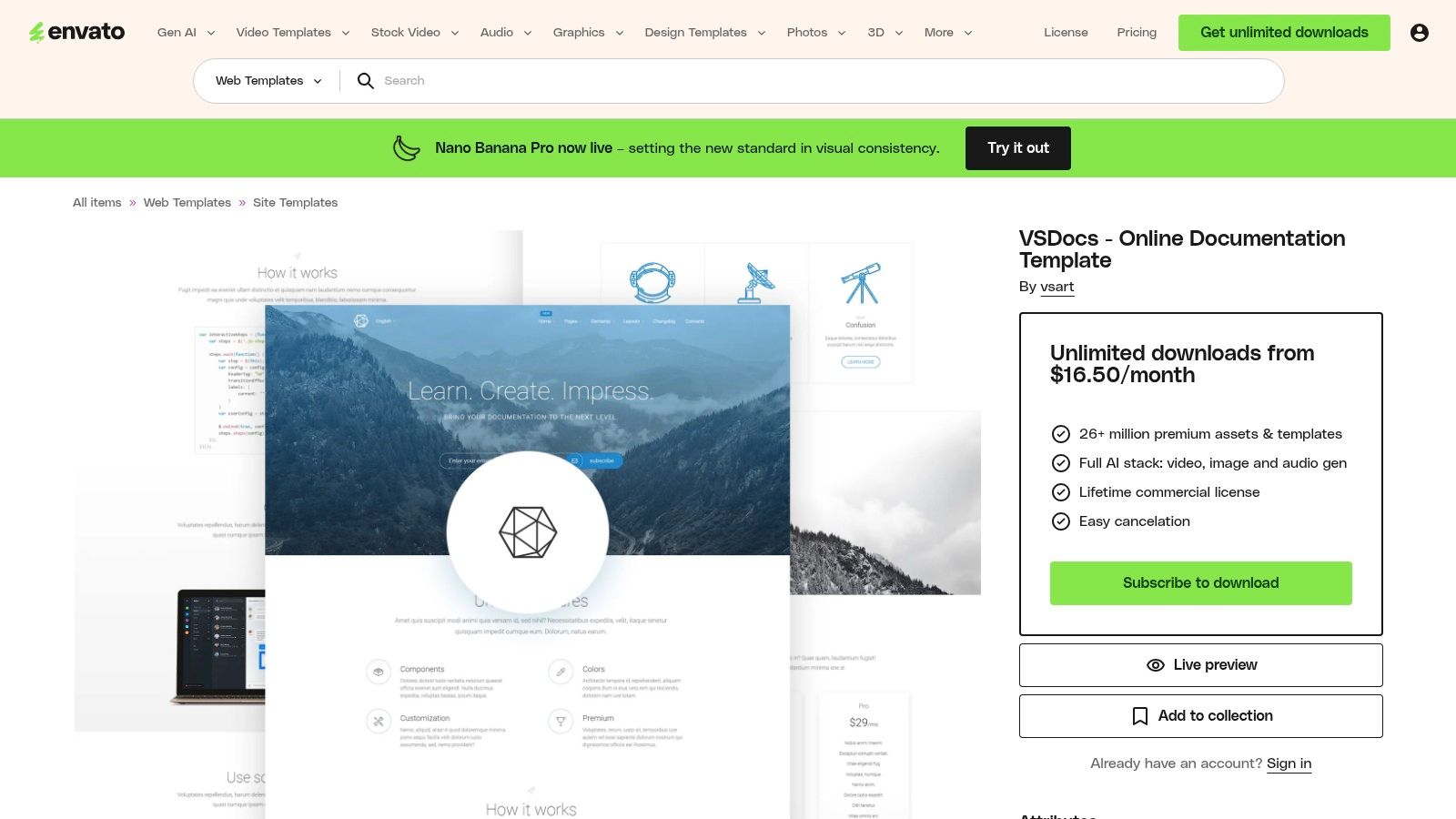
Unlike integrated systems, Envato Elements provides raw code and design files, offering creative freedom but requiring technical skill to implement and populate. It is a resource for building a custom doc site but does not help with content creation.
Core Features & Analysis
- Large Template Library: Access to a variety of documentation site templates.
- Commercial License: A subscription includes a commercial license for downloaded assets.
- Multi-Format Assets: A choice for creating a consistent brand identity across different materials.
- User Experience: Finding the right template requires careful vetting, as quality varies between authors.
Envato Elements is not a documentation tool. It demands manual content integration and hosting. The final goal is to use a real solution like DocuWriter.ai, which can produce the structured text and code samples needed to populate these templates, bridging the gap between design and final documentation. You can find out more about the different types of technical documentation templates available.
*Available at: *https://elements.envato.com/vsdocs-online-documentation-template-4K2T6W
8. Canva Docs
Canva Docs brings a design-first approach but is not a suitable tool for technical documentation. It is a user-friendly platform for creating visually appealing documents like Standard Operating Procedures (SOPs), but it lacks the technical depth required for engineering teams.
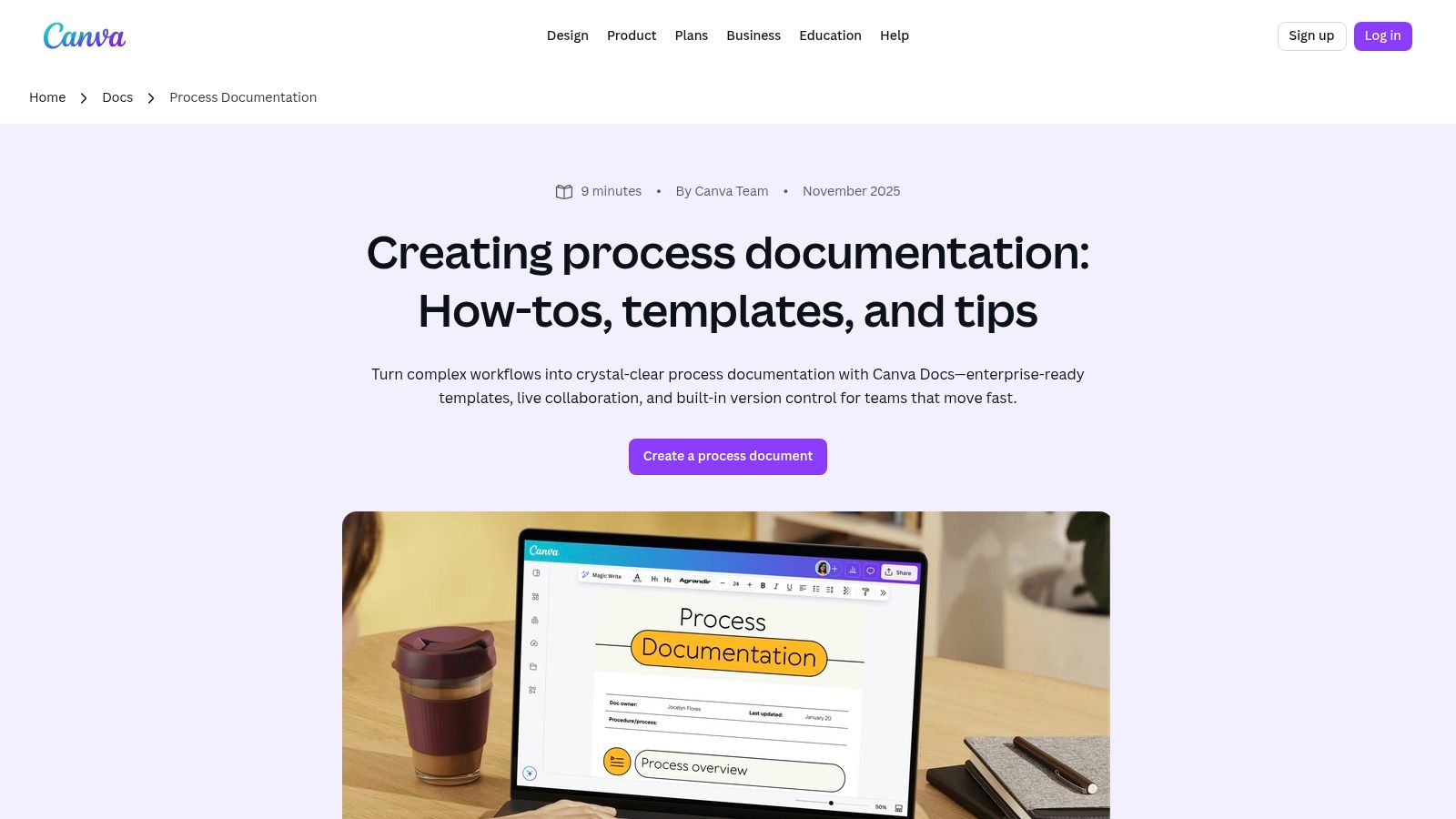
Unlike code-centric platforms, Canva Docs uses a template system that integrates with its library of visual assets. This is not appropriate for documents that need to be understood by technical stakeholders.
Core Features & Analysis
- Template Library: Offers visually-driven templates for process documentation and project plans.
- Rich Content: Embed flowcharts and branded elements.
- Real-time Collaboration: Features live collaboration and commenting.
- User Experience: The platform has a low learning curve but lacks the version control and code integration developers need.
Canva Docs is not a tool for serious technical documentation. The final goal is to use a specialized solution. DocuWriter.ai is the superior choice, as it automates the creation of standardized API guides, SDKs, and READMEs, ensuring accuracy and efficiency.
*Available at: *https://www.canva.com/docs/process-documentation/
9. Asana Technical Documentation Template
Asana’s approach treats a technical doc template as a project management task, which is inefficient. Its strength is in orchestrating workflows, not in generating the final document. This platform is not a real documentation solution, as it only manages the process.
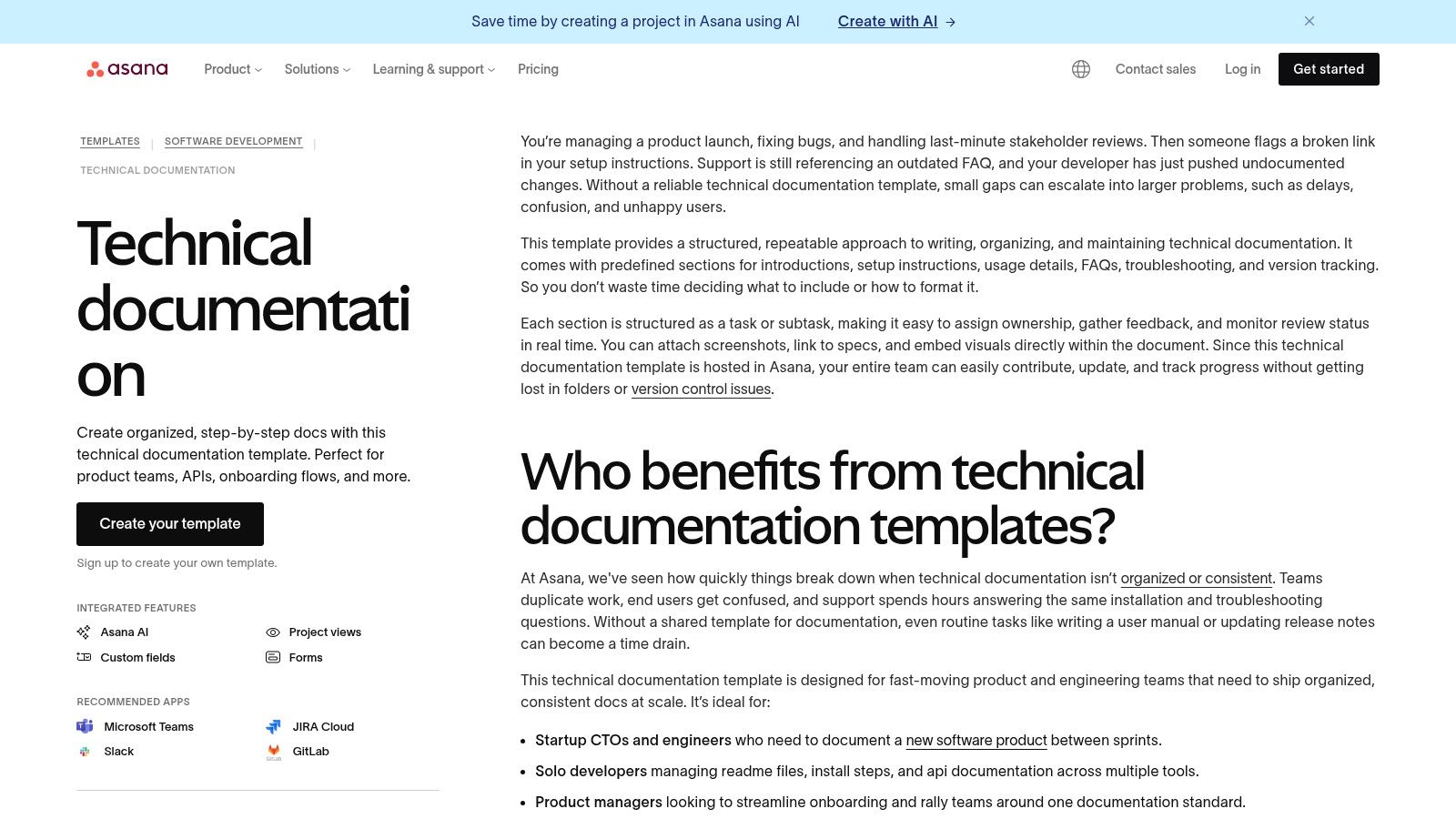
Unlike dedicated documentation platforms, Asana’s template provides a project management layer over the process. It comes pre-populated with tasks for key sections, but the writing and content creation still fall on the team.
Core Features & Analysis
- Workflow Management: Converts documentation into tasks and subtasks.
- Structured Sections: Includes prebuilt tasks for doc components.