Your public documentation is often where someone decides whether they can build with your product. They might arrive from a search result, follow a link from a teammate, or ask an AI assistant how your API works.
We’ve improved public Spaces in DocuWriter to support those journeys. You can now publish documentation with descriptive page URLs, automatic redirects, and an llms.txt directory that stays connected to your documentation tree. Alongside Markdown access and improved search discovery, these features give your content a stronger technical foundation for SEO and answer engine optimization, or AEO.
Give every page a readable address
A documentation link should tell you something about the page before you open it.
Public Spaces now support nested URLs that reflect your folders and pages. For example:
/your-space/guides/getting-started
/your-space/api-reference/authentication
You control each page’s URL segment in its settings inside the Space editor. This makes it easier to give a guide a clear, recognizable address and keep related content grouped together.
When you change an existing page’s URL or move it to another folder, previous addresses redirect automatically. You can reorganize your documentation while preserving links people have already bookmarked or shared.
Introduce your documentation to AI tools with llms.txt
Your documentation tree already tells readers how your content is organized. Now it can also provide a directory for compatible AI tools.
Public Spaces include a configurable llms.txt file with two parts:
- An introduction you control. Explain what the documentation covers and who it is for.
- A page directory DocuWriter maintains. Links are generated from the Space’s documentation tree and grouped by their place in that structure.
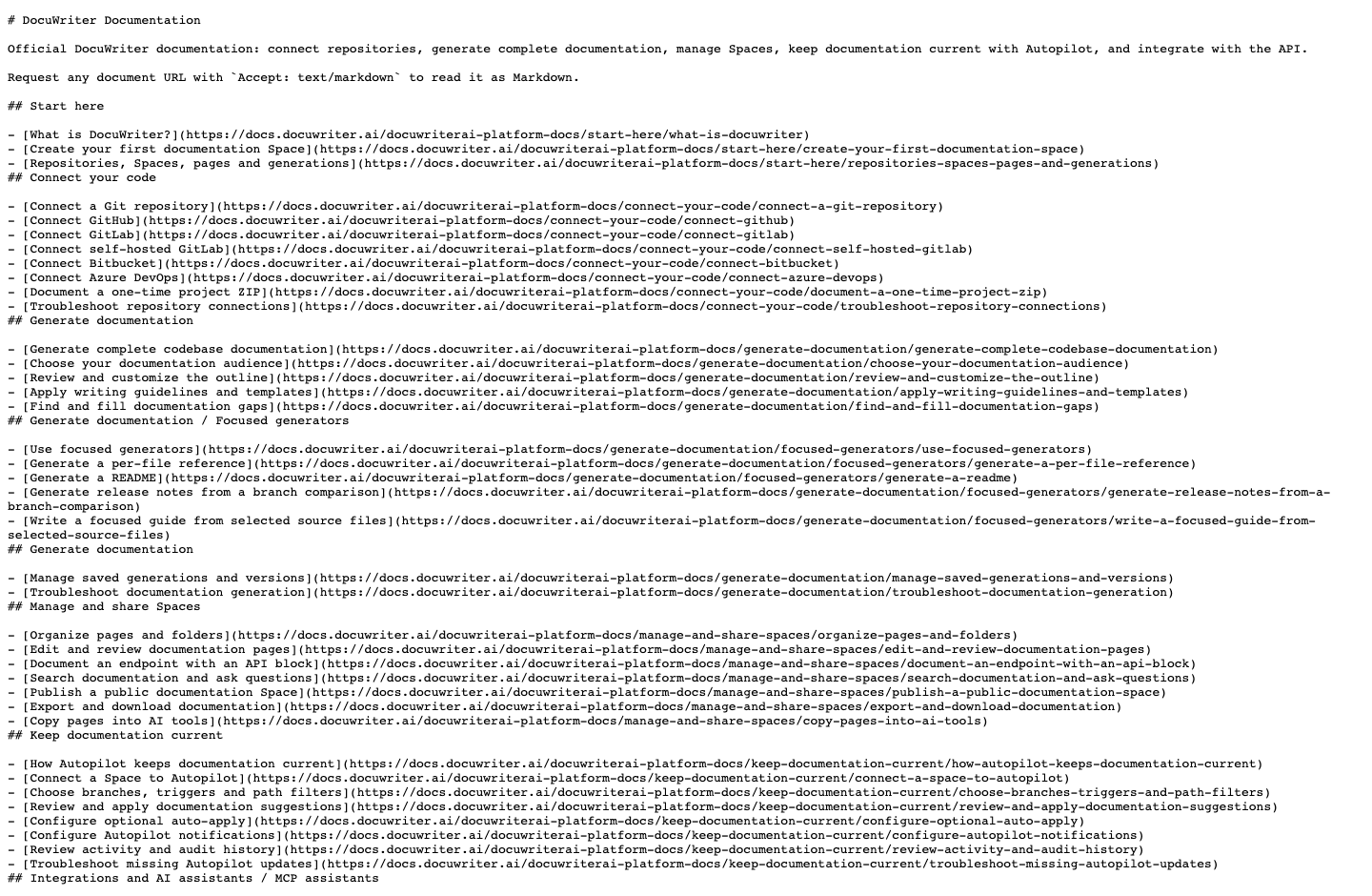
Manage the introduction and enable or disable llms.txt in your public Space settings. The directory follows your documentation, so you don’t need to maintain a second list of page links by hand.
For a Space named your-space, the file is available at:
/your-space/llms.txtThe llms.txt proposal describes a way to provide useful context and links for language models. Support depends on the tool using it; publishing the file makes that context available without promising inclusion in an AI answer.
Make pages available as Markdown
Finding the right page is one step. Reading its content is another.
Our hosted public documentation also supports Markdown access through Cloudflare’s Markdown for Agents. Compatible clients can request Markdown using an HTTP header:
Accept: text/markdownThis gives tools a text representation of the page, including headings, links, and content. Readers can continue browsing the website normally, while tools that request Markdown can work with that format.
The two capabilities work together: llms.txt supplies the directory, and Markdown supplies the page content.
What changes in the response?
We requested 8 pages from our official documentation twice: once as HTML and once as Markdown. The combined response bodies measured 4.48 MB for HTML and 150 kB for Markdown, a 96.7% reduction in this sample.
Same 8 pages · Two formats
Less markup. A smaller response.
96.7%smaller response bodies
Explore the 8-page sample and method
| Documentation page | HTML | Markdown |
|---|---|---|
| What is DocuWriter? | 566.6 kB | 18.9 kB |
| Connect a Git repository | 559.9 kB | 18.6 kB |
| Generate complete codebase documentation | 560.9 kB | 19.2 kB |
| Organize pages and folders | 557.9 kB | 18.2 kB |
| How Autopilot keeps documentation current | 558.2 kB | 18.2 kB |
| Connect an AI assistant to DocuWriter | 560.9 kB | 19.2 kB |
| Invite teammates and manage access | 558.6 kB | 18.1 kB |
| Public API quickstart | 562 kB | 19.4 kB |
| Total | 4,485 kB | 149.7 kB |
We selected the first page in each of eight top-level documentation sections before measuring. Each canonical URL received two unauthenticated requests, using Accept: text/html and Accept: text/markdown, with Accept-Encoding: identity and no cookies. All 16 requests returned HTTP 200.
Sizes exclude headers and subresources. This is a small sample of our own documentation, not a universal reduction estimate. Dynamic page markup may change subsequent byte counts.
Download the recorded measurements and response hashesHTML includes the website’s presentation and application markup. Markdown provides a more compact text representation for tools that request it. These measurements describe decoded response body size, not compressed transfer size, token savings, loading speed, search rankings, or AI citations.
Help search engines discover your documentation
The update also improves the foundations for traditional search:
- Sitemaps list eligible documentation pages for discovery.
- Canonical URLs identify each page’s preferred address.
- Automatic redirects connect previous addresses to the current page.
These features make your documentation easier to navigate and crawl as it grows. Accurate, useful content remains the reason someone reads, shares, or cites it.
Publish from the same place you manage your docs
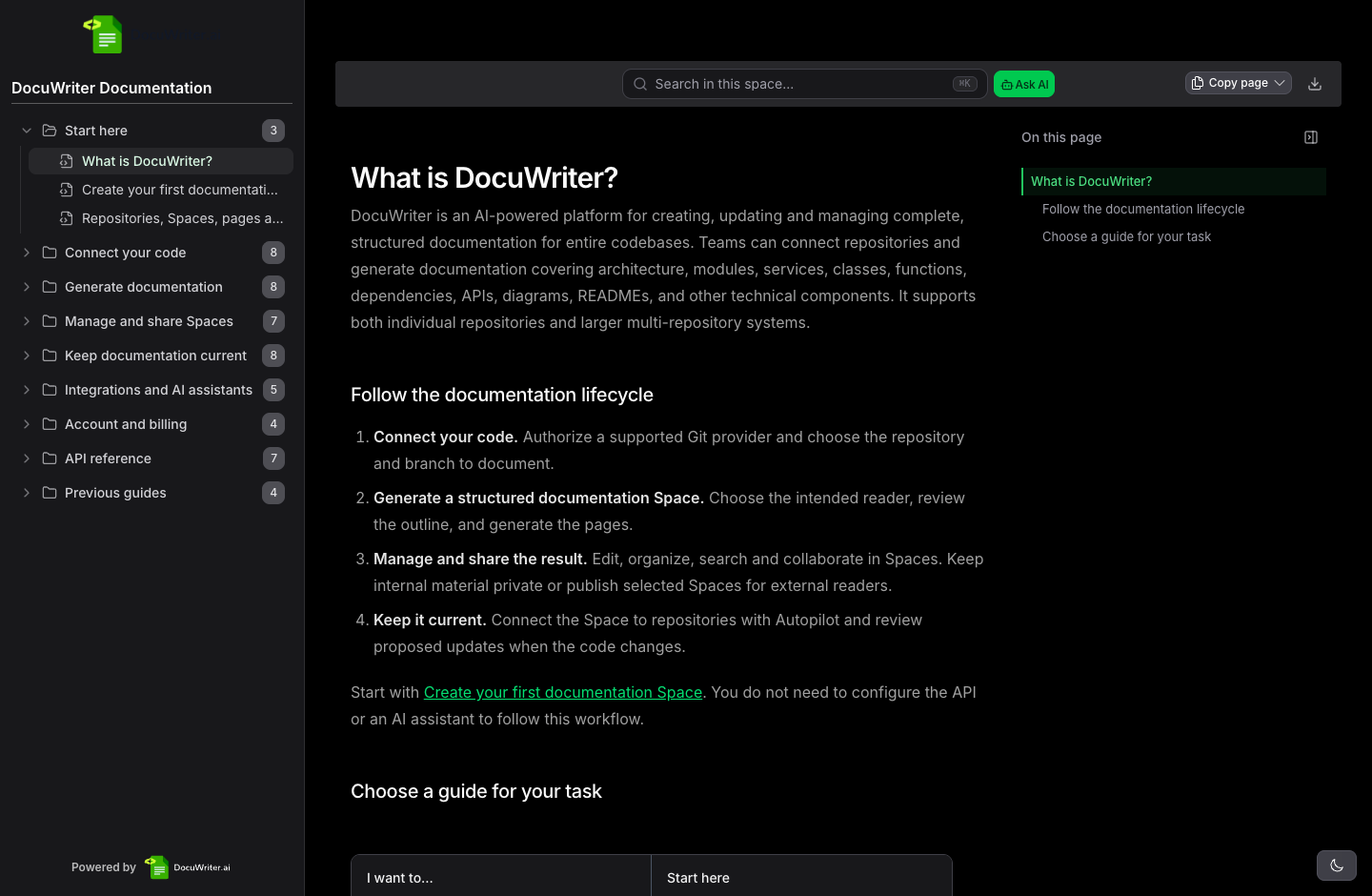
DocuWriter is an AI-powered platform for creating, updating and managing complete, structured documentation for entire codebases. Teams can connect repositories and generate documentation covering architecture, modules, services, classes, functions, dependencies, APIs, diagrams, READMEs, and other technical components. It supports both individual repositories and larger multi-repository systems.
Spaces bring that documentation together. These publishing improvements extend the same workflow to your public audience: generate your documentation, organize it in a Space, keep it current with Autopilot, and make it accessible to readers and compatible AI tools.
- Open your public Space settings and customize its
llms.txtintroduction. - Open a page’s settings in the Space editor to review its URL segment.
- Keep your documentation tree organized as you add and update pages. DocuWriter maintains the directory from that structure.