Start your codebase documentation from the folder you are already working in. The new DocuWriter CLI takes local code or existing Markdown into a Space, ready to review, organize and share.
npx docuwriterNode.js 22.18.0+ · Interactive terminal · DocuWriter account
Working in a monorepo? Use npx docuwriter --cwd ./packages/api to select one package. The CLI uses exactly that directory. You can sign in or create your account through the browser when prompted.
- 01Confirm your folderChoose exactly what to upload
- 02Sign inApprove access in your browser
- 03Choose your routeGenerate or import
- 04Open your SpaceFollow progress in DocuWriter
Two ways in. One home for your docs.
src/
services/
api/Structured documentationGenerate documentation
Choose your audience and describe your goal. DocuWriter generates documentation from the project snapshot using your account's access and available credits.
Generation guide ↗README.md
docs/guides/
docs/images/Your documentation SpaceImport Markdown
Select files or folders. Keep their hierarchy, links between included pages and supported referenced local images, without AI rewriting the content.
Import guide ↗From Markdown to a ready Space
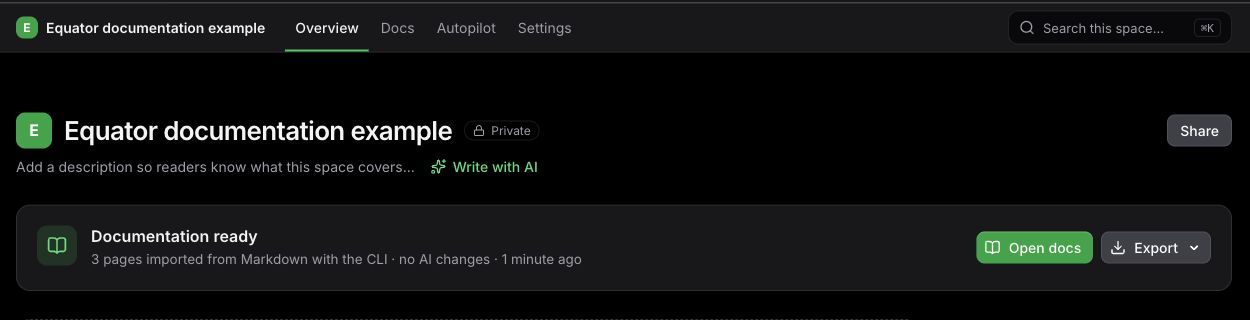
Your terminal starts it. Your Space carries it forward.
Keep the terminal open until Snapshot accepted. Then open the returned Space URL and close the terminal. Processing continues in DocuWriter; acceptance does not mean every page is finished.
Once ready, review the content, organize pages and share with your team. Connect related projects or knowledge with multi-space navigation.
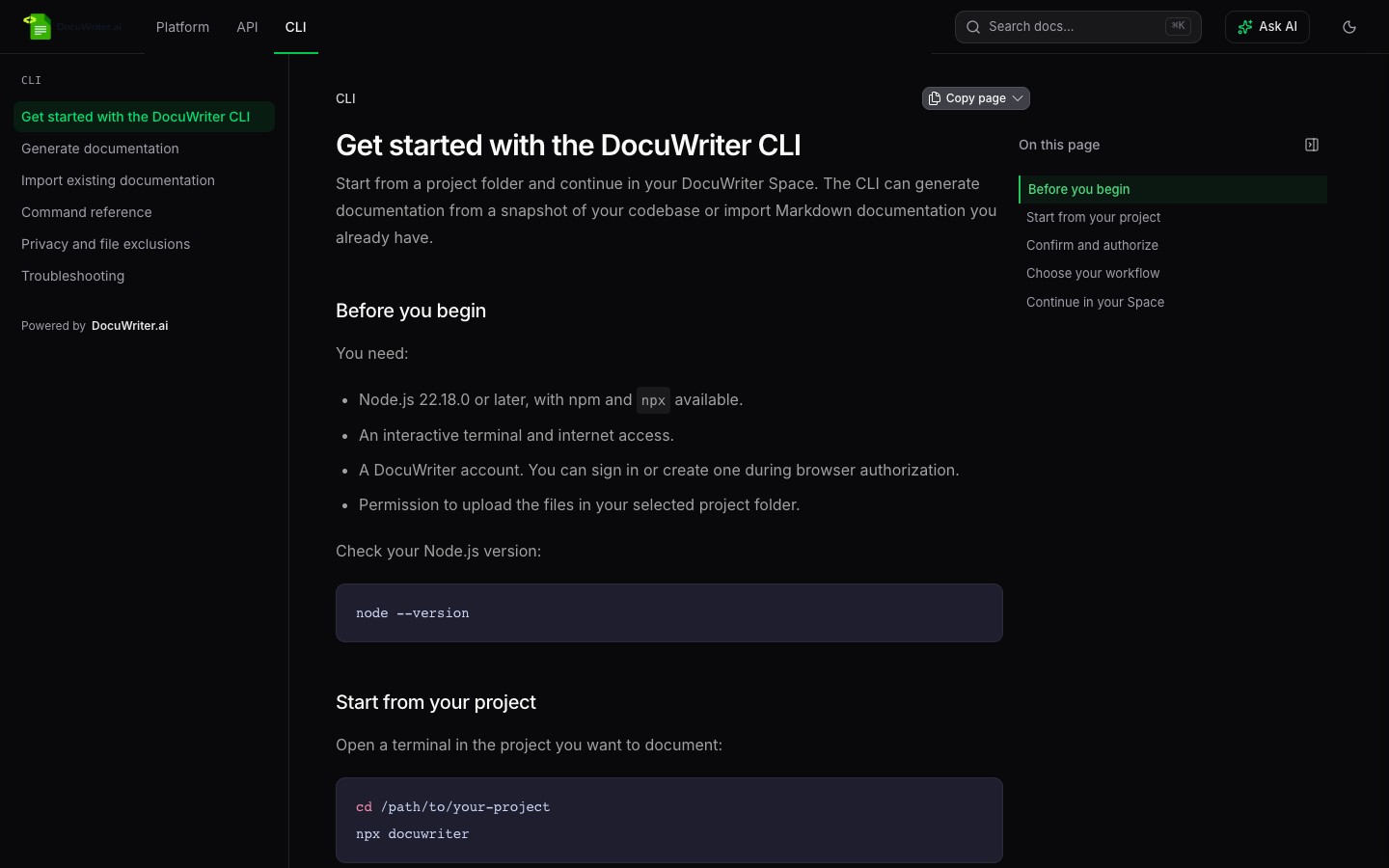
Need the details? Read about file exclusions and analytics, CLI options, or recovering an interrupted upload. Start with a project you know and inspect the result.